


Add CSS File to Django Project
Overview
CSS can be added to the Django project by creating a static files directory and inside that directory make the styling file and define the styling for elements to make your page look beautiful.
Build an AI-First Career, Master the Complete Skillset
Choose from our industry-leading programs designed for career success
Modern Software and AI Engineering Program
Master full-stack development with AI integration


 +1000 more
Modern Data Science and ML with specialisation in AI
Advanced data science techniques with AI specialization
+1000 moreAdvanced AIML with Specialisation in Agentic AI
Deep dive into AIML with focus on Agentic systems
+1000 moreDevOps, Cloud & AI Platform Engineering
Build and manage AI-powered cloud infrastructure
+1000 moreAI Engineering Advanced Certification by IIT-Roorkee
Premier AI engineering certification from IIT-Roorkee

AI Forward Deployed Engineer Program
Full-stack engineering, production AI and client-facing consulting
+1000 moreThe Project
Let us assume we have created a project named myProj1 by writing the command given below inside the folder in which we want to create the project.
Inside that project, we are creating an app named members. Type the command given below inside the project folder.
Change the settings to add the members app in INSTALLED_APPS. Now run the py manage.py migrate command. Inside the models.py file of the members app write a code given below to create a member.
After this inside the myProj1 folder, run the command py manage.py makemigrations members. Now insert some data inside this model. Inside the members folder create a file named urls.py and type the content given that file.
And then update the urls.py file of myProj1.
After that, we created a template named member.html inside the exampleProj\members\templates.
Now change the views.py file.
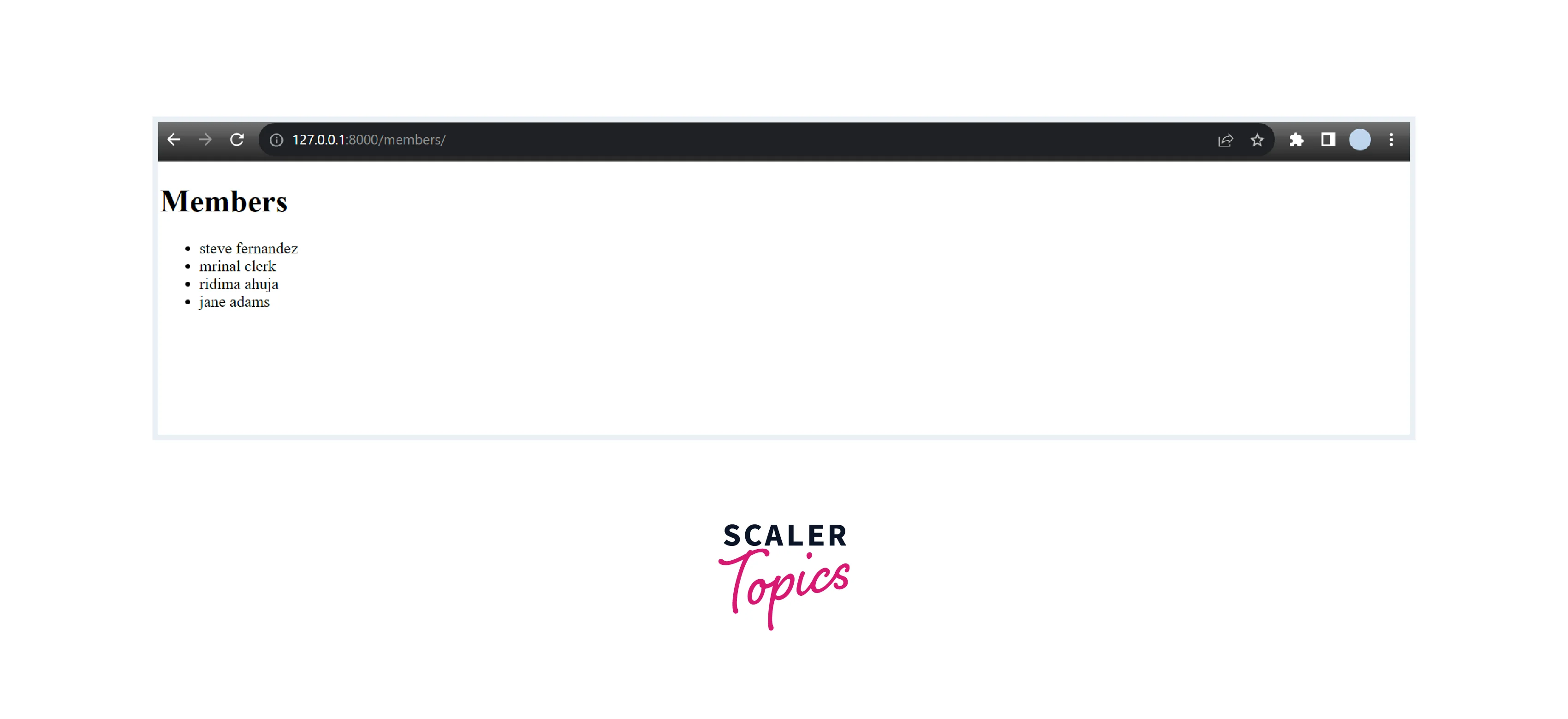
Now run the command py manage.py runserver in the terminal, and after running the project type http://127.0.0.1:8000/members/ in the browser. Then the below page will appear in your browser with the information of the members we have inserted.
To add a CSS file to Django create a mystaticfiles folder inside the myProj1 folder and add the file named style.css inside that folder, inside that file write the code given below:
Modify the Master Template
Create a master.html file inside the templates folder of the members folder. Add the below code inside that file.
Modify the member.html file accordingly to the master html file. Write the below code in the member.html file.
Check Settings
To add a CSS file to the Django project go to the settings.py file of myProj1 and add a static CSS file inside the settings file by writing the below code.
Collect Static Files
Run py manage.py collectstatic to collect the static files and then it will ask for confirmation type yes for that.
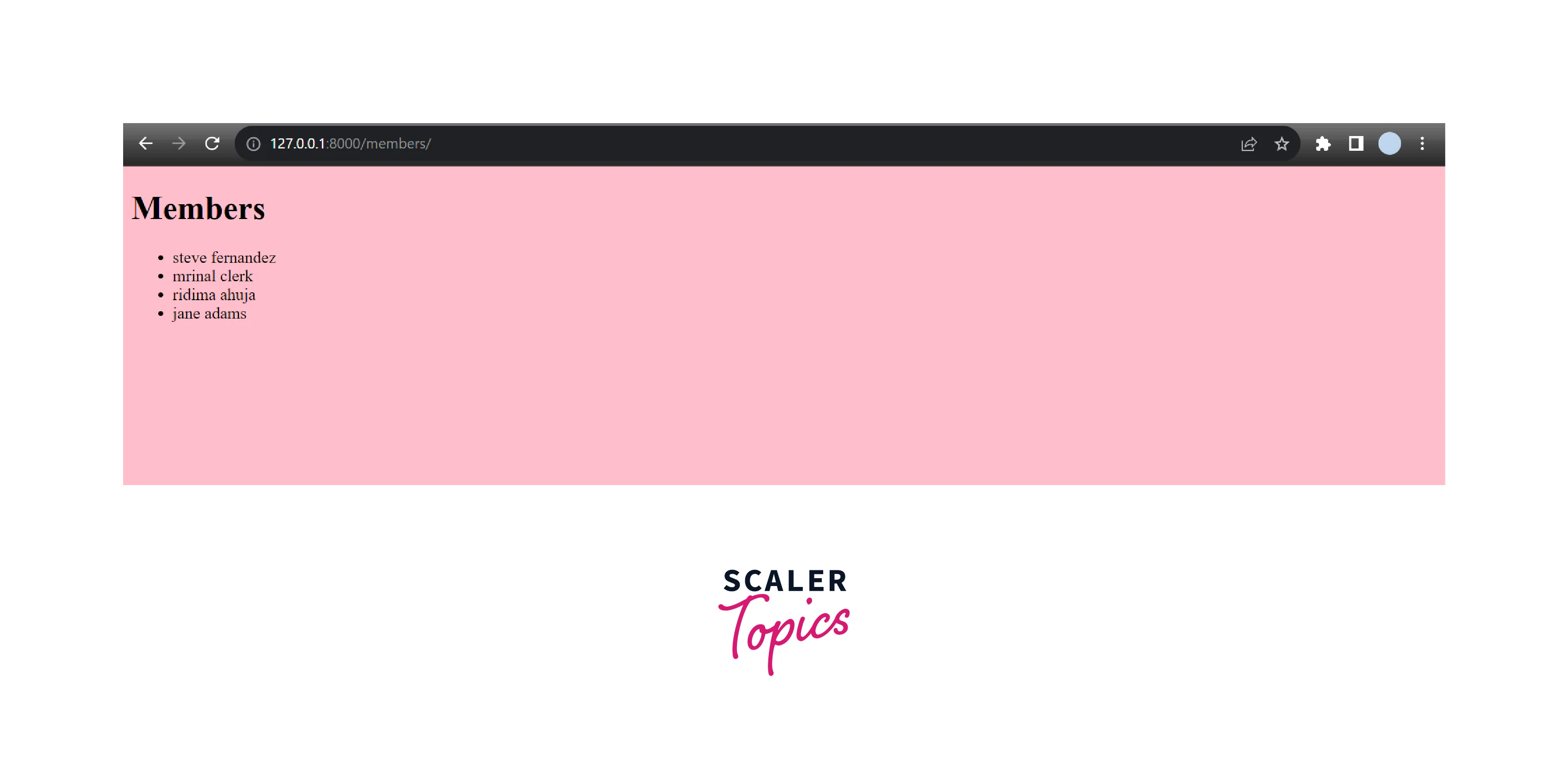
After collecting static run the project by writing the command py manage.py runserver. You can see that the background of the file is changed.
Work on the Style
Now change the code inside the style.css to make your page look more beautiful.
How Scaler Transformed Careers in Different Fields
Scaler learners achieved 2.5x salary growth with average post-Scaler CTC reaching ₹23L.
 Google
 Amazon
 Microsoft
 Flipkart
 Adobe1200+ more
Modify Templates
Master
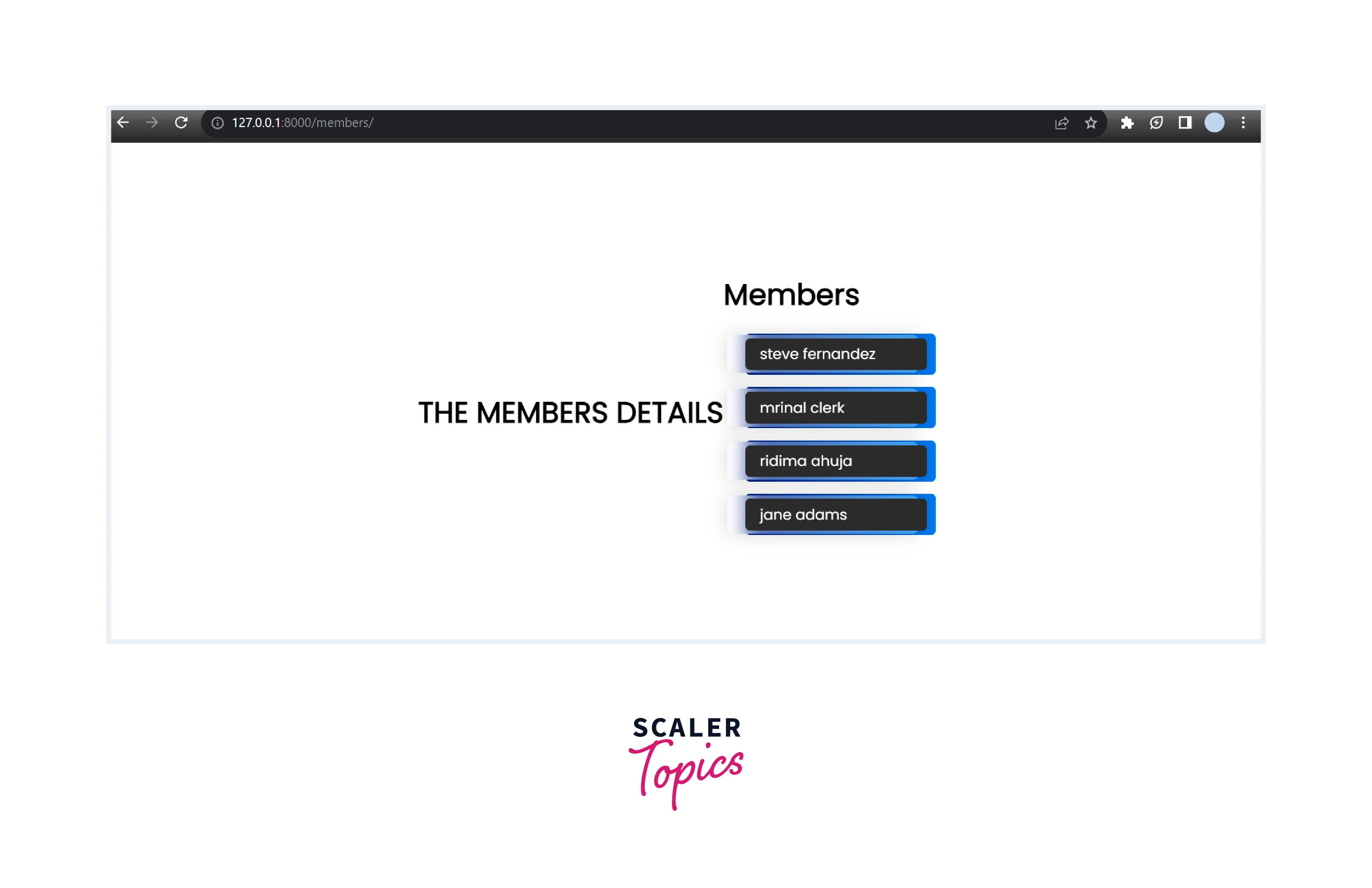
Modify the master.html to make appear THE MEMBERS DETAILS on all the pages of the project.
Turn Learning into Career Growth
Members
Modify and change the content of the file member.html to apply more styling to it.
Details
We can modify the other files like details in the same way as we have modified the above files to see our styling effect.
Main
We can modify the other files like main in the same way as we have modified the above files to see our styling effect.
Collect Static Files
As we have performed some modifications in our style.css, we again need to run the command collectstatic so that the modifications we have done in styling will turn into effect. Run the command given below:
Now type the command py manage.py runserver to run the project, And the below output will appear.
Conclusion
- CSS can be added to the Django project by creating a static files directory and inside that directory make the styling file and define the styling for elements to make your page look beautiful.
- To add a CSS file to Django create a mystaticfiles folder inside the myProj1 folder and add the file named style.css inside that folder, inside that file write the code for styling.
- Add a static CSS file inside the settings file.




