


jQuery addClass() Method
 FREE
FREE

Build an AI-First Career, Master the Complete Skillset
Choose from our industry-leading programs designed for career success
Modern Software and AI Engineering Program
Master full-stack development with AI integration


 +1000 more
Modern Data Science and ML with specialisation in AI
Advanced data science techniques with AI specialization
+1000 moreAdvanced AIML with Specialisation in Agentic AI
Deep dive into AIML with focus on Agentic systems
+1000 moreDevOps, Cloud & AI Platform Engineering
Build and manage AI-powered cloud infrastructure
+1000 moreAI Engineering Advanced Certification by IIT-Roorkee
Premier AI engineering certification from IIT-Roorkee

AI Forward Deployed Engineer Program
Full-stack engineering, production AI and client-facing consulting
+1000 moreOverview
addClass() is a jQuery method used to add one or more CSS classes to selected HTML elements. It allows you to dynamically manipulate the styling of elements on a web page. This method can be applied to a single element or a collection of elements selected using jQuery selectors.
Syntax
1. Using the ClassName:
You can use addClass() by simply passing the name of the CSS class you want to add as a string argument.
- $("selector"):
This is a jQuery selector that selects one or more HTML elements to which you want to add the class. - "class-name":
This is the name of the CSS class you want to add to the selected element(s).
2. Using a Function:
addClass() also accepts a function as its argument. This function is executed for each element in the selection, and you can determine the class to add dynamically based on the element's properties or the current state.
- $("selector"):
This is a jQuery selector that selects one or more HTML elements on which you want to conditionally add a class. - The function takes two parameters:
- index:
The index of the current element in the selection. - currentClass:
The current value of the class attribute for the element.
- index:
- Inside the function, you can implement your logic to determine the class to add, and then you return the class name as a string.
Parameter
The addClass() method in jQuery takes one or two parameters, depending on how you use it:
1. Using the ClassName (Single Parameter):
- "class-name" (Single Parameter):
This is a required parameter and represents the name of the CSS class you want to add to the selected element(s).
2. Using a Function (Function as a Parameter):
The function takes two parameters:
- index (First Parameter):
This parameter represents the index of the current element in the selection. It's an optional parameter, and you can omit it if you don't need it in your logic. - currentClass (Second Parameter):
This parameter represents the current value of the class attribute for the element. It's also optional, and you can omit it if you don't need it in your logic.
How Scaler Transformed Careers in Different Fields
Scaler learners achieved 2.5x salary growth with average post-Scaler CTC reaching ₹23L.
 Google
 Amazon
 Microsoft
 Flipkart
 Adobe1200+ more
Examples
Using the ClassName
1. Add multiple classes to an element:
Output:
Explanation:
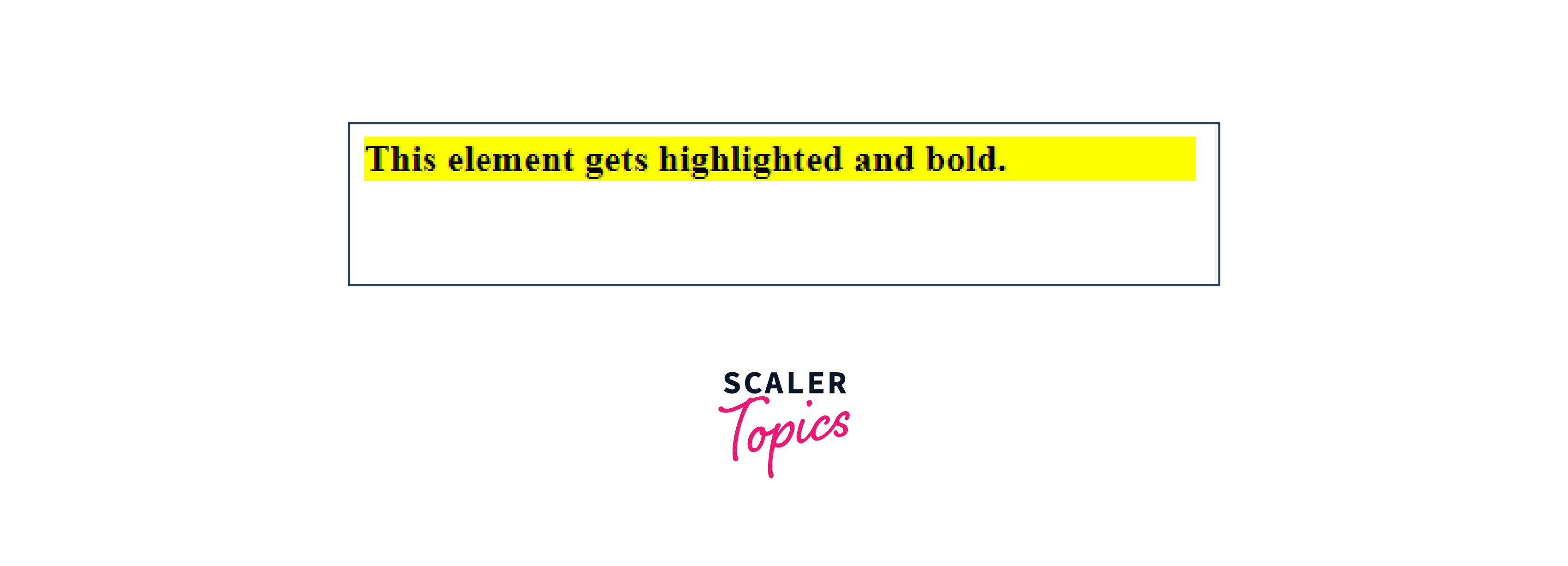
- This HTML example uses jQuery's addClass() method to add two CSS classes, "highlight" and "bold," to a <div> element with the ID "myElement".
- The CSS styles associated with these classes give the element a yellow background and bold text.
2. Add a class to multiple elements selected by class:
Output :
Explanation:
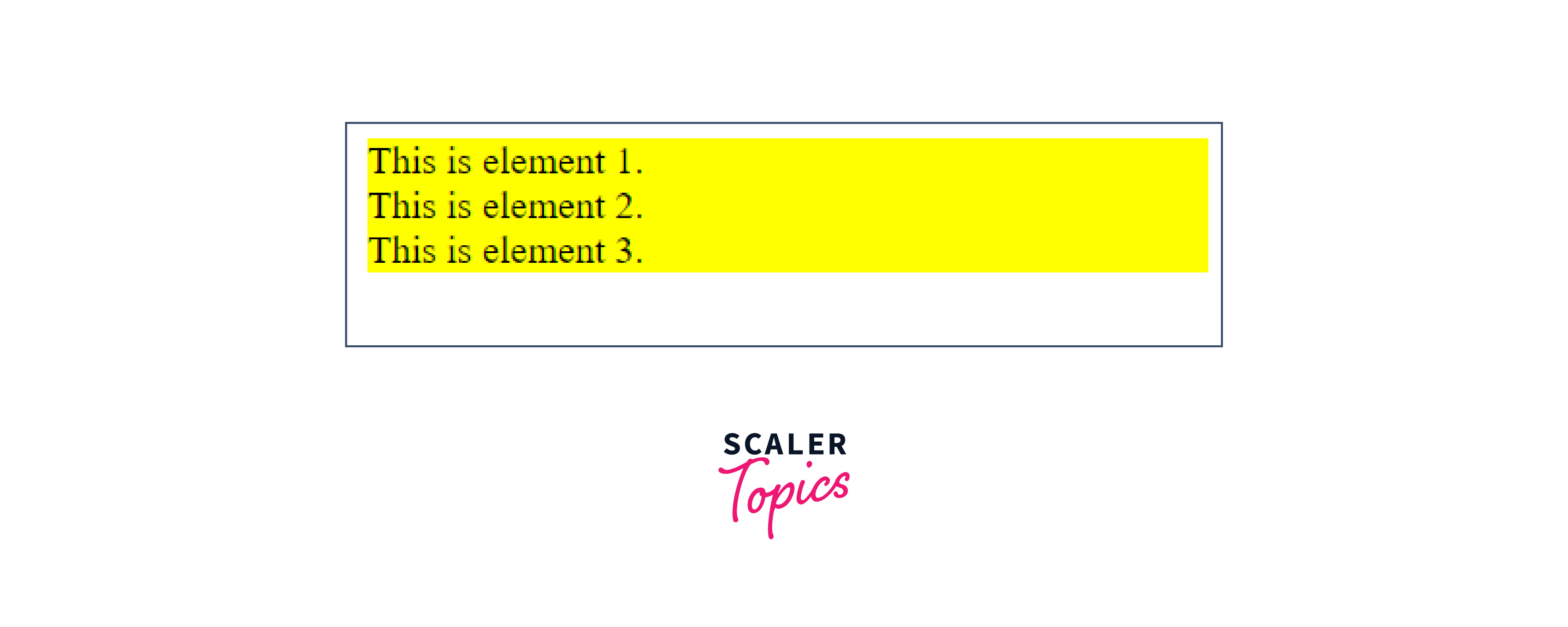
- This code uses jQuery's addClass() to give elements with the "highlight-me" class a yellow background.
- It involves importing the jQuery library and using custom JavaScript inside the $(document).ready() function.
Turn Learning into Career Growth
Using a Function
1. Add a class based on the element's position in a list:
Output:

Explanation:
- This example uses jQuery addClass() to style list items within an unordered list based on their position
- It selects all list items, applies the "first" class to the initial item, "middle" to intermediate items, and "last" to the final item. This results in distinct styling: the first item is bold, the last item is italic, and the middle items are underlined.
2. Add a class conditionally based on index:
Output:
Explanation:
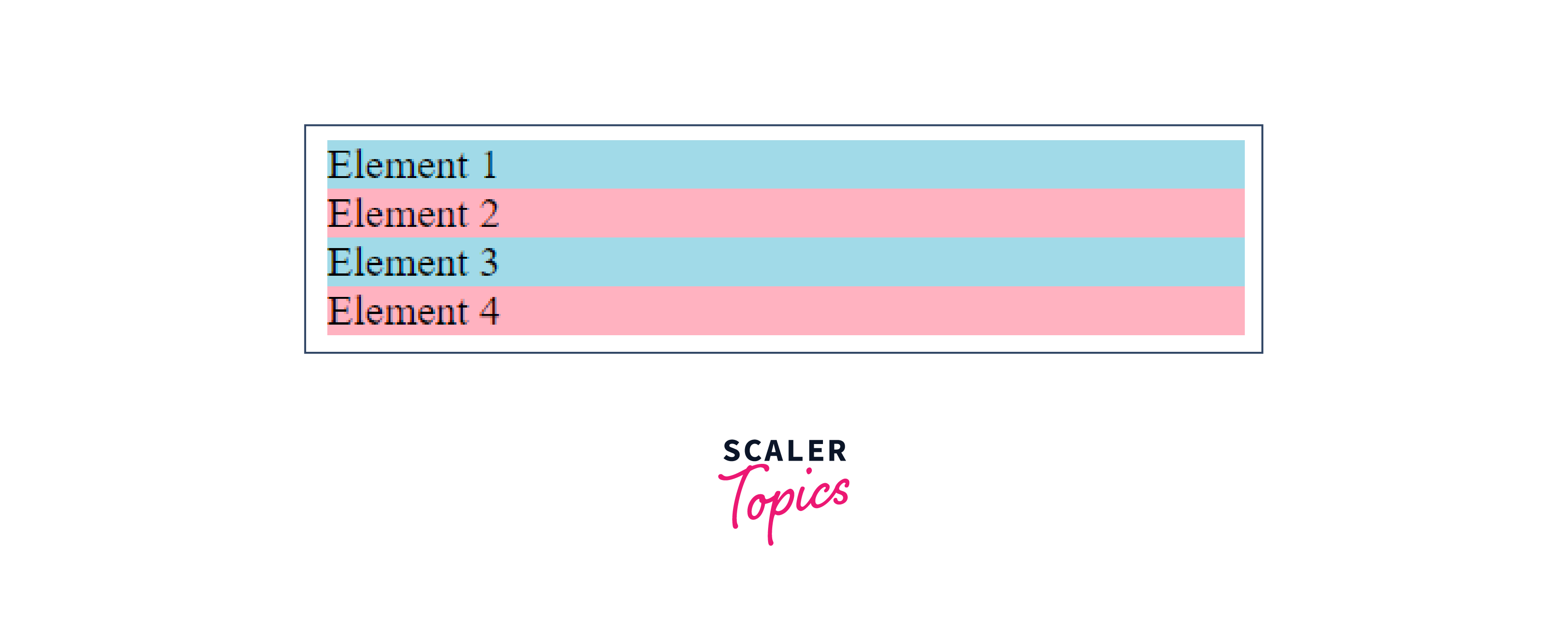
- In this example, jQuery addClass() is used to style elements with the class "conditional-class" based on their position.
- Using a custom function, the "even" class is applied to elements with even indices, and the "odd" class to those with odd indices. This results in alternating background colors: light blue for even-indexed elements and light pink for odd-indexed ones. The achieved styling enhances the visual differentiation of the elements dynamically through jQuery and CSS.
Conclusion
- addClass() is a jQuery method that dynamically adds CSS classes to HTML elements.
- It offers two ways to add classes: by directly specifying class names or by using a function for conditional application.
- When using the ClassName method, the parameter is the name of the CSS class you want to add.
- When using the Function method, the parameter is a function that can take optional arguments like index and currentClass.
- addClass() in jQuery streamlines dynamic styling, allowing developers to create interactive and responsive web interfaces.
- It promotes efficient CSS management by keeping style definitions separate from HTML content.




