


Alert in JavaScript
 FREE
FREE

Overview
The alert() function in JavaScript allows us to display any message or warning in a browser window. It is often used to convey important information to users. Whenever alert() is used, an alert box pops up in a browser window, and the browser loses its focus on the current window. The users are forced to click the "OK" button on the alert box if they wish to continue browsing the current window.
Also Check: Functions in JavaScript
Build an AI-First Career, Master the Complete Skillset
Choose from our industry-leading programs designed for career success
Modern Software and AI Engineering Program
Master full-stack development with AI integration


 +1000 more
Modern Data Science and ML with specialisation in AI
Advanced data science techniques with AI specialization
+1000 moreAdvanced AIML with Specialisation in Agentic AI
Deep dive into AIML with focus on Agentic systems
+1000 moreDevOps, Cloud & AI Platform Engineering
Build and manage AI-powered cloud infrastructure
+1000 moreAI Engineering Advanced Certification by IIT-Roorkee
Premier AI engineering certification from IIT-Roorkee

AI Forward Deployed Engineer Program
Full-stack engineering, production AI and client-facing consulting
+1000 moreSyntax of JavaScript alert()
The alert function in JavaScript has two types of syntax:
Parameters of alert() in JavaScript
The JavaScript alert() function takes 1 optional argument -
message is an optional string that can be passed in the alert() function if you want to display some text in the alert box.
Return Value of JavaScript alert()
Return value: None
The alert function in JavaScript does not return any value.
Exceptions of alert() in JavaScript
The alert function in JavaScript does not have any exceptions.
Example of alert() in JavaScript
Output: After clicking the "Click Me" button, we will see the following output.
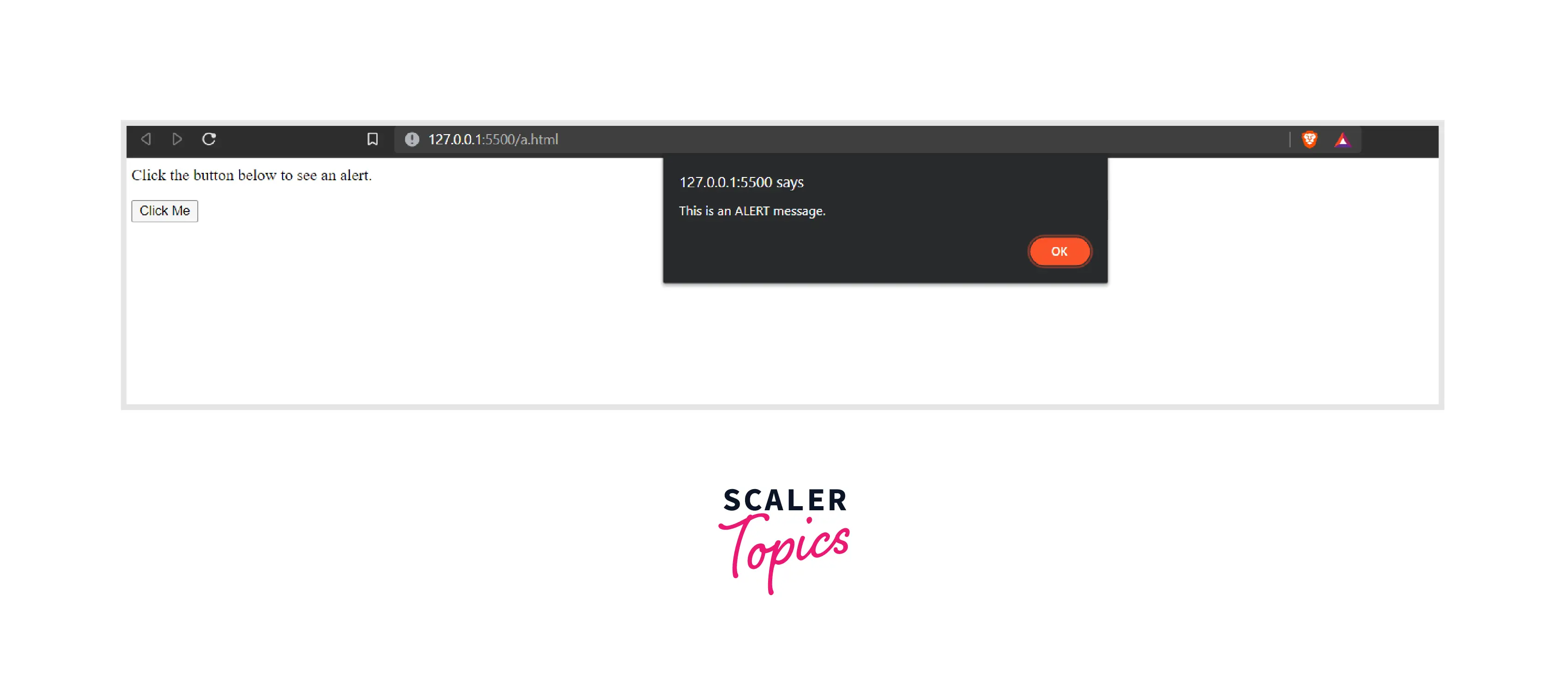
Explanation:
In the line 7, we defined an alert() inside the createAlert() function. We also created a button (a click event listener) that would call the createAlert() function. Whenever the button gets pressed, the createAlert() function gets called, and the alert gets displayed on the browser window.
How Scaler Transformed Careers in Different Fields
Scaler learners achieved 2.5x salary growth with average post-Scaler CTC reaching ₹23L.
 Google
 Amazon
 Microsoft
 Flipkart
 Adobe1200+ more
How does JavaScript alert() work?
The alert dialog box is usually used to display those messages that do not require any response from the user (other than the message's acknowledgment). They are usually used to inform the users about something important. Whenever alert() is called in a browser, the alert message removes the focus from the current window.
The browser window remains inaccessible until the user closes the alert box. This is why alert messages should be used in control because they can hinder the browsing experience of the users.
More Examples
Let us take a look at a few examples to get a complete understanding of the topic.
Turn Learning into Career Growth
Example 1: Creating an Alert Containing no text
Output: Upon clicking the "Click Me" button, we will get the following output.
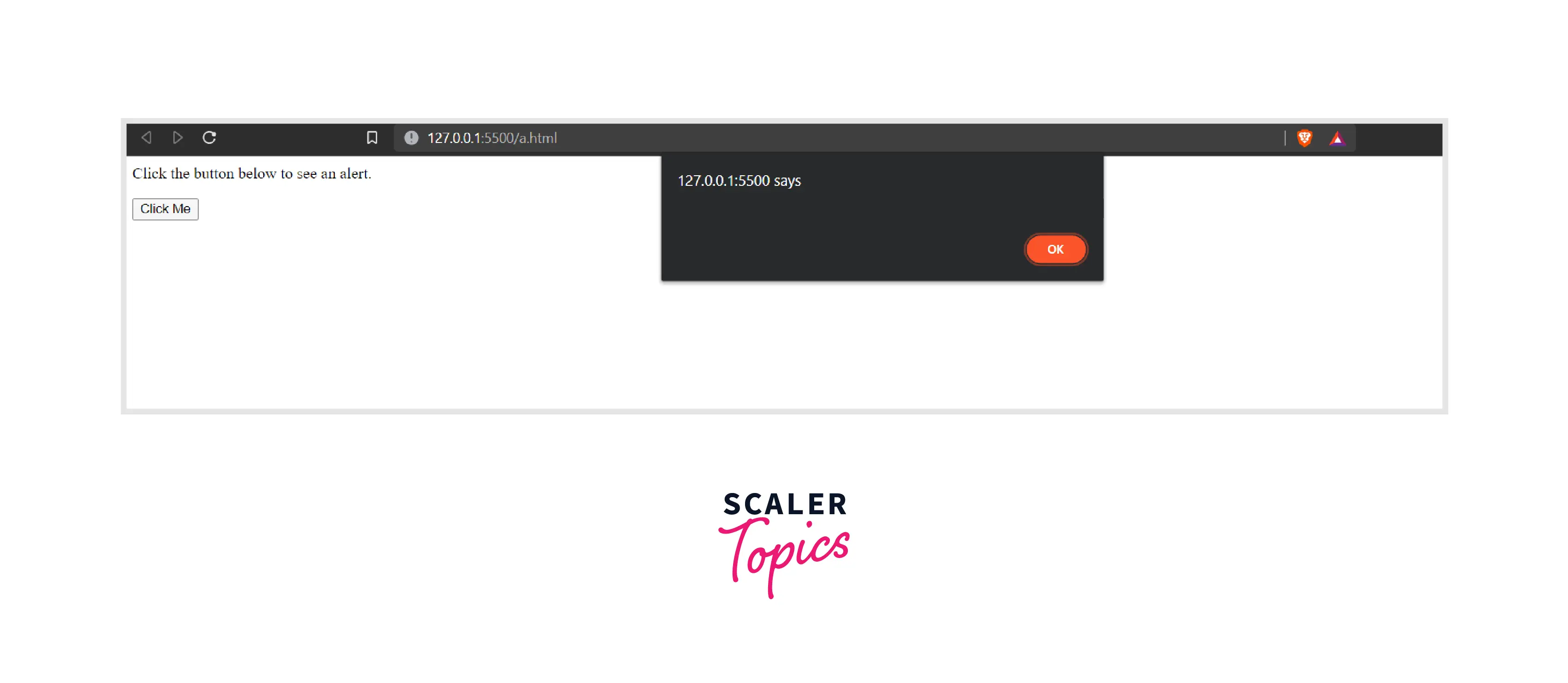
In the above example, we displayed an alert that did not contain any text message. Once the user clicks "OK" on the alert message, the alert box will disappear, and the browser window will come back into focus.
Example 2: Displaying the Document Title in the Alert Box
Output: Upon clicking the "Click Me" button, we will get the following output.
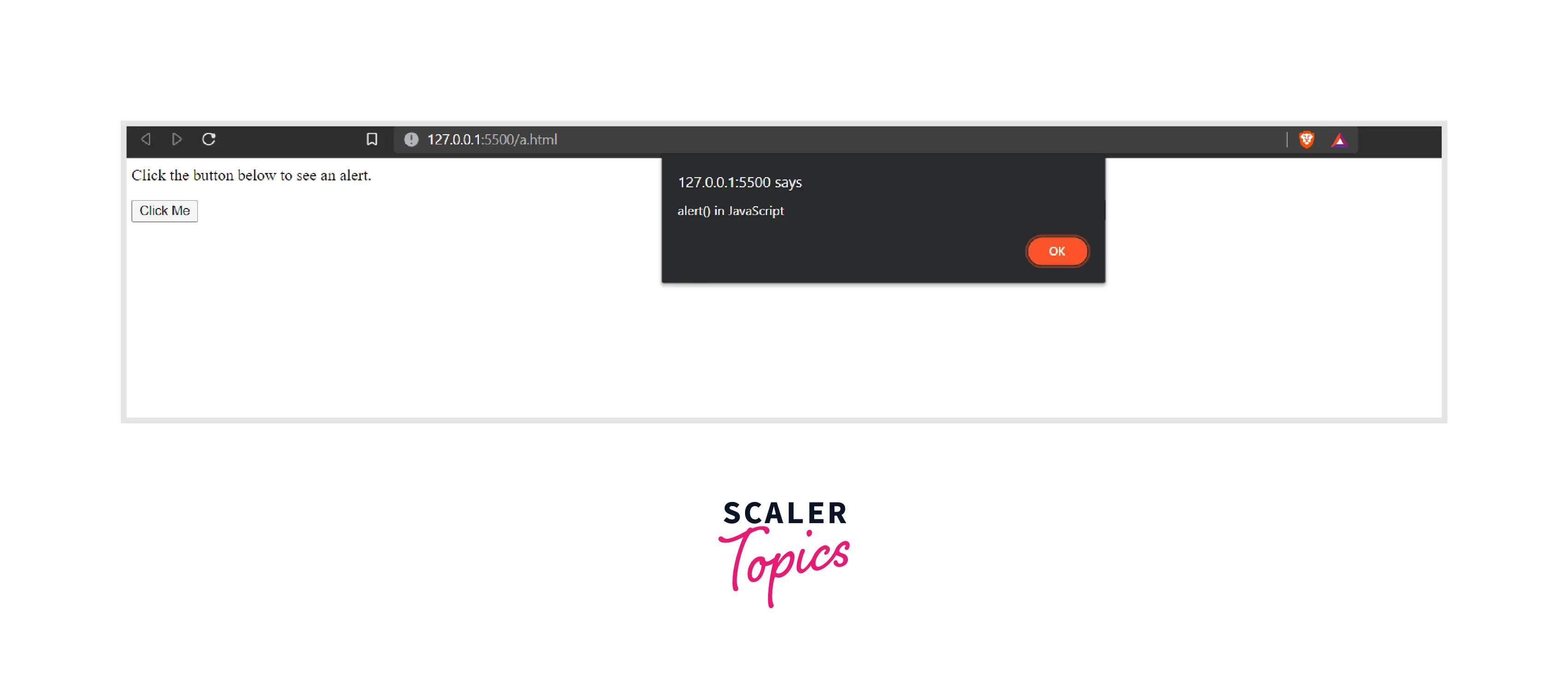
In the above example, we used document.title to display the title of the current window on the alert box. Had there been no title, the alert box would have displayed no text.
Like the title, we can display various things like the current URL, doctype of the document, etc.
Supported Browsers
The JavaScript alert() function is supported by all browsers, including Chrome, Firefox, Edge, Safari, Opera, etc.
Conclusion
- In JavaScript, alert() allows us to display a popup box in a browser window.
- The alert function in JavaScript is usually used to display important messages to the users.
- An alert may or may not contain any message.
- Whenever an alert box pops up, the window focus shifts from the current window to the alert box.
- All browsers support the alert() function.




