


CSS align-content Property
 FREE
FREE

Overview
The align-content property is a sub-property of the flexbox layout. It specifies the alignment of multiple lines of flexible items along the cross-axis. It is applicable only when flex-wrap is present. It supports various values such as center, stretch, and flex-start. We can vertically center the child element. We can even move the flex lines at the start or end of the flex container. By default, it takes the stretch value.
Note: This property does not affect a single line of flexbox items.
Syntax
The align-content CSS property accepts values such as start, end, flex-start, flex-end, center, normal, baseline, first baseline, last baseline, space-between, space-around, space-evenly, stretch, safe and unsafe.
We will discuss all these keyword values in the following section of the article.
CSS align-content Property Values
| Value | Description | Syntax |
|---|---|---|
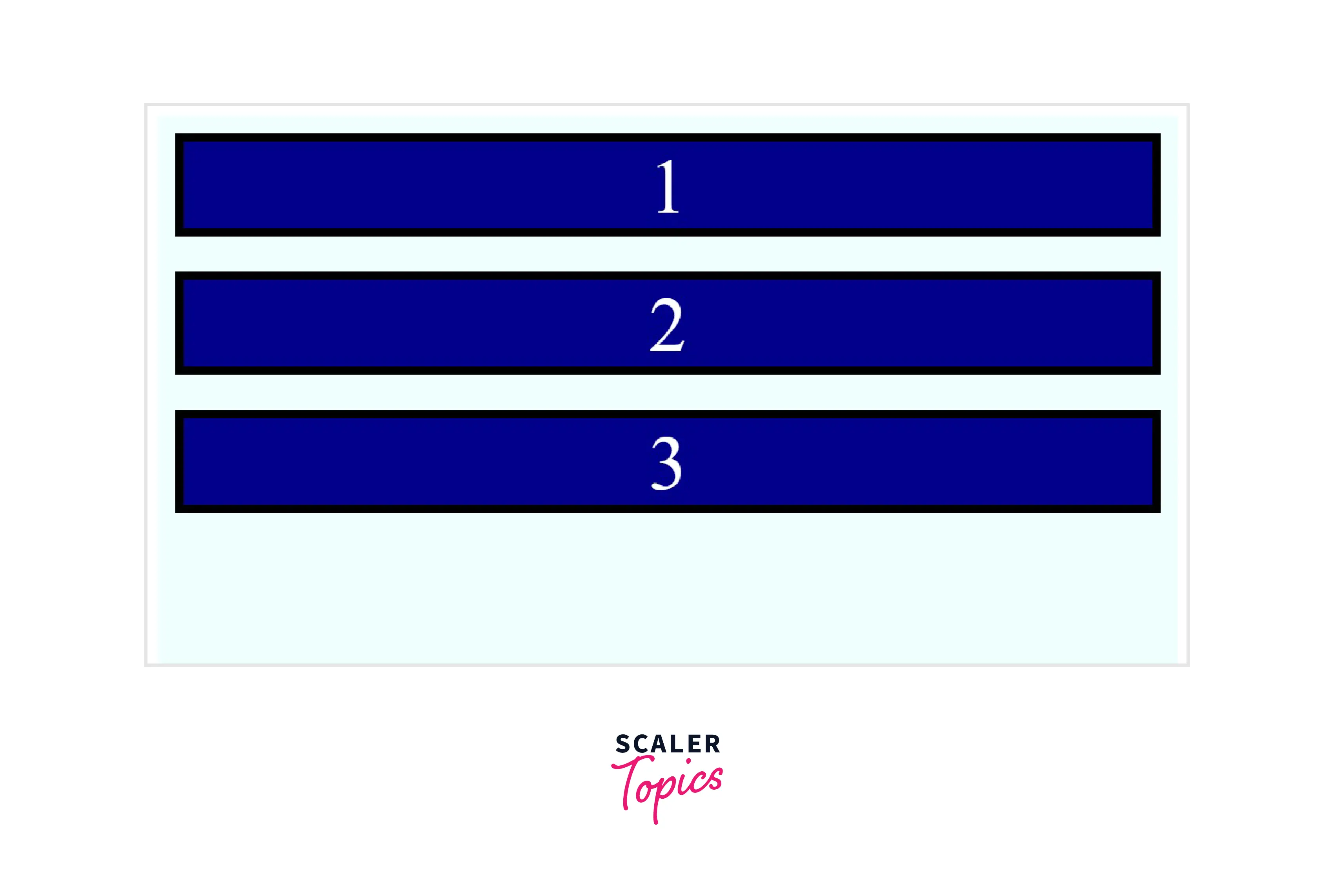
| start | It arranges the items at the alignment container's start edge along the cross-axis. | align-content:start; |
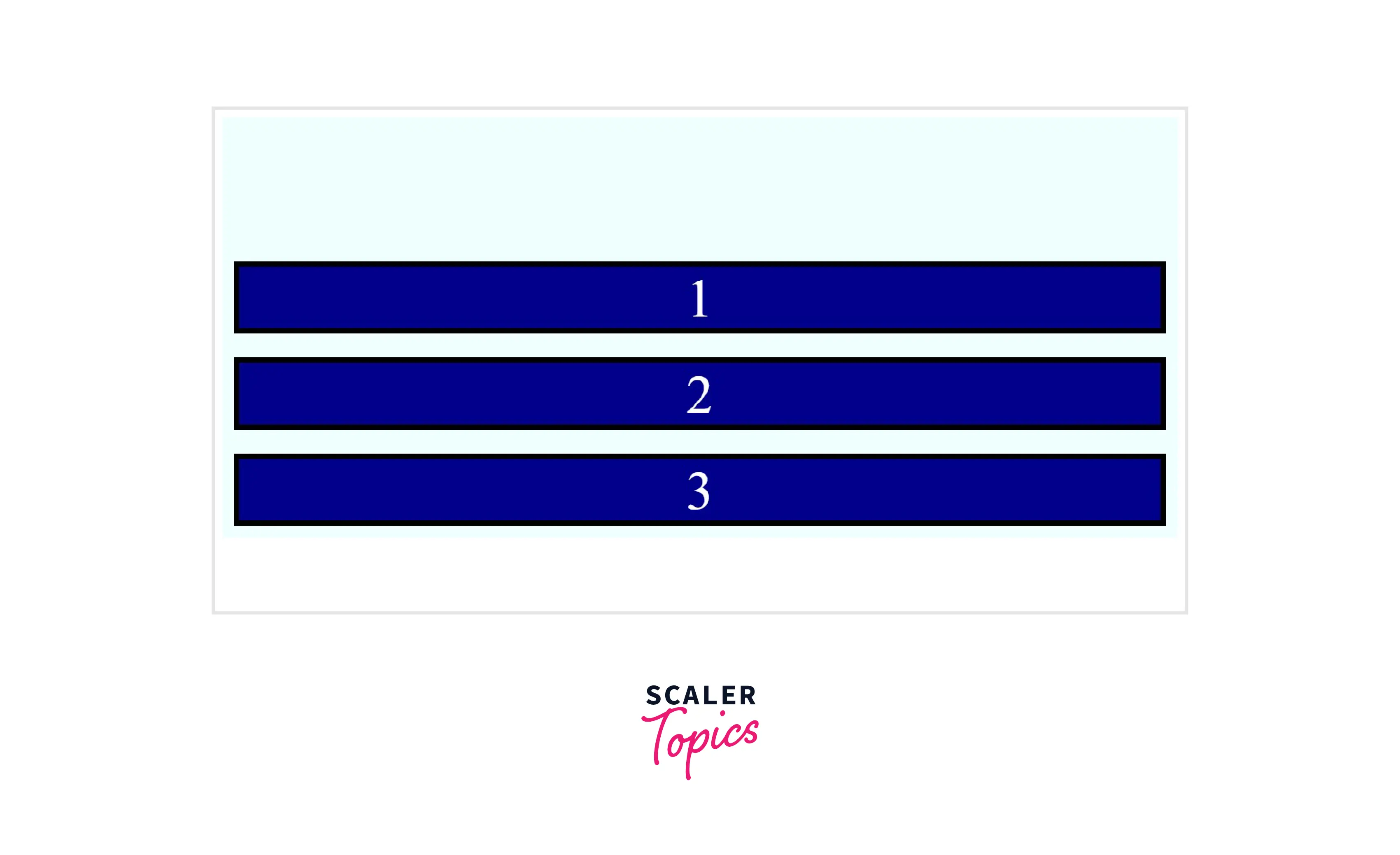
| end | It packs the items from the end of the container. | align-content:end; |
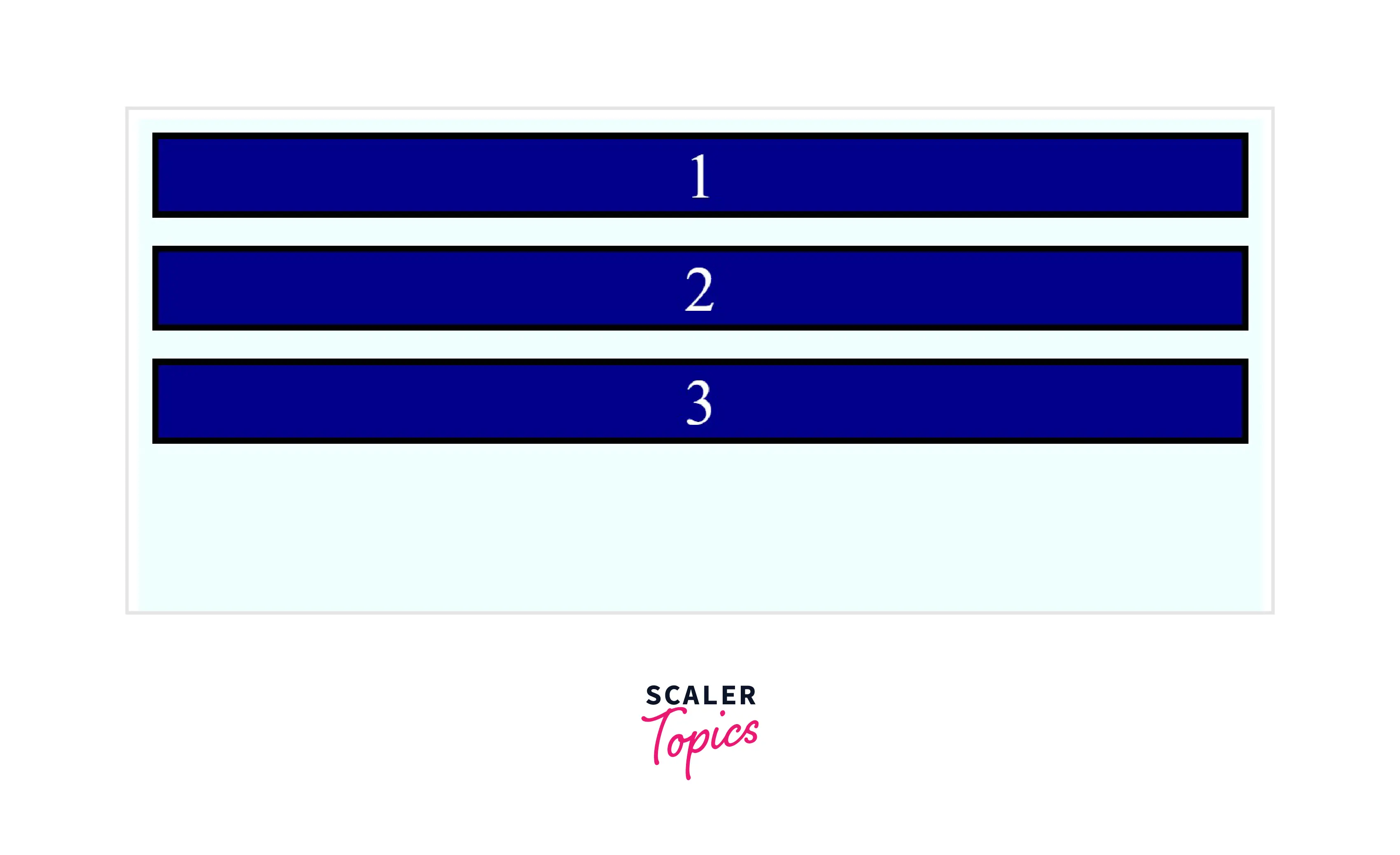
| flex-start | It packs the lines or the children of the flexbox container from the start. | align-content:flex-start; |
| flex-end | It moves the lines or the children of the flexbox container to the end. | align-content:end; |
| center | It places the lines towards the center of the flex container. | align-content:center; |
| normal | It packs the lines in their default position. It is equivalent to not applying the align content CSS property. | align-content:normal; |
| baseline, first baseline, last baseline | Aligns the flex lines along the baseline. | align-content:baseline; |
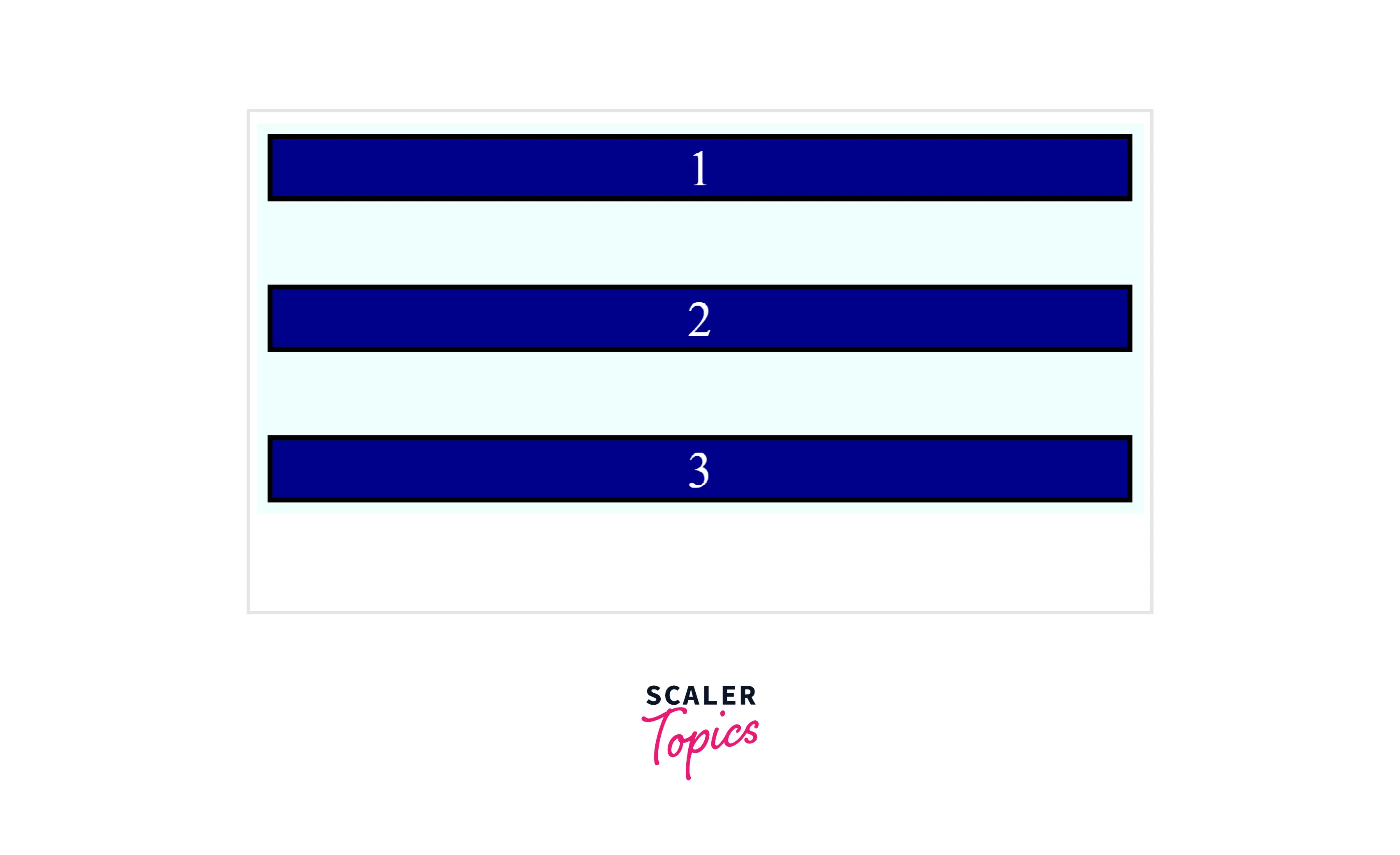
| space-between | It displays evenly distributed lines in the flex container. | align-content:space-between; |
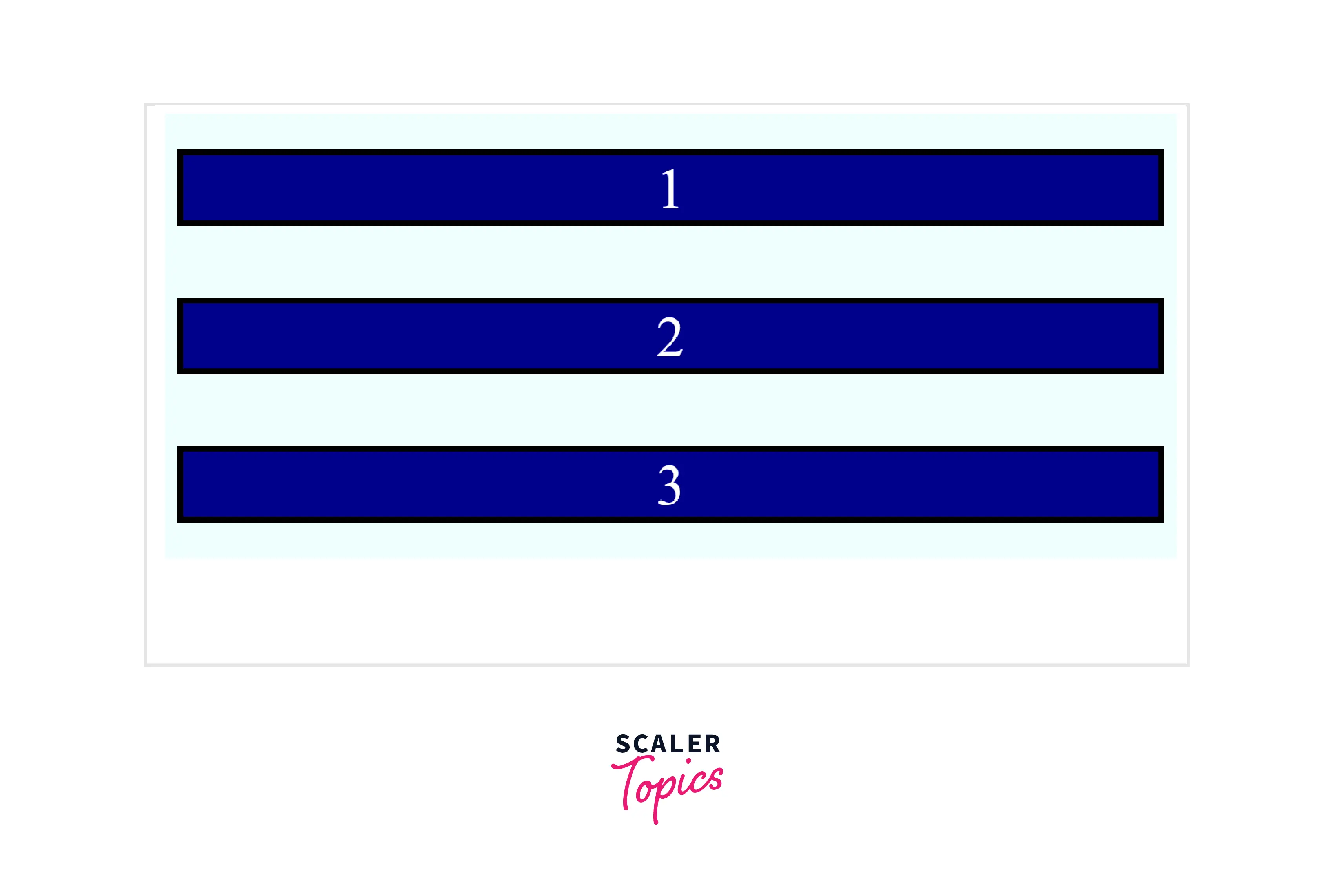
| space-around | It displays evenly distributed lines, with half-size spaces on either end. | align-content:space-around; |
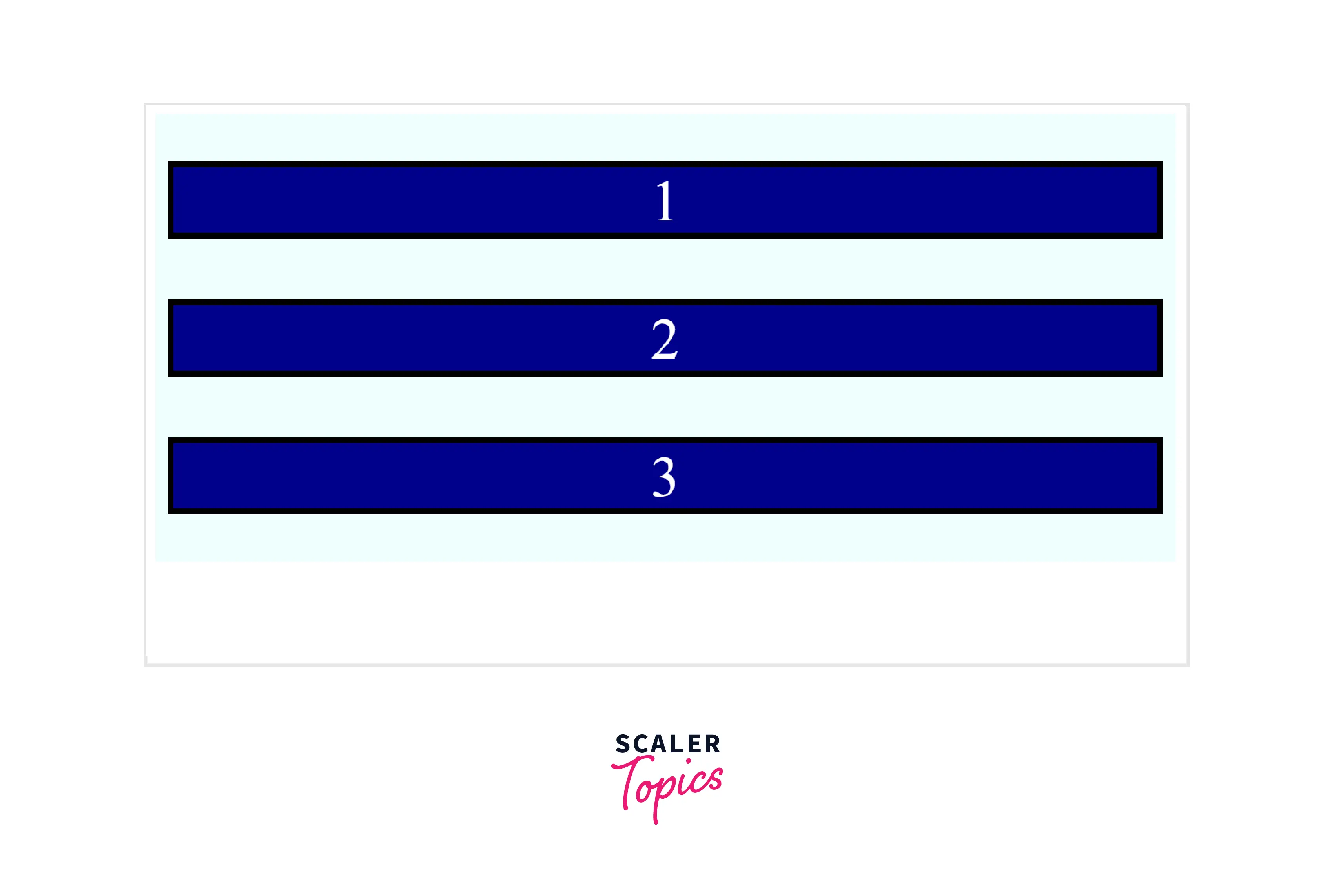
| space-evenly | It displays evenly distributed lines in the flex container, with equal space around them. | align-content:space-evenly; |
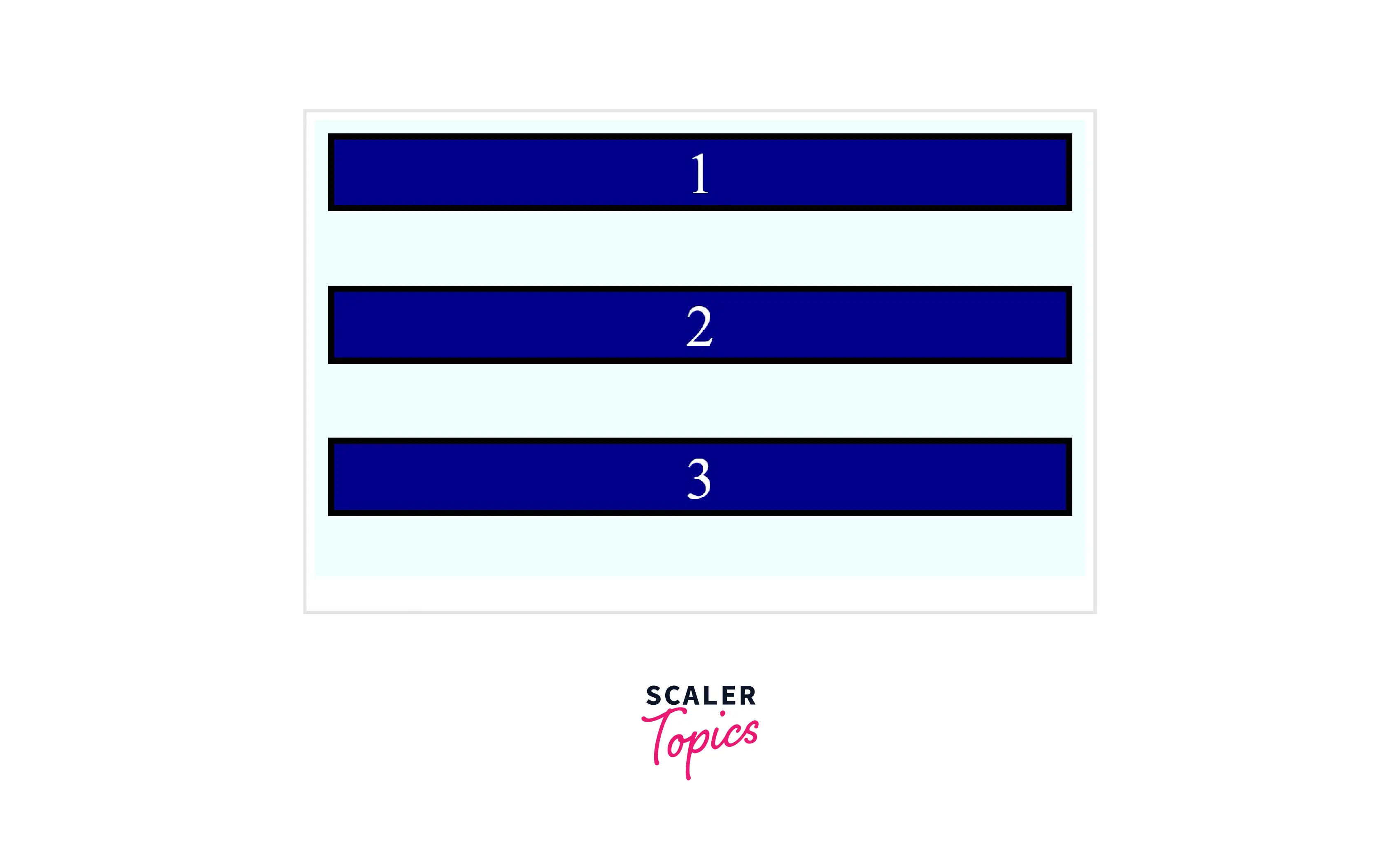
| stretch | It is the default value. The flex lines stretch to fill the remaining space of the flex container. | align-content:stretch; |
| safe | We can specify safe before any keyword value to prevent the loss of data in case the item overflows the container. | align-content:safe <keyword-value> ; |
| unsafe | It preserves the given value. It doesn't consider the loss of data. | align-content:unsafe <keyword-value> ; |
Examples
The following examples demonstrate some of the values of the aligned content CSS property.
Example 1 : This Example Describes the Stretch Value
HTML
CSS
OUTPUT
Example 2 : This Example Describes the Start Value
HTML
CSS
OUTPUT
Example 3 : This Example Describes the End Value
HTML
CSS
OUTPUT
Example 4 : This Example Describes the Flex-start Value
HTML
CSS
OUTPUT
Example 5 : This Example Describes the Flex-end Value
HTML
CSS
OUTPUT
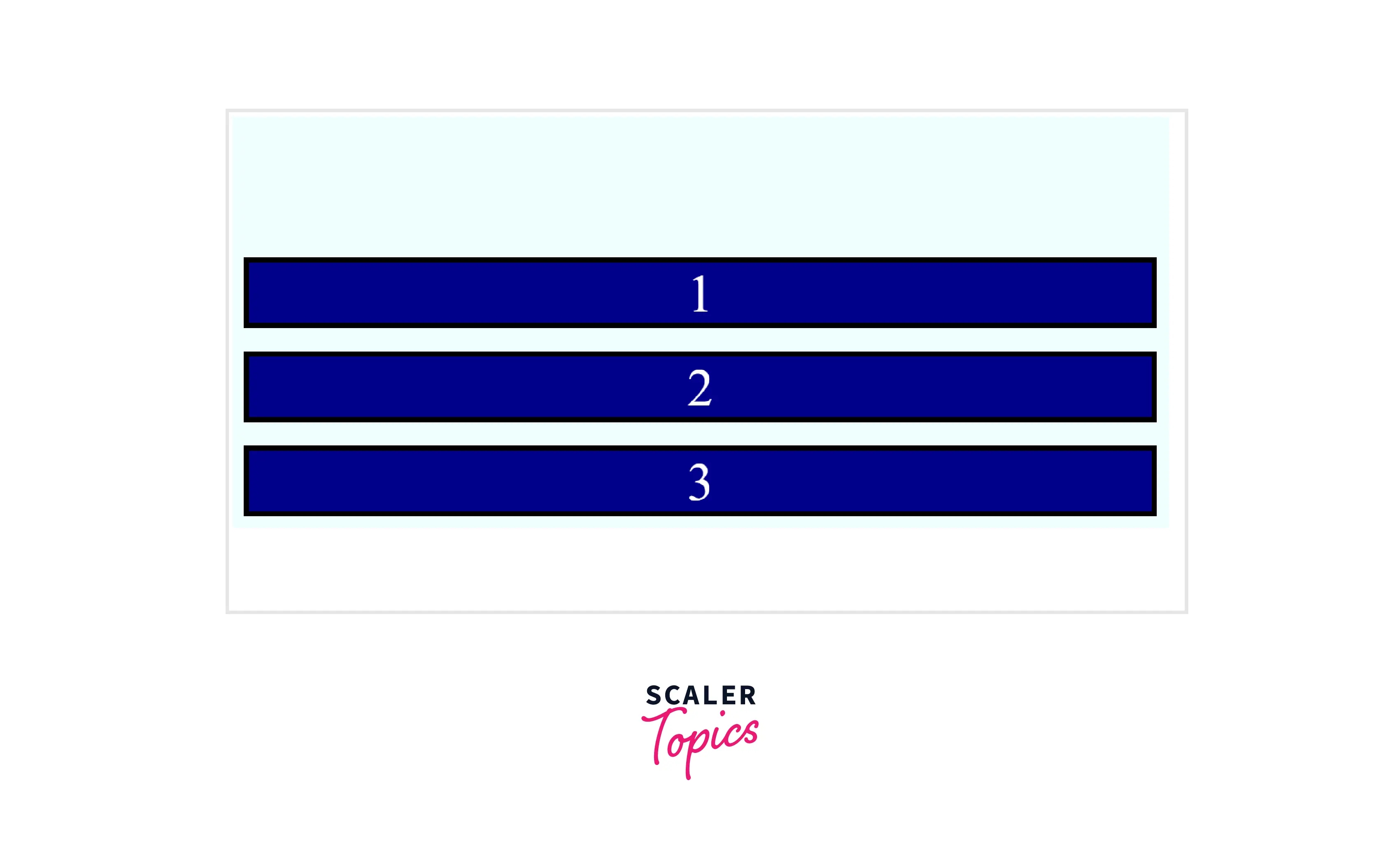
Example 6 : This Example Describes the Center Value
HTML
CSS
OUTPUT
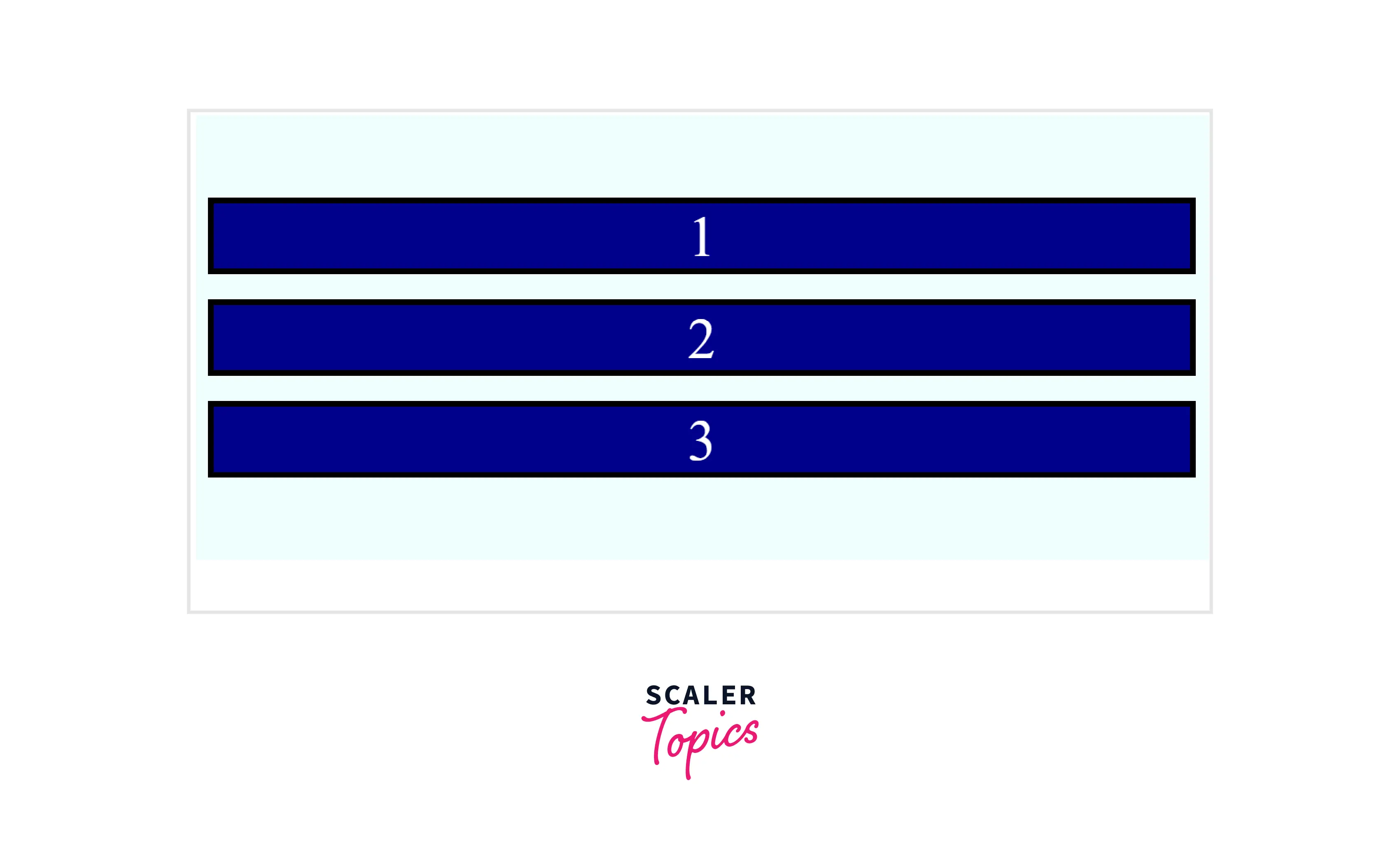
Example 7 : This Example Describes the Normal Value
HTML
CSS
OUTPUT
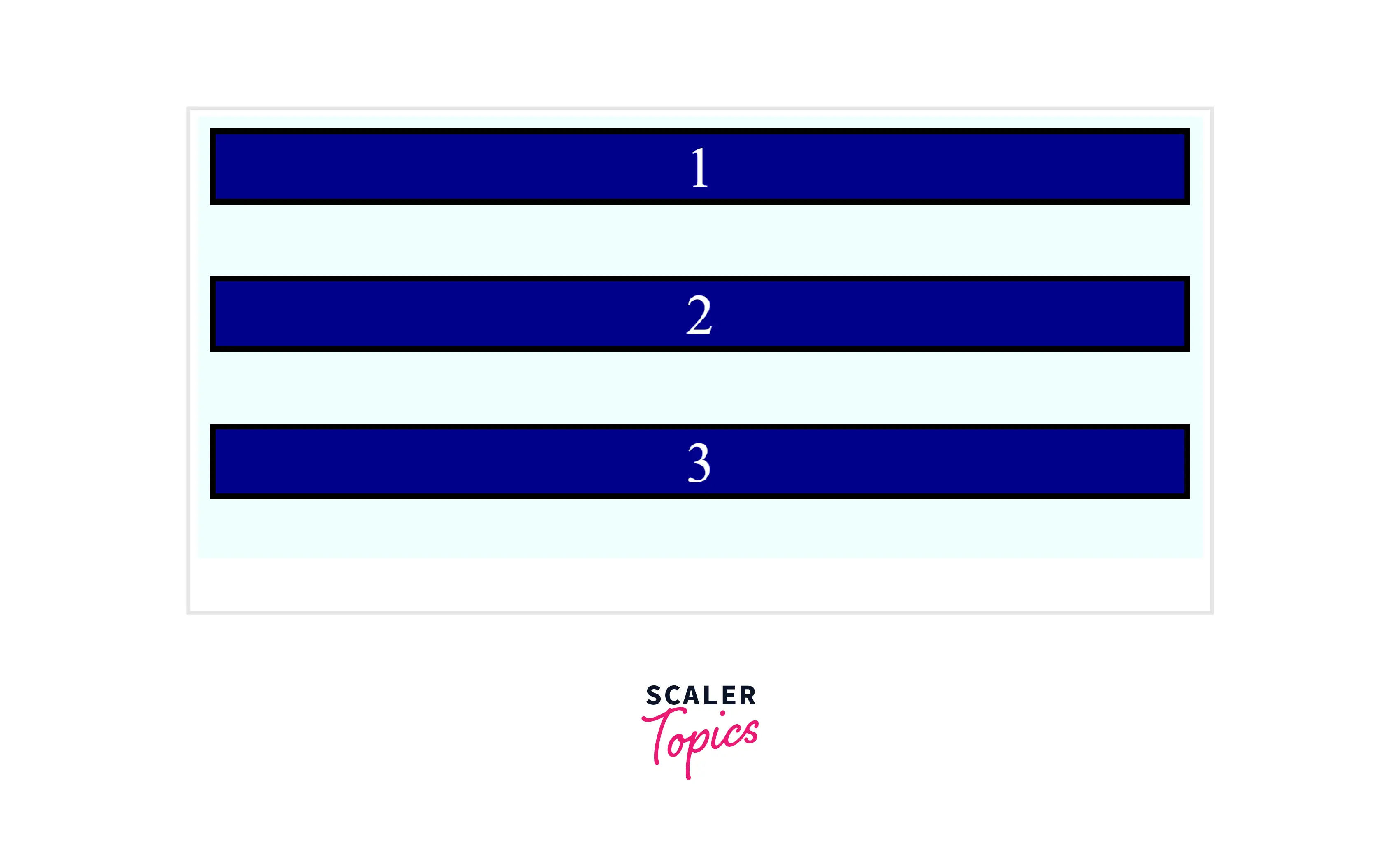
Example 8 : This Example Describes the Baseline Value
HTML
CSS
OUTPUT
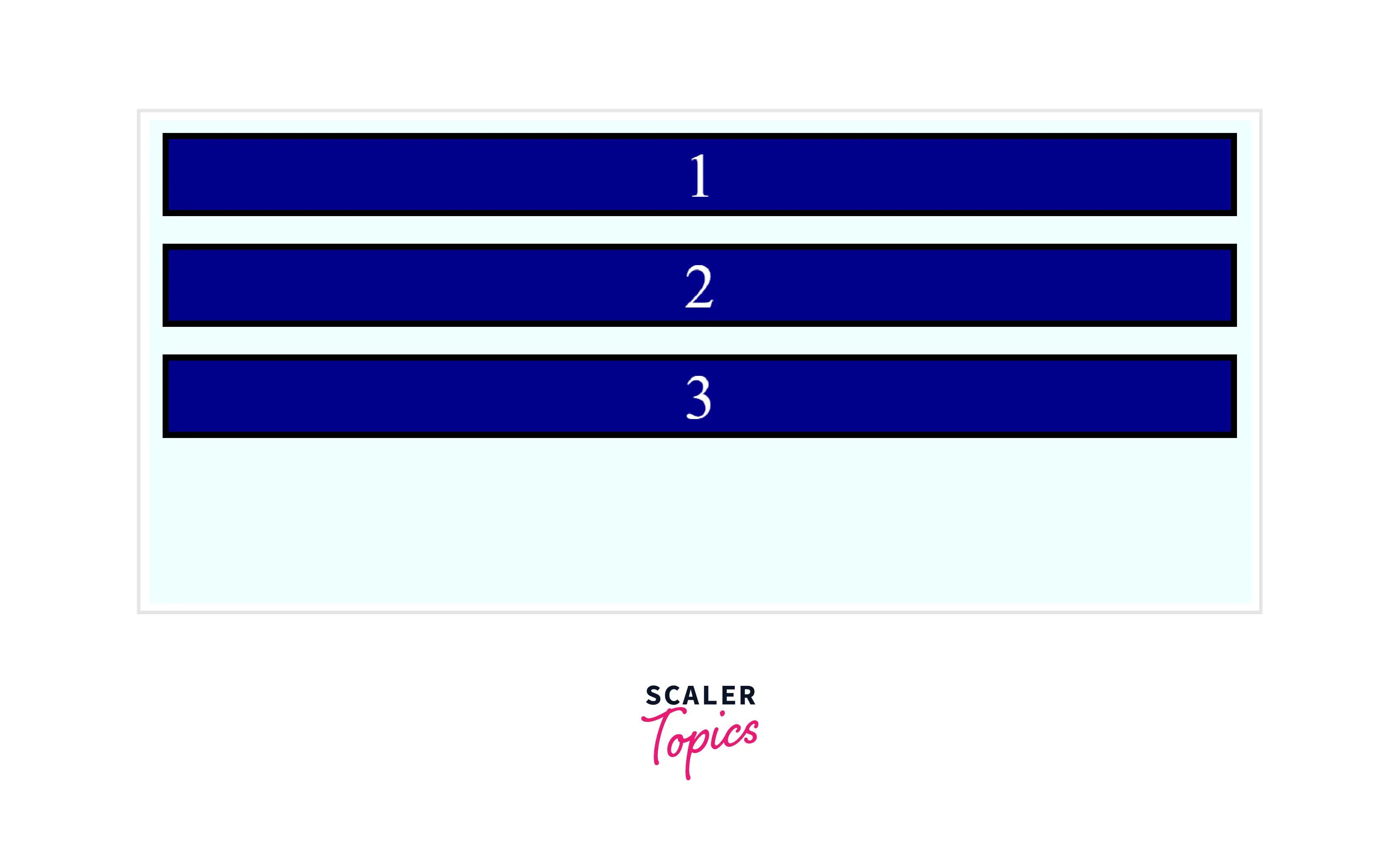
Example 9 : This Example Describes the Space-Between Value
HTML
CSS
OUTPUT
Example 10 : This Example Describes the Space-Around Value
HTML
CSS
OUTPUT
Example 11 : This Example Describes the Space-evenly Value
HTML
CSS
OUTPUT
Browser Support
The following browsers support the align content CSS property :
| Browser | Version |
|---|---|
| Google Chrome | 29 |
| Safari | 9 |
| Mozilla Firefox | 28 |
| Microsoft Edge | 12.0 |
| Chrome Android | 29 |
| Firefox for Android | 28 |
| Opera Android | 12.1 |
| Safari on iOS | 9 |
| OperaSamsung Internet | 2.0 |
| WebView Android | 4.4 |
Conclusion
- The align content CSS property aligns the flex lines along the cross-axis.
- It is applicable only when flex-wrap is present, i.e., for multiple flex lines.
- It supports various values such as center, stretch, flex-start, etc.
- By default, it takes the stretch value.