


<aside> Tag in HTML
 FREE
FREE

Overview
<aside> tag displays additional information apart from the primary content. The content within the <aside> tag isn't a part of the primary content but is still related to it. In other words, it is used in order to keep the contextual flow of the primary content undisturbed.
Build an AI-First Career, Master the Complete Skillset
Choose from our industry-leading programs designed for career success
Modern Software and AI Engineering Program
Master full-stack development with AI integration


 +1000 more
Modern Data Science and ML with specialisation in AI
Advanced data science techniques with AI specialization
+1000 moreAdvanced AIML with Specialisation in Agentic AI
Deep dive into AIML with focus on Agentic systems
+1000 moreDevOps, Cloud & AI Platform Engineering
Build and manage AI-powered cloud infrastructure
+1000 moreAI Engineering Advanced Certification by IIT-Roorkee
Premier AI engineering certification from IIT-Roorkee

AI Forward Deployed Engineer Program
Full-stack engineering, production AI and client-facing consulting
+1000 moreSyntax
The <aside> tag can contain paragraphs and headings as additional content.
Attributes
The <aside> tag supports both global as well as event attributes.
What is the <aside> Tag Used for?
You must have gone through any story or incident in a book where it discusses the main theme but there might be some readers unaware of any term being used in the main content. So, it's better to highlight it in another container, so that the flow of original content remains undisturbed but everyone still has the sophistication to perceive things easily.
The <aside> tag is used for the same purpose. <aside> tag is used when we need to explain something related to the main context but is usually out of the flow of the original content.
Therefore, the idea of adapting the same concept for a website came up and this is how the <aside> got its identity. Now, apart from the primary content, you have an area in the viewport where you can precisely explain a specific part of the content, which is related to the primary content but is still different from the intent of the same.
Let's just see where the <aside> element is placed in semantic HTML.

But wait! Why Is There A Need For An <aside> Tag When We Already Have A <div> Tag In HTML? Above all, they both serve the same purpose.
The reason for the same has been elucidated in the semantic HTML. As far as behavior is concerned, both <aside> as well <div> tags are used to create a section of a webpage. However, the <div> tag creates a section of the web page but the <aside> tag not only creates a section but comprises the content that is related to the primary content of the webpage.
Note: Always remember that the <aside> tag will not be rendered as a special element in HTML, rather it was created to make it easier to separate the content that, despite being related to the main content, is still not a part of it. But yes, we can use CSS to style the <aside> element so that the reader can easily recognize it.
Examples
How Scaler Transformed Careers in Different Fields
Scaler learners achieved 2.5x salary growth with average post-Scaler CTC reaching ₹23L.
 Google
 Amazon
 Microsoft
 Flipkart
 Adobe1200+ more
Basic Example of HTML <aside> Tag
Output

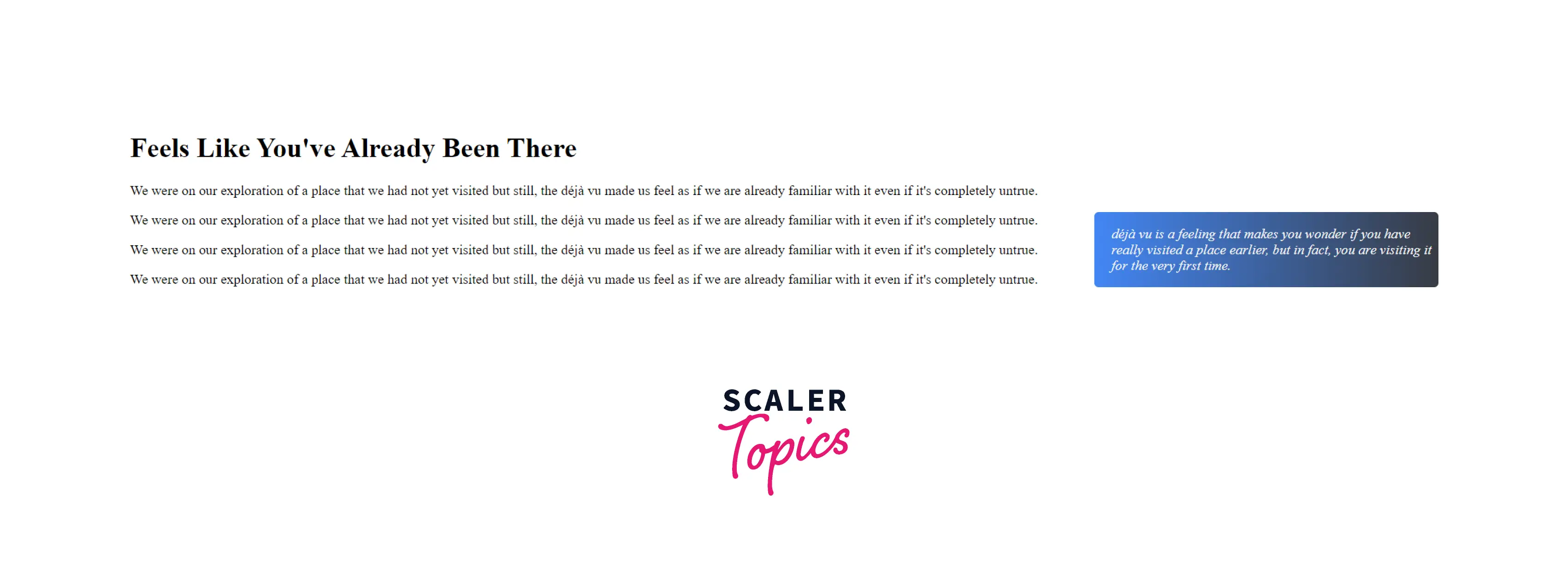
Style in HTML <aside> Tag
Output
Turn Learning into Career Growth
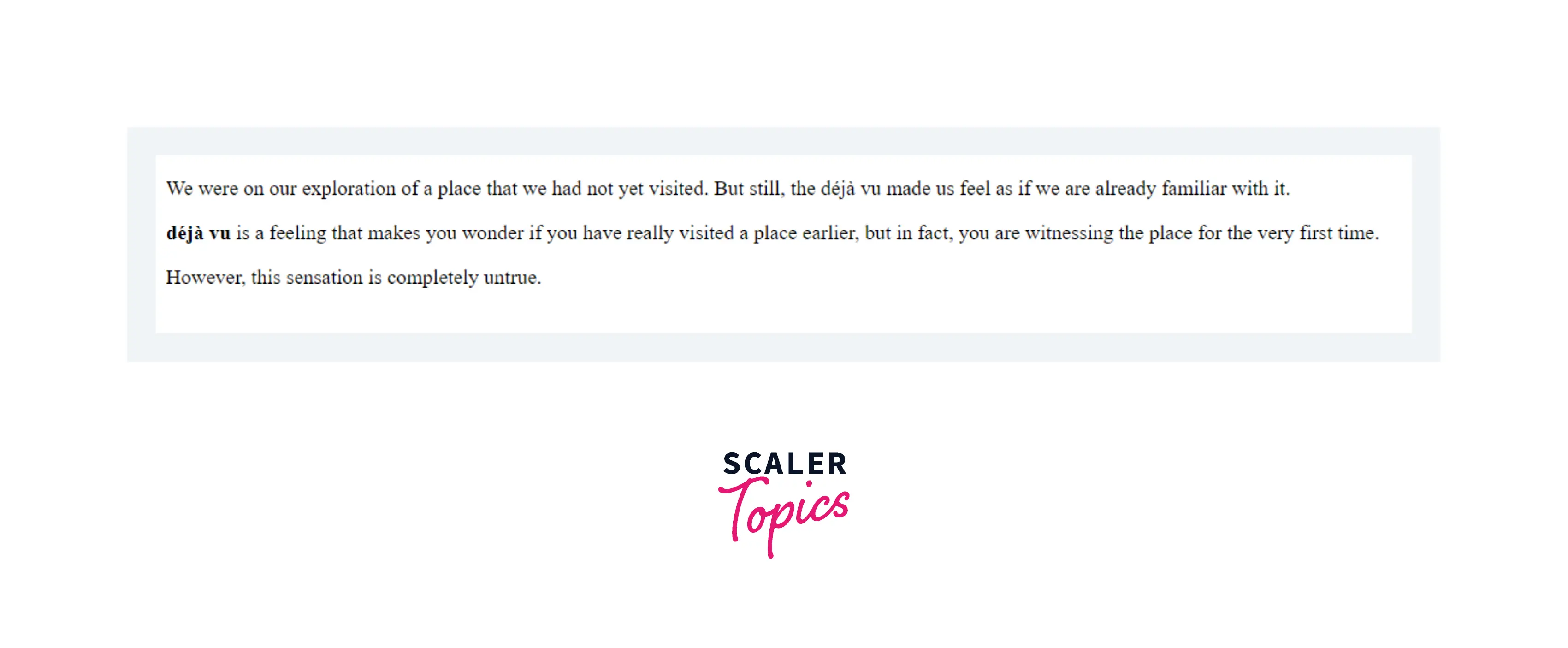
Use <aside> to Mark up a Paragraph in an Article
Output
Browser Support
The <aside> tag is supported in the following browsers:
- Google Chrome
- Microsoft Edge
- Firefox
- Safari
- Opera
- Internet Explorer
Related tags
- <header> tag
- <nav> tag
- <article> tag
- <section> tag
- <footer> tag
Conclusion
- <aside> tag is used to bring more clarity between the main content and the additional (subordinate) content.
- The content enclosed within the <aside> tag might not be a part of the main content, but is still related and provides meaning to the main content.
- The <aside> element isn't rendered as a special element but differentiates itself from a <aside> element because it consists of the content that is related to the main content.




