


<bdo> tag in HTML
 FREE
FREE

Overview
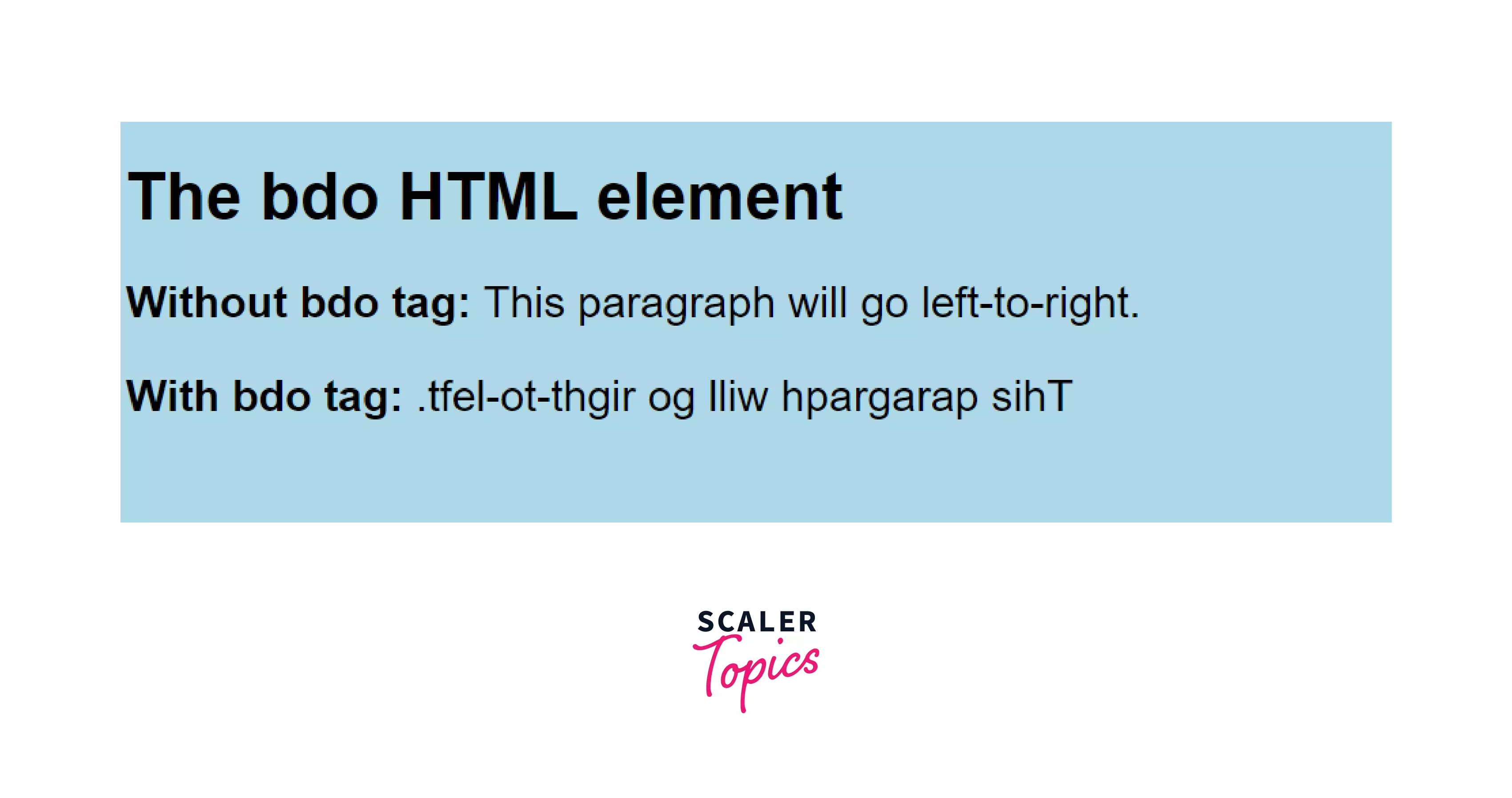
 In the above image, we can see what a normal English paragraph looks like(the text flows from right to left). Now, let's see what is bdo tag and how it can affect the text.
bdo stands for bi-directional override. The bdo tag in HTML is used to specify the text direction or to override the current text direction. It is used primarily in languages where reading occurs from right to left, like in Arabic.
There are many tags in HTML that control how the content of a webpage will be displayed on a user's system. To know more about HTML tags, you can read HTML Tags article on Scaler Topics.
Transform Your Career
Choose from our industry-leading programs designed for career success
Modern Software and AI Engineering Program
Master full-stack development with AI integration


 +1000 more
Modern Data Science and ML with specialisation in AI
Advanced data science techniques with AI specialization
+1000 moreAdvanced AIML with Specialisation in Agentic AI
Deep dive into AIML with focus on Agentic systems
+1000 moreDevOps, Cloud & AI Platform Engineering
Build and manage AI-powered cloud infrastructure
+1000 moreAI Engineering Advanced Certification by IIT-Roorkee
Premier AI engineering certification from IIT-Roorkee

Syntax
Attributes of bdo Tag
The bdo tag in HTML supports all the global and event attributes of the HTML.
bdo tag has a special attribute, dir. It is short for direction. The dir attribute specifies the direction in which the text will be displayed. The dir attribute has only two values:
- ltr: It means left to right. The text inside the bdo tag will be rendered from left to right. This is the default value.
- rtl: It means right to left. The text inside the bdo tag will be rendered from right to left.






How to use the bdo Tag in the HTML?
Using the bdo tag is straightforward as using any other HTML tag like anchor tag a or paragraph tag p.
We wrap around the text we want to change the direction of in between the opening <bdo> and closing </bdo> tag. We use the dir attribute to specify the direction in which we want the text to be. By default, the text will be from left to right. If we want to change that, then we use dir="rtl". This will change the text direction of the text inside the bdo tag from right to left.
Scaler Placement Report and Statistics
Scaler learners achieved 2.5x salary growth with average post-Scaler CTC reaching ₹23L.
 Google
 Amazon
 Microsoft
 Flipkart
 Adobe1200+ more
Example
Let's see the bdo tag of HTML in action as an example. In the example below, a paragraph's text direction is changed using the bdo tag. CSS is just used to add some visual appeal to the output, and it is not affecting the direction of the text in any way. The direction is only changed by the bdo tag.
Output:
Styling the bdo tag
We can style the bdo tag using different CSS properties like:
- font-size
- font-family
- font-weight
- color
- background-color
- text-decoration
- text-transform
Let's see an example where we will style the text inside the bdo tag.
Output:
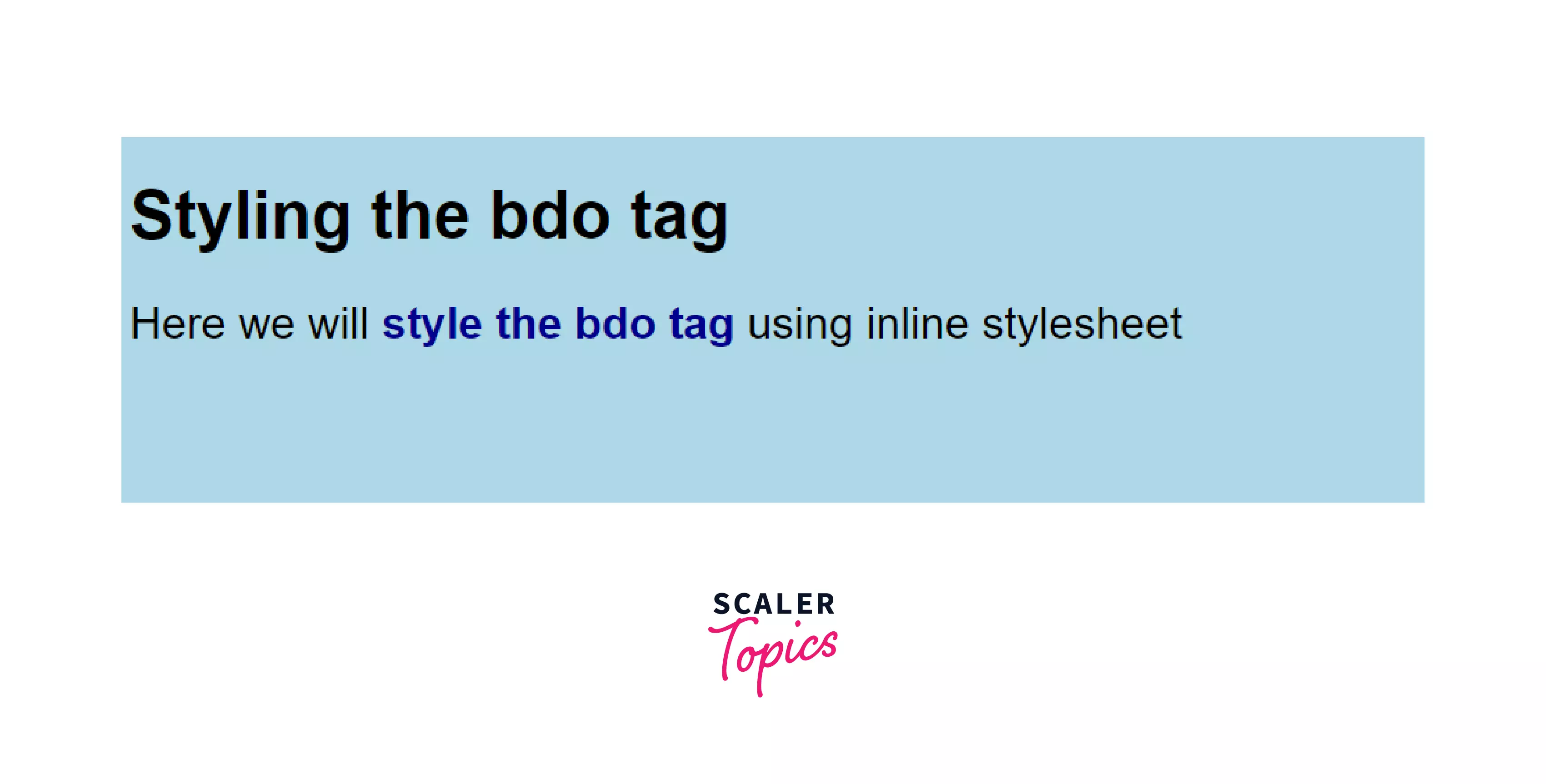 In the above example, we can see that the font-weight and color CSS property is used to style the text inside the bdo tag differently from the text inside the p tag.
Turn Learning into Career Growth
Browser Support
All important browsers support the bdo tag in HTML
- Google Chrome
- Firefox
- Safari
- Edge
- Opera
- Internet Explorer
Learn More
You can learn more about other HTML tags like <p>, <a>, <button>, form, etc in the following scaler topics articles:
Conclusion
In this article, we learned about the bdo tag in HTML and its uses and functionality.
The bdo tag is used to change the direction of the text wrapped inside the tag. Using the dir attribute of the bdo tag, we can change the direction of the text. This is particularly useful for languages that are written from right to left, like Arabic.