


5 Best IDEs for R Programming (2023)
Overview
An Integrated Development Environment (IDE) is a software application that provides comprehensive tools and features to facilitate programming and software development. It serves as a one-stop solution for coding, debugging, and deploying applications. Choosing the best R IDE is crucial to enhance productivity, improve code quality, and make the development process seamless. In this article, we will explore the five best IDEs for R programming that can help programmers efficiently work with the R language.
Top 5 IDEs for R Programming
As the popularity of R programming continues to soar in the fields of data analysis, statistical modeling, and machine learning, choosing the right IDE becomes critical for developers and data scientists. An IDE that offers a seamless coding experience, efficient debugging tools, and excellent data visualization capabilities can significantly impact productivity and code quality.
R Studio
When it comes to R programming, R Studio stands out as the leading and most widely recognized IDE. Its extensive set of features and user-friendly interface make it the go-to choice for beginners and experienced R programmers alike. R Studio's commitment to excellence in R development has earned it a reputation as the best IDE for R programming.
- Intuitive User Interface: R Studio boasts a clean and intuitive user interface that allows developers to focus on their coding tasks without distractions. The layout is designed to provide easy access to various tools and features, making it effortless to navigate between the console, script editor, workspace, and plots.
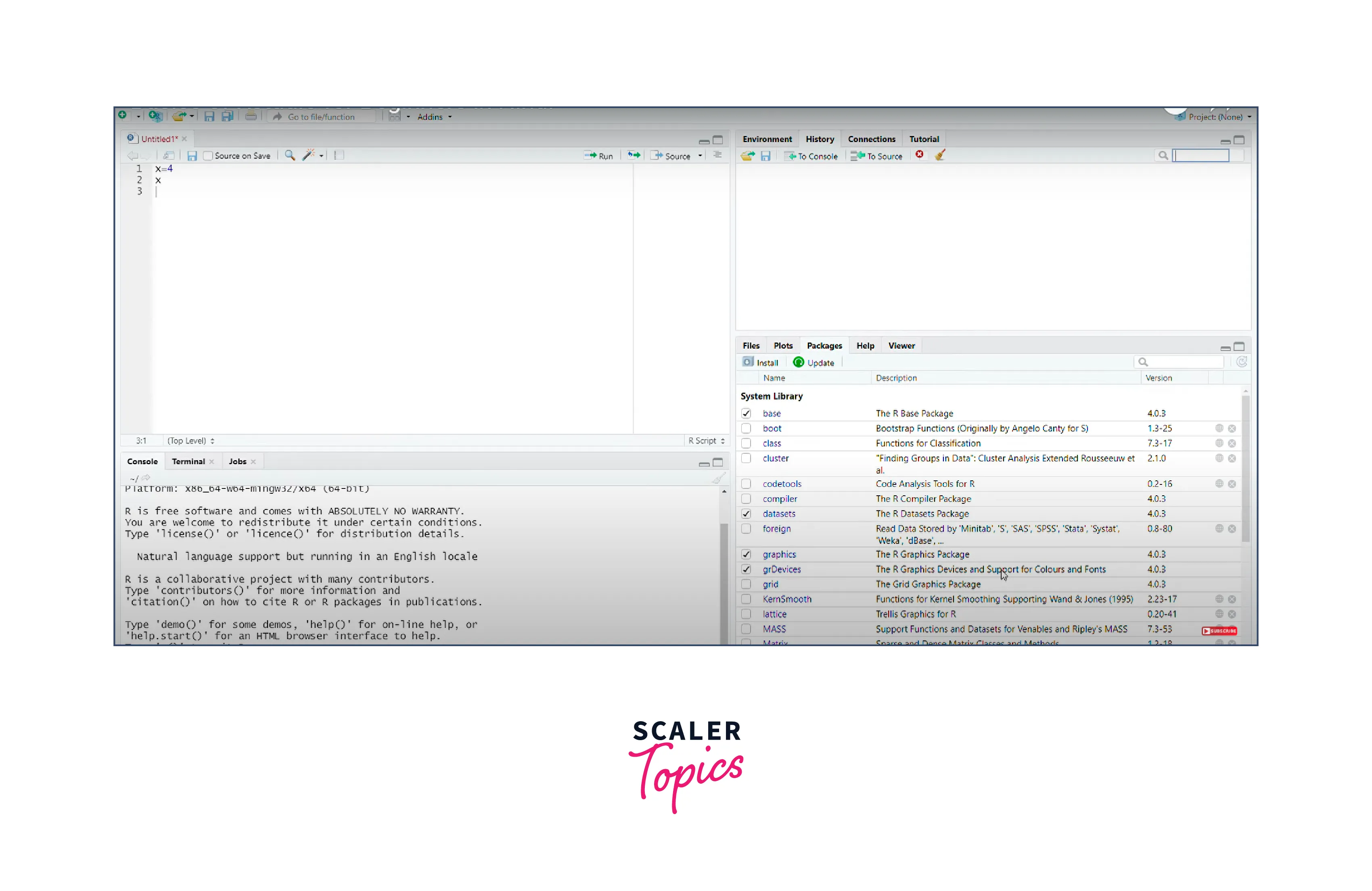
- Code Completion and Syntax Highlighting: R Studio's intelligent code completion feature suggests functions, objects, and arguments as you type, saving time and reducing errors. Syntax highlighting helps in visually identifying different elements of the code, making it easier to spot errors and maintain code readability.
- Integrated Graphics: Data visualization is a crucial aspect of R programming, and R Studio excels in this area. With its integrated graphics capabilities, you can generate various types of plots and charts directly within the IDE.
- Package Management: Managing packages is a critical aspect of R programming, and R Studio simplifies this process by providing an intuitive package manager. Installing, updating, and removing packages is effortless with the IDE's graphical interface, saving you from dealing with command-line complexities.
R Tools For Visual Studio (RTVS)
R Tools for Visual Studio (RTVS) is a powerful IDE designed specifically for R programming within the Microsoft Visual Studio environment. It combines the extensive capabilities of Visual Studio with the flexibility and richness of R, making it an excellent choice for developers who prefer working in a familiar and feature-rich integrated development environment.
- Seamless Integration with Visual Studio: One of the standout features of RTVS is its seamless integration with Visual Studio. Developers who are already accustomed to using Visual Studio for other programming languages will find it easy to transition into R programming using RTVS.
- Advanced Code Editing and IntelliSense: RTVS offers advanced code editing features with IntelliSense, which provide real-time code suggestions, auto-completion, and function parameter information as you type. These features not only speed up the coding process but also help reduce errors by offering accurate suggestions based on R's vast library of functions.

- Powerful Debugging Tools: RTVS provides a robust set of debugging tools that enable developers to identify and troubleshoot issues efficiently. The IDE supports interactive debugging, allowing users to set breakpoints, inspect variables, and step through code execution to pinpoint errors effectively.
- Support for R Markdown and Shiny: RTVS fully supports R Markdown, a powerful tool for creating reproducible reports and documents with R code and narrative text. Additionally, the IDE also provides support for Shiny applications, allowing developers to build interactive web applications using R.
Eclipse StatET
Eclipse StatET is an integrated development environment (IDE) specifically designed for R programming, built on the Eclipse platform. Eclipse StatET is an Eclipse-based IDE for R. It offers a comprehensive set of tools and functionalities tailored to the needs of data analysts, statisticians, and R developers. Eclipse StatET's extensibility and integration with other programming languages make it a versatile choice for those working on complex projects involving multiple languages. Some of the other programming languages supported by Eclipse StatET include Java, C/C++, Python, Perl, PHP, Ruby , and Fortran.
- Eclipse Ecosystem Integration: As an IDE built on the Eclipse platform, Eclipse StatET benefits from the vast ecosystem of Eclipse plugins and extensions. This integration allows users to enhance their R development environment by adding features and tools specific to their needs.
- R Code Editing and Auto-Completion: Eclipse StatET provides robust code editing capabilities, with features like auto-completion, syntax highlighting, and error detection, which aid in writing error-free and readable R code. These productivity-enhancing features contribute to a smooth and efficient coding experience.
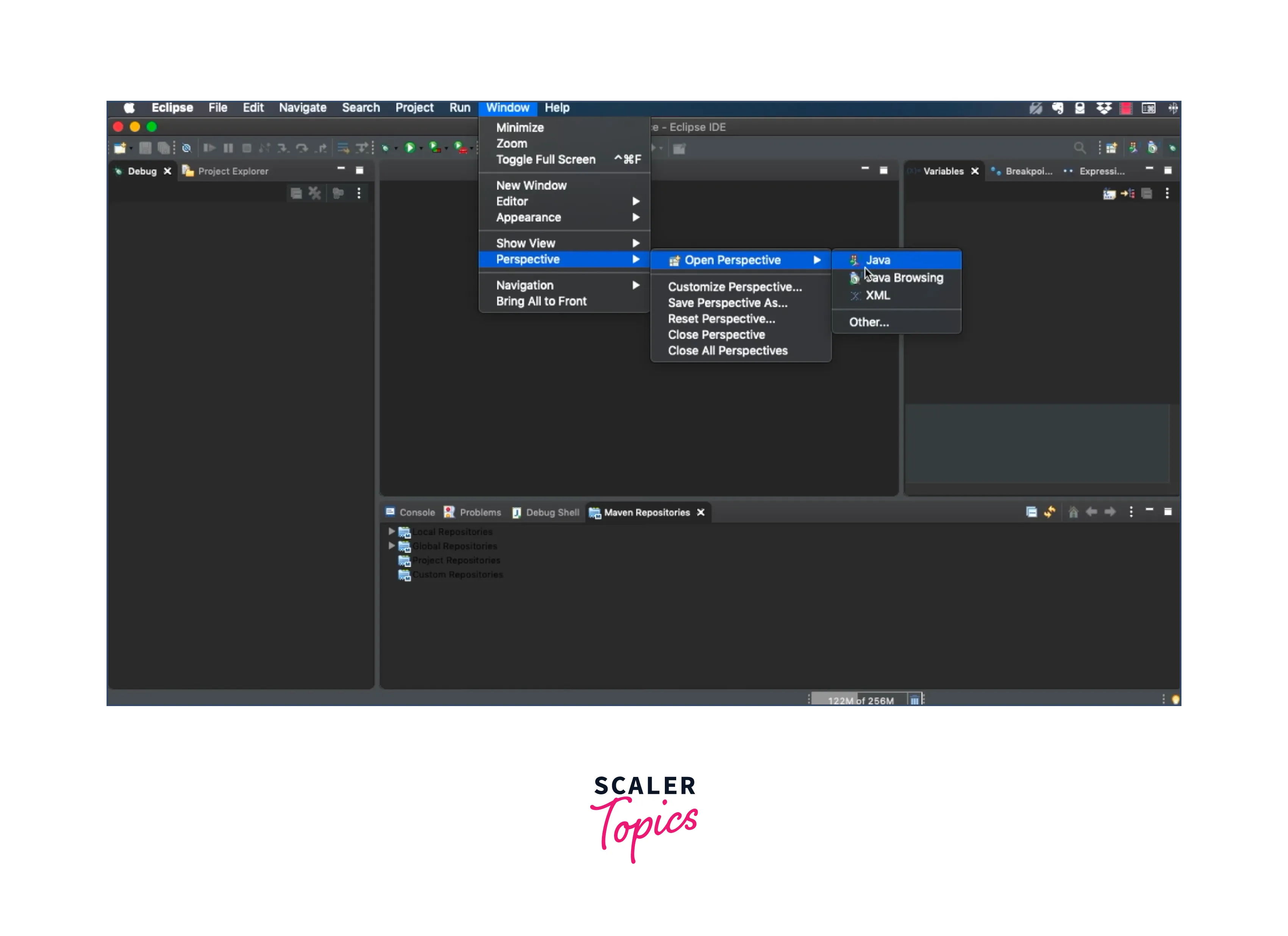
- Code Navigation and Refactoring: With Eclipse StatET, developers can easily navigate through large codebases and perform code refactoring tasks with ease. The IDE provides powerful navigation tools, such as "Go to Definition" and "Find References," which enable users to locate and modify code efficiently.
- Plugin Extensibility: Eclipse StatET's extensibility allows developers to create custom plugins and add-ons tailored to their specific needs. This feature makes the IDE highly customizable and adaptable to various development workflows.
PyCharm
PyCharm, developed by JetBrains, is renowned as a powerful and versatile IDE primarily focused on Python development. However, PyCharm has evolved to support other programming languages, including R. Its robust set of features, combined with its reputation as a top-tier Python IDE, makes PyCharm an attractive option for R programming as well.
- Intelligent Code Assistance: PyCharm offers intelligent code assistance for R programming, including auto-completion, code navigation, and syntax highlighting. These features streamline the coding process and ensure that developers write clean and error-free R code efficiently
- Version Control and Collaboration: PyCharm supports version control systems like Git, making it easy for teams to collaborate on R projects and manage code changes effectively. Developers can easily commit, push, and pull changes, ensuring smooth collaboration on complex R projects.
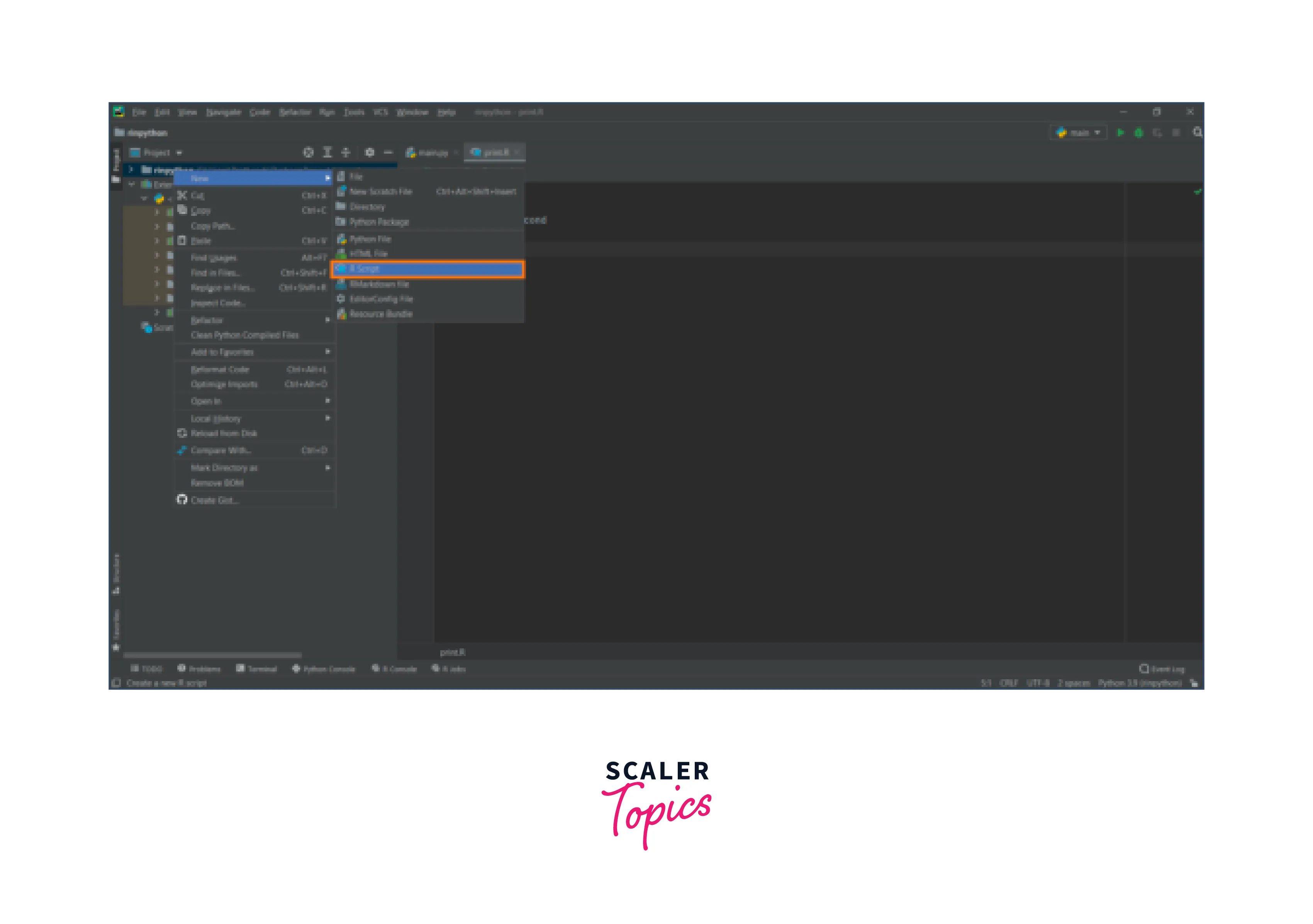
- Intelligent Data Visualization: PyCharm provides integrated data visualization tools that enable developers to create interactive plots and charts directly within the IDE. This feature enhances data exploration and analysis, making it easier for developers to gain insights from their data.
- Productivity-Boosting Features: PyCharm offers numerous productivity-boosting features, such as code refactoring, code formatting, and code generation, which save time and effort while ensuring code consistency and maintainability in R projects.
Rkward
Rkward is an open-source IDE specifically designed for R programming. It aims to provide a user-friendly interface and comprehensive tools for data analysis, statistical computing, and graphical visualization. Rkward is particularly popular among beginners and intermediate R users due to its intuitive design and ease of use.
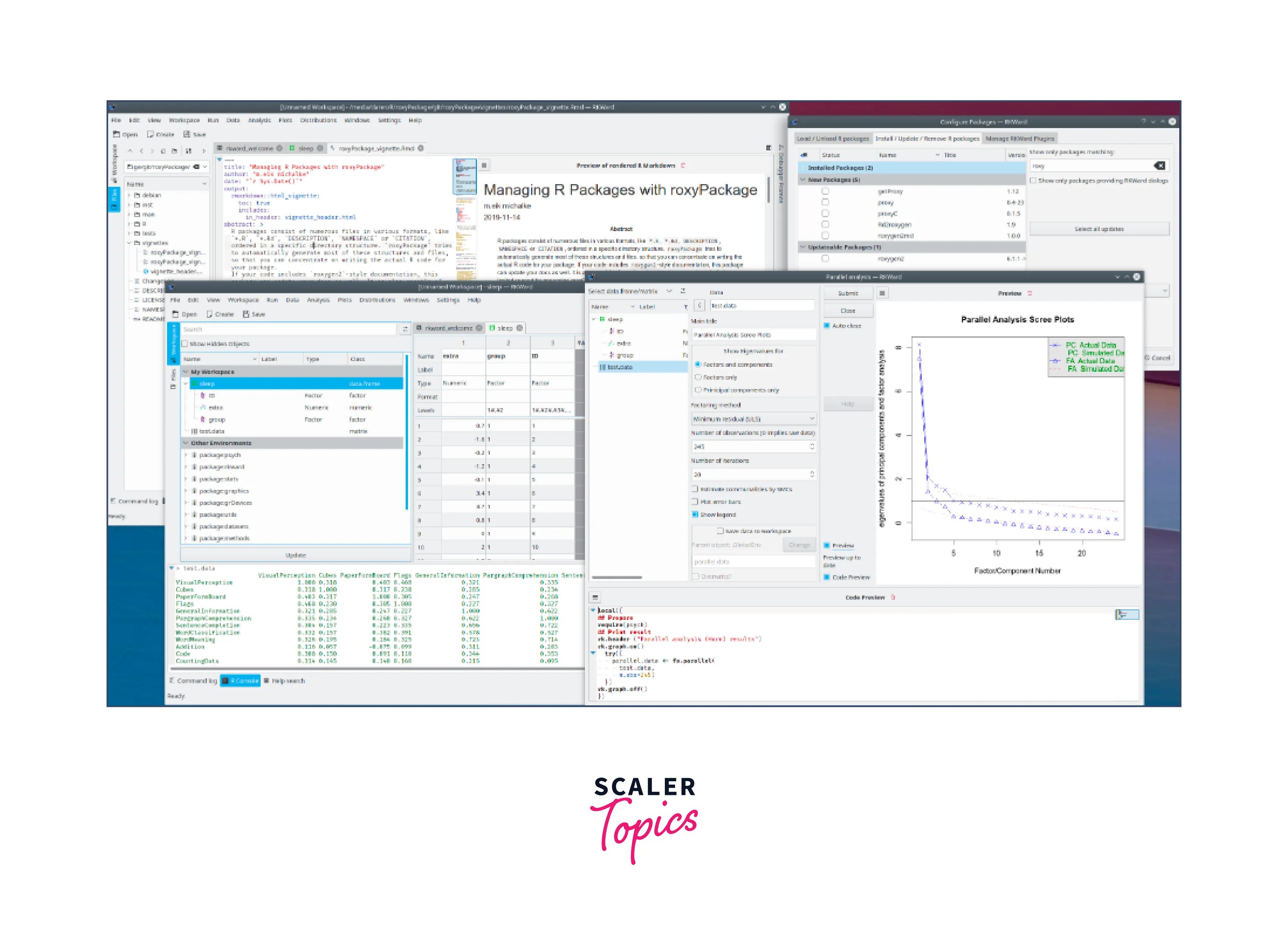
- User-Friendly Interface: Rkward prides itself on its user-friendly interface, making it accessible to R users of all skill levels. The IDE offers a clean layout with well-organized menus, toolbars, and panels, ensuring a smooth and hassle-free coding experience.
- Comprehensive Data Analysis Tools: Rkward provides a rich set of tools for data analysis, including data importing, cleaning, and transformation capabilities. These features empower users to explore and manipulate data efficiently, a crucial aspect of any data-driven project.
- Extensible with Plugins: Rkward's extensibility allows users to customize the IDE with plugins, enhancing its functionality to suit specific needs. This makes it adaptable to diverse data analysis workflows and ensures that users can tailor the IDE to their preferences.
- Integrated Help and Documentation: Rkward provides integrated access to R's documentation and help files, making it convenient for users to access information about R functions and libraries while coding.
Some Other IDEs for R Programming
Apart from the top five IDEs discussed earlier, there are several other IDEs available for R programming. Here is a brief mention of some notable ones:
- Jupyter Notebook: Though primarily used for interactive Python coding, Jupyter Notebook supports R kernels, making it a popular choice for data analysis and exploratory programming in R.
- Visual Studio Code: A lightweight and versatile code editor that can be equipped with R language extensions to transform it into a capable IDE for R development.
- Tinn-R: A minimalist IDE specifically built for R programming, providing essential tools for code editing, debugging, and data visualization.
- Emacs with ESS (Emacs Speaks Statistics): Emacs, a powerful and extensible text editor, becomes a comprehensive IDE for R with the ESS extension, offering a plethora of R-specific functionalities.
- Rodeo: A Python-based IDE that supports R through plugins, offering a user-friendly environment for R programming.
- BlueSky Statistics: An open-source GUI-driven statistical package that includes an IDE for R programming.
- Nvim-R: A plugin for Neovim, providing an efficient and customizable R development environment within the Neovim text editor.
Conclusion
- In the world of programming, choosing the best R IDE is vital for enhanced productivity and seamless development.
- R Studio stands out as the top choice, offering a user-friendly interface, powerful debugging, and integrated graphics.
- R Tools For Visual Studio (RTVS) appeals to Visual Studio users, while Eclipse StatET, PyCharm, and Rkward cater to diverse preferences and project complexities.
- Each IDE brings its unique strengths, making it essential to explore and select the one that best suits individual coding needs in the dynamic R ecosystem.