


Bootstrap Wells
Overview
A Well in Bootstrap is utilized for design and aesthetic purposes on the website. Its primary function is to create a rounded border around web page content. Additionally, it provides bordered content with a grey background and default padding. Because of this, the webpage content appears organized and useful. It is simple to use and cuts down on the developer's HTML and CSS code.
Build an AI-First Career, Master the Complete Skillset
Choose from our industry-leading programs designed for career success
Modern Software and AI Engineering Program
Master full-stack development with AI integration


 +1000 more
Modern Data Science and ML with specialisation in AI
Advanced data science techniques with AI specialization
+1000 moreAdvanced AIML with Specialisation in Agentic AI
Deep dive into AIML with focus on Agentic systems
+1000 moreDevOps, Cloud & AI Platform Engineering
Build and manage AI-powered cloud infrastructure
+1000 moreAI Engineering Advanced Certification by IIT-Roorkee
Premier AI engineering certification from IIT-Roorkee

AI Forward Deployed Engineer Program
Full-stack engineering, production AI and client-facing consulting
+1000 morePre-requisite
The prerequisites are basic knowledge of HTML, CSS, and Bootstrap.
Introduction to Bootstrap Wells
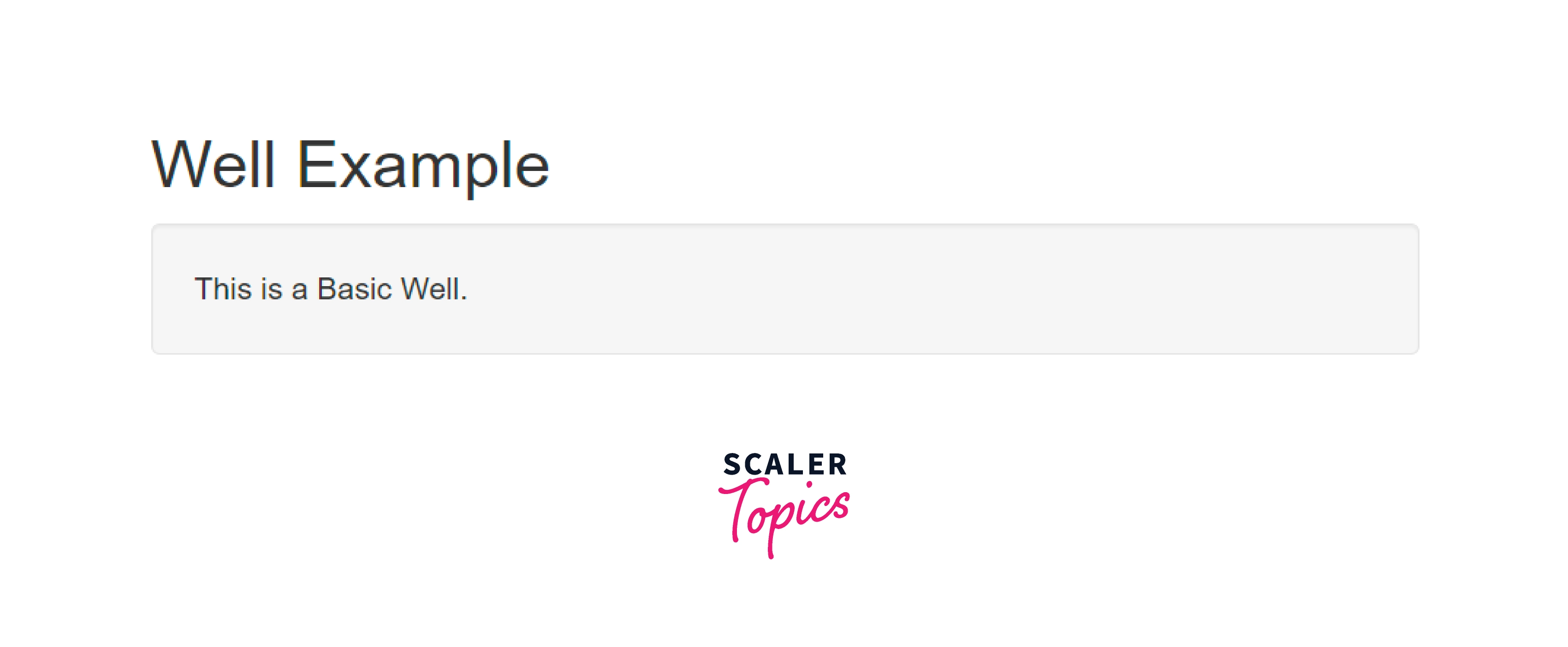
A well in Bootstrap resembles a bootstrap panel but has padding and rounded borders. The purpose of this is to draw attention to specific website content. The .well class adds a rounded border with a gray background and some padding around the element. However, CSS can be used to alter the padding and color of the text. To create a well, all you need to do is wrap the content that you want to appear in the well in a <div> with the class of .well. A default well is displayed in the example below.
Basic Well example
The following code illustrates a basic bootstrap well. Code:
Output:
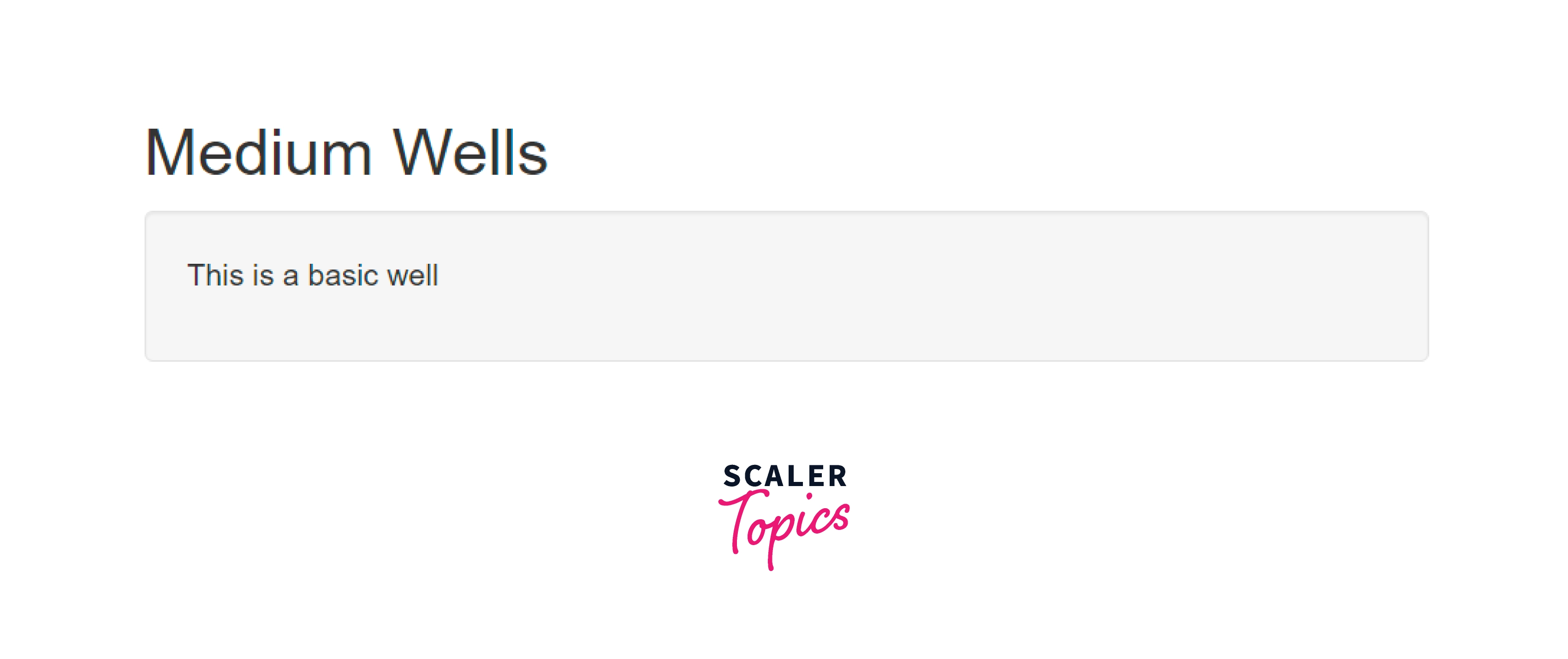
Bootstrap Wells Size
Wells in Bootstrap can be created in different sizes. They are small, medium(default size), and large. Let us understand the well sizes with the help of examples.
Small Well
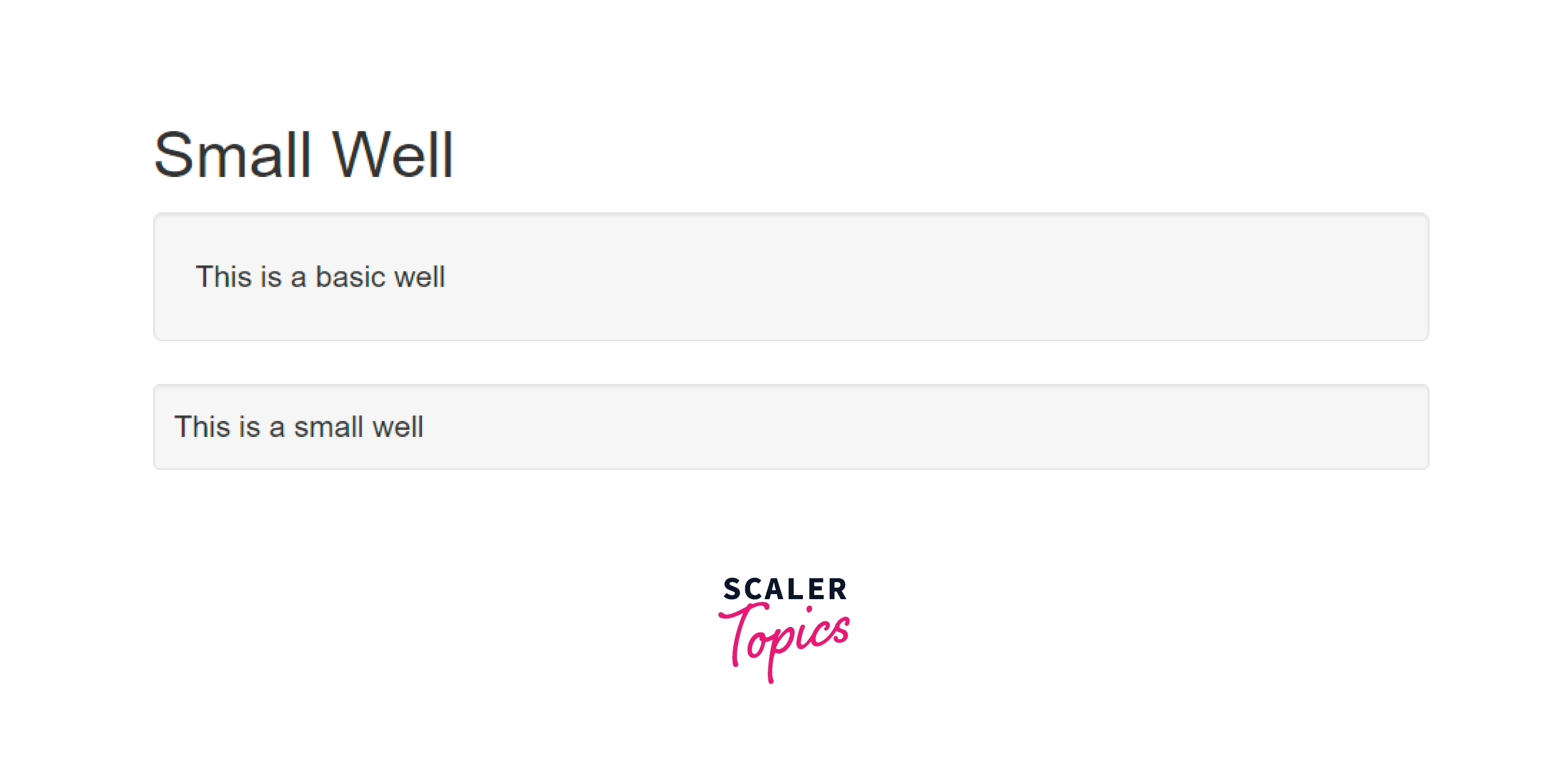
The .well-sm after .well class is used to create a small-sized well. The following example illustrates small well: Code:
Output:
How Scaler Transformed Careers in Different Fields
Scaler learners achieved 2.5x salary growth with average post-Scaler CTC reaching ₹23L.
 Google
 Amazon
 Microsoft
 Flipkart
 Adobe1200+ more
Large Well
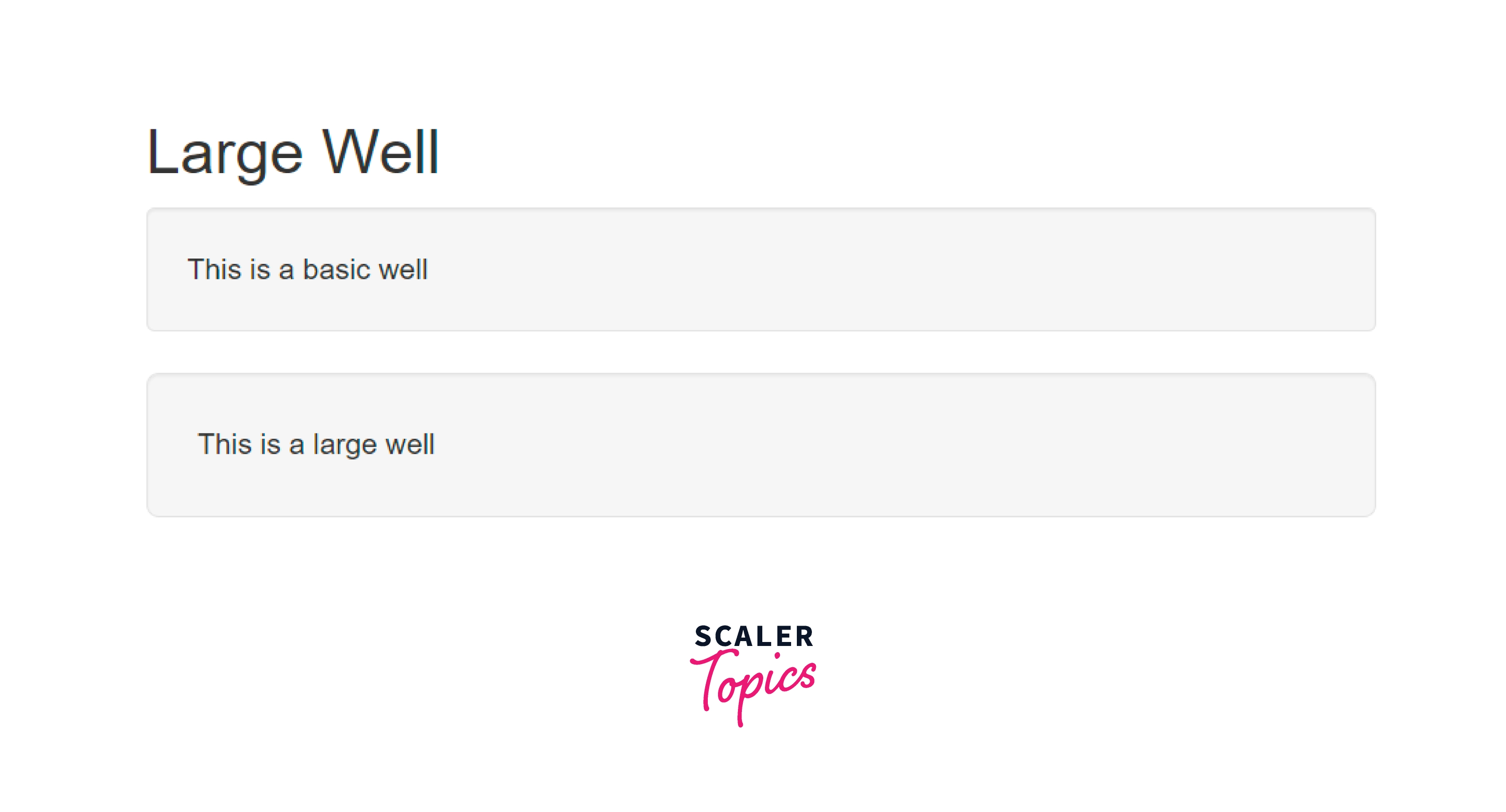
The .well-lg after .well class is used to create a large-sized well. The following example illustrates a large well:
Code:
Output
How Does Bootstrap Wells Work?
We can create a well in bootstrap in two ways:
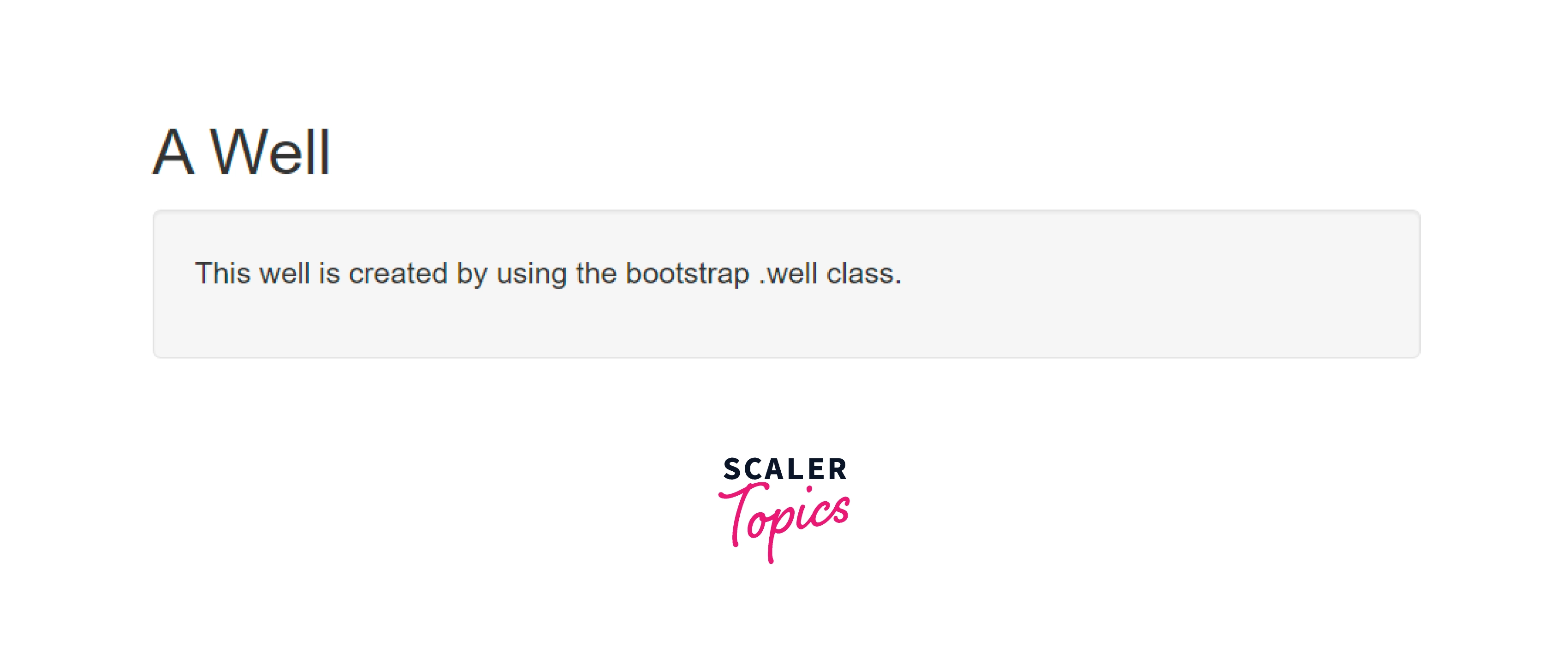
- By using the Bootstrap .well class. Bootstrap's .well class allows us to design borders, padding, and gray background color.
Code:
Output:
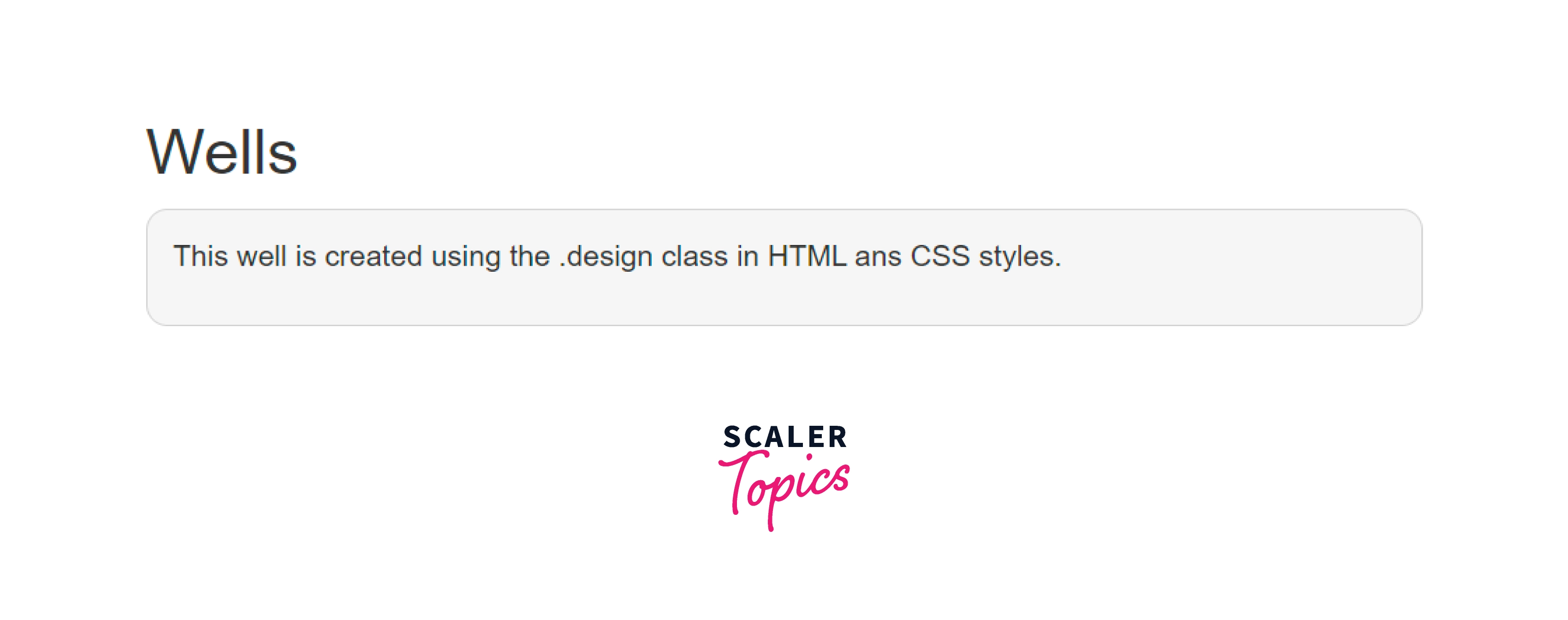
- Using CSS and .design class in HTML. We may design a border, padding, and a grey background color in bootstrap without the .well class. In HTML, we are using the .design class and CSS styles. Borders, border-radius, background colors, and padding elements all require sizes in CSS. The .well class in bootstrap eliminates any additional coding and makes the web application look more nice.
Code:
Output:
Examples
Following are some examples of Bootstrap Well.
Turn Learning into Career Growth
Design Border, Padding and Grey Background Colour
Bootstrap's .well class allows us to build border, padding, and grey background color. The following code illustrates the same:
Code:
Output:
How to Work Well in Class With Table Class
We can use wells with the bootstrap table. The border and space between each row and column of the table are controlled by the .well class. The following example illustrates a basic table with wells in bootstrap:
Code:
Output:

.well Class and Form in Bootstrap
The .well class gives perfect spacing and anborderser for the form element. The following example illustrates basic form with wells in bootstrap:
Code:
Output:

Supported Browsers
Browsers that support wells in bootstrap are all the major softwares out there. That is:
- Google Chrome
- Internet Explorer
- Firefox
- Opera
- Safari
| Chrome | Firefox | Internet Explorer | Microsoft Edge | Opera | Safari | |
|---|---|---|---|---|---|---|
| Mac | Supported | Supported | N/A | N/A | Supported | Supported |
| Windows | Supported | Supported | Supported IE 10+ | Supported | Supported | Not Supported |
Conclusion
- Bootstrap well classes are applied for the rounded border with appropriate padding between content and border.
- Bootstrap well classes provide a grey background colour for web application content. This makes online applications appear professional, attractive, and user-friendly.
- Bootstrap well classes are created by using the .well class of bootstrap.
- Bootstrap well classes in Bootstrap come in different sizes. They are small, medium(default size) and large.
- Bootstrap Well classes are supported by all the major browsers.




