


What is Cellspacing?
 FREE
FREE

The cellspacing attribute was used to add or remove the space between the table cells, i.e., you can control the space between the cells of the table without increasing the margin of what is inside the table cells. With the help of this attribute, the designers could easily change the space between the edges of different cells and alter the looks of the HTML tables. Before HTML5 was introduced, the cell spacing attribute was used to change the spaces between the cells, which is deprecated in HTML5.
Similar results of the cell spacing attribute can be achieved using relevant CSS properties. The border-spacing CSS property can be used to add or remove the spaces between the edges of the table cells. Let's look at the syntax of the border-spacing property in CSS.
Transform Your Career
Choose from our industry-leading programs designed for career success
Modern Software and AI Engineering Program
Master full-stack development with AI integration


 +1000 more
Modern Data Science and ML with specialisation in AI
Advanced data science techniques with AI specialization
+1000 moreAdvanced AIML with Specialisation in Agentic AI
Deep dive into AIML with focus on Agentic systems
+1000 moreDevOps, Cloud & AI Platform Engineering
Build and manage AI-powered cloud infrastructure
+1000 moreAI Engineering Advanced Certification by IIT-Roorkee
Premier AI engineering certification from IIT-Roorkee

Syntax
Before HTML5 was introduced, the cell spacing attribute was the only way to alter the spaces between the edges of the table's cells. Below are the syntax of the cell spacing attribute and border-spacing property.
The CSS alternative for cellspacing is:
Attribute values
The attribute value of the cellspacing attribute is given below:
As shown in the above code snippet, the cellspacing attribute has a value associated with it, representing the amount of space between the edges of the table cells. Below given is the attribute value.
- pixels: The value of the cellspacing attribute can be given in pixels. As it specifies the space between the edges of the cells, it can be given in pixels.






Example
As discussed above, to add the spaces between the cells, you can use the cellspacing attribute, but as this attribute is deprecated, you can use the CSS property, which is also shown in the below example. Now, let's take some examples to understand how you can add spaces between the edges of the table cells.
Output:

Note: The cellspacing attribute is deprecated in HTML5, hence you should not use it. You can derive the same results with the help of the CSS property border-spacing.
Let's take a look at how you can achieve the same output by using the border-spacing property in CSS.
Output:
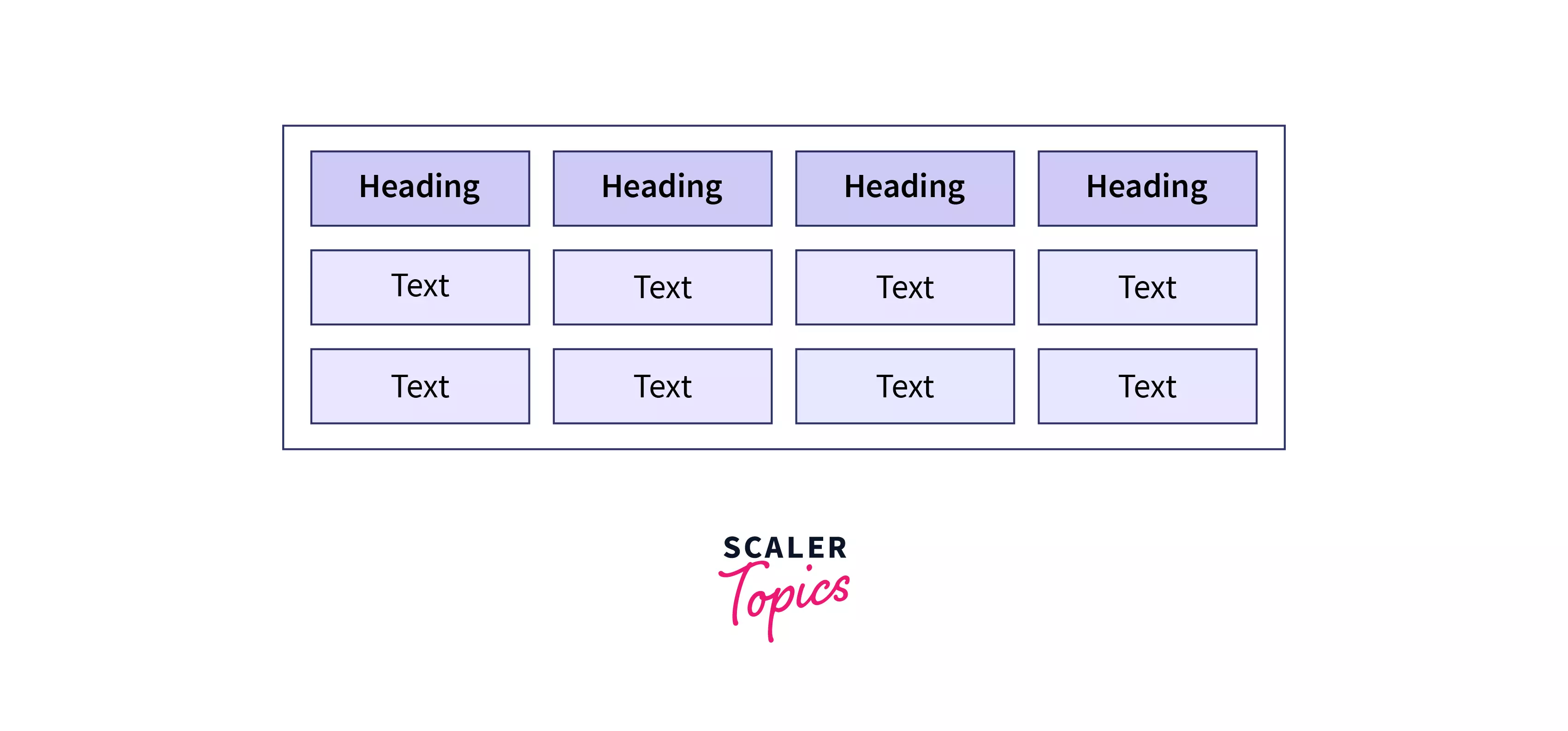
As you can see, both the outputs are the same; hence, you should use the CSS property border-spacing to handle the space between the edges of the cells.
Scaler Placement Report and Statistics
Scaler learners achieved 2.5x salary growth with average post-Scaler CTC reaching ₹23L.
 Google
 Amazon
 Microsoft
 Flipkart
 Adobe1200+ more
Learn more
Like the cellspacing attribute, various attributes are specific to the HTML tables. To learn more about table attributes in HTML, you can refer to - Scaler Topics - Table Attributes.
Conclusion
- The cellspacing attribute is used to set the distance or the space between the edges of the cells of the table.
- The table's looks can be improved by using the cellspacing attribute in HTML. It increases the space between the cells.
- The value of the cellspacing attribute can be given in the pixels.
- The cellspacing attribute is deprecated in HTML5 and shouldn't be used to alter the space between the table's cells.
- There is a CSS property named border-spacing, which produces similar results as the cellspacing attribute.