


cite Tag in HTML
 FREE
FREE

Overview
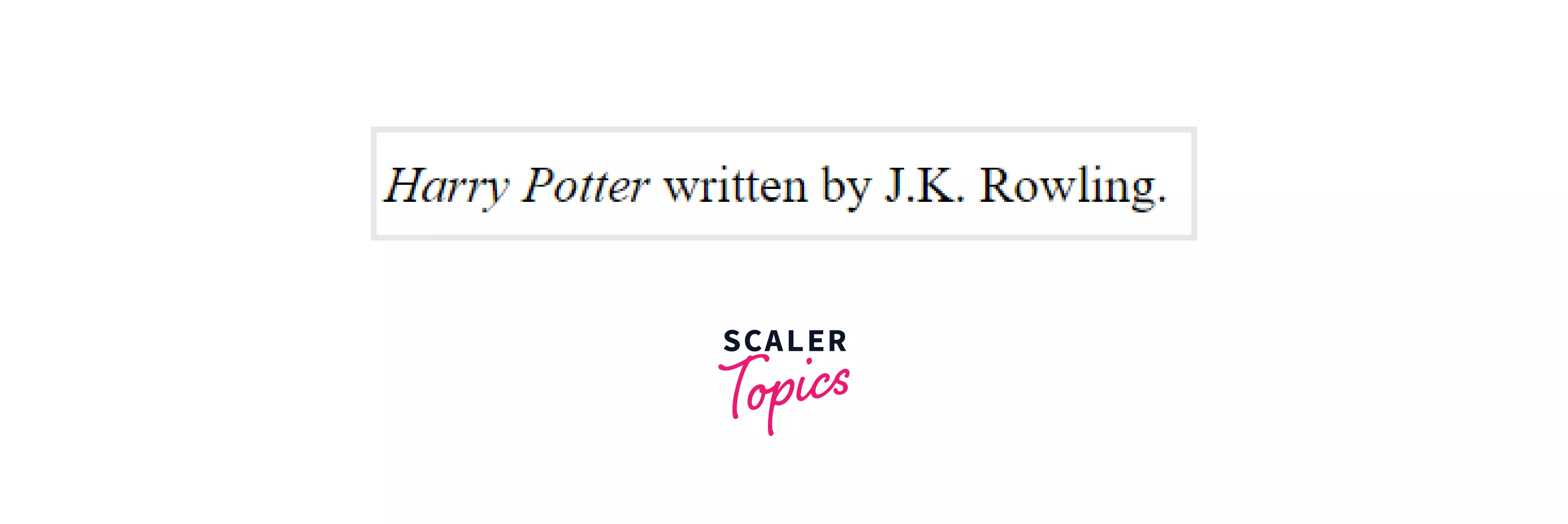
The <cite> tag in HTML is used to define the title of a creative thing such as a book, movie, literature, painting, research paper, books, songs, etc. The content written between the opening and closing cite tag in HTML is rendered as italics text.
To review the basics of HTML Tags, click here.
Transform Your Career
Choose from our industry-leading programs designed for career success
Modern Software and AI Engineering Program
Master full-stack development with AI integration


 +1000 more
Modern Data Science and ML with specialisation in AI
Advanced data science techniques with AI specialization
+1000 moreAdvanced AIML with Specialisation in Agentic AI
Deep dive into AIML with focus on Agentic systems
+1000 moreDevOps, Cloud & AI Platform Engineering
Build and manage AI-powered cloud infrastructure
+1000 moreAI Engineering Advanced Certification by IIT-Roorkee
Premier AI engineering certification from IIT-Roorkee

Syntax
Example
Output:
Attributes
The cite tag in HTML supports the global attributes and event attributes.
How to use <cite> Tag in HTML?
The cite tag in HTML is used to cite the title of the creative work like the following:
- A play or film script
- A film
- A television show
- A book
- A research paper
- An essay
- A poem
- A song
- A game
- A painting
- A play
- A song/music
- A website
- A web page
- A blog post or comment
- A forum post or comment
- A tweet
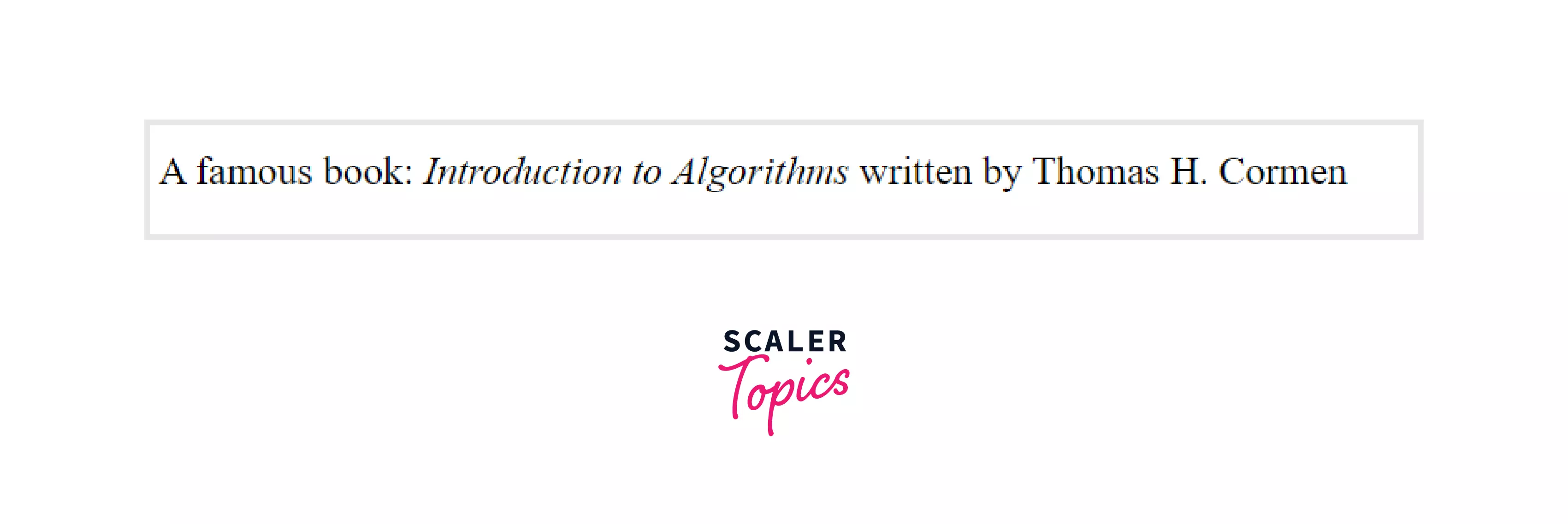
The content is written between the opening and closing tags in HTML and renders the content in italics by default. The <cite> tag in HTML 4.1 defines the citation and in HTML5 defines the title of the work.
Note: It’s important to note that the W3C specification says that the title of a creative written within the cite tag may include the author’s name. However, the WHATWG specifications say that the author's name must not be included within the cite tag.
More Examples
Scaler Placement Report and Statistics
Scaler learners achieved 2.5x salary growth with average post-Scaler CTC reaching ₹23L.
 Google
 Amazon
 Microsoft
 Flipkart
 Adobe1200+ more
Define the title of work with the <cite> tag
Output:
Example to apply the CSS font-style property to the <cite> element
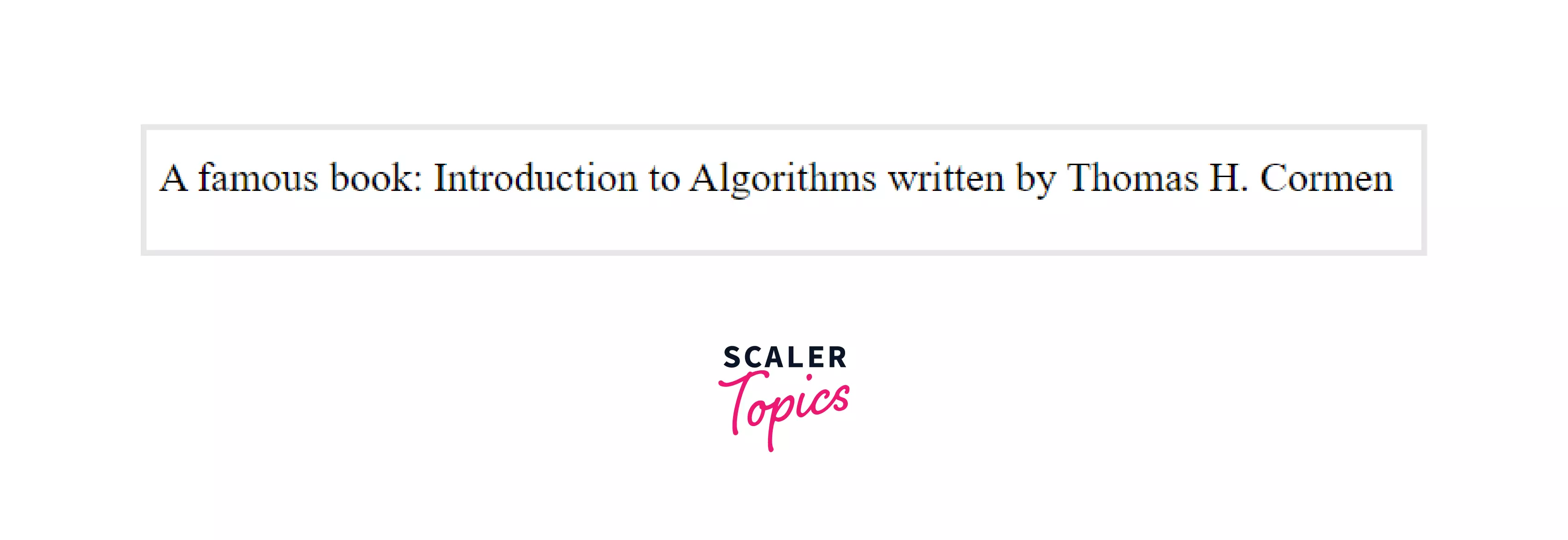
Generally, the browser styles the content of the cite tag in italics by default, but to avoid this we can use the CSS font-style property.
CSS
Adding this code in the CSS will show the content between the cite tag in normal text instead of italics.
Now, if we use the cite tag:
HTML
Output:
Turn Learning into Career Growth
Accessibility Concerns
There are some accessibility concerns related to the cite tag in HTML, we should try to not use the <cite> tag just to make the text italics. Also, It is generally suggested not to use the author's name within the <cite> element.
Browser support
The list of browsers that support the cite tag in HTML is listed below:
- Chrome
- Edge
- Firefox
- IE
- Safari
- Opera
- Webview android
Conclusion
- The cite tag in HTML is used to define the title of creative work.
- The content is written within the <cite> tag, i.e between the opening(<cite>) and closing(</cite>) cite tag.
- Syntax: <cite> sample text </cite>
- Generally, it is suggested to not include the author's name within the cite tag.
- The text in the <cite> element usually renders in italic but can be changed using CSS.
Related tags
- <blockquote>
- <q>
- <caption>
- <colgroup>