


How to Use the CSS :active Selector?
 FREE
FREE

The CSS active selector is used to change the appearance of the link when it is being activated. It is used to style links or a tag. It is used when the link is activated or clicked. The CSS active selector's effect is only for split seconds but is used to indicate a visual effect. It is mostly used on anchor tags or buttons. CSS active selector is mainly used to create differences between a normal visualization and a click visualization or to create attractive styles.
Let us see a short glimpse of what exactly it is.
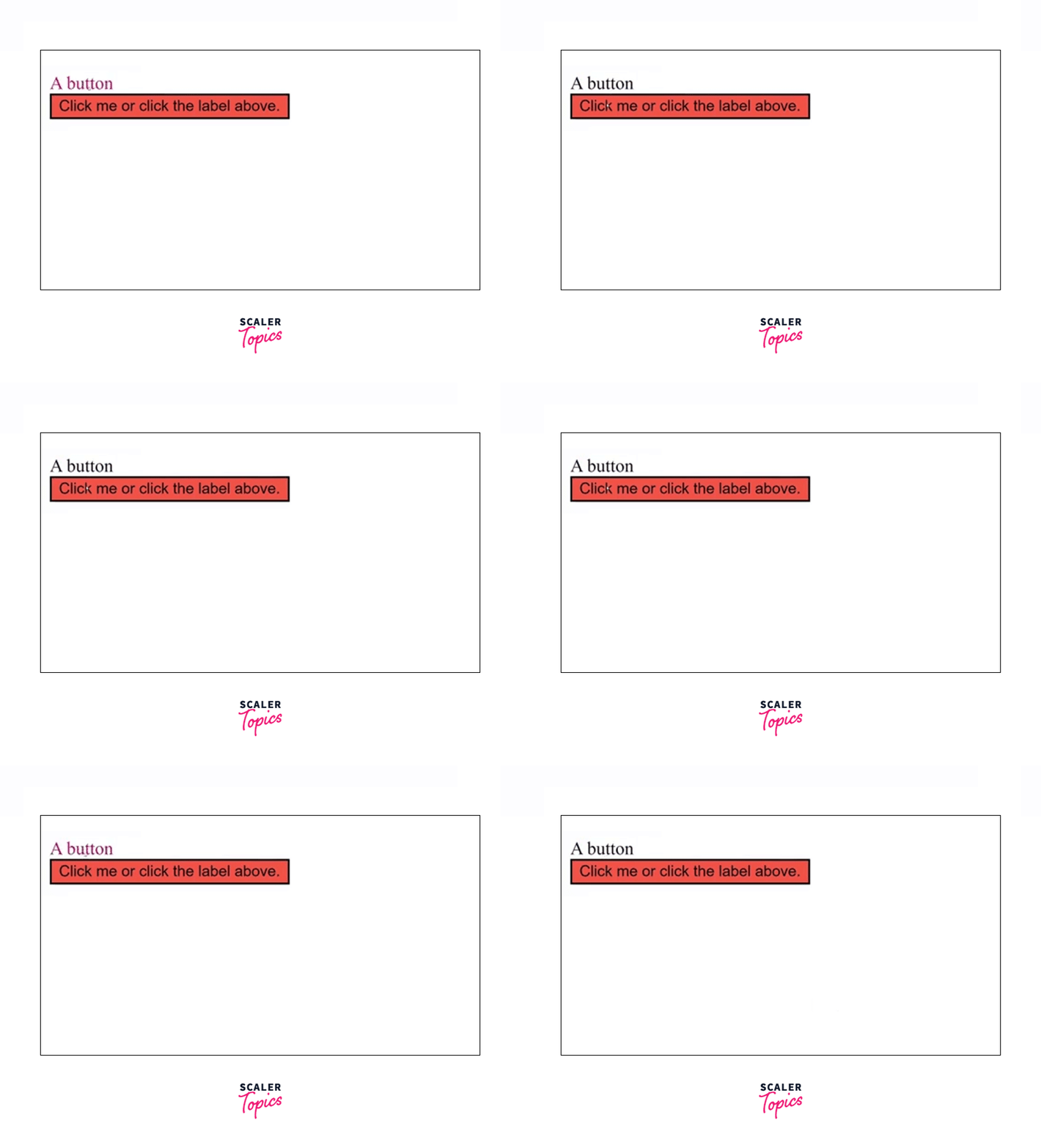
As you can see, when the button is activated, the color of the label changes, and all this is because of the CSS active selector. You will understand more about this selector in the upcoming sections.
Build an AI-First Career, Master the Complete Skillset
Choose from our industry-leading programs designed for career success
Modern Software and AI Engineering Program
Master full-stack development with AI integration


 +1000 more
Modern Data Science and ML with specialisation in AI
Advanced data science techniques with AI specialization
+1000 moreAdvanced AIML with Specialisation in Agentic AI
Deep dive into AIML with focus on Agentic systems
+1000 moreDevOps, Cloud & AI Platform Engineering
Build and manage AI-powered cloud infrastructure
+1000 moreAI Engineering Advanced Certification by IIT-Roorkee
Premier AI engineering certification from IIT-Roorkee

AI Forward Deployed Engineer Program
Full-stack engineering, production AI and client-facing consulting
+1000 moreSyntax
The CSS active selector is a pseudo-class in CSS. It is denoted by a single colon (:).
- element- The CSS styles to apply to the element when the user is activating it.
- style_properties- The element to be styled is used before the active selector.
What are CSS Pseudo-classes?
Pseudo-elements in CSS are used to style the specific part of an HTML element. Pseudo-elements act as if a new HTML is added rather than applying styles to the existing element. A pseudo-element in CSS is denoted using a double colon (::). Though, most browsers support single-colon (:) for pseudo-elements.
There are various CSS Pseudo-classes and CSS active selector is one of them.
You may read more about CSS Pseudo-classes here.
CSS
As a developer, you might want to style a particular element when it is being activated for a visual change. For an instance, if a link is being clicked or a button is being pressed, we can use the CSS active pseudo-class.
The CSS active selector is used to change the appearance of the link when it is being activated. It is used to style links or a tag. It is used when the link is activated or clicked. The active selector's effect is only for split seconds but is used to indicate a visual effect. It is mostly used on anchor tags or buttons.
How Scaler Transformed Careers in Different Fields
Scaler learners achieved 2.5x salary growth with average post-Scaler CTC reaching ₹23L.
 Google
 Amazon
 Microsoft
 Flipkart
 Adobe1200+ more
Examples
a) Active Links
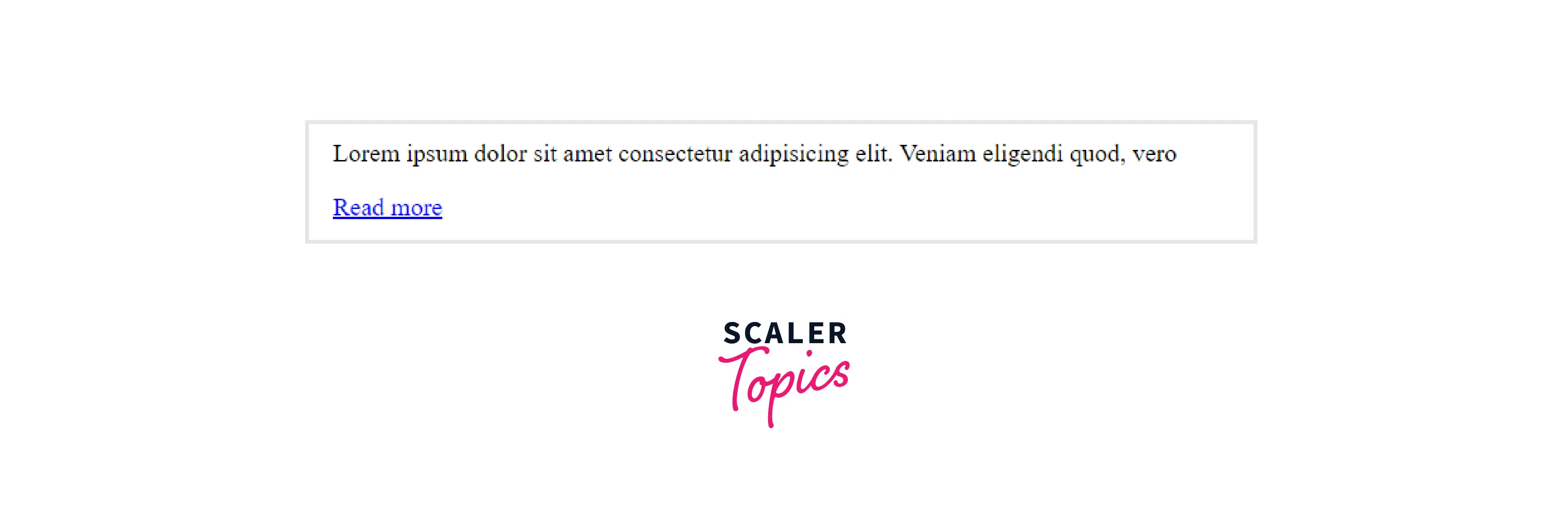
Many times we have seen links on a webpage. At times the original colour of the link is different and when we either visit it or click it, the colour changes. So, if we want to change the colour of the link to show that it is active, we use the CSS active pseudo-class.
Here is the code illustrating how we can do it.
HTML code-
CSS Code-
Output-
Before-
After clicking the link-
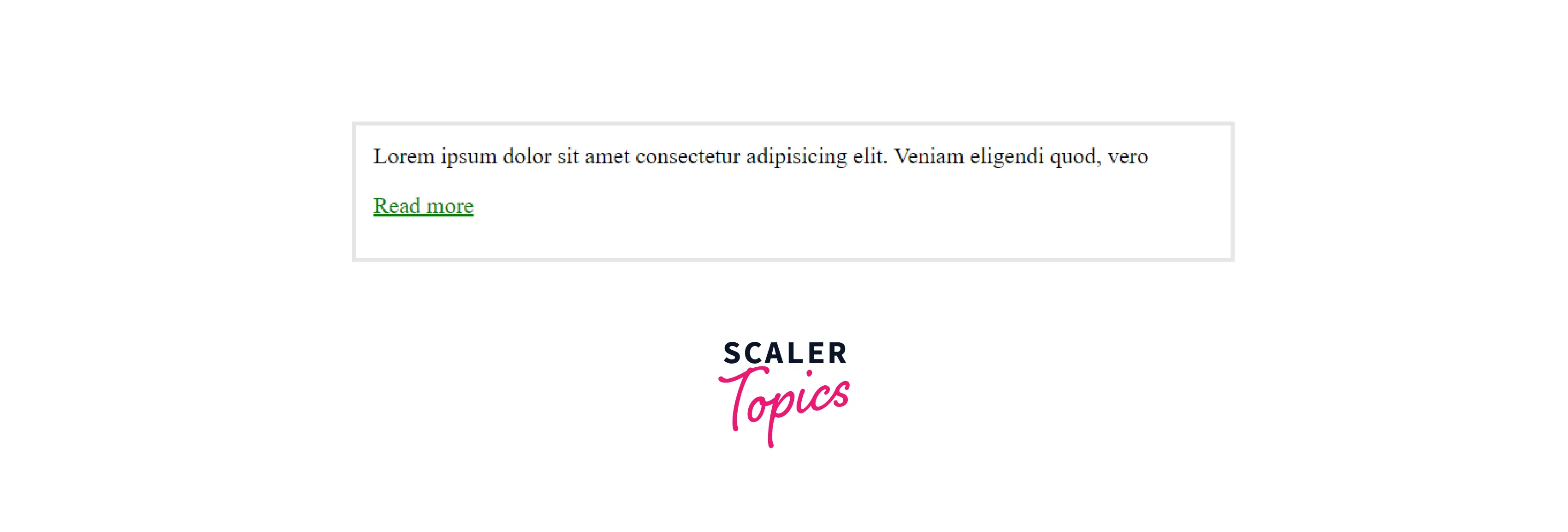
We have created a link with blue as its original color, when we click it, for that split-second, it becomes active due to the CSS active selector and turns green before the gets navigated to that page.
Turn Learning into Career Growth
b) Active form Elements
We all know what form elements are. The most popular ones are the label and the button tag. They are used for form-creation purposes. We can style them as well using the active selector.
Here is the code-
HTML Code-
CSS Code-
Output-
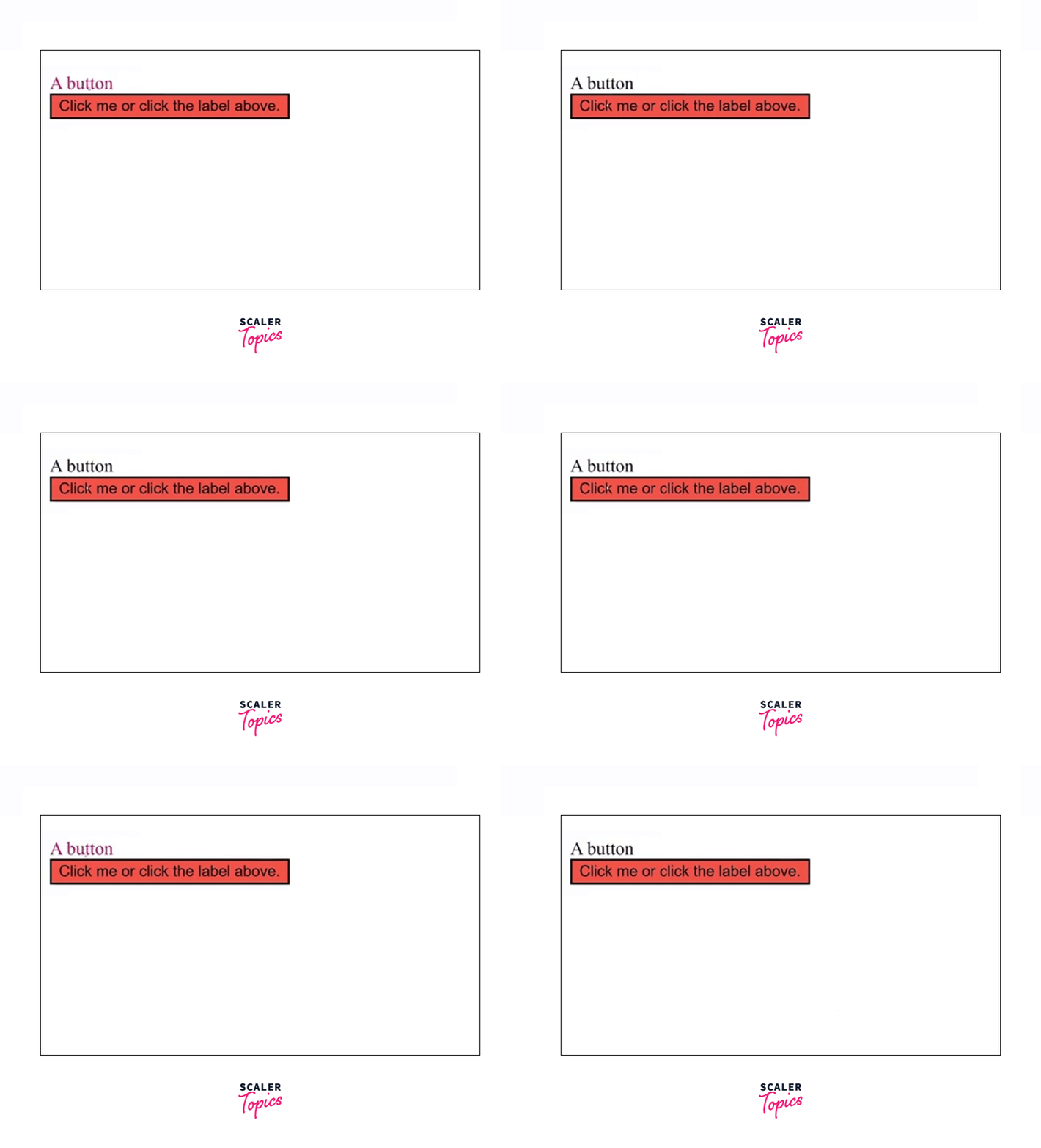
Since we have applied the active selector to the entire form element, so whenever the user clicks or selects any of the elements inside the form, the color of the label changes.
Browser Support
The CSS active selector element is compatible with all popular browsers. The following are the first browsers that supported the CSS active selector-
- Google Chrome 4.0
- Internet Explorer 7.0
- Mozilla Firefox 2.0
- Safari 3.1
- Opera 9.6
Conclusion
- The CSS active selector is used to change the appearance of the link when it is being activated.
- It is used to style links or a tag. It is used when the link is activated or clicked.
- The CSS active selector's effect is only for split seconds but is used to indicate a visual effect. It is mostly used on anchor tags or buttons.
- The CSS active selector is one of the pseudo-classes in CSS.
- We can use it on links or on form elements.
- The CSS active selector element is compatible with all the popular browsers.




