


Which CSS Property is used to Specify Transparency?
 FREE
FREE

Which CSS Property is Used to Specify Transparency?
The opacity in CSS can be defined with the help of the opacity property.
The CSS opacity property specifies the extent of transparency of an image, i.e. how transparent an image would be. And not just the images alone, but the opacity property is applicable to other HTML elements like button,div, etc.
Alternatively, the opacity in CSS determines the amount of light allowed to pass through a button, div element, or image.
Build an AI-First Career, Master the Complete Skillset
Choose from our industry-leading programs designed for career success
Modern Software and AI Engineering Program
Master full-stack development with AI integration


 +1000 more
Modern Data Science and ML with specialisation in AI
Advanced data science techniques with AI specialization
+1000 moreAdvanced AIML with Specialisation in Agentic AI
Deep dive into AIML with focus on Agentic systems
+1000 moreDevOps, Cloud & AI Platform Engineering
Build and manage AI-powered cloud infrastructure
+1000 moreAI Engineering Advanced Certification by IIT-Roorkee
Premier AI engineering certification from IIT-Roorkee

AI Forward Deployed Engineer Program
Full-stack engineering, production AI and client-facing consulting
+1000 moreHow to Apply CSS Opacity Setting
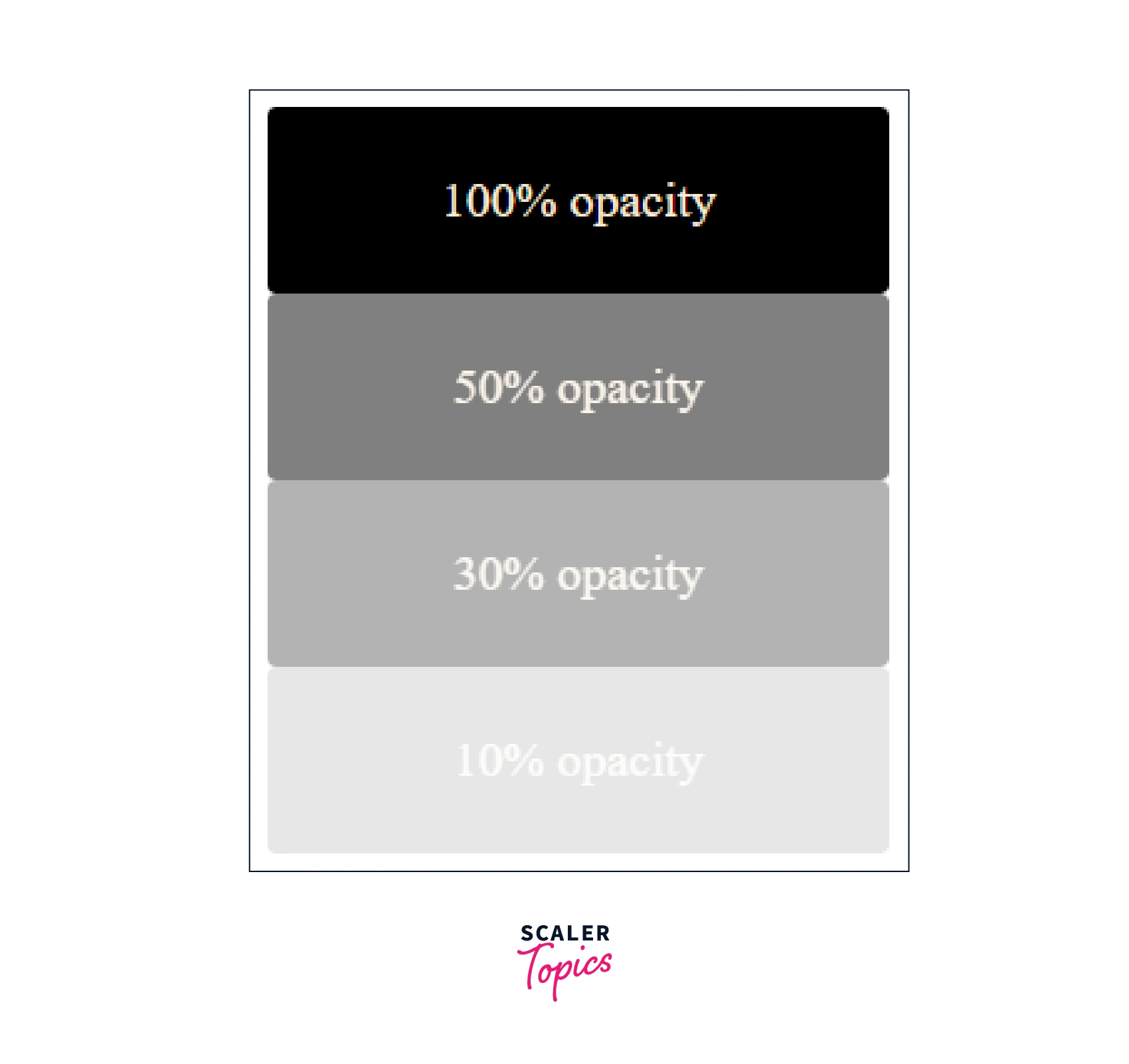
The value of the opacity ranges from 0.1 to 1 with the value 0.1 being more on the transparent side while the value of 1 makes the object opaque. In other words, the greater the value of opacity, the lesser the transparency of the object.
Note: By default, the opacity of any object will always be set to 1.
The opacity property in CSS also has its effect on the child elements. So, if opacity is applied to the parent element, the changes will also be reflected in the child elements.
Moreover, the effect of opacity will be uniform across the element to which it is applied.
Creating a Transparent Image
We can notice the difference that the opacity creates in the same image. For the same, let's consider an example where we'll put an image to test with respect to the opacity. CODE
Output

Trigger Opacity on Hover
The use of opacity in CSS can be usually seen while creating UI designs where the hovering effect is often shown by setting opacity for the object. Let's see how opacity works on hovering an image or a button.
Output

Observe that there is a slight change in the color while hovering the image or the button. That's the transition effect which has been set with the help of opacity in CSS.
Transparent Boxes
The transparency of a box can be manipulated with the help of the opacity in CSS. In the next example, we'll see how the child element of a parent <div> will have a difference in transparency. CODE
Output
How Scaler Transformed Careers in Different Fields
Scaler learners achieved 2.5x salary growth with average post-Scaler CTC reaching ₹23L.
 Google
 Amazon
 Microsoft
 Flipkart
 Adobe1200+ more
RGBA Color Transparency
An alternate way to define the transparency of any object is to use the RGBA color where the A in RGBA stands for alpha which represents the opacity of a particular color. The RGB values are shown with three different decimal values while the last one (alpha) is for the opacity.
We'll consider the previous example of the transparent boxes, but we'll now be using RGBA values instead of the opacity property. Every other property still remains the same.
Contrary to the effect of the opacity property on child elements, the RGBA color transparency works on the individual element. Since this is only a background-color property, there will be no effect on the child elements of a parent element.
When the alpha is 1, the object is 100% opaque but when it is 0.7, the object will be 70% opaque. CODE
Output
Cross Browser Opacity
Although the concept of opacity was there from the very beginning, the opacity property has been recently introduced in the CSS3. Before the arrival of the opacity property, there were other ways to control the transparency of an object.
Turn Learning into Career Growth
CSS Opacity in Firefox, Safari, Chrome, Opera and IE9
For modern browsers like Firefox, Safari, Chrome, Opera, and IE 9, the opacity property will work fine, where the opacity value 1 makes the object opaque and the decreasing value decreases the opacity.
CSS Opacity in Internet Explorer 8 and Lower
For Internet Explorer 8 and the lower versions, the alpha-filter property was available for the Microsoft-only browsers. In the same way, as we defined transparency with the opacity in CSS, we can use filter: alpha(opacity=x); to define the transparency of the element. The alpha filter accepts values ranging from 0 to 100. The value 0 is on the most transparent side (100% transparency) and the value 100 is on the least transparent side (0% transparent or completely opaque).
CSS Opacity for All Browsers
To be on the safe side, we can combine both the properties for the modern as well as the older browsers, so that the opacity effect will be visible in all the browsers, irrespective of their version.
Conclusion
- The CSS opacity property specifies the extent of transparency of an image.
- The value of the opacity ranges from 0.1 to 1 with the value 0.1 being on the more transparent side while the value of 1 makes the object opaque.
- By default, the opacity of any object will always be set to 1.
- An alternate way to define the transparency of any object is to use the RGBA color where the A in RGBA stands for alpha which represents the opacity of a particular color.
- For IE8 and lower versions, the alpha-filter property in CSS was used for the transparency of the element.




