


What is CSS rotate()?
 FREE
FREE

CSS rotate is an inbuilt function that is used to rotate an element by a certain degree on a 2D plane without changing the shape of the figure.
We can rotate the element in both clockwise and anticlockwise values.
In the CSS rotate function, the input angle can be given as a degree, gradians, radians, or turns and it returns the output in the form of <transform-function> data type.
Syntax
Values
Build an AI-First Career, Master the Complete Skillset
Choose from our industry-leading programs designed for career success
Modern Software and AI Engineering Program
Master full-stack development with AI integration


 +1000 more
Modern Data Science and ML with specialisation in AI
Advanced data science techniques with AI specialization
+1000 moreAdvanced AIML with Specialisation in Agentic AI
Deep dive into AIML with focus on Agentic systems
+1000 moreDevOps, Cloud & AI Platform Engineering
Build and manage AI-powered cloud infrastructure
+1000 moreAI Engineering Advanced Certification by IIT-Roorkee
Premier AI engineering certification from IIT-Roorkee

AI Forward Deployed Engineer Program
Full-stack engineering, production AI and client-facing consulting
+1000 morenone
The none value is used when we don't want to rotate the element.
Example:
Similar to none value, we can use global values too.
<angle>
When we use the angle values we can express them in degrees, gradians, radians, or turns.
Axis Name with <angle> Value
We can write the name of the axis along with the angle value, this will result in the rotation of the element along the defined axis with a defined angle.
Vector Plus Angle Value
We can give a vector value along with the angle for rotation.
Units
When we use the angle values for defining the rotate property, we can express them in degrees, gradians, radians, or turns.
deg
Example:
How Scaler Transformed Careers in Different Fields
Scaler learners achieved 2.5x salary growth with average post-Scaler CTC reaching ₹23L.
 Google
 Amazon
 Microsoft
 Flipkart
 Adobe1200+ more
grad
Example:
turn
Example:
rad
Example:
Transitions and Animations
When we want to see the 'rotate element' in action or in animation form, we should use the transition property. Transitions change the state of an element and allow us to change property values smoothly, over a given duration. For example, it can be used when a cursor hovers over an element.
Example:
Output:
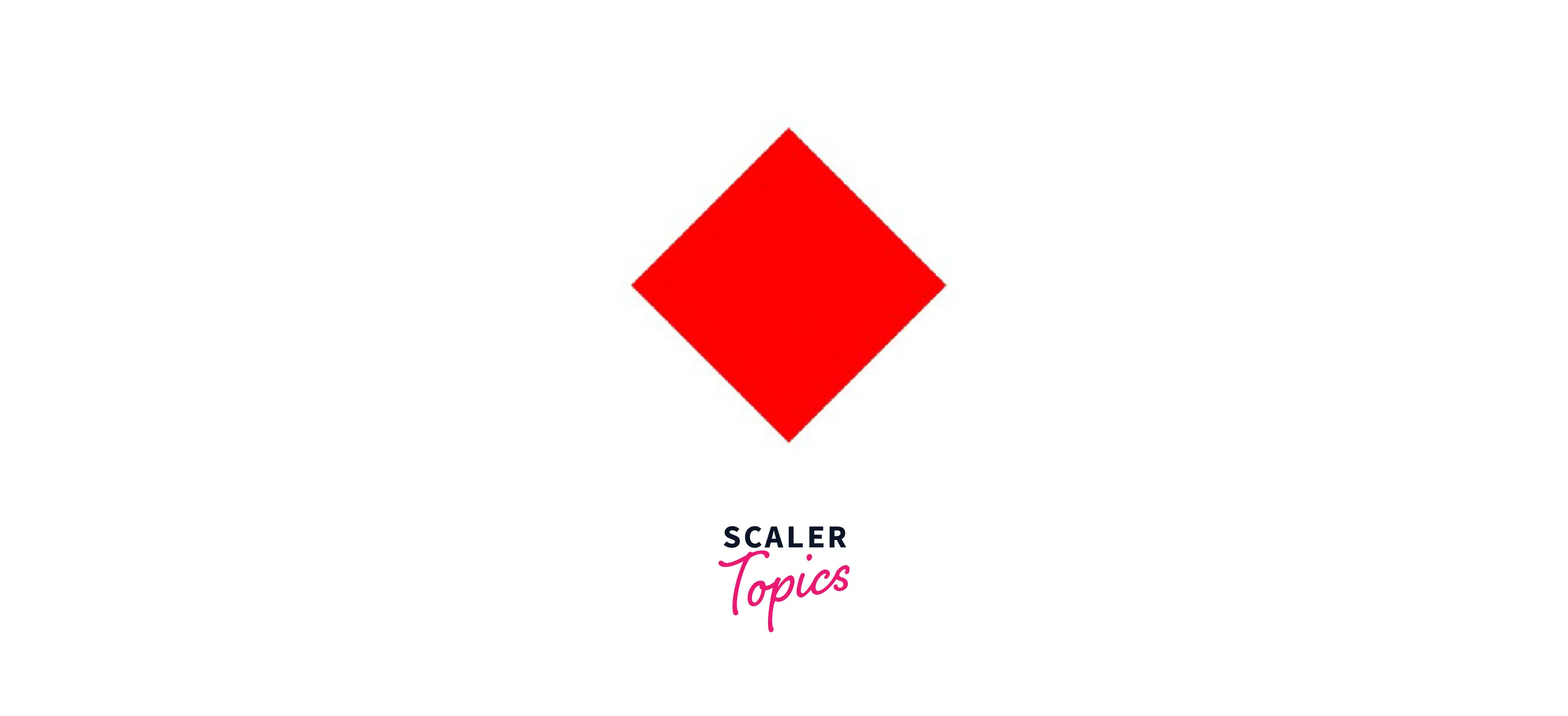
Before Transition:

After Transition:
Turn Learning into Career Growth
When to Use the CSS Transform rotate() Function?
We can use the below syntaxes to use the rotate function.
The major difference between using rotate property vs. using the rotate function with transform is that when we use the rotate property without the transform function we can rotate the element using the Z-axis also. Hence, rotate property is more often used.
Examples
Basic Example
Output:

Combining Rotation with Another Transformation
We can combine the rotate property with other transform properties also such as skew and scale.
In the below example, we have used scale and rotate together to rotate the element by 45 degrees and scale it by 1.5x along its Y-axis.
Output:
Before Transform:
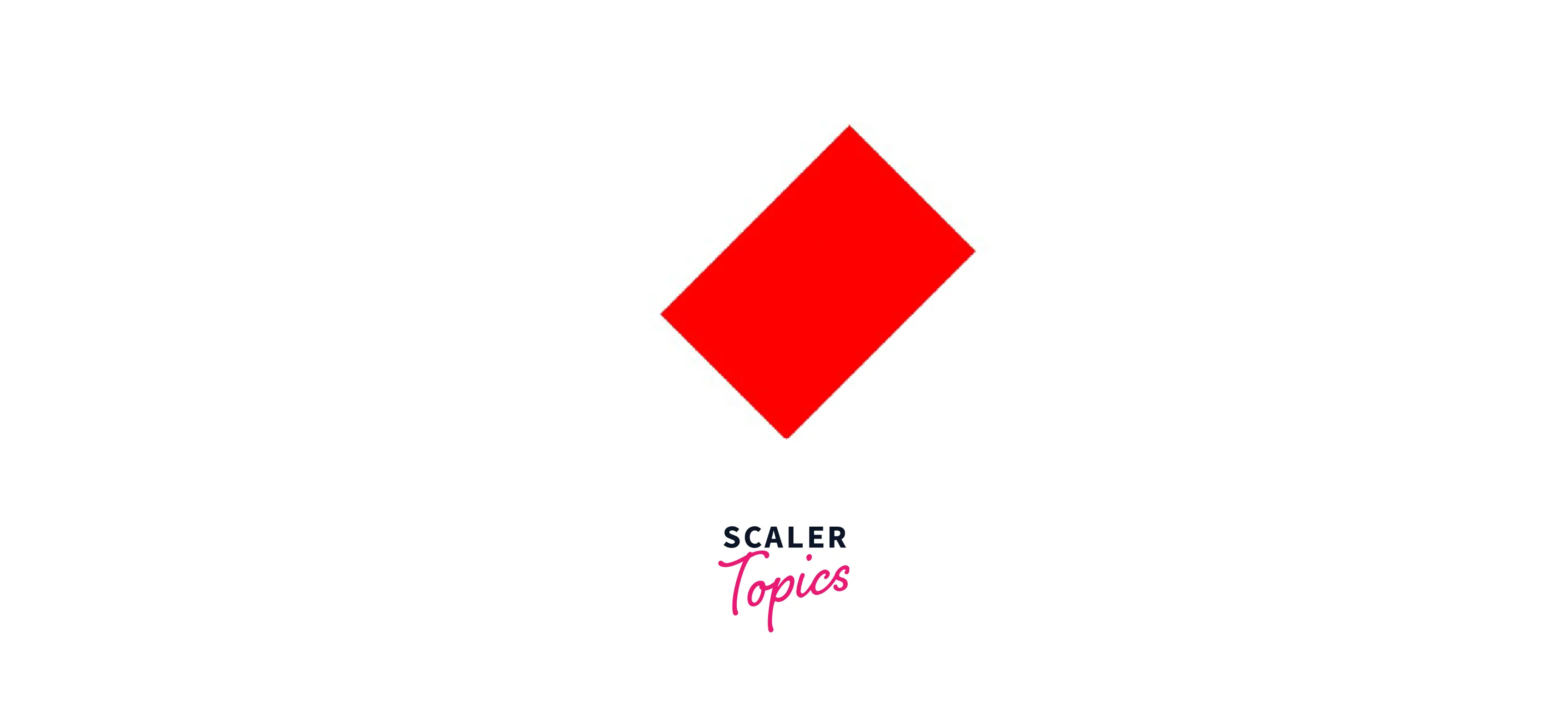
After Transform:
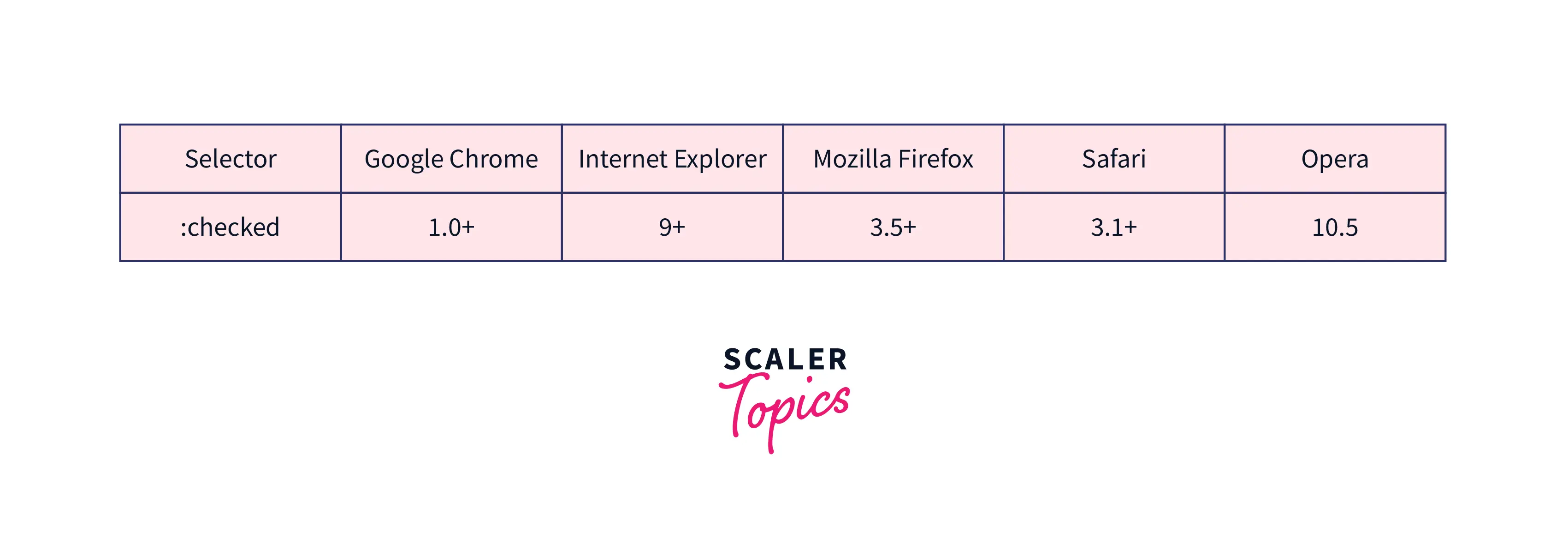
Browser Support
The following browsers fully support the CSS rotate property:

Conclusion
- CSS rotate is an inbuilt function that is used to rotate an element by a certain degree.
- The input angle can be given as a degree, gradians, radians, or turns along with the axis around which we want to rotate.
- The CSS rotate property can also be used with other transformation properties like skew and scale.




