


CSS Text Decoration
 FREE
FREE

Overview
The text-decoration in CSS property applies different types of decorations to the text to enhance the appearance and make it more appealing to the users. Being a shorthand for multiple CSS properties, text decoration in CSS makes it easier, to combine more than one text-decoration property.
For instance, it can set values for many parameters like text-decoration-line(required), text-decoration-color, text-decoration-thickness, and text-decoration-style.
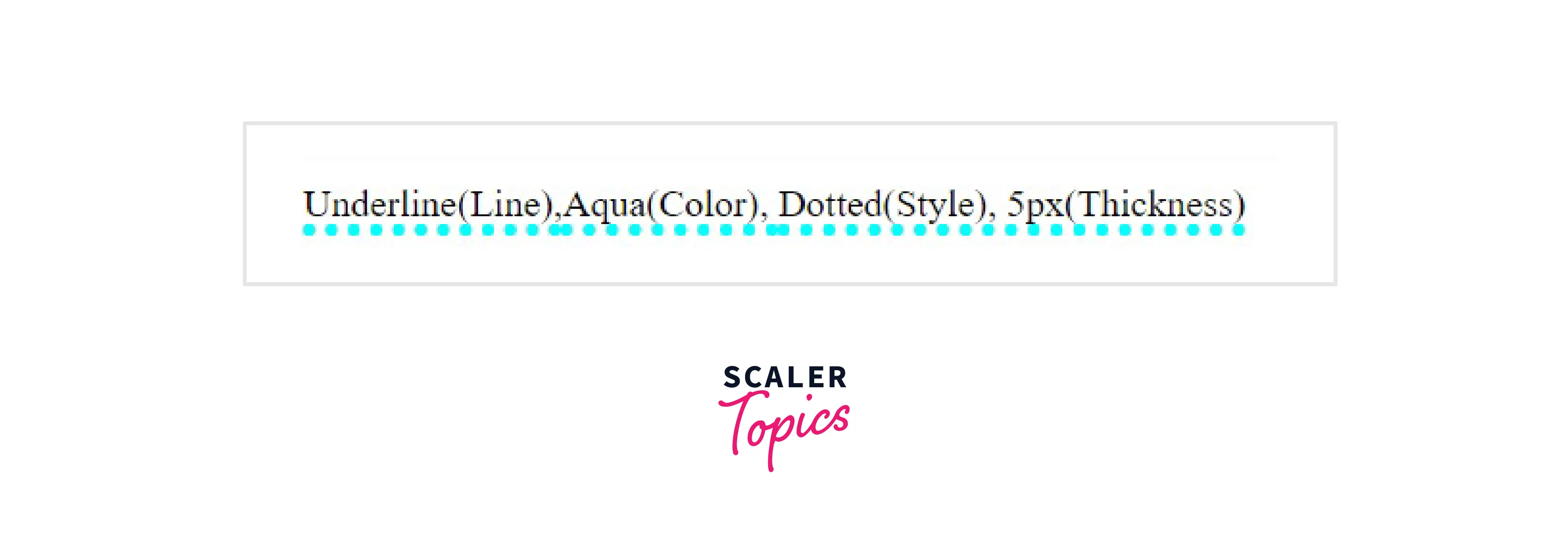 Here, we apply an aqua-colored dotted underline of 5px to our text.
The inline content can be beautified using text-decoration lines (like underline, overline, line-through, or a combination of them) and changing their color, thickness, and styles (dotted, double-lined, etc.).
Working on Text Decoration in CSS
Text decoration in CSS can be applied to all HTML elements to enhance the appearance of inline elements, according to the developer's choice. It can be used as inline CSS, External CSS, or Internal CSS.
Syntax :
- Line sets the type of line needed for the text, if it will be underlined, overlined, or struck-through.
- Color defines the color of the decoration line.
- Style refers to the style of the decoration line(wavy, dotted, solid, dashed, etc.).
- Thickness sets values for the thickness of the stroke.
text-decoration-line
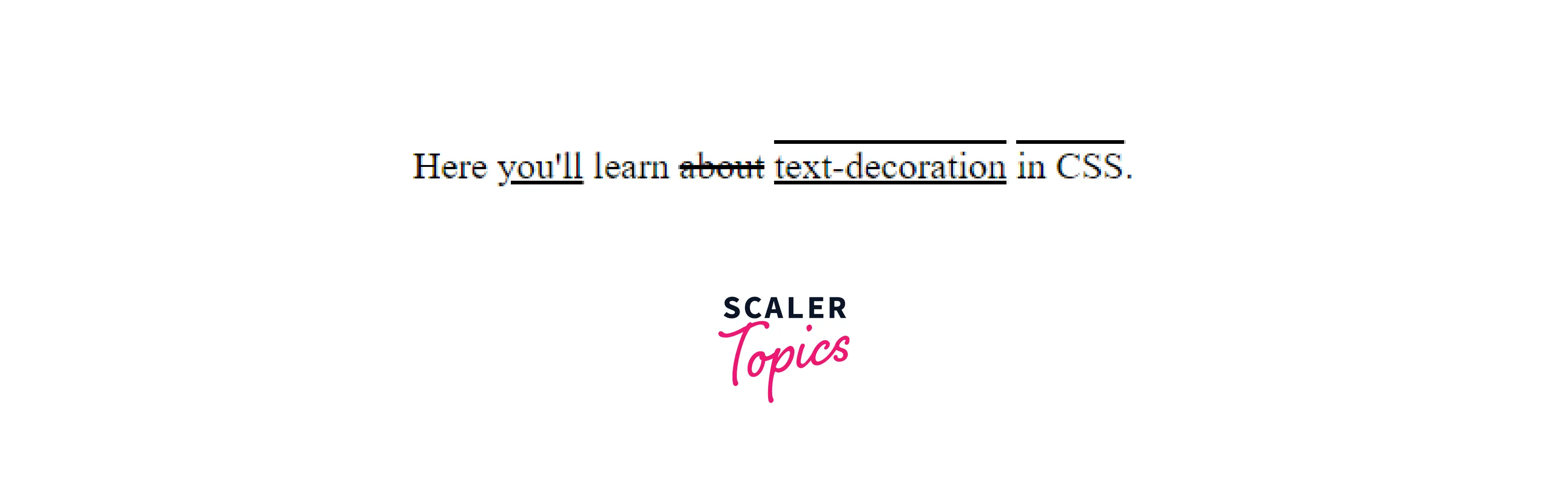
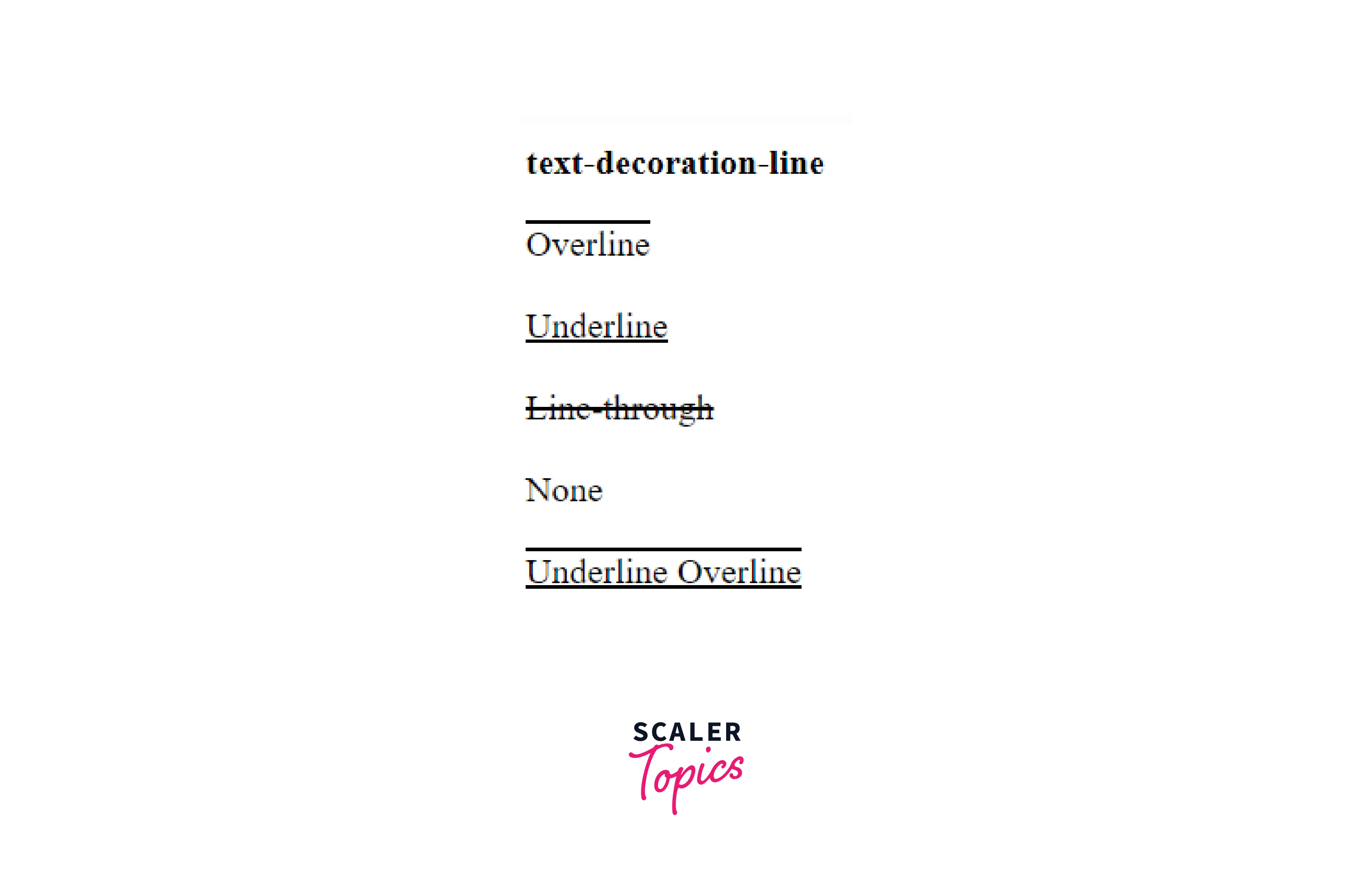
The text-decoration-line CSS property refers to the decorative line applied to text in an element. The property can be set as none or one or more space-separated values.
Build an AI-First Career, Master the Complete Skillset
Choose from our industry-leading programs designed for career success
Modern Software and AI Engineering Program
Master full-stack development with AI integration


 +1000 more
Modern Data Science and ML with specialisation in AI
Advanced data science techniques with AI specialization
+1000 moreAdvanced AIML with Specialisation in Agentic AI
Deep dive into AIML with focus on Agentic systems
+1000 moreDevOps, Cloud & AI Platform Engineering
Build and manage AI-powered cloud infrastructure
+1000 moreAI Engineering Advanced Certification by IIT-Roorkee
Premier AI engineering certification from IIT-Roorkee

AI Forward Deployed Engineer Program
Full-stack engineering, production AI and client-facing consulting
+1000 moreExample :
Syntax :
Values :
| Value | Functionality |
|---|---|
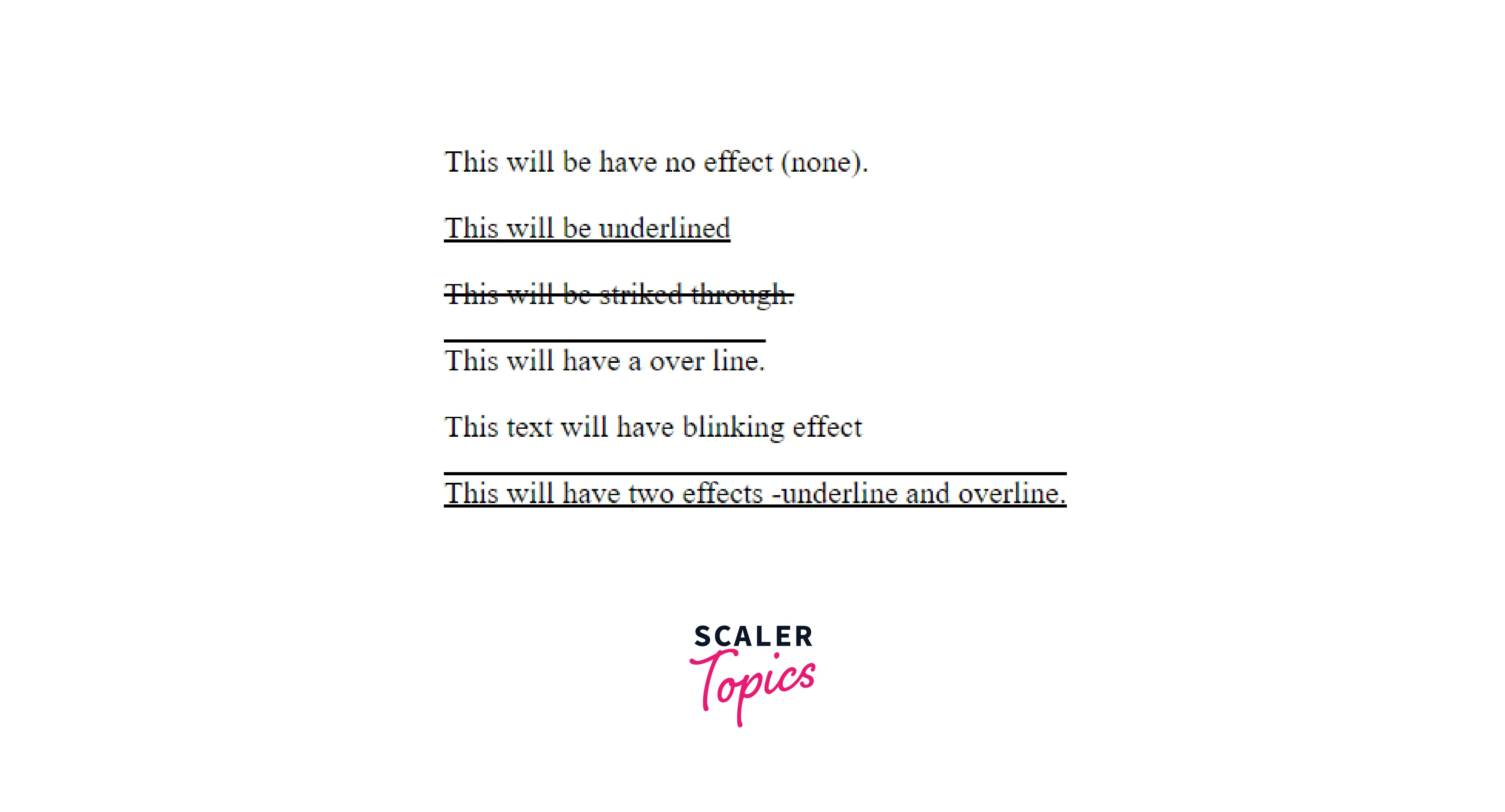
| none | The default value is none. It refers to no text decoration. |
| underline | Underline defines that text has a decorative line under it. |
| overline | Overline defines that text has a decorative line above it. |
| line-through | line-through refers to the text having a decorative line going through it (struck through). |
| blink | Blink defines that the text has a flashing or blinking effect (on and off). |
Code :
Output :
text-decoration-color
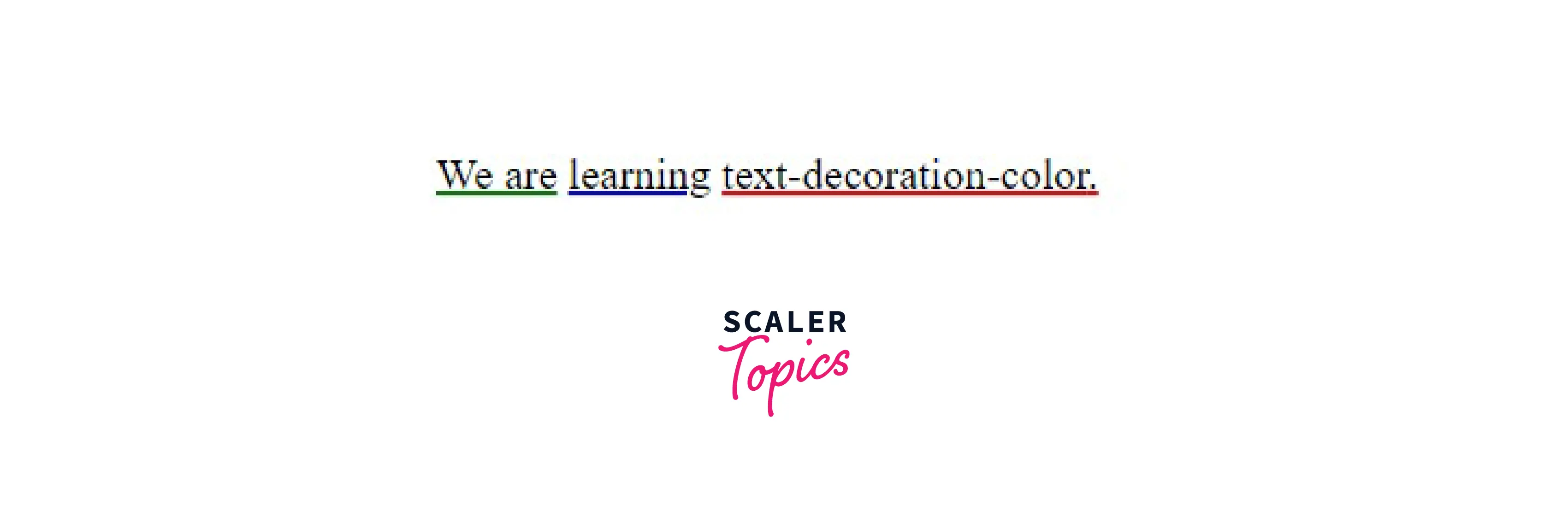
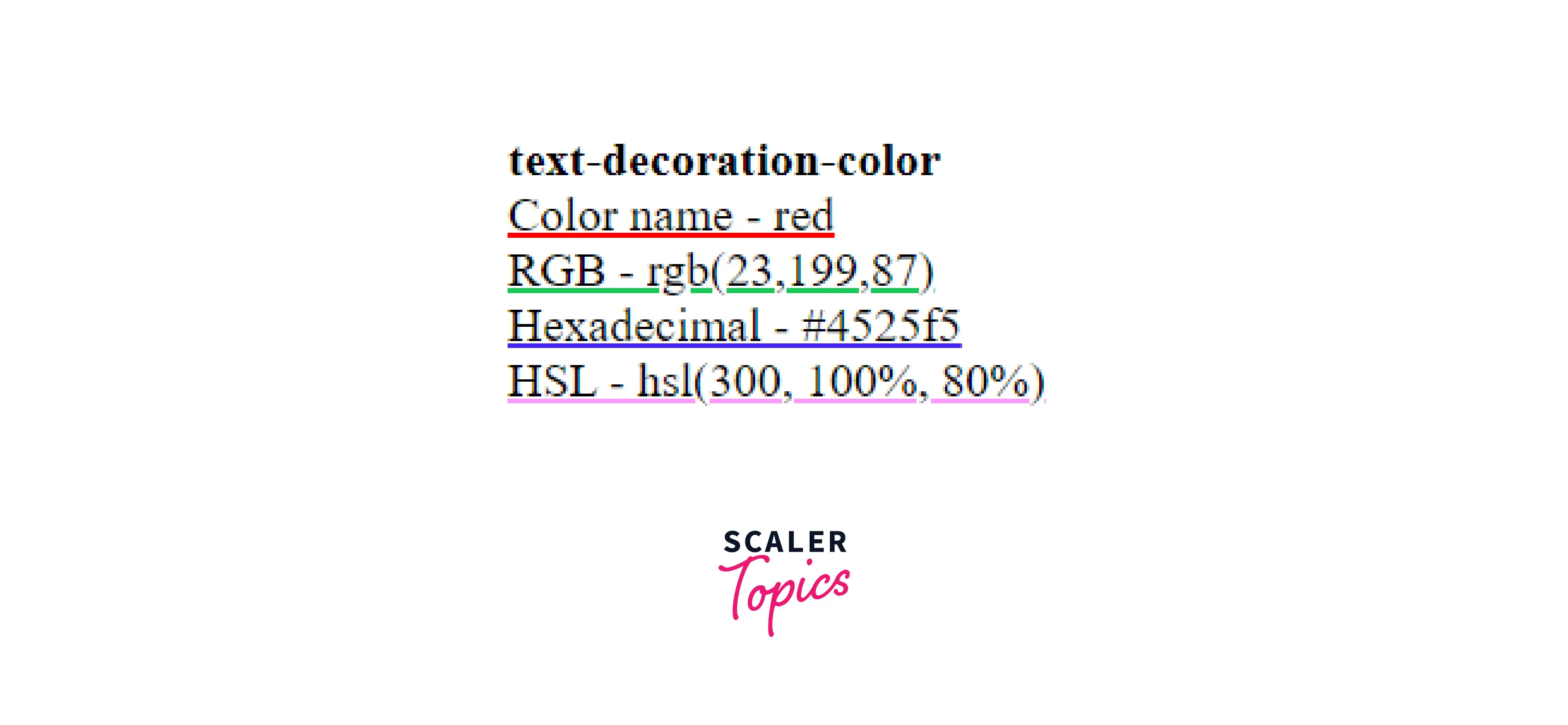
The text-decoration-color in the CSS property refers to the color of the decorative line applied to text in an element.
Example :
Syntax :
Values :
The color values can be specified in various ways:
| Value Type | Functionality |
|---|---|
| Color Name | Values are assigned with the help of color names. |
| RGB | RGB refers to Red, Green, and Blue, and the value is set in terms of the values (ranging from 0 to 255) of Red, Green, and Blue, respectively. |
| HSL | HSL refers to Hue, Saturation, and Lightness and defines the color's exact shade. |
| Hexadecimal | Colors are defined by a # followed by a 6-digit representation. |
Refer to CSS Color - Scaler Topics to know about CSS colors.
Code :
Output :

text-decoration-style
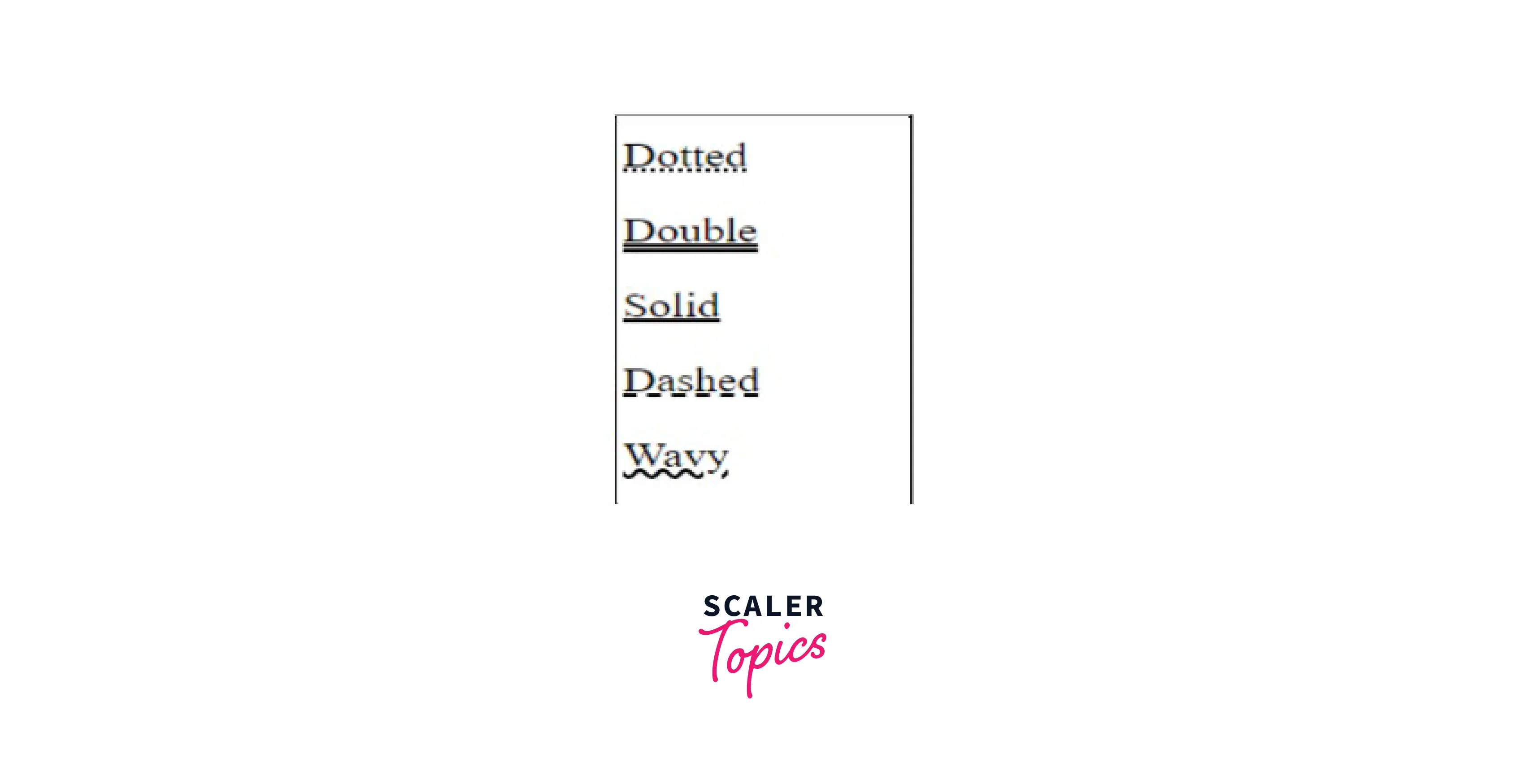
The text-decoration-style in CSS property refers to the style or type of the decorative line applied on text in an element.
How Scaler Transformed Careers in Different Fields
Scaler learners achieved 2.5x salary growth with average post-Scaler CTC reaching ₹23L.
 Google
 Amazon
 Microsoft
 Flipkart
 Adobe1200+ more
Example :

Syntax :
Values :
| Value | Functionality |
|---|---|
| double | Double defines that a double line will be created as a decoration line. |
| solid | Solid defines a solid style. |
| dashed | Dashed defines that the decoration line will be dashed. |
| dotted | Dotted defines a dotted style for the decoration line. |
| wavy | Waved defines a wavy style. |
| initial | Initial is the default value. |
| inherit | Inherit defines that the parent element inherits the value. |
Code:
Output :
text-decoration-thickness
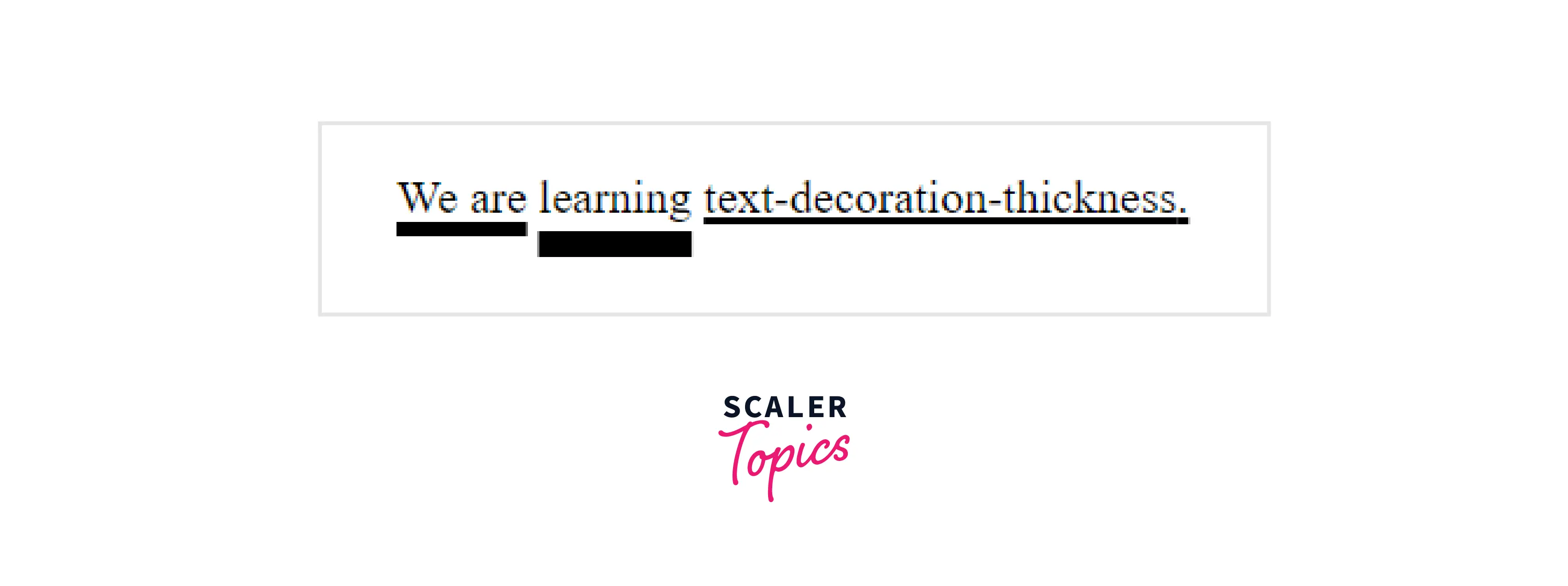
The text-decoration-thickness in CSS property refers to the thickness of the decorative line applied on text in an element.
Turn Learning into Career Growth
Example :
Syntax :
Values :
| Value | Functionality |
|---|---|
| auto | This is the default value. Auto defines that the browser will set value automatically. |
| form-font | Uses value set in the form-font file. If no such value is assigned works as auto. |
| length | Defines the thickness of the decoration line applied to text as a length. |
| percentage | Defines the thickness of the decoration line applied to text as a percentage of 1em of the current font. |
Code :
Output :

Shorthand Property
The text-decoration property in CSS is a shorthand property for multiple parent properties, which are :
-
text-decoration-line -
text-decoration-style -
text-decoration-color -
text-decoration-thicknessWriting all these properties separately becomes tedious and makes the code lengthy. So to improve the legibility of the code, the property text-decoration is short-handed as it covers all four properties.
Code :
Output :

Demonstration of text-decoration Values
A quick overview of the values used for text decoration in CSS :
-
Values for the line :
-
Values for color :
-
Values for style :
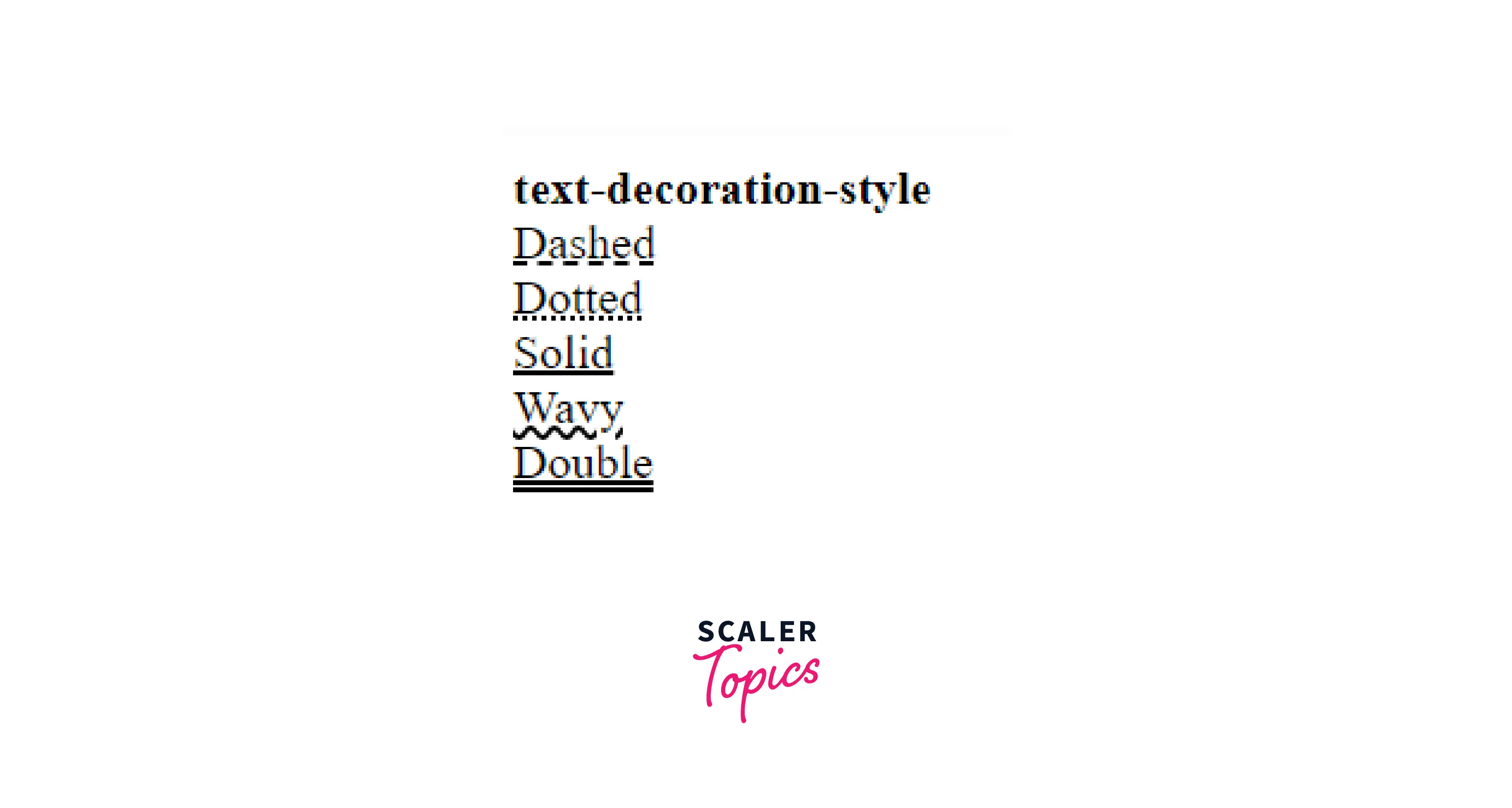
-
Values for thickness :

Browser Compatibility
The longhand form of text-decoration property in css works fine for all browsers. However, the shorthand form is not compatible with browsers like Internet Explorer.
Conclusion
- Text-decoration-property in CSS is used to apply decoration lines to text.
- The appearance of the lines can be changed based on their position, color, style, and thickness.
- Line refers to the type of line needed for the text or where the line is to be positioned. It determines if it will be underlined, overlined, or struck through. A single piece of text can have multiple decoration lines.
- Color refers to the color of the decoration line.
- Style refers to how the line will look, whether wavy, dotted, solid or dashed.
- Thickness refers to the thickness of the stroke of the decoration line.
Related Properties
The related properties of text-decoration property are :
- text-decoration-line
- text-decoration-color
- text-decoration-style
- text-decoration-thickness




