


OpenCV cv2.rectangle() method
Overview
In computer vision and image processing, OpenCV is a popular library used for various image-related tasks. One of the basic operations in OpenCV is drawing geometric shapes on an image, such as rectangles. The cv2.rectangle() method is used to draw rectangles on an image.
Build an AI-First Career, Master the Complete Skillset
Choose from our industry-leading programs designed for career success
Modern Software and AI Engineering Program
Master full-stack development with AI integration


 +1000 more
Modern Data Science and ML with specialisation in AI
Advanced data science techniques with AI specialization
+1000 moreAdvanced AIML with Specialisation in Agentic AI
Deep dive into AIML with focus on Agentic systems
+1000 moreDevOps, Cloud & AI Platform Engineering
Build and manage AI-powered cloud infrastructure
+1000 moreAI Engineering Advanced Certification by IIT-Roorkee
Premier AI engineering certification from IIT-Roorkee

AI Forward Deployed Engineer Program
Full-stack engineering, production AI and client-facing consulting
+1000 moreSyntax of OpenCV cv2.rectangle() Method
The syntax of the OpenCV cv2.rectangle() method is as follows:
Parameters of OpenCV cv2.rectangle() Method
The cv2.rectangle() takes several parameters, including the image on which the rectangle is to be drawn, the coordinates of the top-left and bottom-right corners of the rectangle, the color of the rectangle, and the thickness of the lines.
The cv2.rectangle() method takes the following parameters:
| Parameter | Explanation |
|---|---|
| img | The image on which the rectangle is to be drawn. This parameter is mandatory and must be a NumPy array. |
| pt1 | The coordinates of the top-left corner of the rectangle. It is a tuple of two values, (x, y). This parameter is mandatory. |
| pt2 | The coordinates of the bottom-right corner of the rectangle. It is a tuple of two values, (x, y). This parameter is mandatory. |
| color | The color of the rectangle. It is a tuple of three values, (B, G, R) representing the intensity of blue, green, and red color channels respectively. The values range from 0 to 255. This parameter is mandatory. |
| thickness | The thickness of the lines used to draw the rectangle. If this value is negative, the rectangle will be filled. This parameter is optional and defaults to 1. It can be used to control the width of the lines used to draw the rectangle. |
Return Value of OpenCV cv2.rectangle() Method
When the cv2.rectangle() method is called, it modifies the input image by drawing a rectangle on it according to the specified parameters. The rectangle will appear on the specified position of the image with the specified color and thickness. The output of the function is the modified image with the rectangle drawn on it.
Here are some points to summarize the output of the cv2.rectangle() method:
- The cv2.rectangle() method modifies the input image by drawing a rectangle on it according to the specified parameters.
- The rectangle will appear on the specified position of the image with the specified color and thickness.
- The output of the function is the modified image with the rectangle drawn on it.
- The cv2.rectangle() method does not return anything explicitly.
- The modified image can be saved or displayed using other functions in the OpenCV library.
Exceptions of OpenCV cv2.rectangle() Method
The cv2.rectangle() method may raise the cv2.error exception when an error occurs while processing the image. Specifically, this exception is raised if the image provided to the method is not valid or has some issues that prevent the method from drawing a rectangle on it.
There are several reasons why the cv2.error exception may be raised when using the cv2.rectangle() method. For example:
- The image file provided may not exist or may be corrupted.
- The image may not be in a compatible format, such as not being a valid image file or being in an unsupported color space.
- The image may be of an unsupported size, such as being too large or too small to be processed by the method.
- When the cv2.error exception is raised, the program will terminate and an error message will be displayed indicating the nature of the error.
To prevent this exception, ensure that the image provided is in a supported format, such as .jpg, .png, or .bmp. Additionally, make sure that the image file exists and can be read by the cv2.imread() method.
How Scaler Transformed Careers in Different Fields
Scaler learners achieved 2.5x salary growth with average post-Scaler CTC reaching ₹23L.
 Google
 Amazon
 Microsoft
 Flipkart
 Adobe1200+ more
How does the OpenCV cv2.rectangle() Method Work?
Under the hood, cv2.rectangle() uses the same low-level drawing functions as other OpenCV drawing methods, such as cv2.line() and cv2.circle(). These functions take the coordinates of the points to be connected and then calculate the color and thickness of the line segment based on the parameters provided. The result is a modified image with the desired shape drawn on it.
Step 1: Import the OpenCV Library and load the image
This code imports the OpenCV library and loads an image named 'testimage.jpg' using the cv2.imread() method, assigning it to the variable 'image'.
Step 2: Define the measurements of the rectangle
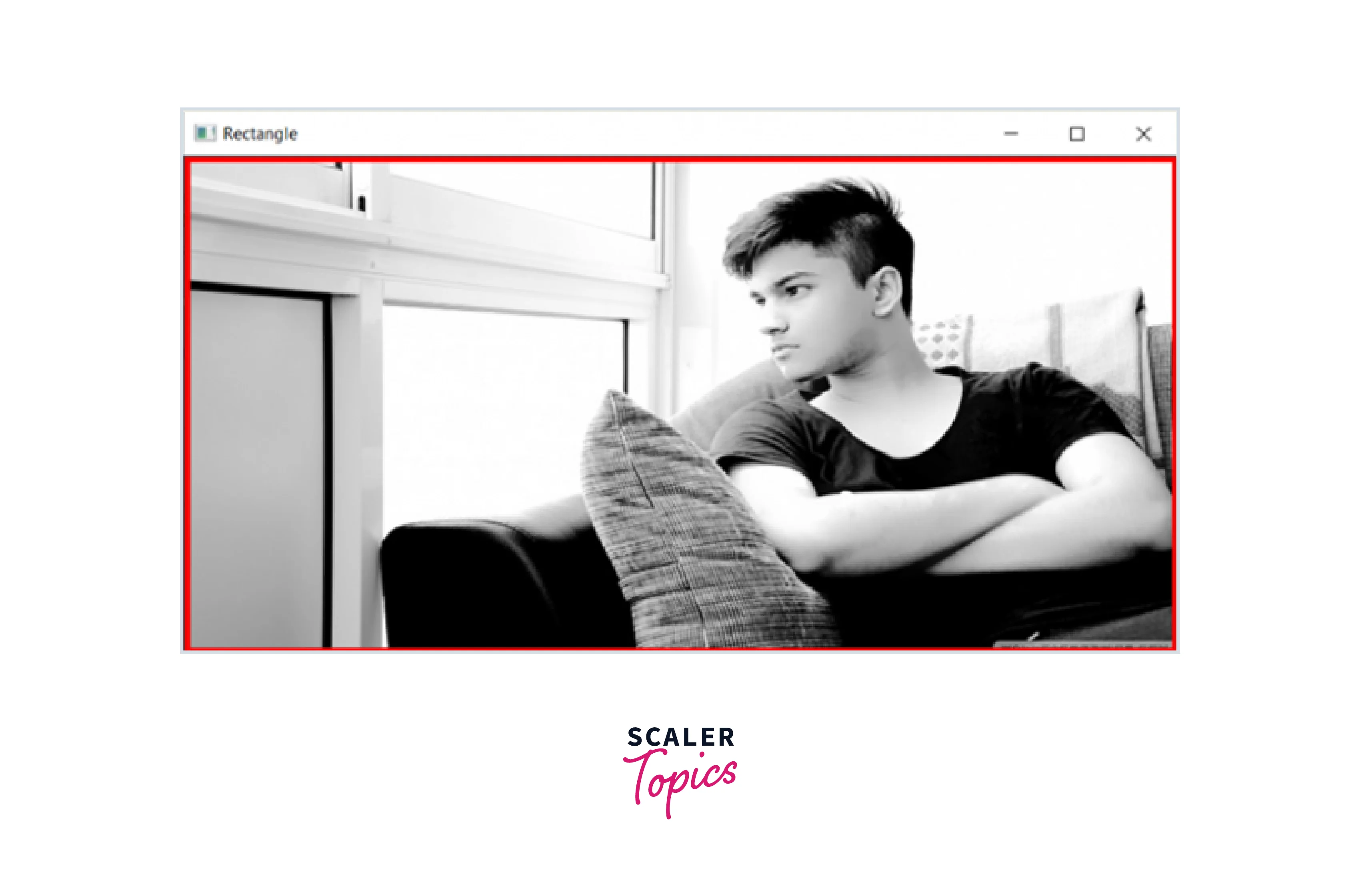
This code defines the points of a rectangle to be drawn on the image. The height, width, and number of channels of the image are determined using the image.shape attribute. The start_point and end_point variables define the top-left and bottom-right corners of the rectangle, respectively. The color variable defines the RGB color of the rectangle, and the thickness variable defines the thickness of the rectangle's border in pixels.
Step 3: Call the cv2.rectangle() method
This code calls the cv2.rectangle() method with the specified parameters to draw a rectangle on the loaded image. The modified image with the rectangle drawn on it is then reassigned to the 'image' variable.
Step 4: Display the output
This code displays the modified image with the rectangle drawn on it using the cv2.imshow() method. The first argument is the title of the window, and the second argument is the modified image. The image is displayed until the user presses a key or closes the window.
Output:
Original Image without Rectangle

Output Image with Rectangle
Examples
Here are three examples of using the OpenCV cv2.rectangle() method:
Turn Learning into Career Growth
Example 1
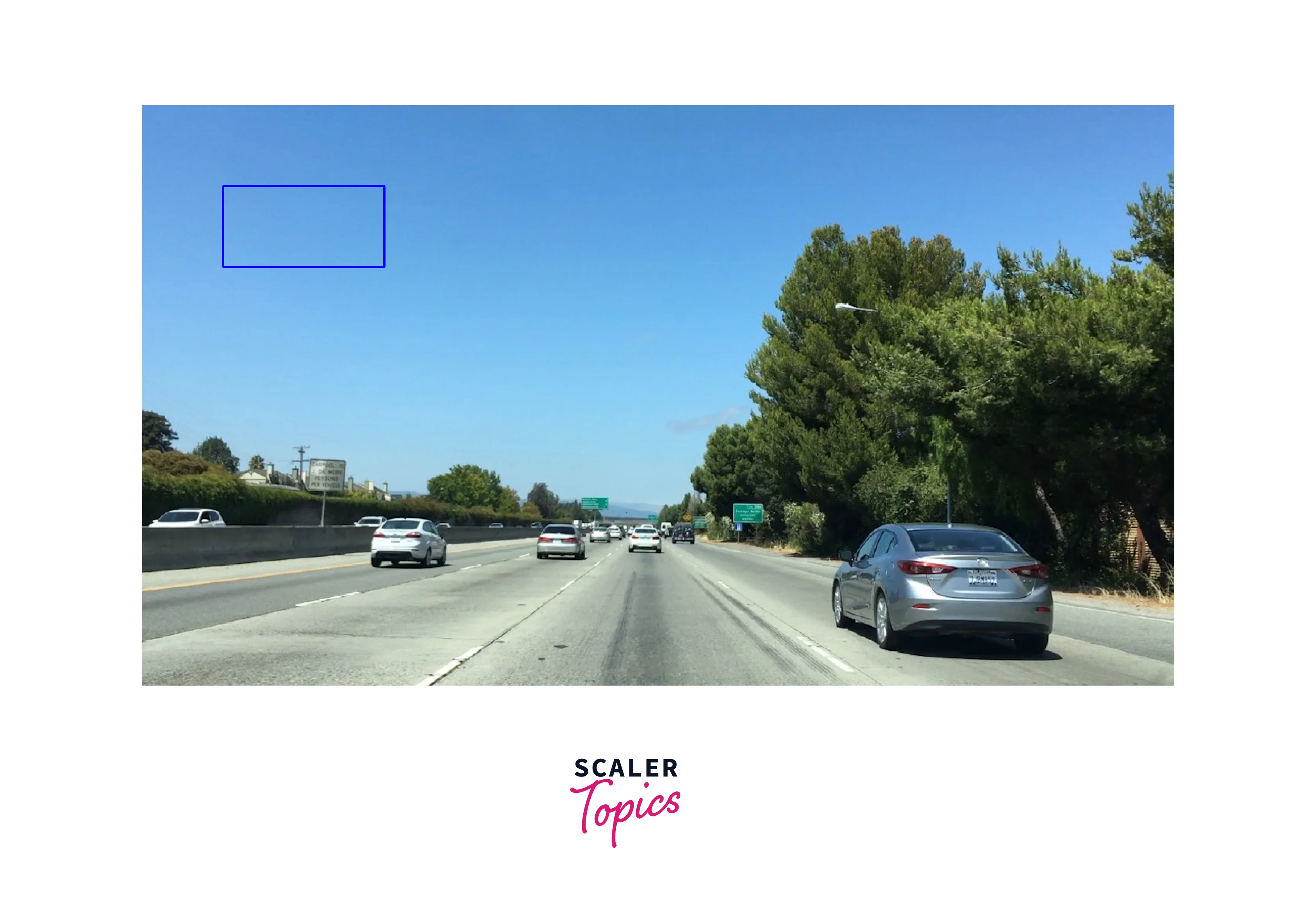
Let's implement the code to draw a blue rectangle with a thickness of 2 pixels at the coordinates (100, 100) and (300, 200) on an image named img1.jpg.
Output
Input Image

Output Image
Example 2
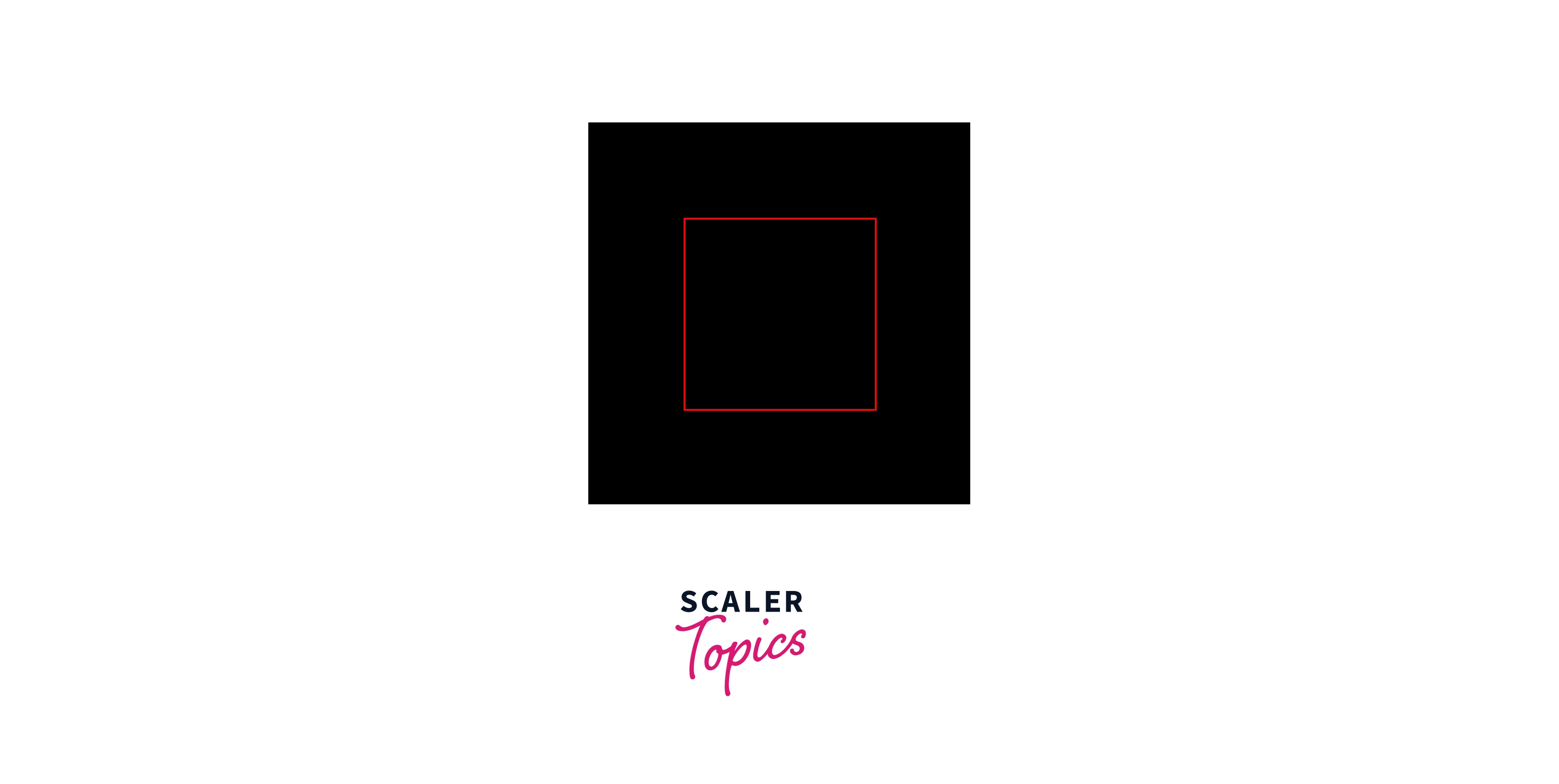
Let's implement the code to draw a red rectangle with a thickness of 1 pixel at the coordinates (50, 50) and (150, 150) on a black background image.
Output
Input Image
Output Image
Example 3
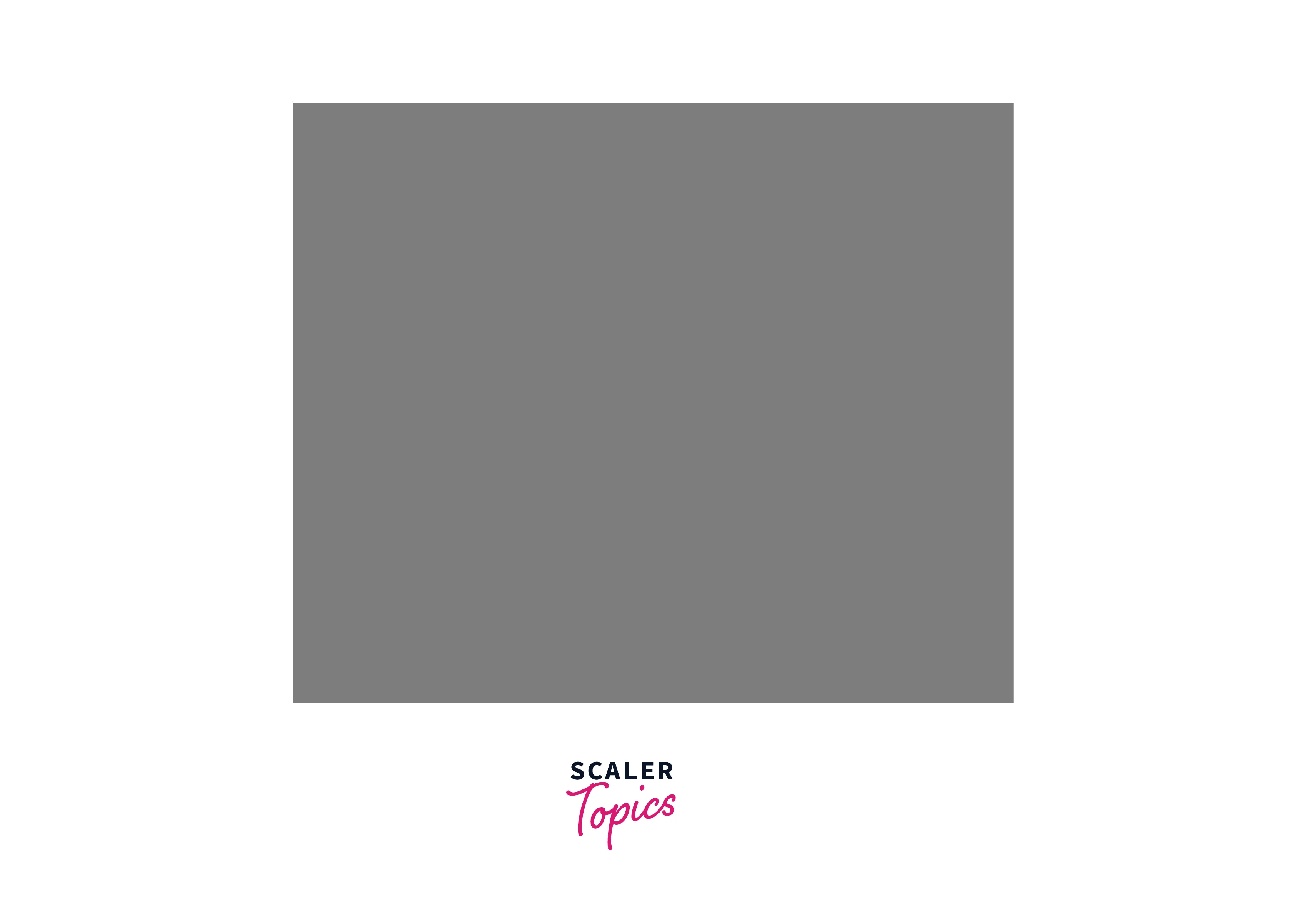
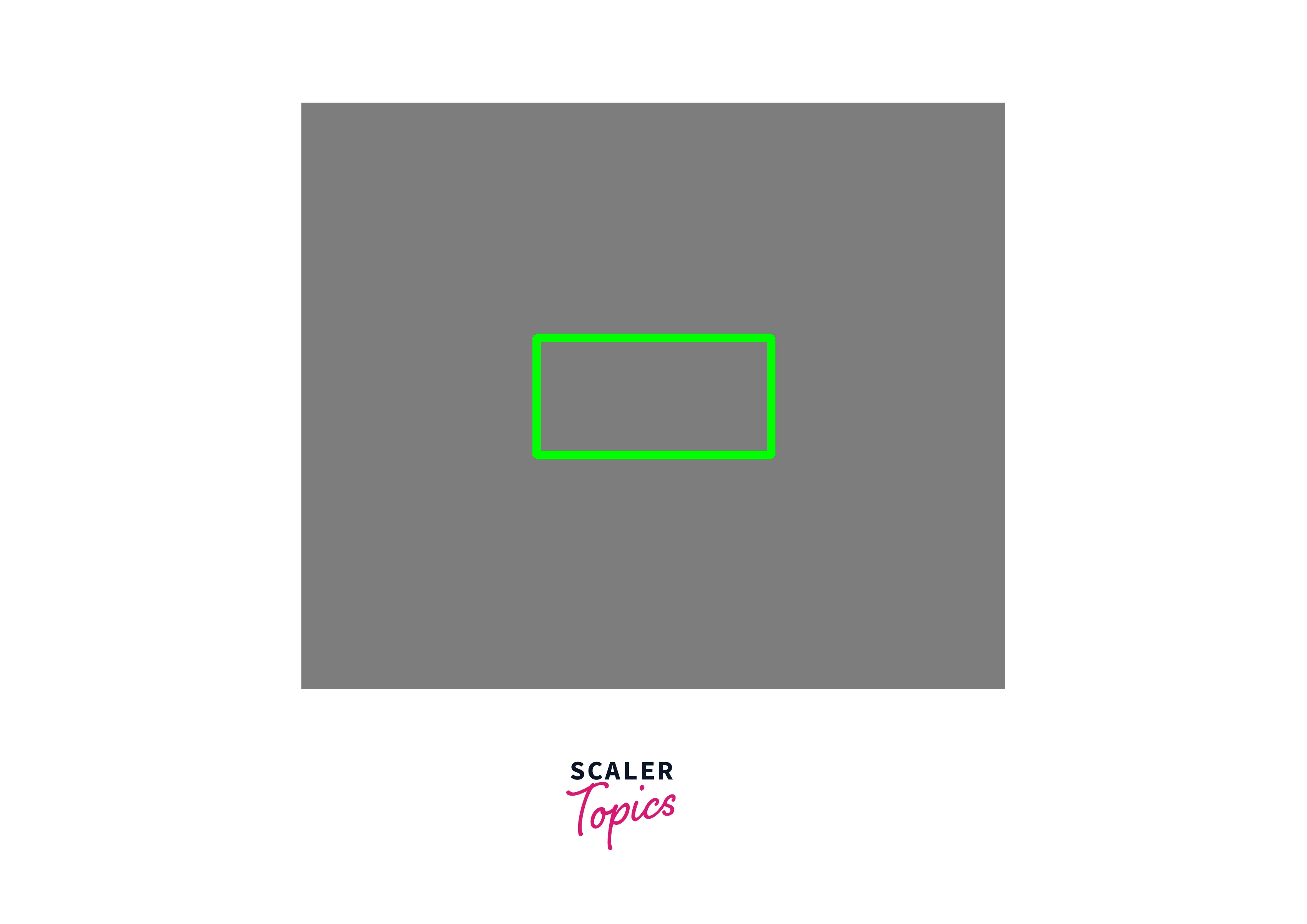
Let's implement the code to draw a green rectangle with a thickness of 5 pixels at the coordinates (200, 200) and (400, 300) on a grey background image.
Output
Input Image
Output Image
Conclusion
- The cv2.rectangle() method is a useful tool for drawing rectangles on images in OpenCV.
- It takes an image, two points that define the corners of the rectangle, a color, and a thickness as inputs, and draws the rectangle on the image.
See Also
OpenCV documentation: https://docs.opencv.org/master/d6/d6e/group__imgproc__draw.html#ga07d2f74cadcf8e305e810ce8eed13bc9
Tutorial on drawing shapes in OpenCV: https://docs.opencv.org/master/dc/da5/tutorial_py_drawing_functions.html




