


<dd> Tag in HTML
 FREE
FREE

Overview
It becomes easier to showcase things if we represent them in the form of a list with some description of each list item. This can be achieved using a description list.
Description / Definition List is similar to other lists in HTML, but in addition to list item names, it also contains a description of each list item.
It has two things, the term represented by the <dt> tag and its description represented by the <dd> tag.
The <dd> tag stands for definition description. It is used for defining the term in a description list.
In this article, we'll see the <dd> tag in HTML. However, for other HTML tags, you can refer to the article HTML tags.
Build an AI-First Career, Master the Complete Skillset
Choose from our industry-leading programs designed for career success
Modern Software and AI Engineering Program
Master full-stack development with AI integration


 +1000 more
Modern Data Science and ML with specialisation in AI
Advanced data science techniques with AI specialization
+1000 moreAdvanced AIML with Specialisation in Agentic AI
Deep dive into AIML with focus on Agentic systems
+1000 moreDevOps, Cloud & AI Platform Engineering
Build and manage AI-powered cloud infrastructure
+1000 moreAI Engineering Advanced Certification by IIT-Roorkee
Premier AI engineering certification from IIT-Roorkee

AI Forward Deployed Engineer Program
Full-stack engineering, production AI and client-facing consulting
+1000 moreSyntax
The dd tag requires a starting tag, but the end tag is optional. This tag is used with the <dl> tag (a description list) and <dt> tag (defines terms/names).
The Syntax of the dd tag is specified below :
The <dl> tag defines the description list. The <dd> and <dt> tags are used within the <dl> tag. The <dt> holds the term name, and the <dd> tag describes that term.
Attributes
The <dd> tag supports Global Attributes as well as Event Attributes.
Attribute specific to the dd tag is:
- nowrap: This attribute takes two values, yes and no. If the value is yes, then the definition text will not wrap and vice versa. By default, the value for nowrap is no.
Note: This attribute is deprecated, i.e., it is no longer supported in HTML5, but we can use some CSS properties to achieve the same functionality.
How to use <dd> Tag in HTML?
The dd tag in HTML is used for writing the description of the terms in a description list. The <dd> tag must always be enclosed in the <dl> element and should be followed by a <dt> tag in general or another <dd> tag in case of a single term and multiple descriptions.
Just like a div tag, inside a <dd> tag, you can add paragraphs, images, links, images, and even other lists. The <dd> tag can contain inline as well as block elements.
Let us see an example showing the use of the dd tag in HTML.
Output:

In the above example, the dt tag contains the description term, i.e., language name, and the dd tag contains the definition description, i.e., the description of the language. The dd tag can contain nested lists. Since dd is a block element, so we can include paragraphs, images, lists, etc.
Examples
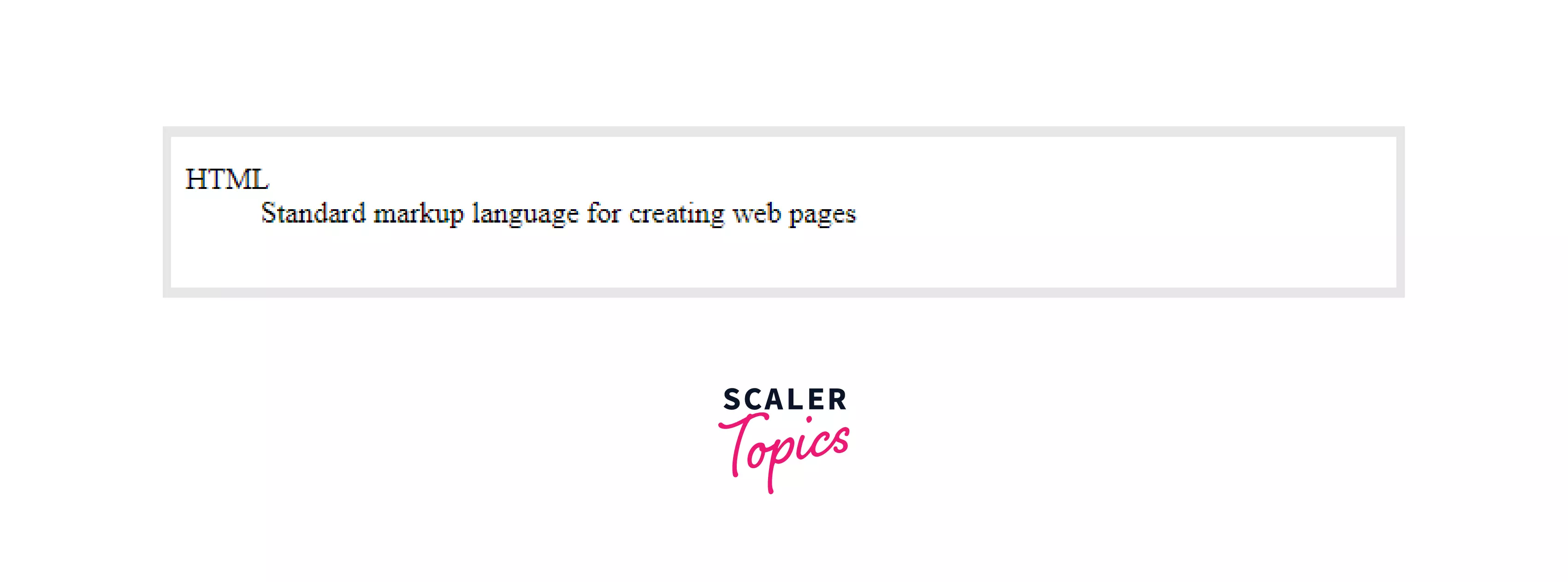
Example 1: Single Term and Description:
Output:
How Scaler Transformed Careers in Different Fields
Scaler learners achieved 2.5x salary growth with average post-Scaler CTC reaching ₹23L.
 Google
 Amazon
 Microsoft
 Flipkart
 Adobe1200+ more
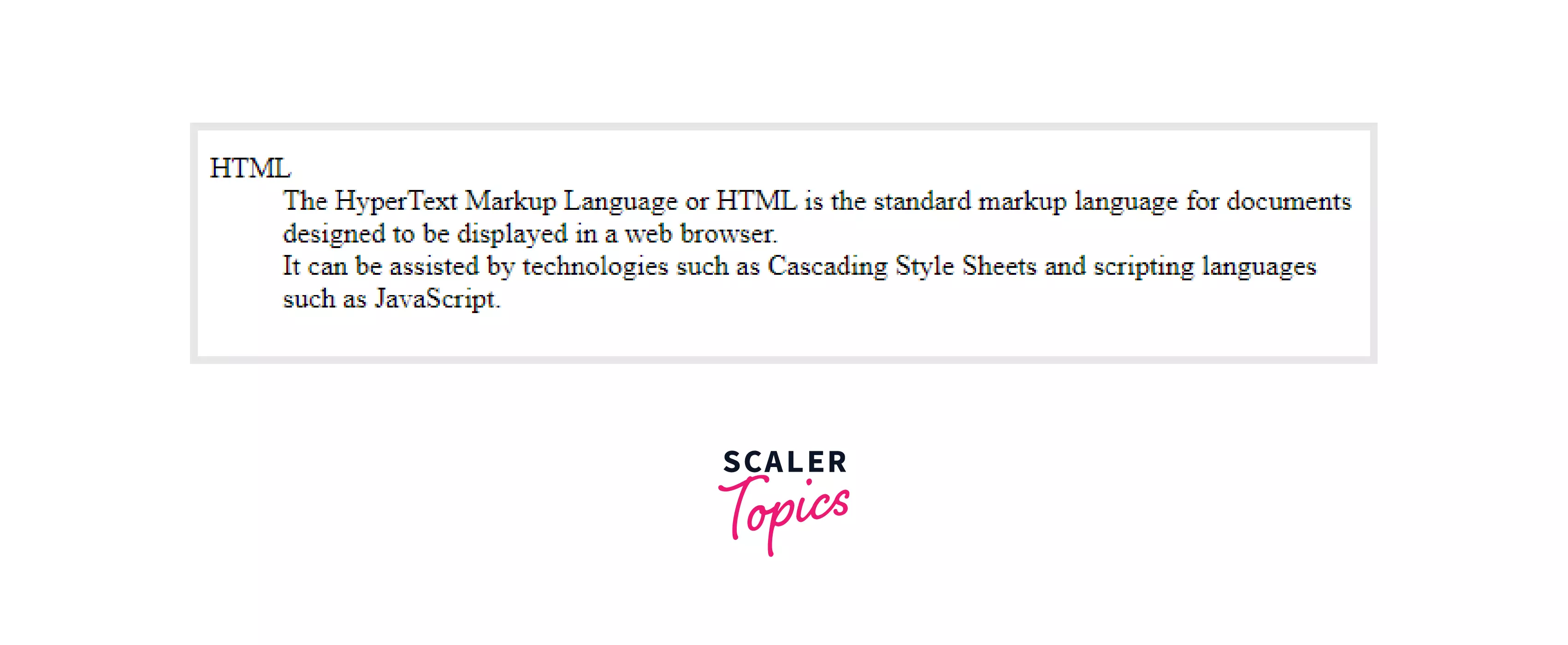
Example 2: Multiple Terms, Single Description
Output:

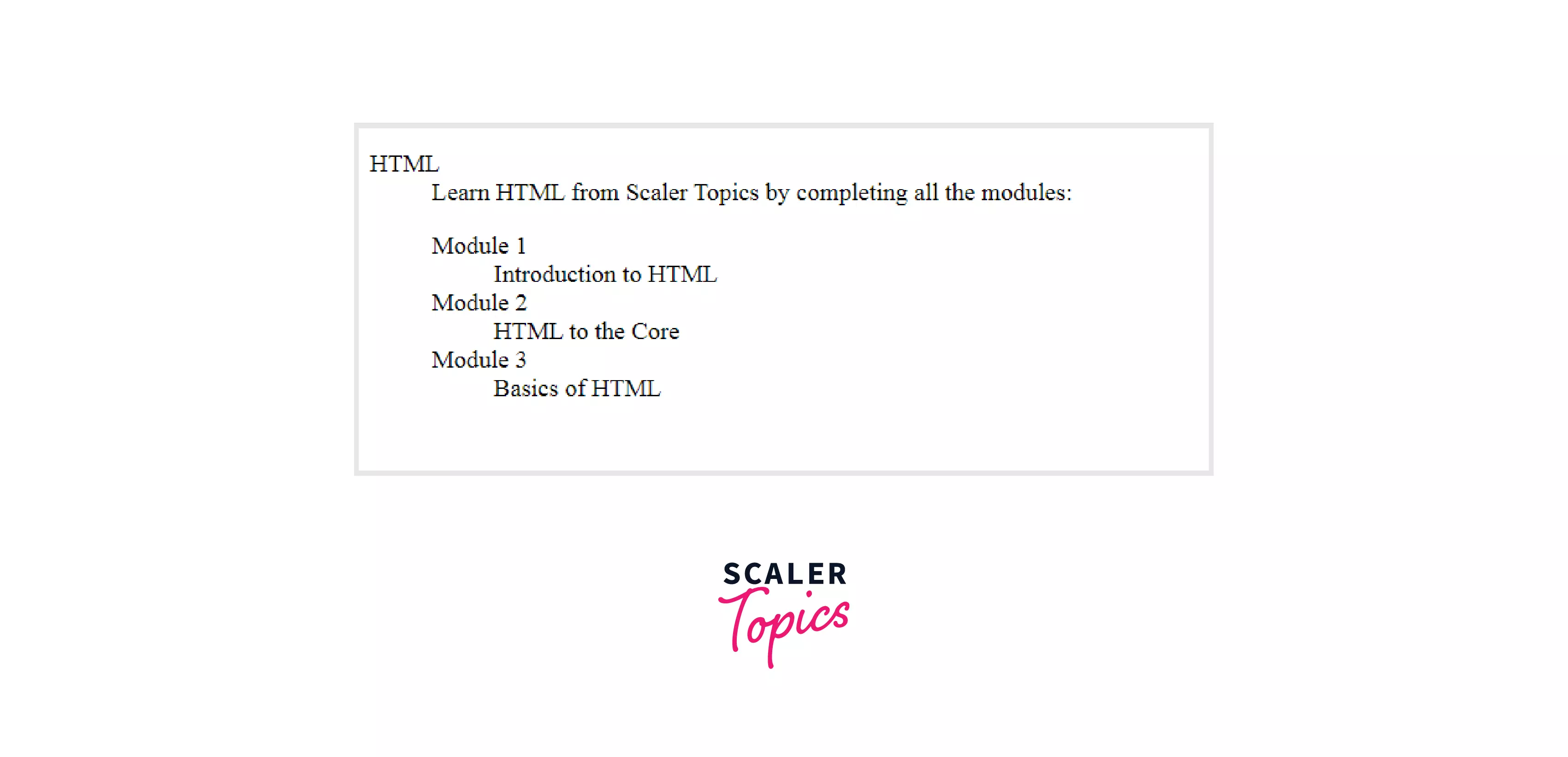
Example 3: Single Term, Multiple Descriptions
Output:
Turn Learning into Career Growth
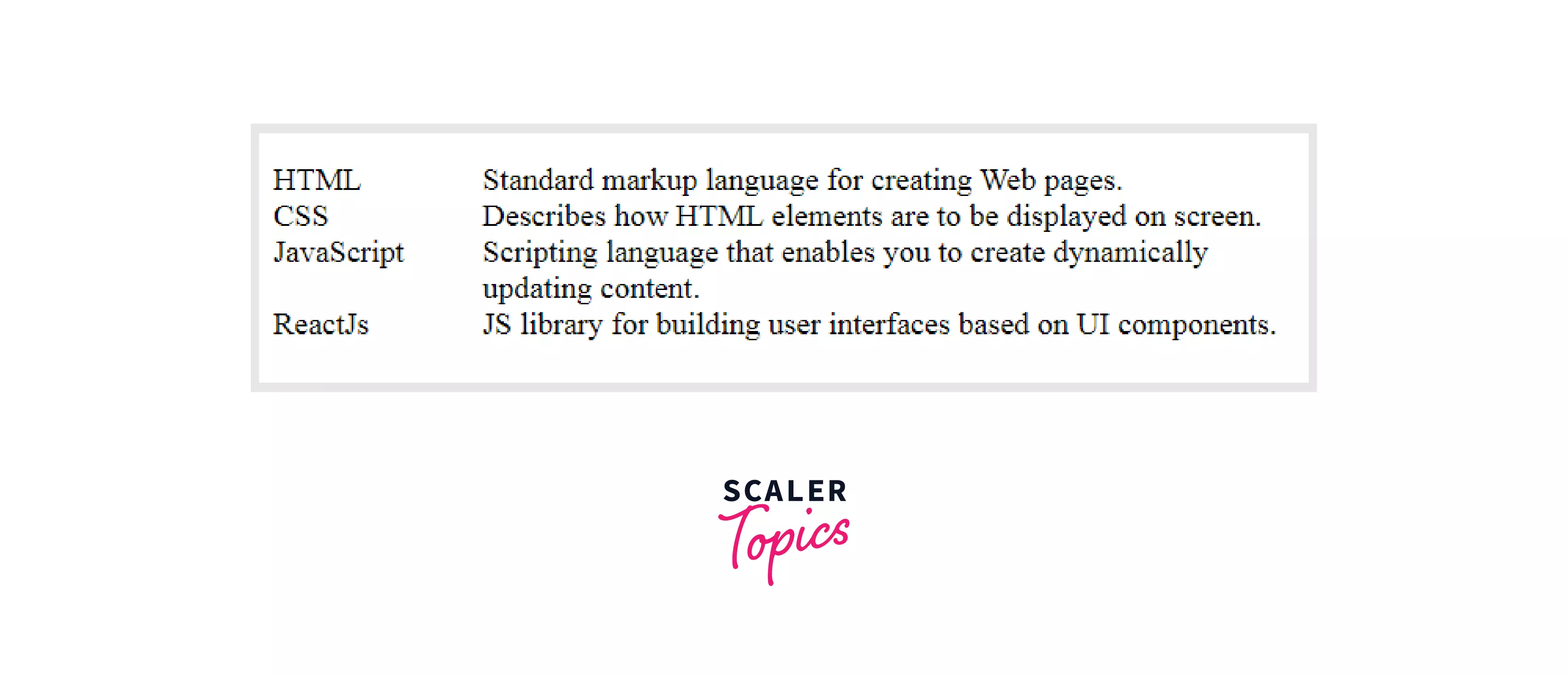
Example 4: dl Inside dd Tag (Nested)
Output:
Example 5: <dd> Tag with Display Property
By default, the browser has some default styles for every HTML element called user agent styles since these are by default styles of the browser, so they can be slightly different for different browsers. For most browsers <dd> element has the following default styles:
Since the dd tag is a block element so it always starts from a new line by default, but we can change it by giving our CSS styles.
CSS:
HTML:
Output:
Accessibility Concerns
Accessibility is making the websites accessible, usable, and properly understandable for everyone, including people with any sort of disabilities like auditory, physical, cognitive, visual, or neurological.
Apart from this, accessibility is also important for SEO and good UX.
<dt> and <dd> tags must be contained in the parent <dl> tags; otherwise, it will be inaccessible to screen readers.
The definition list must follow a specific hierarchy. A definition list is defined using the dl tag, which should contain alternating pair of dt and dd elements, where the dt tag comes first, followed by the dd tag. Each dt element must have a corresponding dd element. Only the dt and dd elements are allowed to be written inside the definition list.
This enables the users who use screen readers to understand the proper hierarchy of the information which is tried to deliver through the list.
For example,, writing the code in this hierarchy would be considered invalid:
The above code can be simply fixed by wrapping it inside the <dl> tag.
Browser Support
The dd tag is supported by many browsers, which include:

Conclusion
- The dd tag stands for definition description.
- It is used to describe the <dt> tag of the definition list.
- It needs a starting tag, but the ending tag is optional.
- It is used inside the <dl> tag.
- <dd> tag is a block element.
- We can also nest a description list inside the dd tag.




