


div Tag in HTML
 FREE
FREE

Build an AI-First Career, Master the Complete Skillset
Choose from our industry-leading programs designed for career success
Modern Software and AI Engineering Program
Master full-stack development with AI integration


 +1000 more
Modern Data Science and ML with specialisation in AI
Advanced data science techniques with AI specialization
+1000 moreAdvanced AIML with Specialisation in Agentic AI
Deep dive into AIML with focus on Agentic systems
+1000 moreDevOps, Cloud & AI Platform Engineering
Build and manage AI-powered cloud infrastructure
+1000 moreAI Engineering Advanced Certification by IIT-Roorkee
Premier AI engineering certification from IIT-Roorkee

AI Forward Deployed Engineer Program
Full-stack engineering, production AI and client-facing consulting
+1000 moreAbstract
In this article, we will talk about the <div> tag which is used as a container for HTML elements. It is known as the division tag. Also, this article covers the difference between a div tag which is a block element, and a span tag which is an inline element.
Introduction to HTML <div> Tag
The div tag is used to group HTML elements in a web page which helps us to make separate sections that have similar functionality and can be easily styled using Id or class attributes.
Syntax
Example
Output
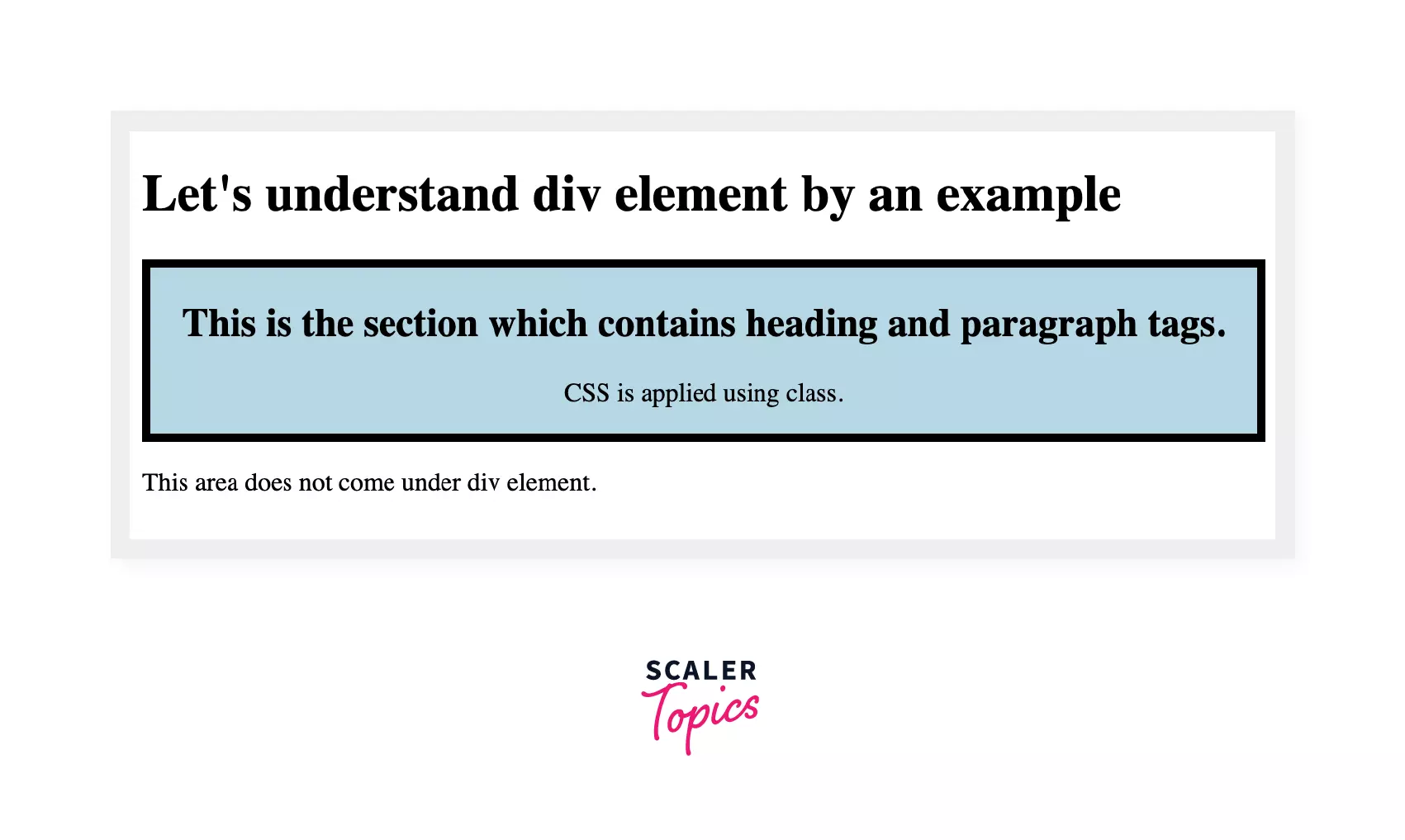
We can see that the div section that is created has different CSS than the other HTML elements, and two Html elements are grouped.
Creating Web Layout using Div Tag
Let's create a website layout that contains the following sections: -
- Header
- Navigation bar
- Body
- Footer
Code
Output
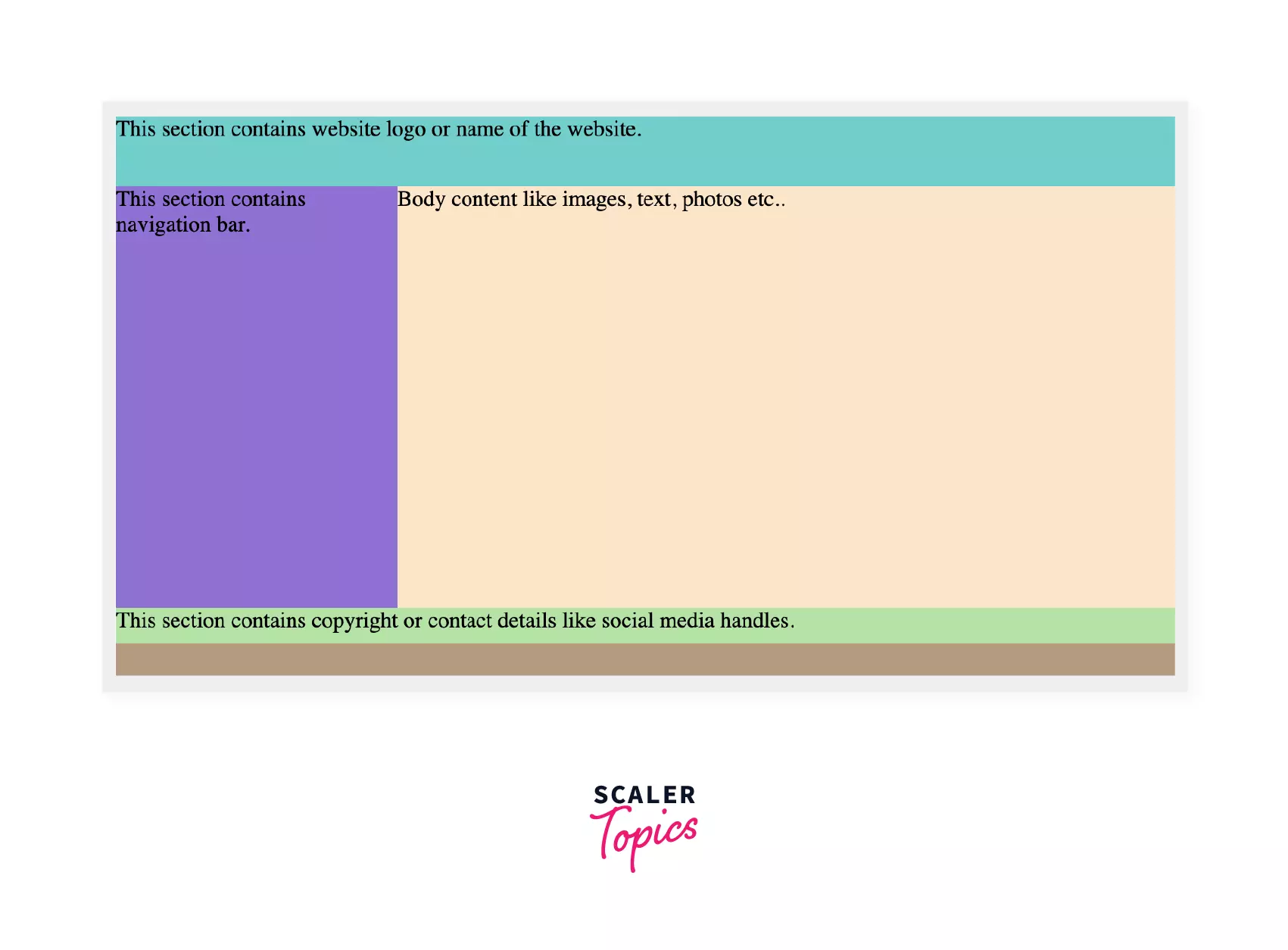
From the output, all the sections are created with the same functionality.
Now we will see how CSS can be applied to the div tag. Well, it can be done using class and Inline CSS.
How Scaler Transformed Careers in Different Fields
Scaler learners achieved 2.5x salary growth with average post-Scaler CTC reaching ₹23L.
 Google
 Amazon
 Microsoft
 Flipkart
 Adobe1200+ more
Using class
Apply CSS to the div element using the class can be done in two ways: -
- We can use internal CSS, i.e., CSS in the head section, as we have done in the previous example.
- We can make different CSS files and link them to the HTML file. Let's see this in the following example.
Example
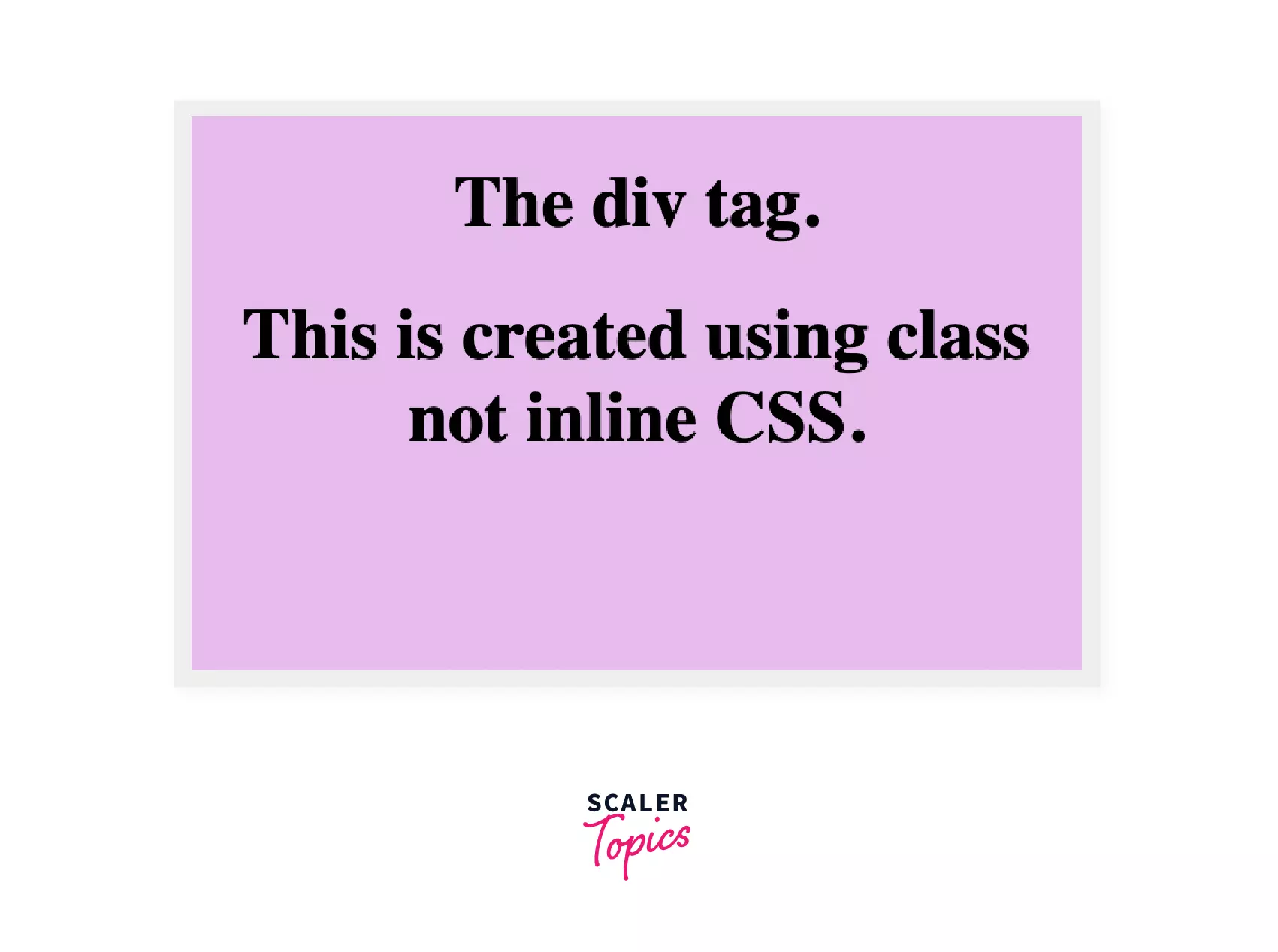
In this example, we will be creating a CSS file and linking it to our HTML file using rel. We will create a class for the div element and apply CSS properties to check the area covered by the div element.
HTML
CSS
CSS file saved as style.css
Output
Inline css
We can add CSS directly to the div tag. This method does not require class.
Example In this example, we will apply CSS directly to our div element without creating a class.
Output
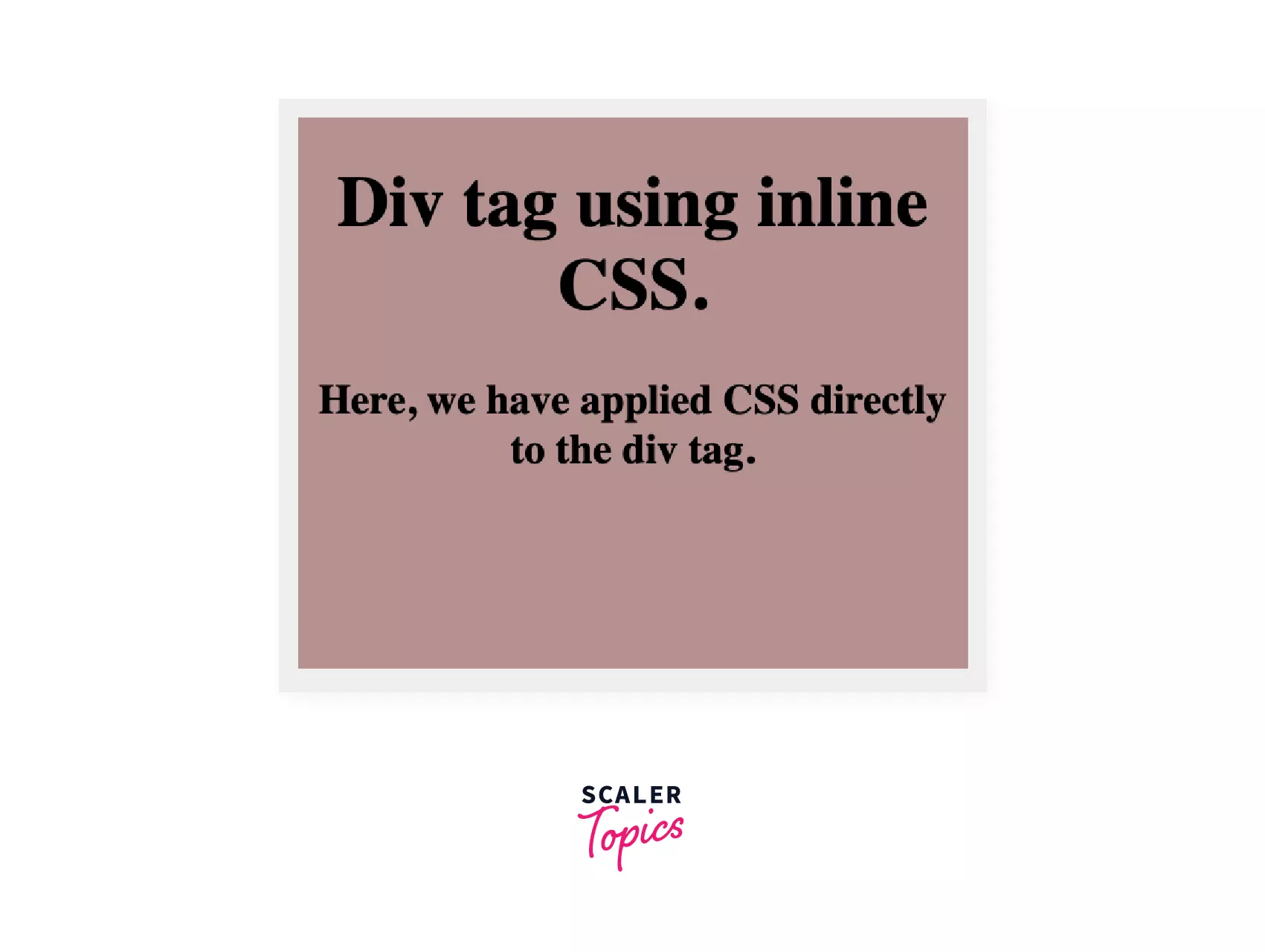
From the output, we can see that the content is aligned to the center using a center tag, and the CSS properties are applied in the div tag itself.
Turn Learning into Career Growth
Difference Between HTML div Tag and span Tag
| The div tag | The span tag |
|---|---|
| The div tag is a block element. | The span tag is an inline element. |
| The div tag covers the complete area from left to right. | The span tag only covers the area as per the size of the content. |
| The div tag is used to group the large sections of the webpage. | The span tag is used for a smaller section like some text is highlighted. |
Browser Support
The supported browsers by the div tag are -
- Chrome
- Firefox
- Safari
- Internet Explorer
- Opera
Summary
- The div tag is a block element that is used to group HTML elements.
- The div tag makes it easier to design the website as CSS can be applied in two ways.
- First, Using Class, i.e., we define a class for the div tag and apply CSS by making different CSS files or by defining a class in the head section within the <style> element.
- Second, another way is to style within the div tag.
- The span tag is an inline element, while the div tag is a block element.




