


jQuery ready() Method
 FREE
FREE

Build an AI-First Career, Master the Complete Skillset
Choose from our industry-leading programs designed for career success
Modern Software and AI Engineering Program
Master full-stack development with AI integration


 +1000 more
Modern Data Science and ML with specialisation in AI
Advanced data science techniques with AI specialization
+1000 moreAdvanced AIML with Specialisation in Agentic AI
Deep dive into AIML with focus on Agentic systems
+1000 moreDevOps, Cloud & AI Platform Engineering
Build and manage AI-powered cloud infrastructure
+1000 moreAI Engineering Advanced Certification by IIT-Roorkee
Premier AI engineering certification from IIT-Roorkee

AI Forward Deployed Engineer Program
Full-stack engineering, production AI and client-facing consulting
+1000 moreOverview
In jQuery, document.ready() is an event handler that is used to execute JavaScript code once the Document Object Model (DOM) of a web page is fully loaded and ready for manipulation. It ensures that your JavaScript code runs after the HTML document has been parsed and is accessible, which is crucial for interacting with and modifying elements on the page.
Syntax
Traditional Method:
In this method, you wrap your JavaScript code inside the document.ready() jquery function, and it will execute once the DOM is fully loaded and ready.
Shorthand Method:
The shorthand method is a more concise way to achieve the same result. It's functionally equivalent to the traditional method and is often preferred for its conciseness.
Here's an example using the shorthand method:
- When the web page is loaded, jQuery waits for the DOM to be fully ready.
- Once the DOM is ready, the code inside the $(function() { ... }) block is executed.
- It sets up a click event handler for the element with the ID myButton.
- When the button with the ID myButton is clicked by the user, an alert message with the text "Button clicked!" will pop up on the screen.
Parameters
The ready() function is defined with just one mandatory parameter:
function():
This parameter specifies the function that will be executed once the document has finished loading.
The function you provide as the argument to document.ready() is a callback function. It is executed once the HTML document has been completely loaded and is ready for manipulation.
Output:

Explanation:
- We include the jQuery library using a script tag in the head of the HTML document.
- Inside the <body>, we have an <h1> element and a <p> element.
- In the <script> section, we use $(document).ready() to ensure that our code doesn't run until the document is fully loaded.
- Inside the $(document).ready() function, we use jQuery to select all <p> elements and change their text color to blue.
How Scaler Transformed Careers in Different Fields
Scaler learners achieved 2.5x salary growth with average post-Scaler CTC reaching ₹23L.
 Google
 Amazon
 Microsoft
 Flipkart
 Adobe1200+ more
How to Use document.ready() jQuery Method?
jQuery's document ready() method, known as document ready jquery, is a powerful tool for fine-tuning when your JavaScript code should execute, optimizing page loading. However, it's essential to understand that document.ready() focuses solely on waiting for the Document Object Model (DOM) to load, not for external resources.
The Loading Process
Before delving into document.ready() jquery method, let's clarify how JavaScript traditionally operates:
- HTML Content:
JavaScript waits for the entire page structure, including headings, paragraphs, forms, and tables. - Stylesheets:
It patiently holds off until linked CSS files are downloaded and applied. - Images and Resources:
JavaScript doesn't discriminate; it waits for every external asset, which can cause delays.
Usage: To use the document.ready() method in jQuery:
-
Include jQuery in your HTML file.
-
Write your JavaScript code inside the $(document).ready() function.
Or use the arrow function :
-
Your code inside the $(document).ready() function will execute when the DOM is fully loaded, allowing safe interaction with page elements. Example:
Examples
1.Changing the Background Color on Document Ready
Output:

Explanation:
This HTML document uses jQuery to change the background color of the <body> element to "lightblue" after the entire document has fully loaded. The $(document).ready() function ensures the code inside it only runs when the document is ready, preventing issues that can occur when modifying elements before they exist in the DOM.
2.Dynamic DOM Manipulation with jQuery
Output:

Explanation:
- The $(document).ready() function ensures JavaScript code executes only when the entire HTML document is fully loaded.
- Inside this function, jQuery is used to:
- Change the text of the <h1> element to "Welcome to Our Website" and set its color to green.
- Append a new <p> element with the text "Thanks for visiting!" to the end of the <body>.
3.Revealing Hidden Content on Button Click
Output:
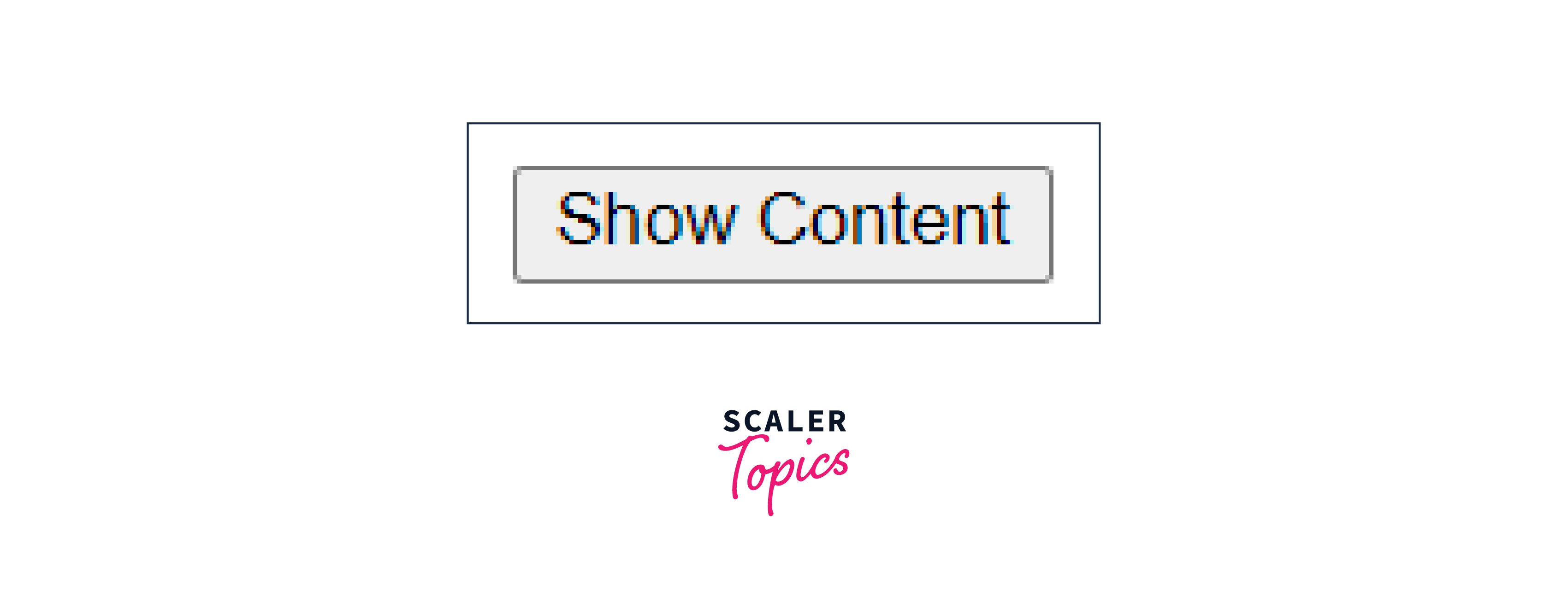
After Clicking :

Explanation
- $(document).ready() is used to ensure JavaScript actions occur only after the HTML document is fully loaded and ready for interaction.
- It initially hides content within an element with the ID "content".
- It adds a click event handler to a button with the ID "showButton".
- When the button is clicked, it reveals the initially hidden content.
- This approach ensures proper sequencing and interaction in the web page.
Turn Learning into Career Growth
Conclusion
- $(document).ready() allows you to control when your JavaScript code executes in relation to the loading of the HTML document.
- It ensures that your code runs only after the entire document is fully loaded, preventing issues with accessing or manipulating elements before they exist in the DOM.
- The function takes a single callback function as its parameter, making it straightforward to implement.
- Utilizing $(document).ready() is considered a best practice in jQuery development to ensure the reliability of your scripts.




