


<em> Tag in HTML
 FREE
FREE

Overview
The em tag in HTML is used to emphasize the text. The word "emphasize" refers to a process of highlighting something or putting the focus on it to catch a little more attention than usual.
Build an AI-First Career, Master the Complete Skillset
Choose from our industry-leading programs designed for career success
Modern Software and AI Engineering Program
Master full-stack development with AI integration


 +1000 more
Modern Data Science and ML with specialisation in AI
Advanced data science techniques with AI specialization
+1000 moreAdvanced AIML with Specialisation in Agentic AI
Deep dive into AIML with focus on Agentic systems
+1000 moreDevOps, Cloud & AI Platform Engineering
Build and manage AI-powered cloud infrastructure
+1000 moreAI Engineering Advanced Certification by IIT-Roorkee
Premier AI engineering certification from IIT-Roorkee

AI Forward Deployed Engineer Program
Full-stack engineering, production AI and client-facing consulting
+1000 moreSyntax
The syntax of the em tag is pretty straightforward. Just write the opening and closing tags with some content in between.
Note: We can embed any tag inside the em tag, and we will not have any rendering issues, but it is not good practice to use semantic tags for purposes that they are not intended for.
<em> Tag Attributes
- The em doesn't have any tag-specific attributes. Let's understand with an example that we have the width for the <img/> tag, href for the <a> tag, and type for the <input/> tag. In the <em> tag, there is no special associated attribute.
- It supports all global attributes, for example: id, hidden, style, etc.
- It also supports all event attributes, for example:, onload, onclick, onblur, etc.
How to Use <em> Tag in HTML?
The semantic meaning of the em tag is to emphasize the underlying content with verbal stress. What does that mean? Let's understand with some examples,
- This example has an emphasis on what, which means if we speak it, we will put an exclamatory pause as well as a little bit more focus on the "what" keyword.
- This example shows emphasis on now.
Even though the em tag visually represents only some content with simple styles, a software or screen reader interprets it in a way by emphasizing the same.
- A few keywords are the focus of this example. Let's say a screen reader describes the information of the laptop, so if it encounters an em tag, it will emphasize the underlying content so that those special terms can get enhanced attention.
The inference is if you want to emphasize a specific part of the content, you can use the em tag. Italic font style is the default visual emphasis for the em tag.
<em> Tag Examples
How Scaler Transformed Careers in Different Fields
Scaler learners achieved 2.5x salary growth with average post-Scaler CTC reaching ₹23L.
 Google
 Amazon
 Microsoft
 Flipkart
 Adobe1200+ more
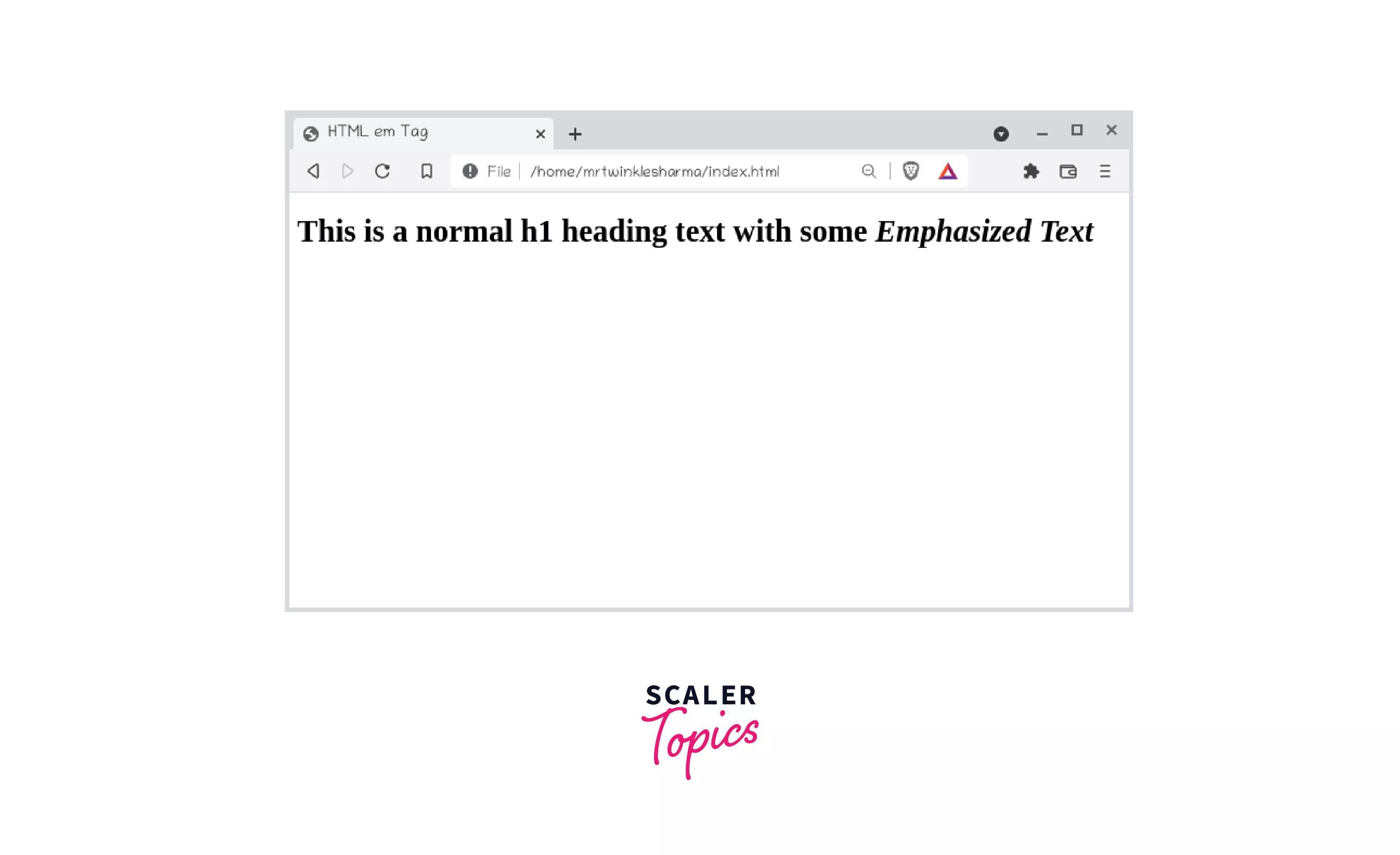
Example 1: <em> Tag in HTML
Output:
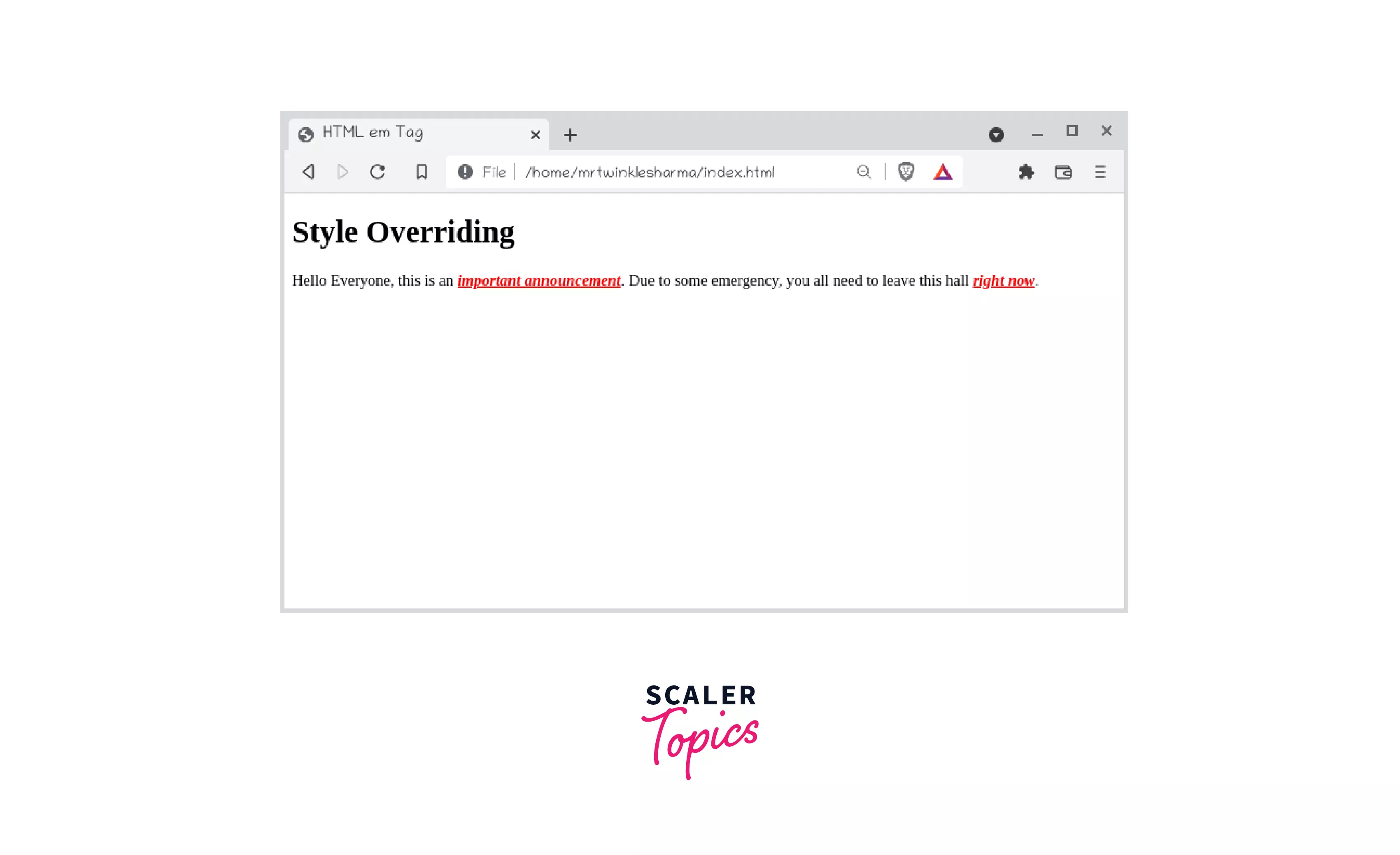
Example 2: Visual Style Overriding
The default visual style of the em tag is "font-style
Output:
Turn Learning into Career Growth
Example 3: Nested <em> Tag
We can also nest the em tag. One thing to note is that as the nesting levels increases, so will the level of emphasis.
Output:

Mark Up Emphasized Text in a Document
HTML contains several semantic tags which have their own meaning and can be identified by the developer as well as any software algorithm. They indicate what type of content they contain and what is the role of that content on the web page. Example footer tag describes that the content which is inside it will represent a footer on screen, form tag describes that the underlying content is a form to take data from the user, etc.
On the other hand, there exist several normal tags which usually don't have any meaning, and they neither give any indication of what they contain nor can anyone predict what could be the content inside them. Example With the div tag, we cannot predict what is underlying content. There could be anything, span is used to cover some content in a box, but there is no fixed rule for what it can contain, etc.
When a semantic tag is used to mark up emphasized content in HTML documents, the intention is to inform the program that this particular content is not normal and should be interpreted as such by creating some stress emphasis. In HTML documents, emphasized text is marked up with the <em> semantic tag.
Example: We will emphasize the bold keywords of this paragraph with markup in HTML.
"David follows his principle and ideology," Robin said; What? David follows his principal's ideology", Raman asked; "No, David follows his principle and ideology", Robin replied.
Browser support
Almost every browser with the latest version supports this tag.
- Chrome
- Edge
- Firefox
- Internet Explorer
- Opera
- Safari
- WebView Android
- Chrome Android
- Firefox for Android
- Opera Android
- Safari on iOS
Conclusion
- The <em> tag is used to emphasize the content.
- This is a semantic tag(elements with some special meaning) of HTML.
- Semantic tags and normal tags cannot be distinguished visually because the semantic tag is just a theoretical concept that enforces some conventions so that their role in the web page can be identified.
- According to software programs, semantic tags are interpreted based on their characteristics.




