


Migrating Termux to F-Droid
Overview
Migrating from Termux to F-Droid offers several compelling reasons. F-Droid, an open-source app store, prioritizes free and open-source software (FOSS) for Android, aligning with transparency and openness values. F-Droid ensures privacy and security, guaranteeing apps are free from malicious elements. F-Droid adopts a community-driven approach, fostering collaboration and quality FOSS app development. To migrate, you can use an integrated method by installing the F-Droid CLI in Termux and updating repositories. Alternatively, follow a manual process: download F-Droid, enable unknown sources, export Termux packages, install desired packages, transfer data, and adjust settings. This shift supports the FOSS community and offers privacy-focused, secure, and community-driven apps.
Why Should You Migrate From Termux?
If you're considering migrating from Termux to F-Droid, there are a few reasons to take into account. F-Droid is an open-source app store that focuses on providing free and open-source software (FOSS) for Android. By migrating to F-Droid, you can have access to a wide range of FOSS apps that align with your values of openness and transparency.
Additionally, F-Droid emphasizes privacy and security, ensuring that the apps available on their platform are free from any malicious code or tracking. This can give you peace of mind while using the apps from F-Droid.
Moreover, F-Droid offers a decentralized and community-driven approach, allowing users to contribute, review, and improve the apps available on the platform. This fosters a collaborative environment and promotes the development of high-quality FOSS apps.
By migrating to F-Droid, you can support the FOSS community and have access to a curated collection of privacy-focused, secure, and community-driven apps. So, if you're currently using Termux and looking for a more FOSS-friendly and privacy-conscious app ecosystem, consider making the switch to F-Droid.
How To Migrate?
Integrated Method
To migrate from Termux to F-Droid using an integrated method, you can follow these steps:
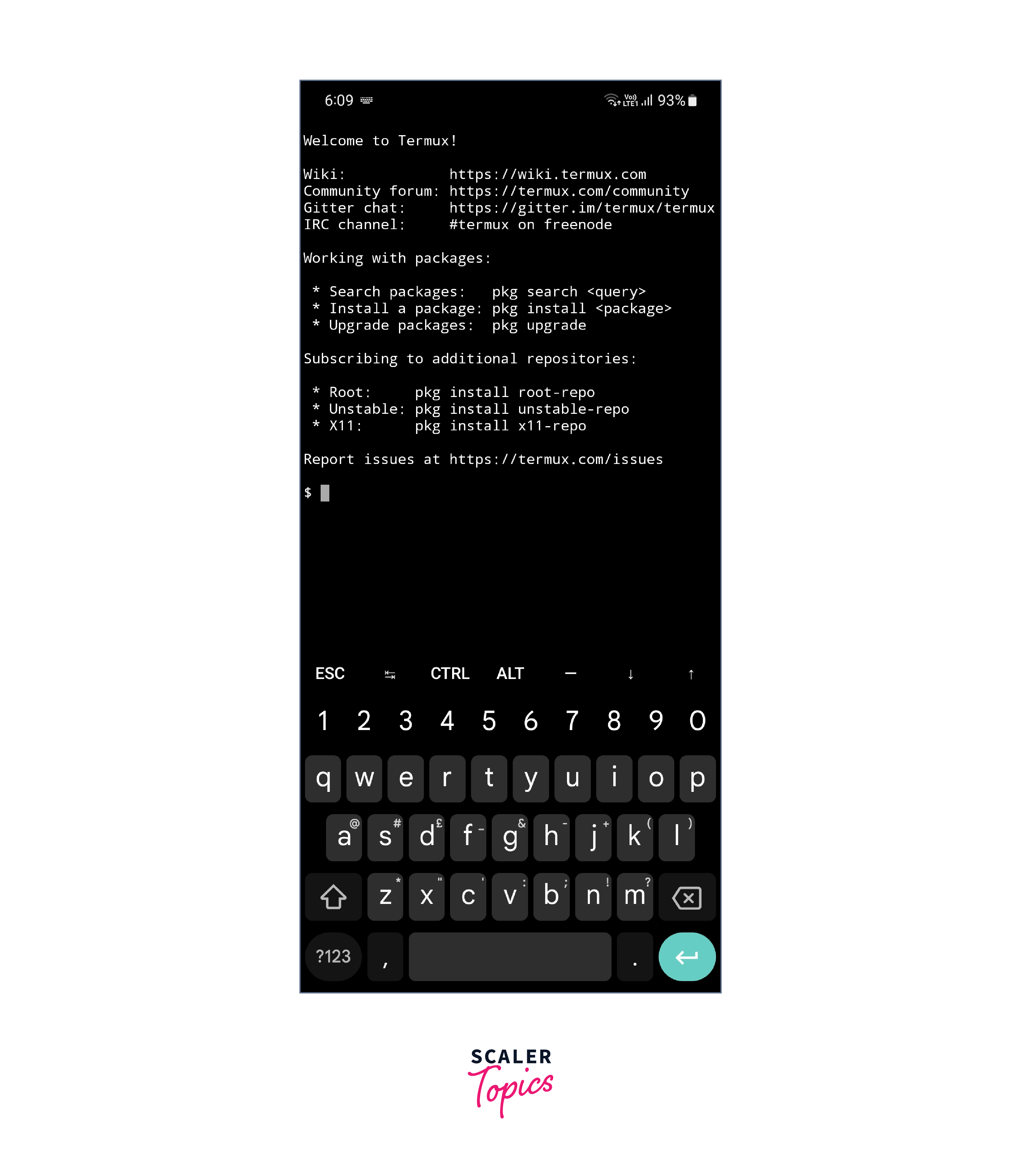
- Open Termux: Launch the Termux app on your Android device.
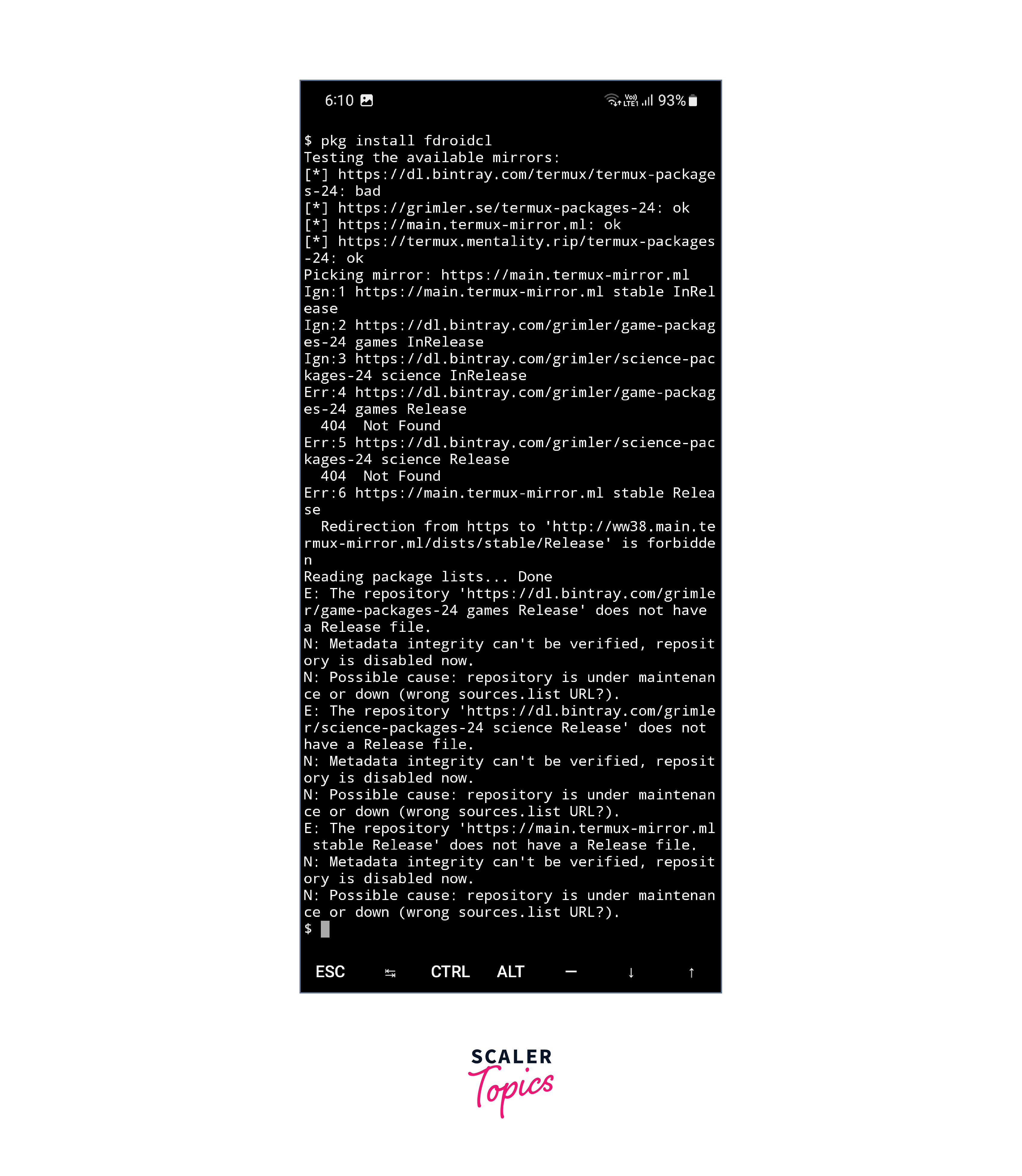
- Install the F-Droid CLI: In the Termux terminal, enter the command pkg install fdroidcl to install the F-Droid Command Line Interface (CLI).
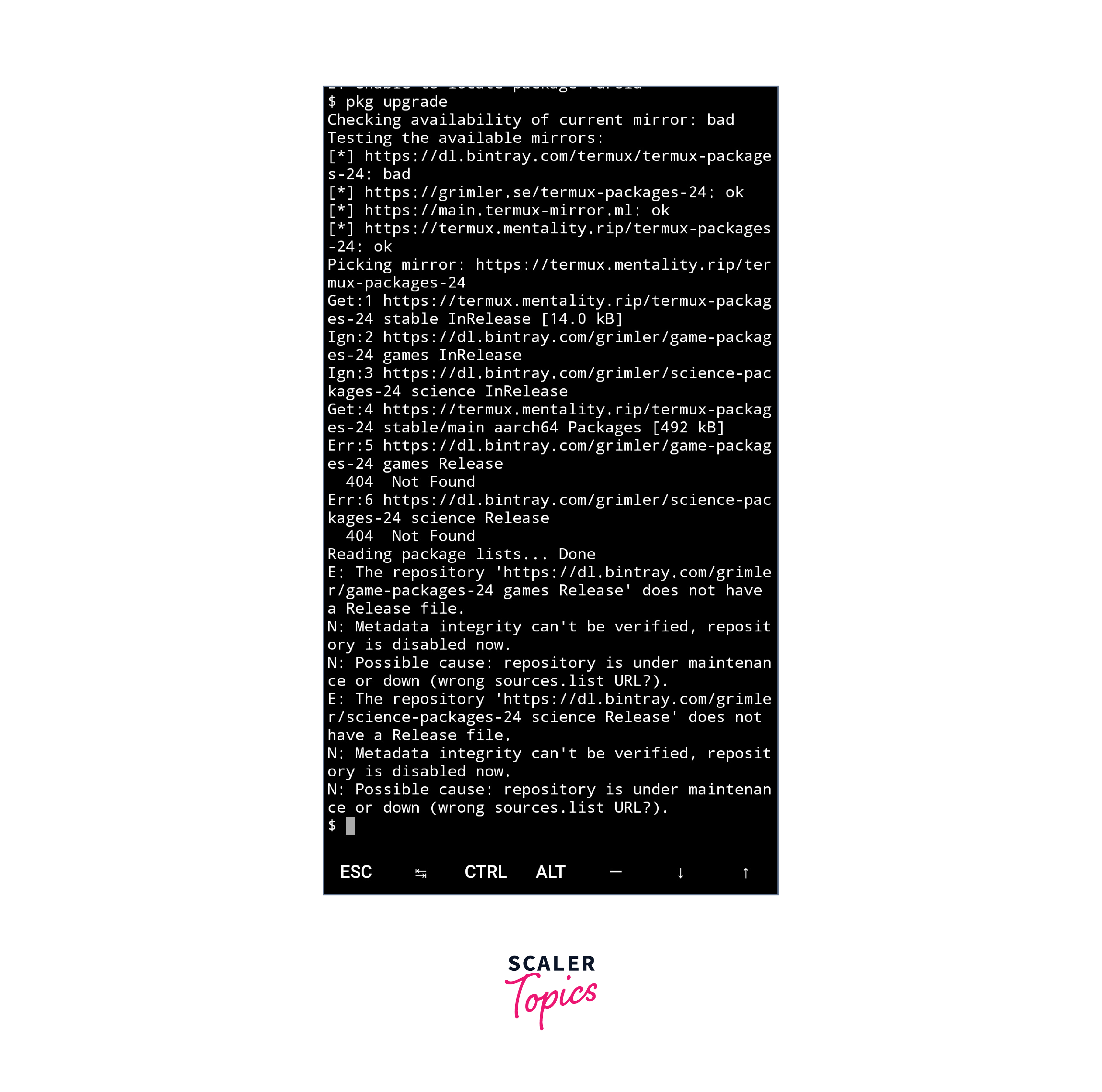
- Update F-Droid: Once the installation is complete, run the command "fdroid update" to update the F-Droid repositories.
- Search and Install Apps: Now you can use the F-Droid CLI to search for and install apps. Use the command fdroid search [app name] to find specific apps, and fdroid install [app name] to install them.
- Explore and Enjoy: Once you have installed the desired apps, you can access them directly from your device's app drawer or home screen.
By following these steps, you can seamlessly migrate from Termux to F-Droid and continue enjoying the world of open-source apps.
Manual Method (Step by Step)
To manually migrate from Termux to F-Droid, you can follow these steps:
- Install F-Droid: Download and install the F-Droid app from the F-Droid website or an alternative trusted source.
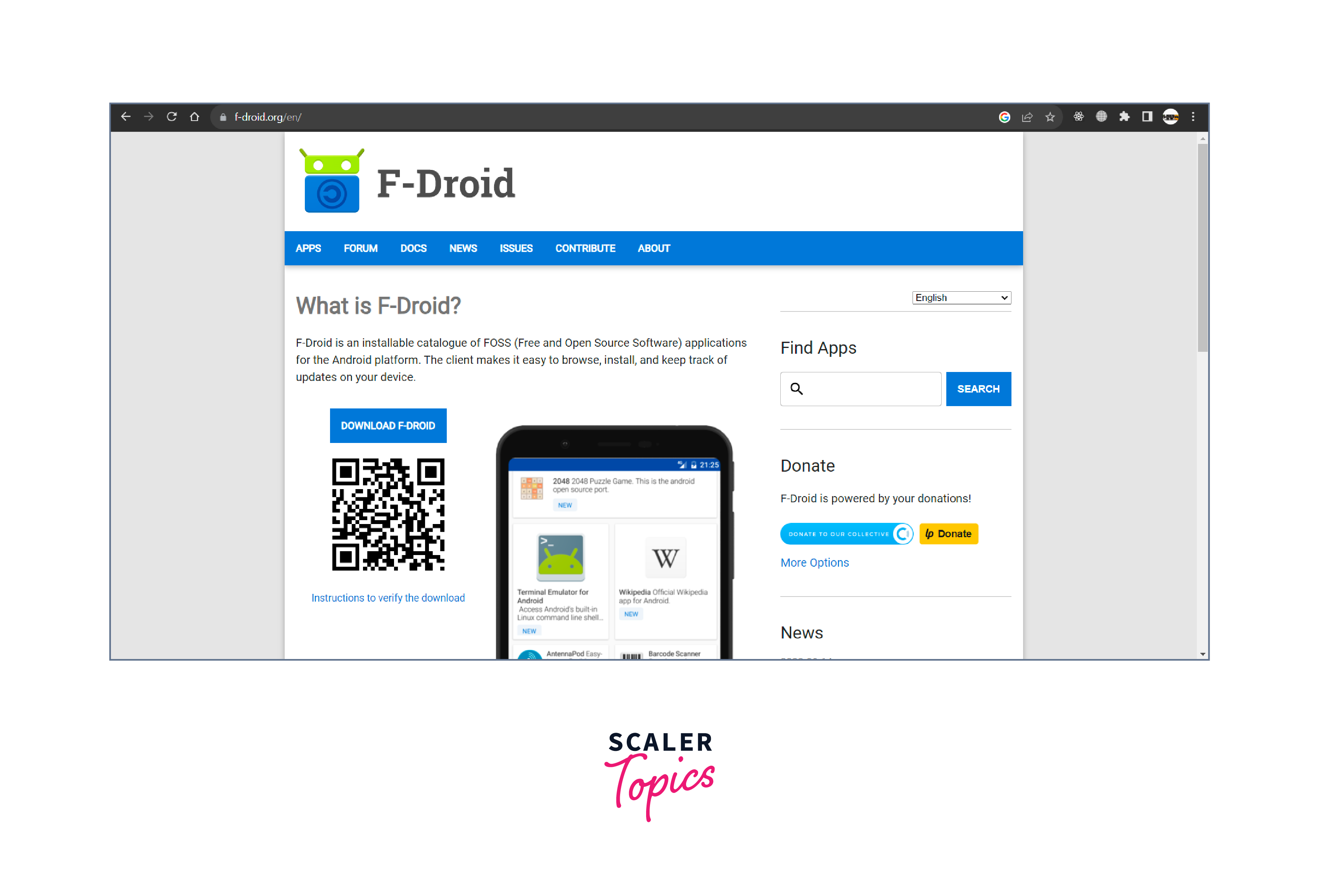
- Enable Unknown Sources: In your device's settings, navigate to "Security" or "Privacy" and enable the option to install apps from unknown sources.
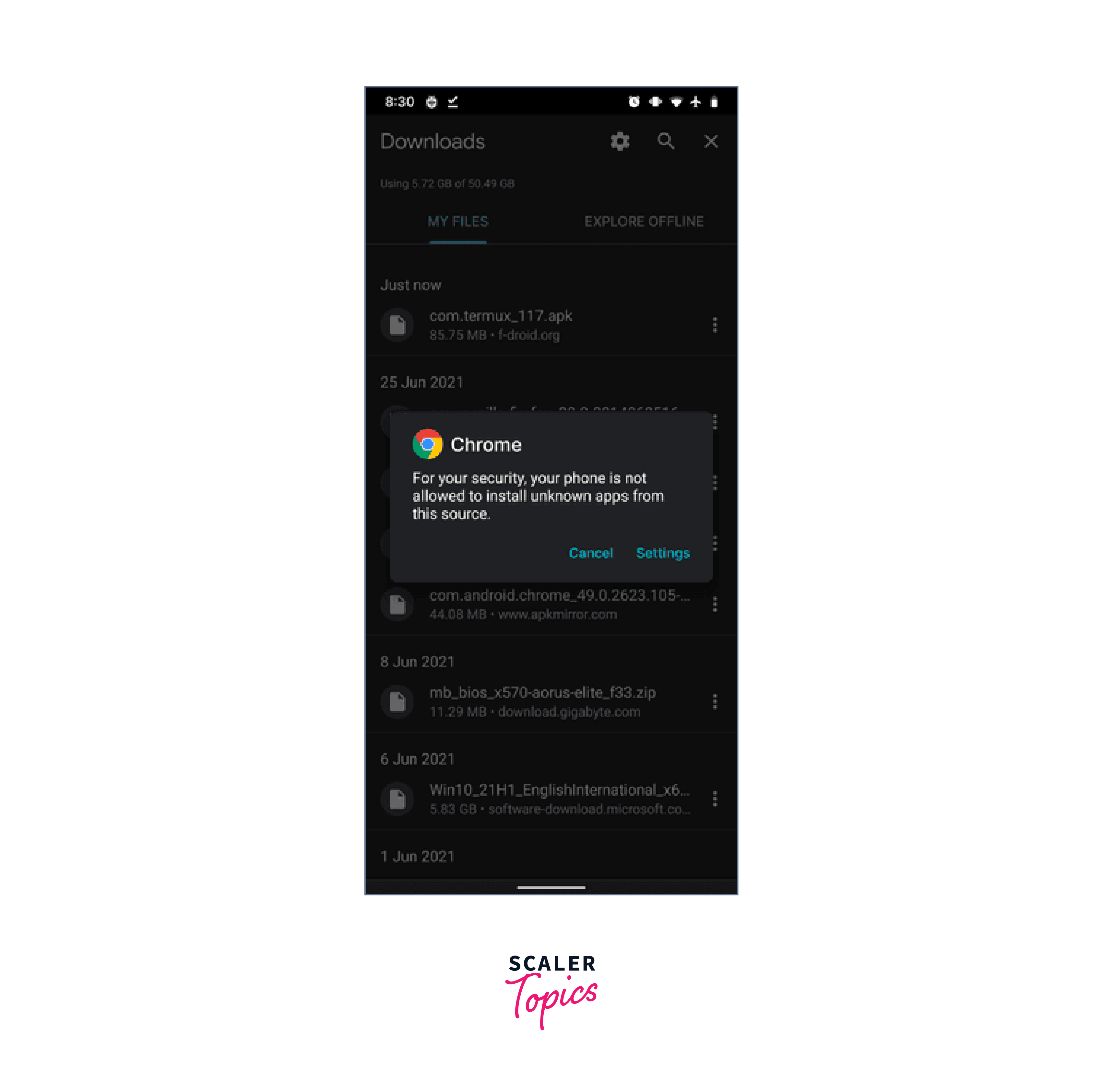
- Export Termux Packages: Open Termux and use the command pkg list-installed > packages.txt to export a list of installed packages to a text file.
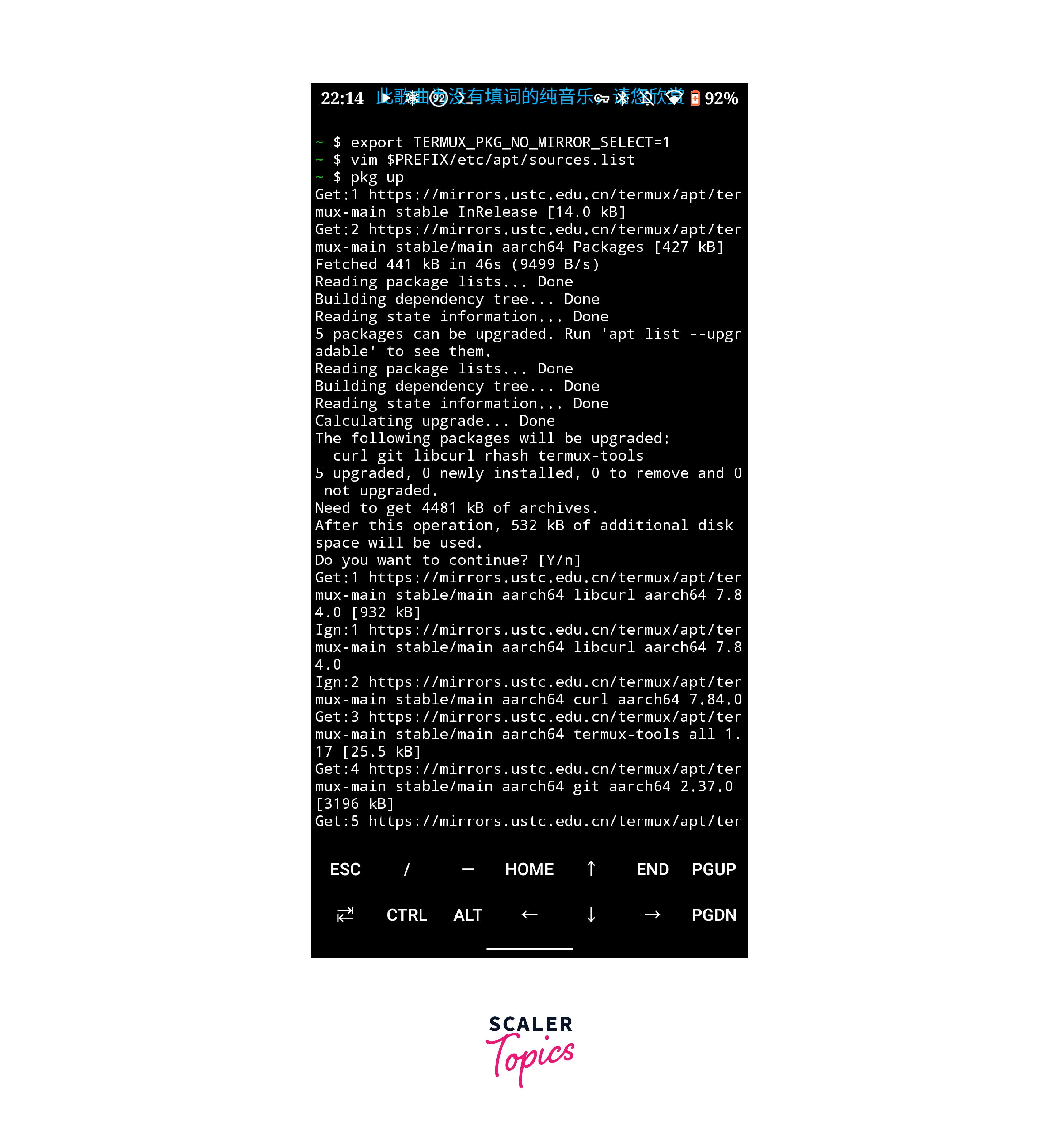
- Install Packages From F-Droid: Open the F-Droid app and search for the packages you want to install. Tap on each package and select "Install" to install them.
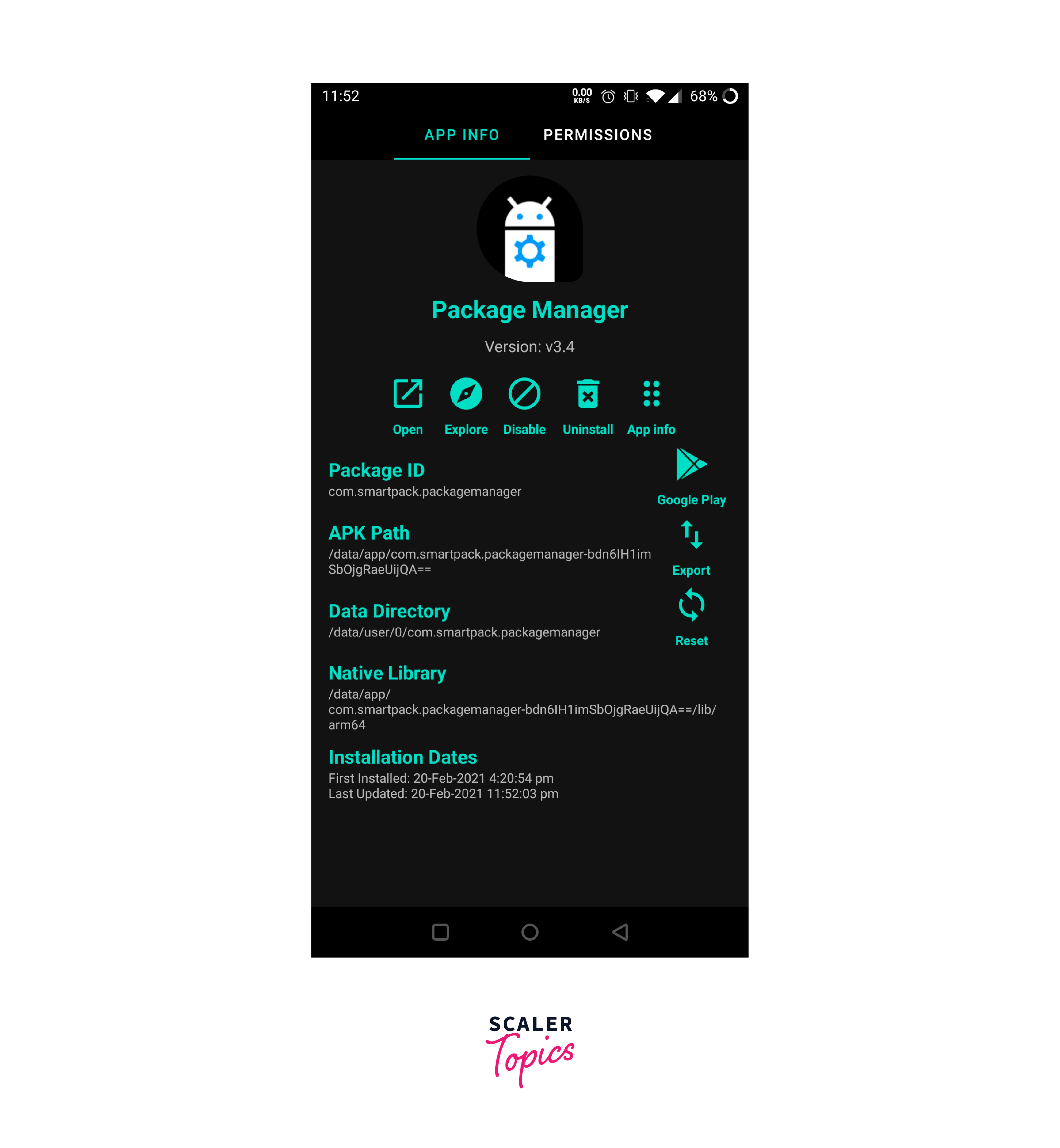
- Transfer Termux Data: If you want to transfer your Termux data, such as scripts or configurations, you can manually copy them from the Termux folder to the corresponding folder in F-Droid.
- Test and Adjust: Open the installed packages from F-Droid and test their functionality. If needed, adjust configurations and settings to match your preferences.
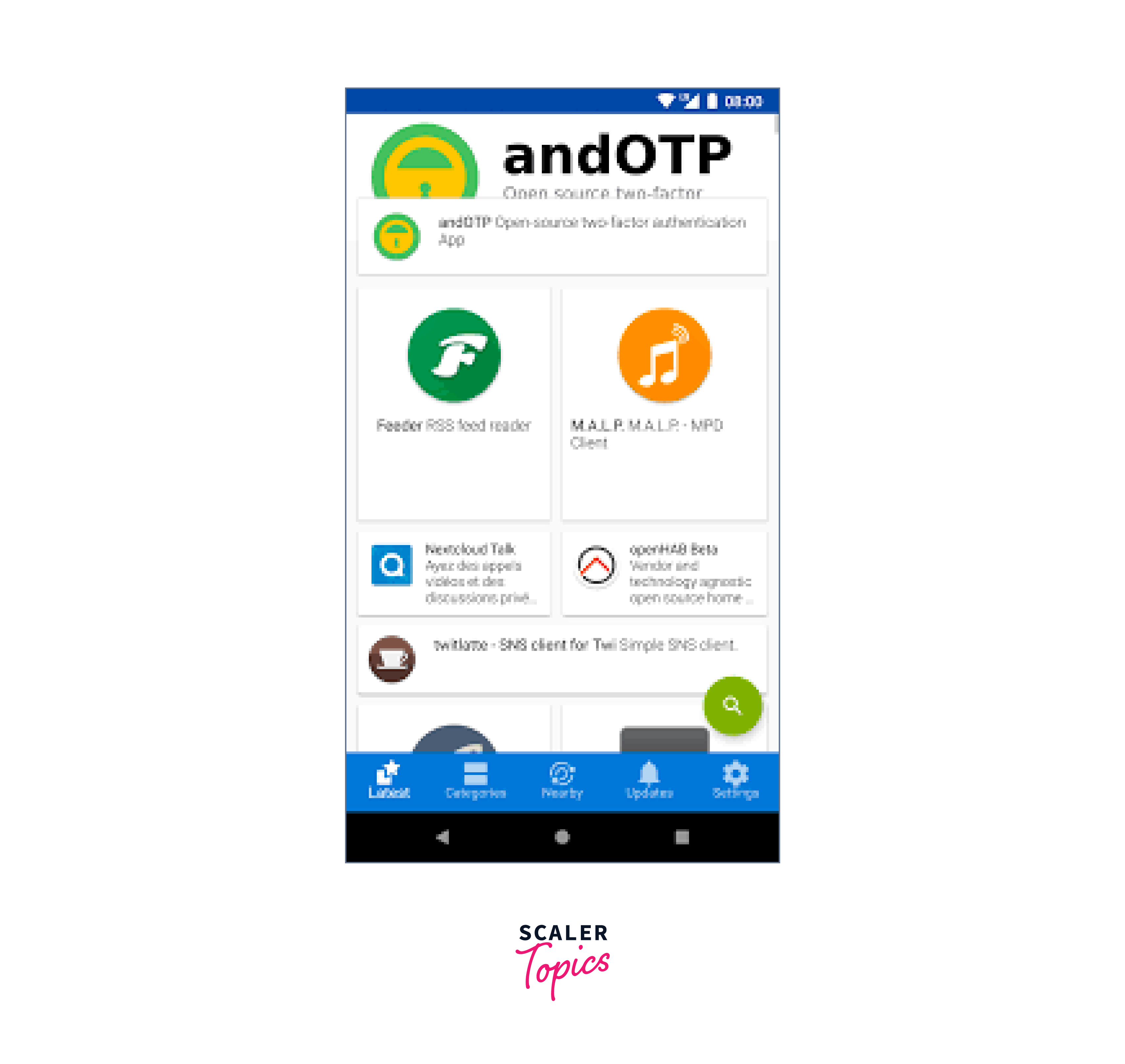
Common Issues or Challenges Faced By Users
When migrating from Termux to F-Droid, users may encounter a few challenges.
Here are some common issues and their solutions:
-
App Compatibility: Some apps that were available in Termux may not be available in F-Droid. In such cases, you can search for alternative apps with similar functionality on F-Droid.
-
Data Transfer: If you have important data or configurations in Termux, you can manually back them up and transfer them to the new apps installed from F-Droid. This way, you won't lose any valuable information.
-
Learning Curve: F-Droid may have a different interface and workflow compared to Termux. Take some time to explore and familiarize yourself with the new apps and their features. You can also refer to online tutorials or user forums for guidance.
Migrating from Termux to F-Droid can be a smooth transition with some preparation and a willingness to adapt to the differences between these two platforms.
Comparison between Termux and F-Droid
| Features | Termux | F-Droid |
|---|---|---|
| Terminal Emulator | Yes | No |
| Package Manager | Yes | No |
| App Availability | Limited to command-line and development tools | Wide range of open-source apps |
| User Experience | Geared towards command-line and advanced users | User-friendly interface with curated app selection |
While Termux is a powerful terminal emulator with a package manager, it primarily caters to command-line and development tools. On the other hand, F-Droid doesn't offer a terminal emulator but provides a wide range of open-source apps through its package manager. F-Droid focuses on a user-friendly experience with a curated selection of apps. The choice between Termux and F-Droid depends on your specific needs and preferences.
If you're looking for a terminal emulator and package manager for advanced command-line tasks, Termux is the way to go. However, if you prefer a more user-friendly environment with access to a diverse collection of open-source apps, F-Droid is the ideal choice.
Conclusion
- Migrating from Termux to F-Droid offers access to a wide range of free and open-source apps, promoting openness and transparency.
- F-Droid prioritizes privacy and security, ensuring apps are free from malicious code or tracking, and enhancing user confidence.
- F-Droid's community-driven approach fosters collaboration and improves the quality of FOSS apps, supporting the FOSS community.
- The integrated method involves installing F-Droid CLI in Termux for a seamless transition.
- The manual method allows for a step-by-step migration, including exporting Termux data and testing and adjusting configurations for a smooth switch.