


JavaScript Focus()
 FREE
FREE

Overview
A HTML form element can be highlighted using Javascript focus() method. The focus in javascript aims to move the application window to the foreground in order to set an element as the active element. Note that sometimes JavaScript's security settings prevent that from happening.
While the focus in javascript attempts to bring the application window to the foreground and activate an element, the setActive() method for Internet Explorer does not achieve this.
Build an AI-First Career, Master the Complete Skillset
Choose from our industry-leading programs designed for career success
Modern Software and AI Engineering Program
Master full-stack development with AI integration


 +1000 more
Modern Data Science and ML with specialisation in AI
Advanced data science techniques with AI specialization
+1000 moreAdvanced AIML with Specialisation in Agentic AI
Deep dive into AIML with focus on Agentic systems
+1000 moreDevOps, Cloud & AI Platform Engineering
Build and manage AI-powered cloud infrastructure
+1000 moreAI Engineering Advanced Certification by IIT-Roorkee
Premier AI engineering certification from IIT-Roorkee

AI Forward Deployed Engineer Program
Full-stack engineering, production AI and client-facing consulting
+1000 moreSyntax of JavaScript focus()
What is JavaScript focus() Method?
The focus in javascript can be used to focus an HTML element. It designates the element as the one that is now active in the document. In the current document, it can be used on a single HTML element. The element could be a window, text box, button, etc. All browsers are compatible with it.
Parameters of JavaScript focus()
options : An optional object that offers choices for controlling different focusing-related processes.
| Property of object | Description |
|---|---|
| preventScroll | a Boolean value indicating whether or not the document should be scrolled to display the newly-focused element. PreventScroll's default value of false instructs the browser to scroll the element into view after it has been focused. No scrolling will take place if preventScroll is set to true. |
How Scaler Transformed Careers in Different Fields
Scaler learners achieved 2.5x salary growth with average post-Scaler CTC reaching ₹23L.
 Google
 Amazon
 Microsoft
 Flipkart
 Adobe1200+ more
Return Value of JavaScript focus()
focus in javascript method has no return value.
Exceptions of JavaScript focus()
To prevent the focus from departing the HTMLElement. event.preventDefault() must be used if HTMLElement.focus() is used from a mousedown event handler.
Turn Learning into Career Growth
Example
Focus on a Text Field
Output:
Before Clicking on the Button:
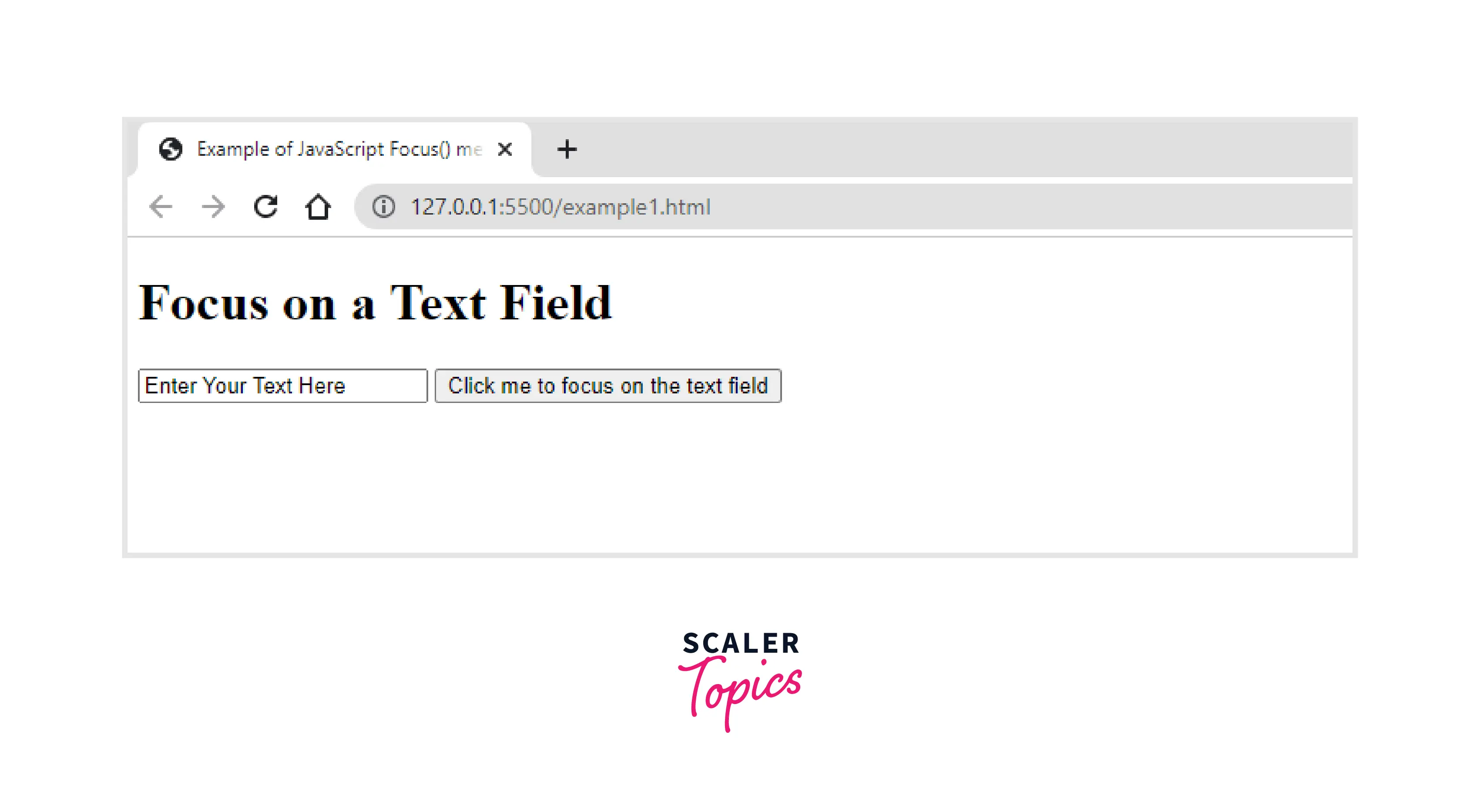
After Clicking on the Button:

More Examples
Focus on a link
Before Clicking on the Button:

After Clicking on the Button:

Focus on a Text Field and remove focus from the Text Field
Before Clicking on the Button:

After Clicking on the focus Button:
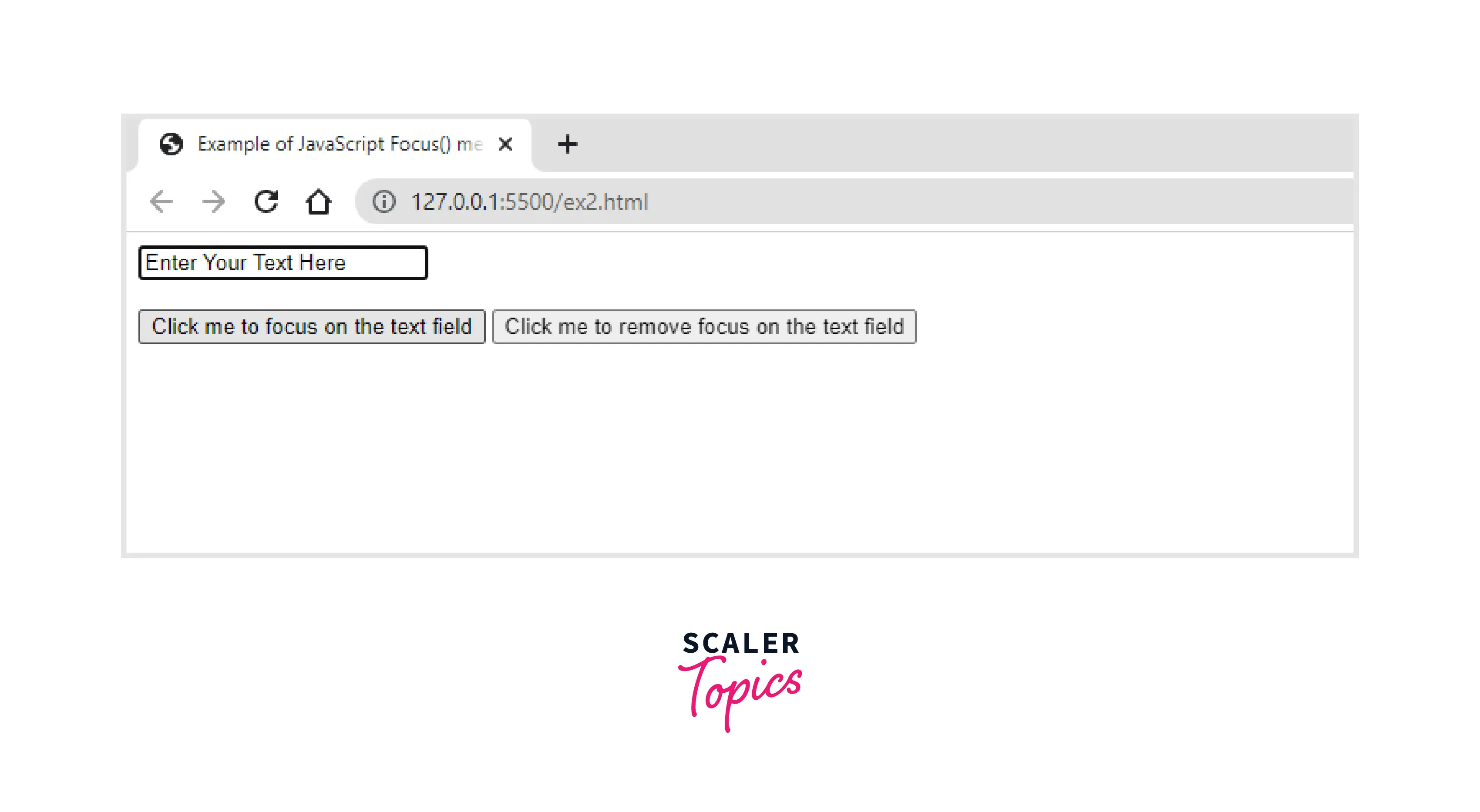
After Clicking on the remove focus Button:
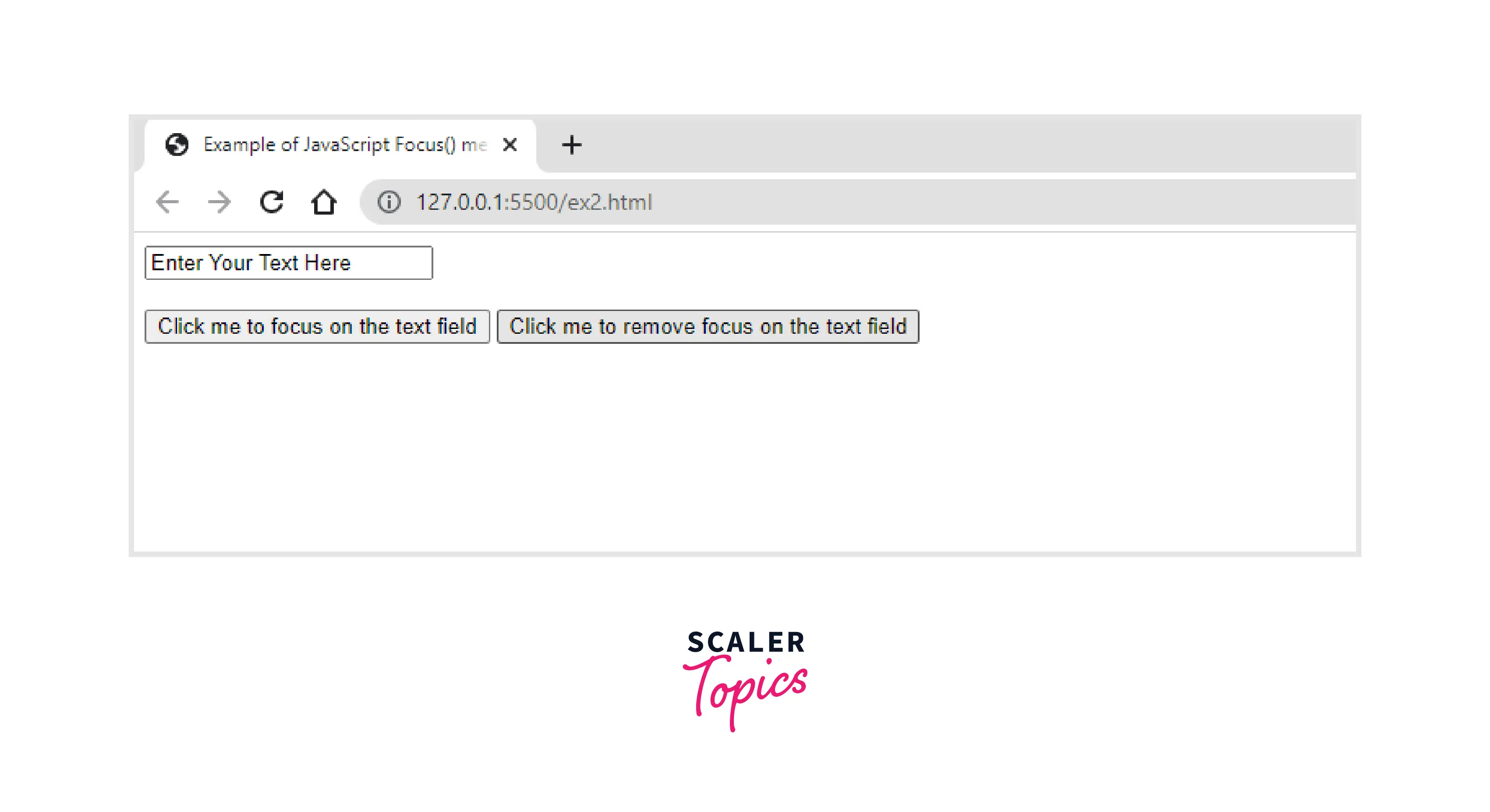
In the above code, we use blur() to remove focus from the element.
Supported Browser
| Browser | Version |
|---|---|
| Chrome | 1 and higher |
| Edge | 12 and higher |
| Firefox | 1 and higher |
| Internet Explorer | 3 and higher |
| Opera | 3 and higher |
| Safari | 1 and higher |
Conclusion
- The focus and activation-related events are triggered on the element when the focus() method is called.
- Although an element with focus is usually the active element in the page, an active element is not required to have focus.
- The element is made the active element in the current document via the focus() method. In a document, only one element can be active at once.




