


For Loop In jQuery
 FREE
FREE

The jQuery for loop is a potent tool for efficiently navigating and manipulating elements in a specified set. With concise syntax, it enables developers to iterate over collections, enhancing the handling of dynamic web content. Tailored for seamless integration with jQuery's functions and selectors, this loop mirrors the familiarity of a standard JavaScript for loop, providing a robust mechanism for iterating over DOM elements. Its significance lies in streamlining tasks related to DOM manipulation, offering an intuitive way to consistently apply actions across multiple elements. In essence, the jQuery for loop is a fundamental asset, contributing to the framework's flexibility and streamlining web development.
Uses of for Loop in jQuery
In jQuery, the for loop is a fundamental programming construct that allows you to iterate over a set of elements or perform repetitive tasks based on certain conditions. The for loop in jQuery is used to traverse through collections of HTML elements, such as those selected using jQuery selectors, and execute specific actions on each element. Let's explore some common uses of the for loop in jQuery:
-
Iterating through a Collection:
Output

In this example:
- $("p") selects all paragraph elements on the page using the jQuery selector.
- The for loop iterates through each paragraph using the index i.
- $(paragraphs[i]) converts the current paragraph element to a jQuery object for manipulation.
- The css() method is used to change the text color of each paragraph to blue.
-
Handling Events for Multiple Elements:
Output
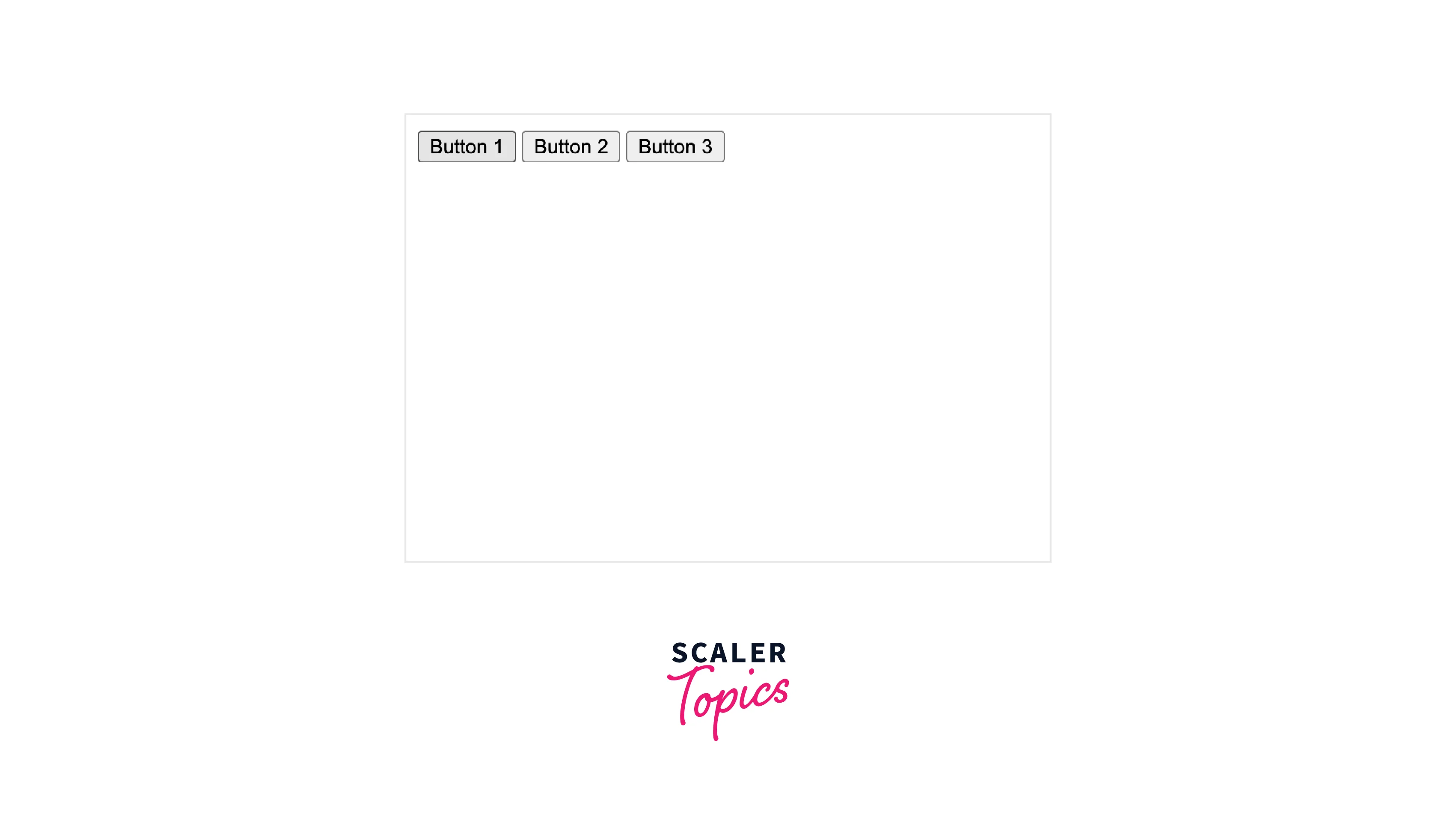 In this example:
- $("button") selects all button elements on the page.
- The for loop attaches a click event handler to each button, attempting to display an alert with the button number.
- However, due to the asynchronous nature of events, the value of i inside the event handler may not be what you expect. To resolve this, you can use a closure or the each method.
-
Dynamic Content Generation:
Output
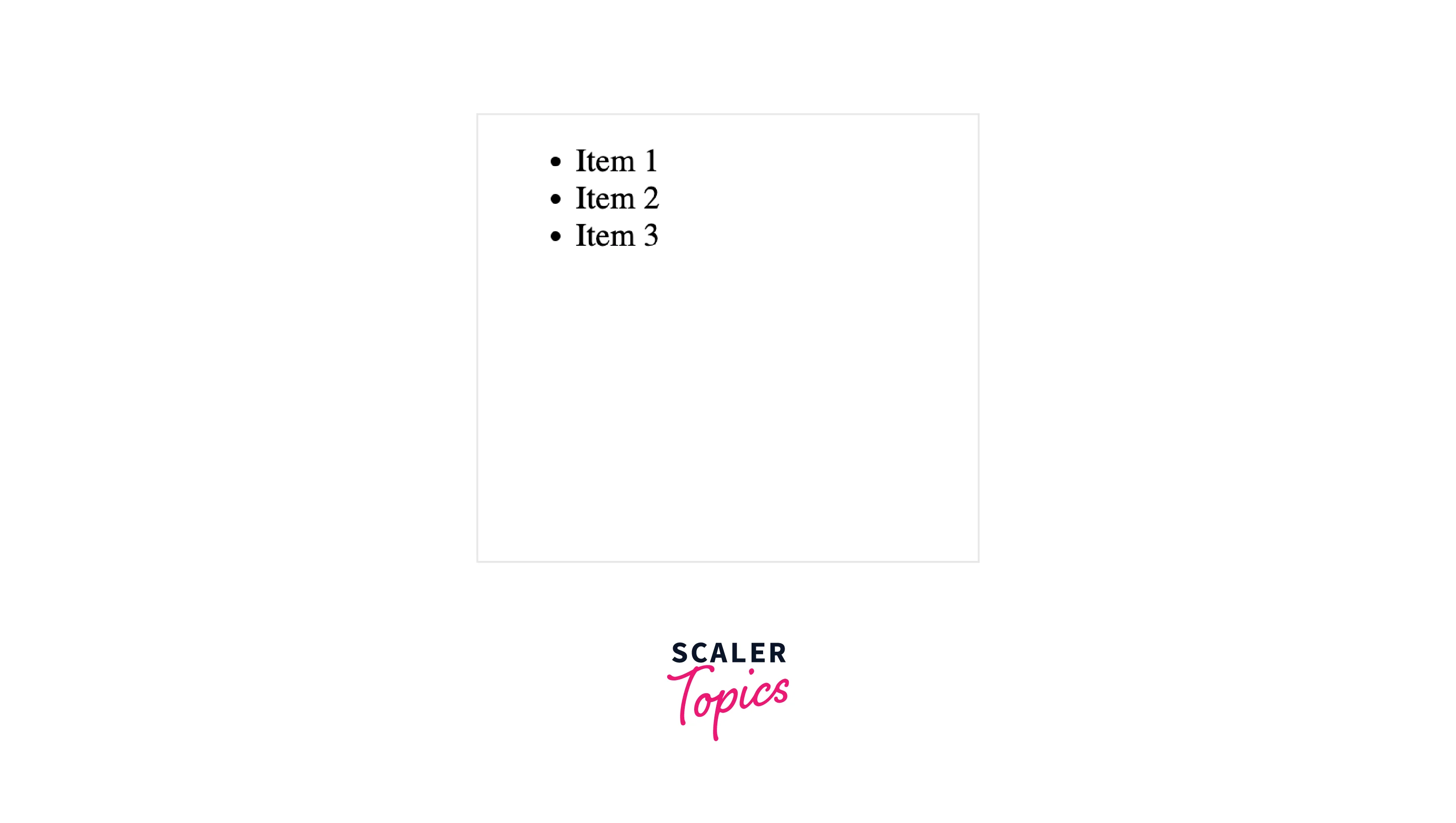
Here:
- An array itemList is created with sample items.
- The for loop dynamically creates list items (<li>) for each item in the array using text() to set the content.
- The appendTo("#itemList") method appends each list item to an unordered list with the id #itemList.
-
Ajax Requests in a Loop:
This example demonstrates making sequential Ajax requests using the for loop:
- An array urls contains sample URLs.
- The for loop iterates through each URL and makes an Ajax request using $.ajax().
- The success callback attempts to log the data and the corresponding URL, but due to the asynchronous nature of Ajax, urls[i] may not be accurate within the callback.
-
Animating Elements Sequentially:
Output

In this case:
- $(".animated-element") selects all elements with the class animated-element.
- The for loop iterates through each element.
- The delay() method introduces a delay based on the index, creating a sequential animation effect.
- fadeIn(500) gradually makes each element visible over a 500 milliseconds duration.
Remember that while the for loop is useful in these scenarios, developers should be aware of potential issues, especially related to closures, event handling, and asynchronous operations, to ensure the intended behavior of the code. Using alternative constructs like $.each or Promises can sometimes provide better control in certain situations.
An Example of The For Loop from JavaScript
-
Part 1: Initialization
- Initialize a variable i with the value 0.
- This is executed only once at the beginning of the loop.
-
Part 2: Condition
- Check if the condition (i < 5) is true.
- If true, execute the code inside the loop.
- If false, exit the loop.
-
Part 3: Iteration
- Increment the value of i by 1.
- This is executed after the code block inside the loop.
-
Code Block inside the Loop
- The code inside the loop is enclosed within curly braces {}.
- In this example, the code block contains a single statement that logs the current value of i to the console using console.log("Current value of i:", i);.
-
Output
- As the loop iterates, the console will display the current value of i during each iteration.
- The loop runs five times (0 through 4) because the condition is true for these values, and the output shows the current value of i during each iteration.
Example of using JavaScript's For Loop with jQuery's each() Method
Example of using JavaScript's For Loop with jQuery's each() Method
Assuming you have an HTML structure with multiple elements of class 'my-element', the following example illustrates the combination of a JavaScript for loop with jQuery's each() method.
1. jQuery's each() Method:
- $('.my-element').each(...) selects all elements with the class 'my-element' and iterates over them using the each() method.
- The each() method takes a callback function with parameters index and element representing the current iteration.
2. Accessing Elements and Index in each() Callback:
- Inside the callback function, $(element) is used to access the current jQuery-wrapped element.
- The index parameter represents the current index of the iteration.
- Custom code can be added for each element inside the callback.
3. Using JavaScript's For Loop without jQuery:
- document.getElementsByClassName('my-element') selects all elements with the class 'my-element' without using jQuery.
- The elements variable holds an array-like collection of selected elements.
4. Iterating with JavaScript's For Loop:
- The for loop is used to iterate over the elements obtained without jQuery.
- Custom code for each element can be added inside the for loop.
- In this example, a data attribute is set for even-indexed elements.
5. Customization and Comparison:
- The each() method provides a more concise syntax and a callback function for customization.
- The for loop allows for more fine-grained control and direct access to elements without the need for jQuery.
6. Use Cases:
- Consider using the each() method when dealing with jQuery-wrapped elements, as it offers simplicity and readability.
- Use the for loop when you need greater control, especially when working directly with JavaScript collections.
7. Output and Modifications:
- The code examples include various modifications, such as setting text content, adding classes, and setting data attributes.
- Output and modifications can be tailored based on specific requirements for each element during iteration.
Conclusion
- The for loop in jQuery provides a concise and efficient way to iterate through collections of elements on a web page. This is particularly useful when dealing with multiple elements that share common characteristics or require similar operations.
- jQuery's for loop abstracts away much of the complexity of traditional JavaScript loops, offering a simplified syntax that enhances code readability. This makes it easier for developers to understand and maintain their code, ultimately leading to more efficient development.
- The for loop in jQuery is commonly employed for DOM (Document Object Model) manipulation. It allows developers to interact with and modify HTML elements dynamically, providing a powerful tool for creating dynamic and interactive web pages.
- jQuery's for loop is often used in conjunction with event handling. It enables developers to efficiently attach event listeners to multiple elements, facilitating the creation of responsive and interactive user interfaces.
- jQuery's for loop helps overcome the challenges associated with cross-browser compatibility. By providing a consistent interface for handling loops and DOM manipulation, jQuery ensures that developers can write code that works seamlessly across different browsers, reducing the likelihood of bugs and errors.
- The for loop in jQuery contributes to code conciseness and brevity. This is especially beneficial for projects where minimizing file size and optimizing performance are crucial considerations. The concise syntax of jQuery's for loop allows developers to achieve more with less code, leading to cleaner and more maintainable applications.