


Read File in Golang
Build an AI-First Career, Master the Complete Skillset
Choose from our industry-leading programs designed for career success
Modern Software and AI Engineering Program
Master full-stack development with AI integration


 +1000 more
Modern Data Science and ML with specialisation in AI
Advanced data science techniques with AI specialization
+1000 moreAdvanced AIML with Specialisation in Agentic AI
Deep dive into AIML with focus on Agentic systems
+1000 moreDevOps, Cloud & AI Platform Engineering
Build and manage AI-powered cloud infrastructure
+1000 moreAI Engineering Advanced Certification by IIT-Roorkee
Premier AI engineering certification from IIT-Roorkee

AI Forward Deployed Engineer Program
Full-stack engineering, production AI and client-facing consulting
+1000 moreOverview
Reading files is one of the essential jobs in a programmer's day-to-day work. It enables us to see, modify, and write content using programming. Depending on your needs, you can do it in various ways. This article will show you how to read the complete file at once, line by line, word by word, and in chunks. Golang provides a large built-in library that can be used to conduct file read and write operations. These are all quite straightforward approaches in Go.
Introduction
Go, often known as Golang, is an open-source, compiled, and statically typed programming language developed by Google. It is designed to be simple, high-performing, readable, and efficient. Golang provides a large built-in library that can be used to conduct file read and write operations. With these built-in libraries, we can read the complete file at once, line by line, word by word, or in chunks, depending on the needs and convenience of the programmer.
Note:- We use the test.txt file as our input file for all the programs mentioned in this article.
test.txt
Read File as String
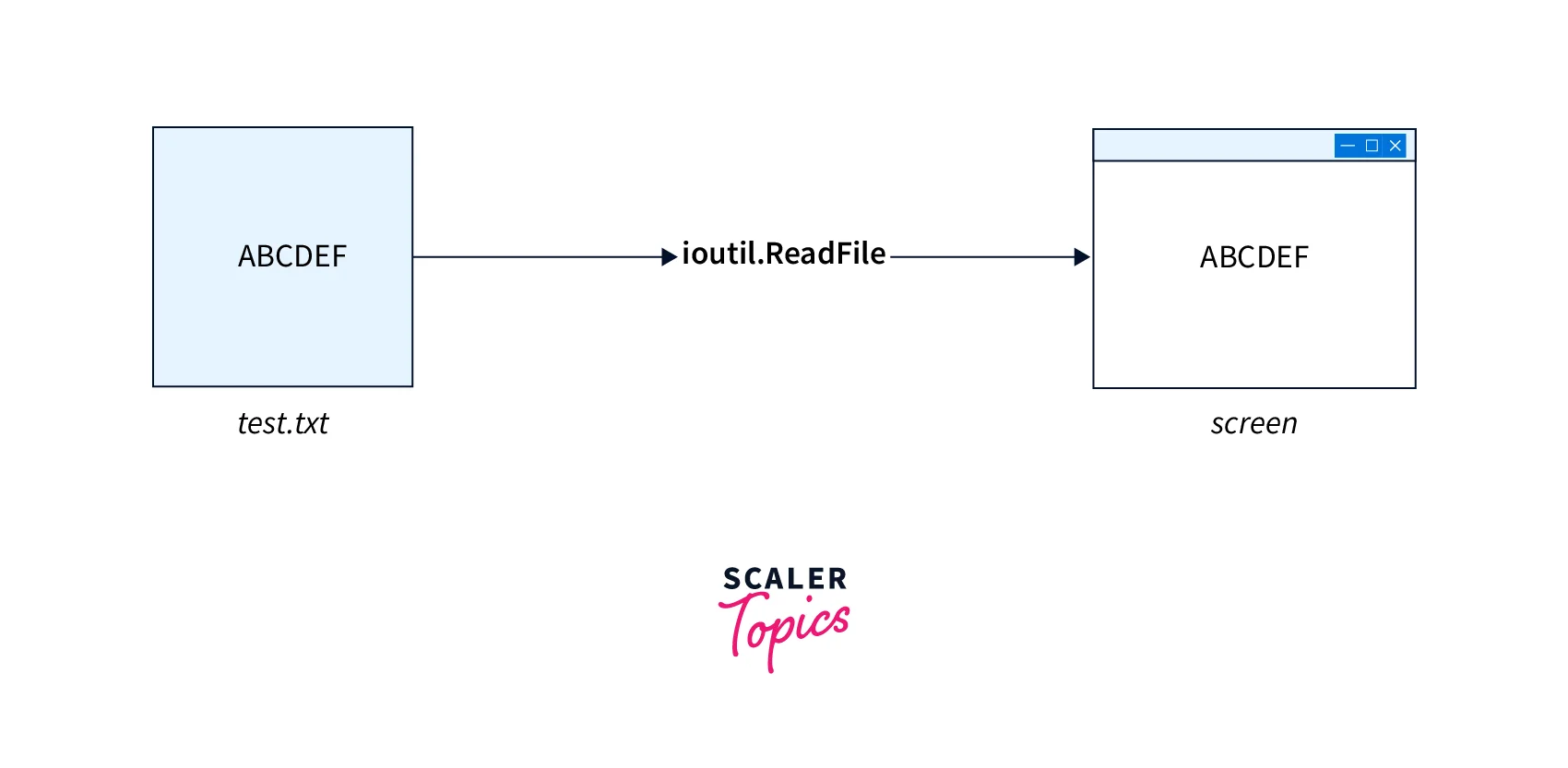
In Go, the ReadFile() function from the ioutil/os package is used to read a complete file's content/text. This function reads the entire content of the text file into a slice of bytes. The ioutil package should not be used to read huge files, so the ReadFile() function is adequate for tiny or small files. The following is the implementation of the ReadFile() function.
Program
Output
Explanation
content, error := ioutil.ReadFile("test.txt") This ioutil package includes a ReadFile() function that can read the entire file content and store the results in a content variable. If the reading of the file content was unsuccessful, we have an error check that prints the type of error.
Now, we simply convert the content of the content variable into the string and store it in the str variable. Finally, we print the string.
How Scaler Transformed Careers in Different Fields
Scaler learners achieved 2.5x salary growth with average post-Scaler CTC reaching ₹23L.
 Google
 Amazon
 Microsoft
 Flipkart
 Adobe1200+ more
Read File Line by Line
We may use a handy bufio.Scanner structure to read a file line by line. Its constructor, NewScanner(), accepts an open file (remember to close the file after the procedure is complete) and allows you to read the following lines using the Scan() and Text() methods. You can inspect errors found during file reading using the Err() function.
Let us see the implementation of the program, which reads a file line by line.
Program
Output
Explanation
We first read the file test.txt using the os.Open() utility and store it in the file variable. Then we use the file to create a new scanner. The Scan() function reads the next line of the file, which is accessible via the Text() function. The Err() function will return any errors that occurred during scanning after Scan returns false. Err() will return nil if the error is EOF (End of File).
Read File by Words
In Go, we can also read a file word by word. For this, we use the ScanWords from the bufio package.
Let's see a program that can read a file test.txt word by word.
Program
Output
Explanation
This program is very similar to the process followed in the above program. The only difference is the use of buffalo.ScanWords to scan the line word by word.
Turn Learning into Career Growth
Read File in Chunks
When you have a huge file or don't want to keep the entire file in memory, you can read it in fixed-size chunks. In this situation, you must generate a byte slice of the required size (chunkSize in the example) to serve as a buffer for the subsequent read bytes. We can load the next chunk of the file's data using the Read() function of the File type. The reading loop ends when an io.EOF error occurs, indicating that the file has reached its end.
Let's implement this logic to write a program that read a file in chunks.
Program
Output
Explanation
The open() function in the os package is used to open a file for simple access and reading of the information, allowing us to utilize the defer keyword to close the file to avoid memory leaks.
b:= make ([]byte, chunkSize) this line creates a buffer to keep bytes slices of specified length and capacity into which the file's bytes will be read.
We use the Read() function of the file type, which reads up to a specified length (i.e., in this case, its chunkSize) and returns the number of bytes read by it. We save the returned bytes in a variable. The slice is then read from index 0 to n-1 and printed up to the number of bytes returned by the Read() function. The reading loop ends when an io.EOF error occurs, indicating that the file has reached its end.
Read Binary File
In Go, we can also read the binary file (like jpeg, jpg, png, etc.). To do so, we use the hex package, which implements hexadecimal encoding and decoding.
Program
Output
Note:- The output is quite large, so we just showed some lines of the output and used the scaler logo as our input.
Conclusion
- Go, often known as Golang, is an open-source, compiled, and statically typed programming language developed by Google.
- In Go, we can read the complete file at once, line by line, word by word, or in chunks, depending on the needs and convenience of the programmer.
- We can also read the binary file (like jpeg, jpg, png, etc.) in Go.




