


<header> Tag in HTML
 FREE
FREE

Transform Your Career
Choose from our industry-leading programs designed for career success
Modern Software and AI Engineering Program
Master full-stack development with AI integration


 +1000 more
Modern Data Science and ML with specialisation in AI
Advanced data science techniques with AI specialization
+1000 moreAdvanced AIML with Specialisation in Agentic AI
Deep dive into AIML with focus on Agentic systems
+1000 moreDevOps, Cloud & AI Platform Engineering
Build and manage AI-powered cloud infrastructure
+1000 moreAI Engineering Advanced Certification by IIT-Roorkee
Premier AI engineering certification from IIT-Roorkee

Overview
In HTML, many components or tags are provided for writing the body section, footer section, and so on semantically. Similarly, to include the header section in any portion of the HTML section, HTML5 includes a header tag to indicate that the components included within this tag comprise the header section. If the tags are used correctly, the web browser can tell the difference between HTML and plain text.
HTML tags are essential elements while building webpages. To learn more about such tags in HTML refer here.
How To Use Header Tag In HTML?
The header tag is a block-level element, and it represents introductory content or navigational content on the web pages. It is useful for holding content like website heading, section heading, website's logo, etc.
The basic syntax of the <header> tag is shown below:
Note: A header element represents the header of the content. However, it cannot be used inside the <footer>, <address>, or parent <header> element.
For example, if you paste the below code in HTML Validator you'll get the error.
Error: The element header must not appear as a descendant of the footer element.
Let's see what contents you can include inside the header tag in HTML:
-
Information about the author
Example:
-
Images or logo
Example :
-
Heading elements (h1 to h6)
Example :
Note:
- The <header> element is the visible section on the web pages whereas the <head> element is different from the <header> element which contains metadata that is not shown to the users. Do not confuse the <header> element with the <head> element.
The <header> element is not used for the sectioning of the content, i.e., if you want to create a new section on the web page and separate this section from the rest of the sections available on the web pages, then the <header> element is not the right choice to achieve this.
Instead, the <header> element is primarily used to contain the headings, images or logos, etc. of the surrounding section, but this is not a compulsion to use the <header> element. There can be several <header> elements in one document.






Attributes
The <header> tag does not have any specific attribute. But, like all the other HTML tags, the <header> tag supports the global attributes in HTML5.
Some of the attributes are given below:
- accesskey
- draggable
- contextmenu
- hidden
- style
- xml:lang etc.
Scaler Placement Report and Statistics
Scaler learners achieved 2.5x salary growth with average post-Scaler CTC reaching ₹23L.
 Google
 Amazon
 Microsoft
 Flipkart
 Adobe1200+ more
Examples Of Header Tag
There are various ways in which you can use the <header> tag, and they are listed below:
-
Page Header
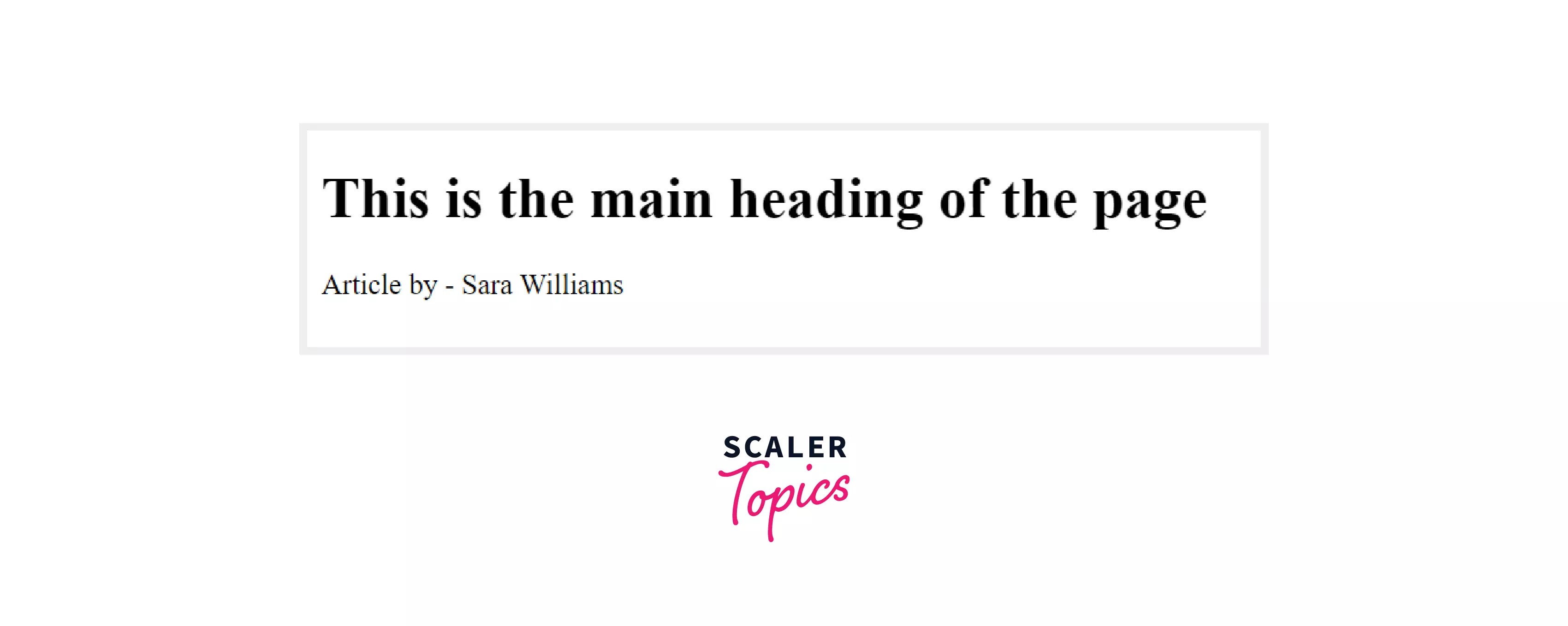
The main headings or the logo of the page can be included inside the <header> section. The example is shown below:
Here, the <header> tag contains the heading element, i.e., the first-level heading and the author information. As you studied above, the heading and author information can be added inside the <header> tag, and this will not give any error; hence the code is semantically correct .
Output :
-
A Header for an Article
The below example illustrates the use of the <header> tag that makes the container for the article section.
In this example, the <header> tag is used inside the <article> tag to display the header of the article. This is the valid code and can be done as discussed in the above section. You can check the validation of the code. here too.
Output:

-
Use of the header tag to contain the surrounding section’s heading
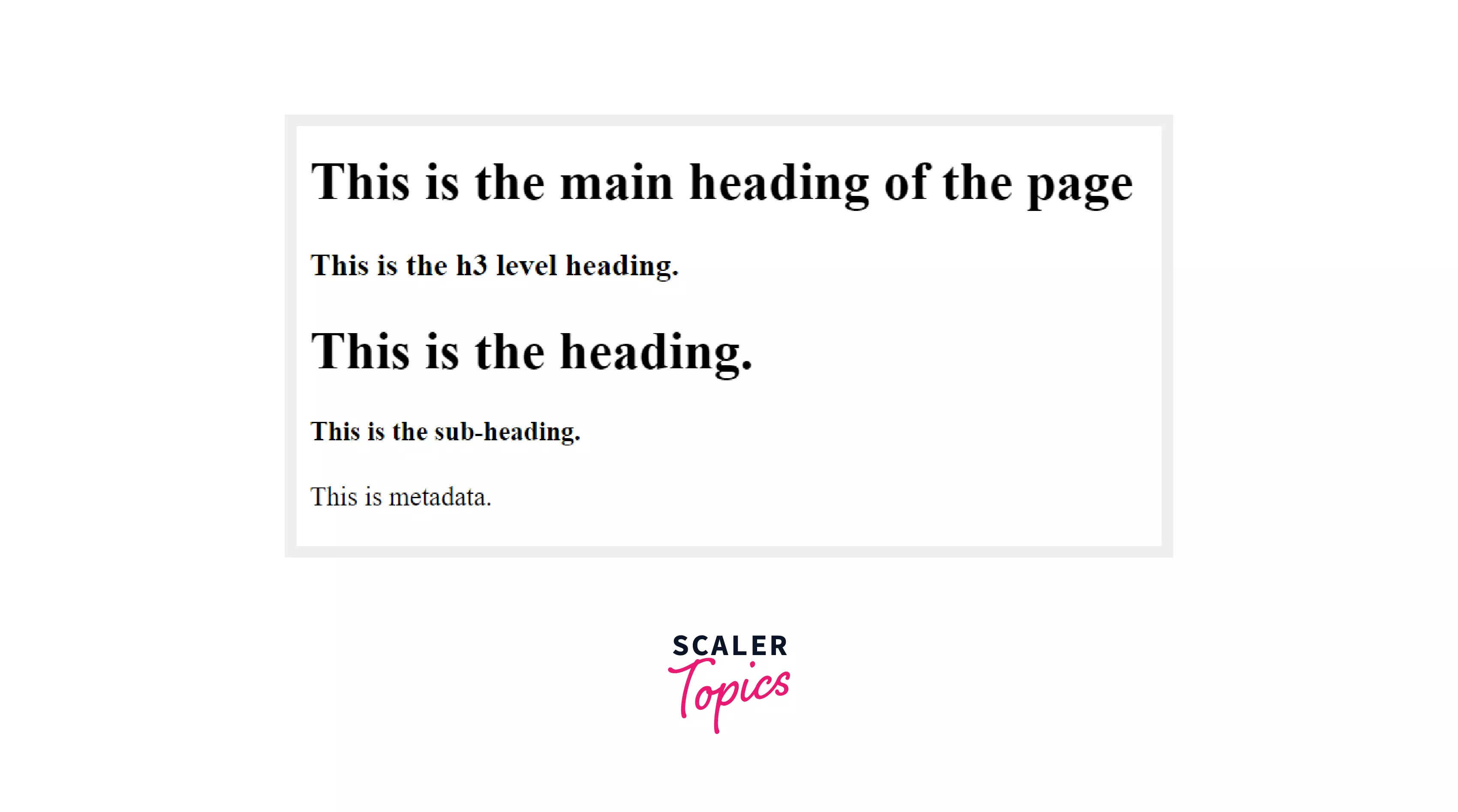
The below example shows how you can use the header tag to contain the surrounding section's heading.
The above example demonstrates the use of the <header> tag to contain the surrounding section's heading. In the above example, some paragraph or some content can be included, and the header of that content is displayed independently, as shown above in the code snippet. This code won't give any errors when validated through the HTML validator.
Output:
-
Represent Navigational Items using the header tag
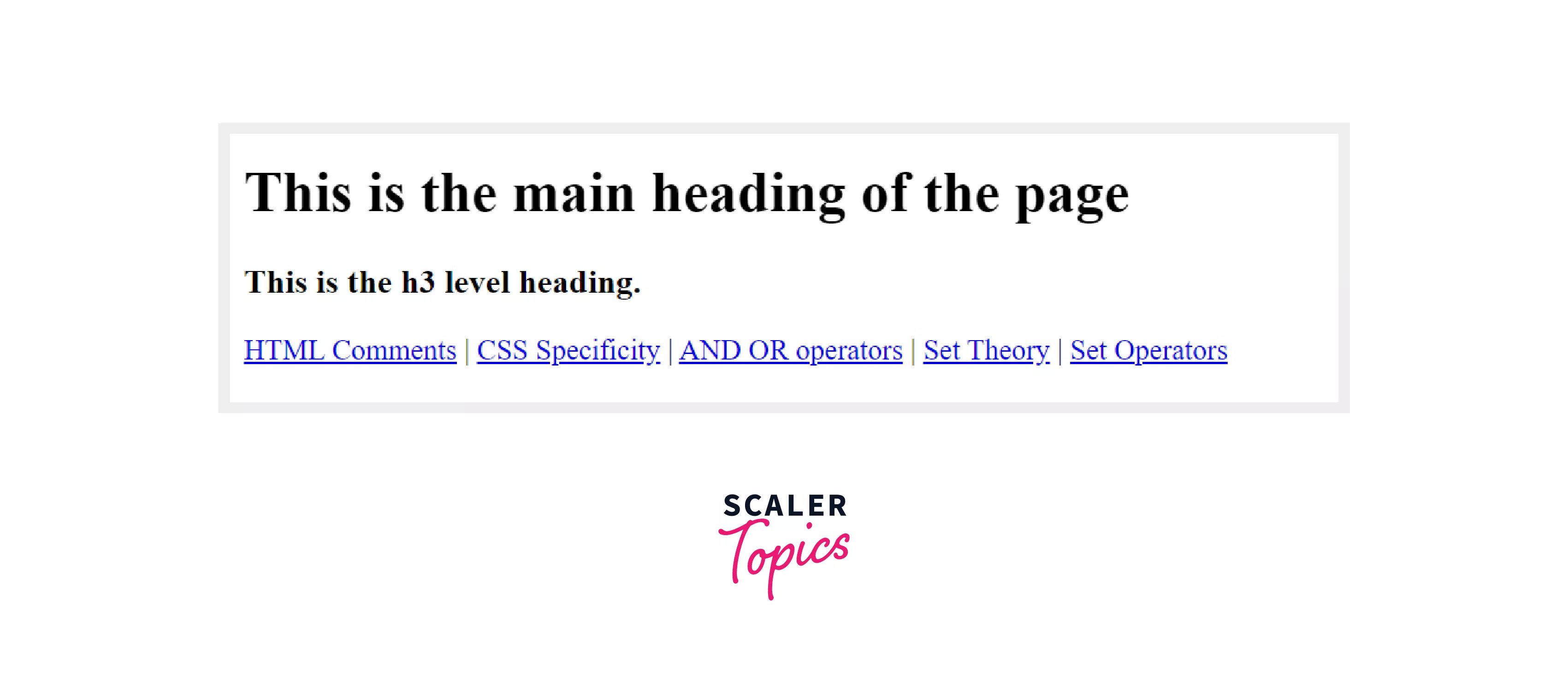
The below example shows the use of the header tag while creating the navigational items.
In the above example, the <header> tag consists of the navigational items. And as per the discussion from the above section, it can be said that the navigational items can be added inside the header tag, and this code snippet won't produce any errors when validated through an HTML validator.
Output:
Accessibility Concerns
When the header element is inside the body element, then it acts as a banner role, i.e., the main header or logo for the web page. But, if the header element is inside the sections like nav, article, aside, etc., then the heading or logos inside it does not acts as the main heading or main logo of the web page.
Turn Learning into Career Growth
Browser Support
The header element is supported by a wide range of browsers, and the list is given below:
- Firefox 4+
- Apple Safari 5.1+
- Internet Explorer 9+
- Google Chrome 6+
- Opera 11.1+
Some Related Tags
- <aside>
- <article>
- <nav>
- <body>
Conclusion
- The <header> tag represents the introductory content or the navigational content on the web pages.
- There can be multiple header tags in HTML.
- The header tag is not considered as sectioning content.
- To include the headings or logos for specific content, the header tag can be used, but it is not a compulsion.
- The header element's content is visible on the webpage, whereas the head element is different from the header element, and its content is not visible on the web page.
- The header element is supported by a wide variety of browsers.




