


How Do You Display Hyperlinks without an Underline?
 FREE
FREE

The Anchor tag in HTML is used to create a hyperlink in a webpage, which can take the user to an external link or even other documents on the same web page.
There exists a default styling of elements in HTML. We can easily override all these default stylings; for the anchor tag, we have default styling as blue-colored text with an underline. In this article, we will discuss how we can remove the underline from the anchor tag.
We can remove the underline of the anchor tag by setting the style property text-decoration as none.
Build an AI-First Career, Master the Complete Skillset
Choose from our industry-leading programs designed for career success
Modern Software and AI Engineering Program
Master full-stack development with AI integration


 +1000 more
Modern Data Science and ML with specialisation in AI
Advanced data science techniques with AI specialization
+1000 moreAdvanced AIML with Specialisation in Agentic AI
Deep dive into AIML with focus on Agentic systems
+1000 moreDevOps, Cloud & AI Platform Engineering
Build and manage AI-powered cloud infrastructure
+1000 moreAI Engineering Advanced Certification by IIT-Roorkee
Premier AI engineering certification from IIT-Roorkee

AI Forward Deployed Engineer Program
Full-stack engineering, production AI and client-facing consulting
+1000 moreRemoving Underline from Hyperlink with Internal CSS
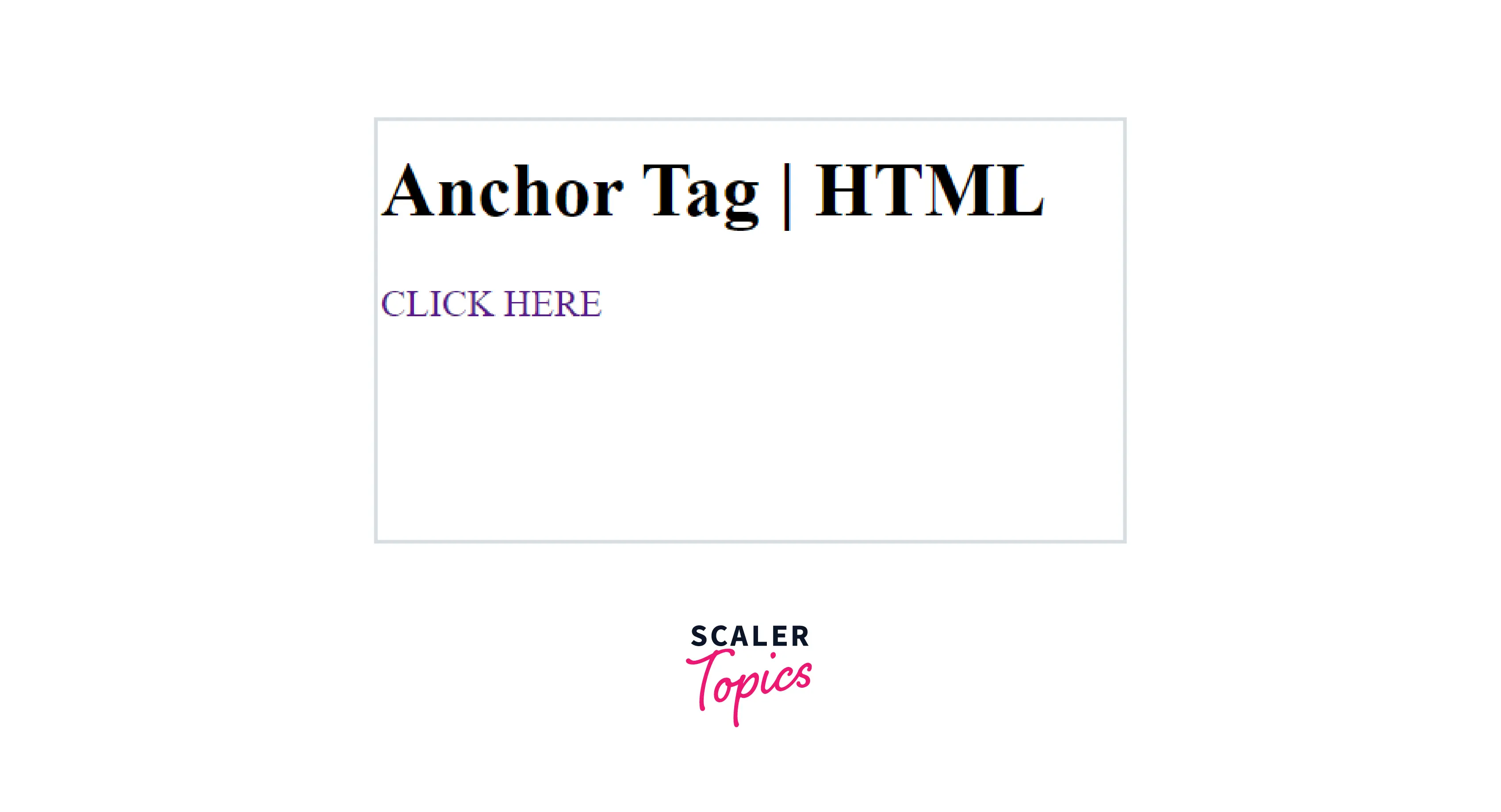
The underline of the hyperlink can be removed with internal CSS by using a style tag with the property text-decoration as none.
Syntax:
Output:
Removing Underline from Hyperlink with External CSS
CSS
HTML
Output:
Explanation:
- In the external CSS, we have written a style for a particular id anchor-tag that is being used in the HTML Document.
- Here, we are using the id selector, but we can use other selectors as well, like the class selector and grouping selector.
- In the HTML document, we have created the association of the external stylesheet and HTML document with the link tag.
- Subsequently, we are using the same id for our anchor tag, and that is the reason the corresponding style is being applied to the anchor tag.
Using CSS Class to Remove Underline from Hyperlink
CSS
HTML
Output:
Explanation:
- In this example, everything is similar to the last one; the only difference is here, we are using a class selector instead of an id selector.
How Scaler Transformed Careers in Different Fields
Scaler learners achieved 2.5x salary growth with average post-Scaler CTC reaching ₹23L.
 Google
 Amazon
 Microsoft
 Flipkart
 Adobe1200+ more
Using Global CSS to Remove Underline from All Hyperlinks
Universal Selector: It selects all elements of the document and applies the corresponding styles.
Output:
Explanation:
- We have selected all elements with the universal selector (*) and written the property text-decoration as none.
- Ideally, we should not use this approach because the styles are being applied to each and every element.
Make All Links Not Underlined
Grouping Selector: It is used to select all elements of the same group, and then it applies the styles to those elements.
Output:
Explanation:
- The grouping selector a will select all anchor tags of the document, and it will provide the styles to all of them.
- In this way, we can remove the underline from all hyperlinks.
Turn Learning into Career Growth
Make an Individual Link Not Have an Underline
Three approaches to achieve this are listed below,
- Id Selector: We can assign an id to the particular anchor tag, and then we can associate some styles to that id in the stylesheet.
- Class Selector: We can define a class with some styles, and then we can restrict ourselves from allocating that class to only one element. In this way, we can style an individual link.
- Inline Styling: This could be the best approach because inline styles have the highest priority. Also, it is simple to provide styles to any individual element with inline styling.
Conclusion
- The text-decoration property is used to remove the underline in hyperlinks. We can provide value as none to achieve the same.
- Generally, we remove underlines from hyperlinks to make better designs because the underline doesn't fit perfectly in those designs.
- Apart from inline styling, there are several selectors which we can use, like class selector, grouping selector, and id selector. All have their own properties and hence can be used according to the situation.




