


How to Create HTML File
 FREE
FREE

Overview
HTML files are required to create a web page from scratch. They contain the structure and contents of the web page.
In other words, HTML files are nothing but simple text files with .html extensions that help browsers structure the web page.
This article is a guide on how to create an HTML file.
Build an AI-First Career, Master the Complete Skillset
Choose from our industry-leading programs designed for career success
Modern Software and AI Engineering Program
Master full-stack development with AI integration


 +1000 more
Modern Data Science and ML with specialisation in AI
Advanced data science techniques with AI specialization
+1000 moreAdvanced AIML with Specialisation in Agentic AI
Deep dive into AIML with focus on Agentic systems
+1000 moreDevOps, Cloud & AI Platform Engineering
Build and manage AI-powered cloud infrastructure
+1000 moreAI Engineering Advanced Certification by IIT-Roorkee
Premier AI engineering certification from IIT-Roorkee

AI Forward Deployed Engineer Program
Full-stack engineering, production AI and client-facing consulting
+1000 morePre-requisites
What are we creating?
With the help of this article, you will create your first HTML document as shown below using the two following approaches.
- MS Word
- An advanced Text Editor (Sublime).

How to create an HTML file?
To create a webpage you need to write the information in an HTML file which the browser uses to create the structure.
Tools Needed
-
Text Editor - The text editor you choose to use could be
- The default text editor of your operating system, like Notepad.
- An advanced text editor and IDE make writing and managing code easier. with the help of syntax suggestions and error highlighting. These text editors can be downloaded for free on Windows, Linux, and macOS. Some popular advanced text editors are Sublime, Visual Studio Code, Atom, etc.
-
Web Browser - The browser opens the HTML file as a webpage.

How Scaler Transformed Careers in Different Fields
Scaler learners achieved 2.5x salary growth with average post-Scaler CTC reaching ₹23L.
 Google
 Amazon
 Microsoft
 Flipkart
 Adobe1200+ more
Steps to Create an HTML Document
- Step 1 - At the initial step, launch a text editor of your choice.
- Step 2 - Create a blank plain text document and add the following piece of code.
This is a basic HTML boilerplate. Boilerplates are code blocks or templates of code that are frequently repeated in web development projects.
- Step 3- Next, save the document with any name, a .html extension, and UTF-8 as a character encoding system (if required).
Example - index.html

Examples
Turn Learning into Career Growth
Example 1: Using Sublime
- Open your text editor, for example, Sublime, and create a blank new file.
- Save the file as index.html.
- Copy the following piece of code: Code
- Save the changes.
- Navigate to the file location and double-click on it.
Output
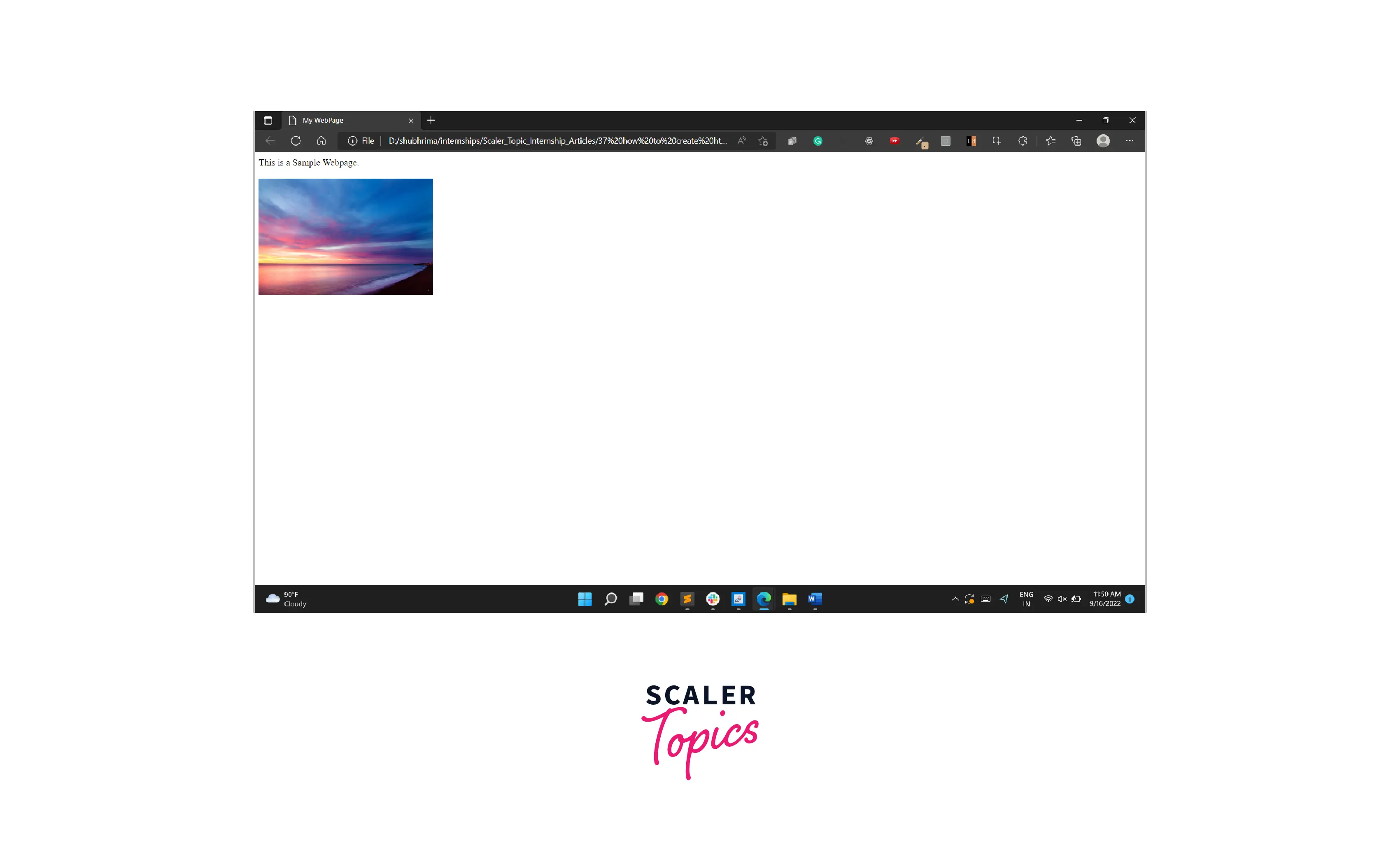
Example 2: Using MS Word
- Open Microsoft Word and create a new blank document.
- Go to the File drop-down menu and click on Save as Web Page. Save the file as index.html.
- Add Text and Image to Your HTML Document
- For Text - Type in the desired text.
- For Image - Go to Insert > Pictures. Choose the desired picture from its location.

- Save the changes.
- Navigate to the file location and double-click on it to view your webpage.
Output

Verify the HTML document using the browser
To verify if the HTML document has been saved perfectly or not, navigate to the file location. Double-click on it to open the designed webpage with its contents in the default web browser of your operating system.
Conclusion
- HTML files are required to create a web page from scratch.
- Text editors like Notepad, Sublime, or Atom are required to create an HTML document.
- An HTML file is a plain text file with .html or .htm extension.
- To open an HTML file in the browser, navigate to the file location and double-click on it.




