


<hr> Tag in HTML
 FREE
FREE

Build an AI-First Career, Master the Complete Skillset
Choose from our industry-leading programs designed for career success
Modern Software and AI Engineering Program
Master full-stack development with AI integration


 +1000 more
Modern Data Science and ML with specialisation in AI
Advanced data science techniques with AI specialization
+1000 moreAdvanced AIML with Specialisation in Agentic AI
Deep dive into AIML with focus on Agentic systems
+1000 moreDevOps, Cloud & AI Platform Engineering
Build and manage AI-powered cloud infrastructure
+1000 moreAI Engineering Advanced Certification by IIT-Roorkee
Premier AI engineering certification from IIT-Roorkee

AI Forward Deployed Engineer Program
Full-stack engineering, production AI and client-facing consulting
+1000 moreOverview
The <hr> tag in HTML is used to give a thematic break between paragraphs. We use the hr tag to break the flow of content by drawing a horizontal line between paragraphs. For example, we can use the <hr> tag for a scene change while writing a play or story.
What is <hr> Tag in HTML?
The <hr> tag in HTML is used to give a thematic break between paragraphs on a webpage. The <hr> tag is used when we want to change the topic or break the flow of the content.
As shown in the image below, using <hr> tag we can separate content on a webpage. It draws a horizontal line between paragraphs. It is also called a horizontal rule in HTML.
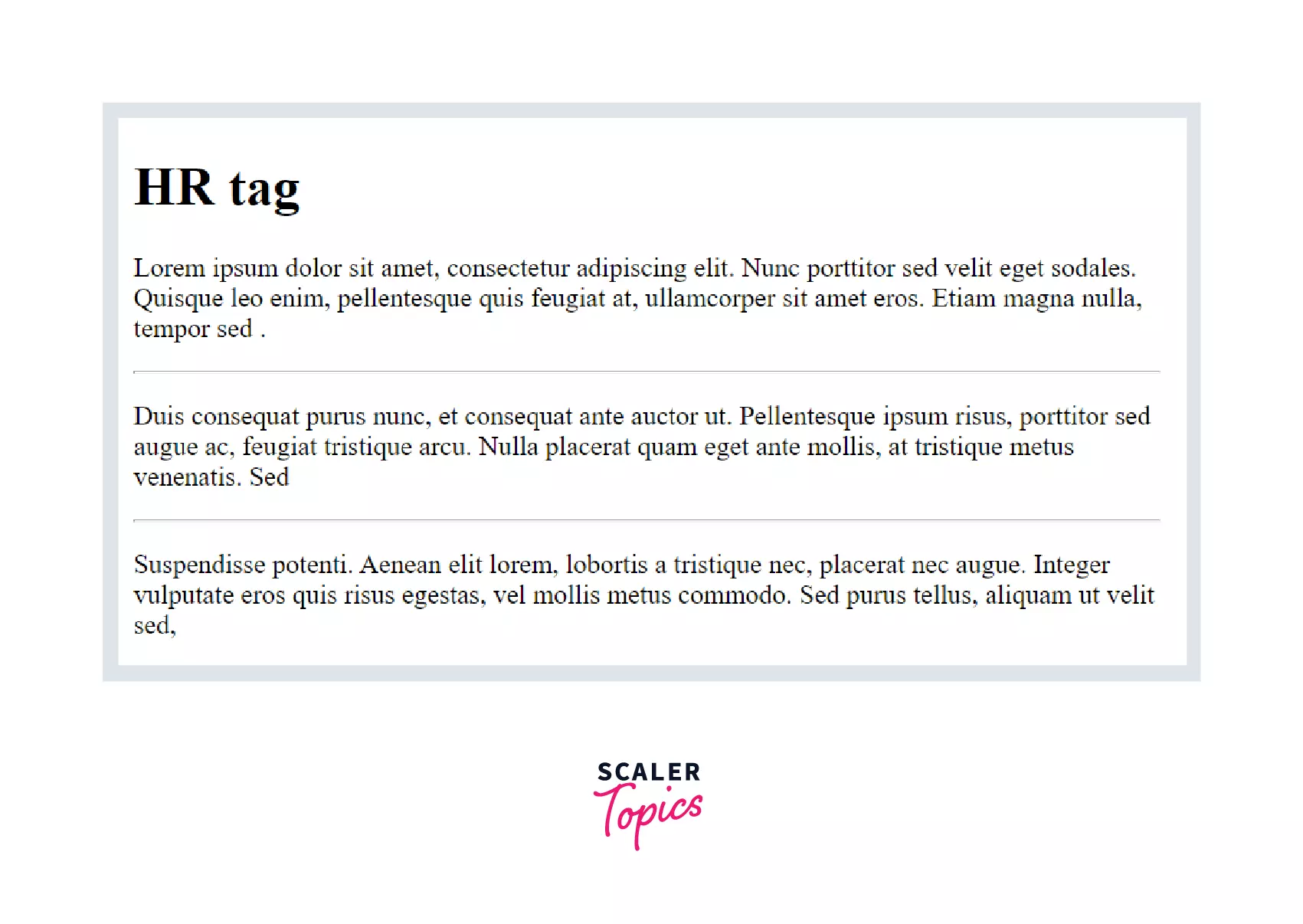
The <hr> tag in HTML is a block element which means it starts a new line and uses the full width of the page.
Block elements have line breaks before and after the element. The <hr> tag in HTML does not need a closing tag.
Syntax:
Example:
Output:

HTML <hr> Tag Attributes
The <hr> tag in HTML supports all the global and event attributes in HTML.
There are a few additional attributes which <hr> tag supports:
| Attribute | Value | Description |
|---|---|---|
| align | left, right, center | It is used to specify the alignment of the horizontal rule. |
| noshade | noshade | It removes the default shading effect |
| Size | pixels | It is used to specify the height of the horizontal rule. |
| width | pixels | It specifies the width of the horizontal rule. |
How Scaler Transformed Careers in Different Fields
Scaler learners achieved 2.5x salary growth with average post-Scaler CTC reaching ₹23L.
 Google
 Amazon
 Microsoft
 Flipkart
 Adobe1200+ more
Examples
Using the align attribute we can align the horizontal line at the left, center, or right of the screen.
Example:
Output:
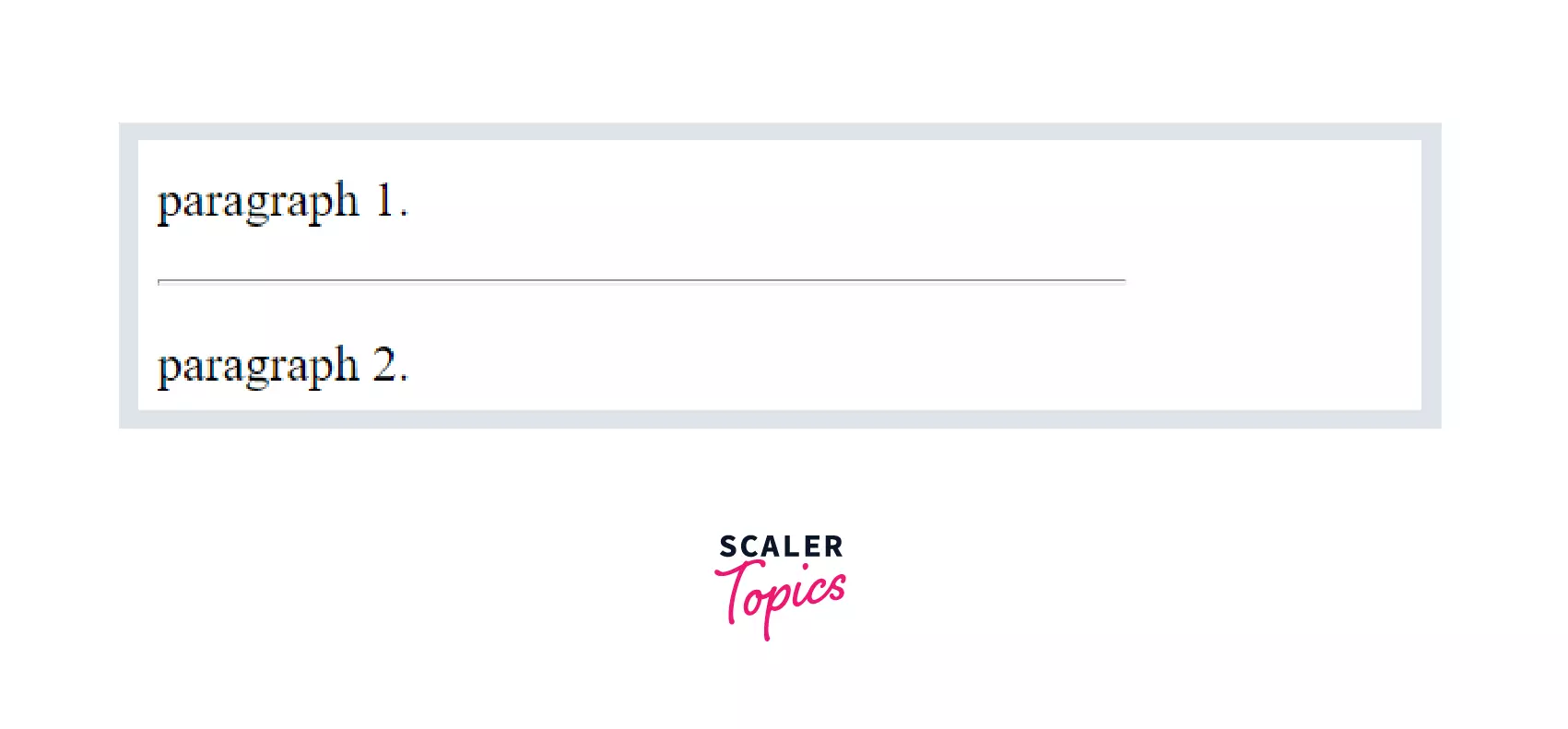
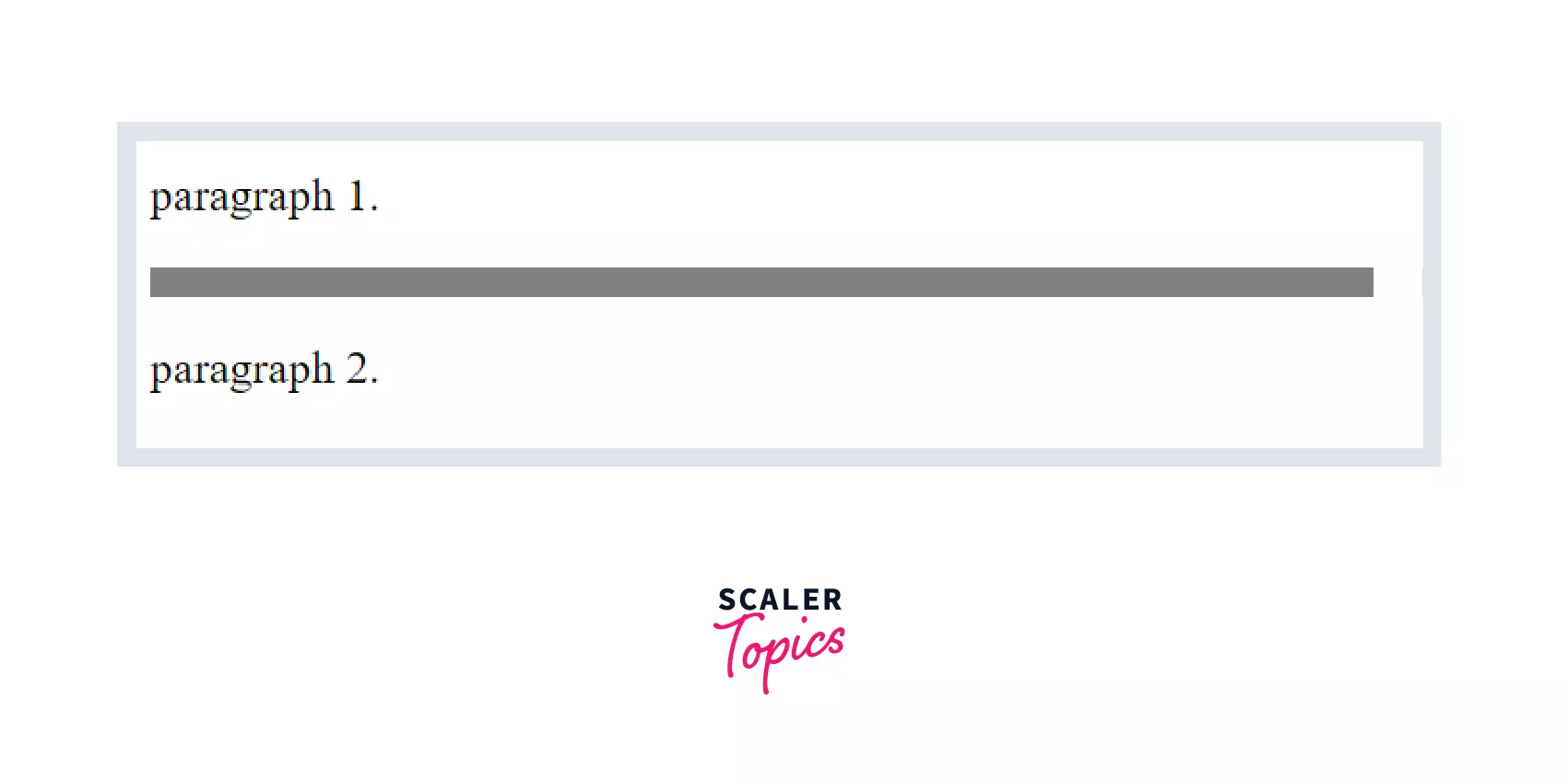
We can define a horizontal line without any shade using noshade attribute.
It is demonstrated in the example below.
Example:
Output:
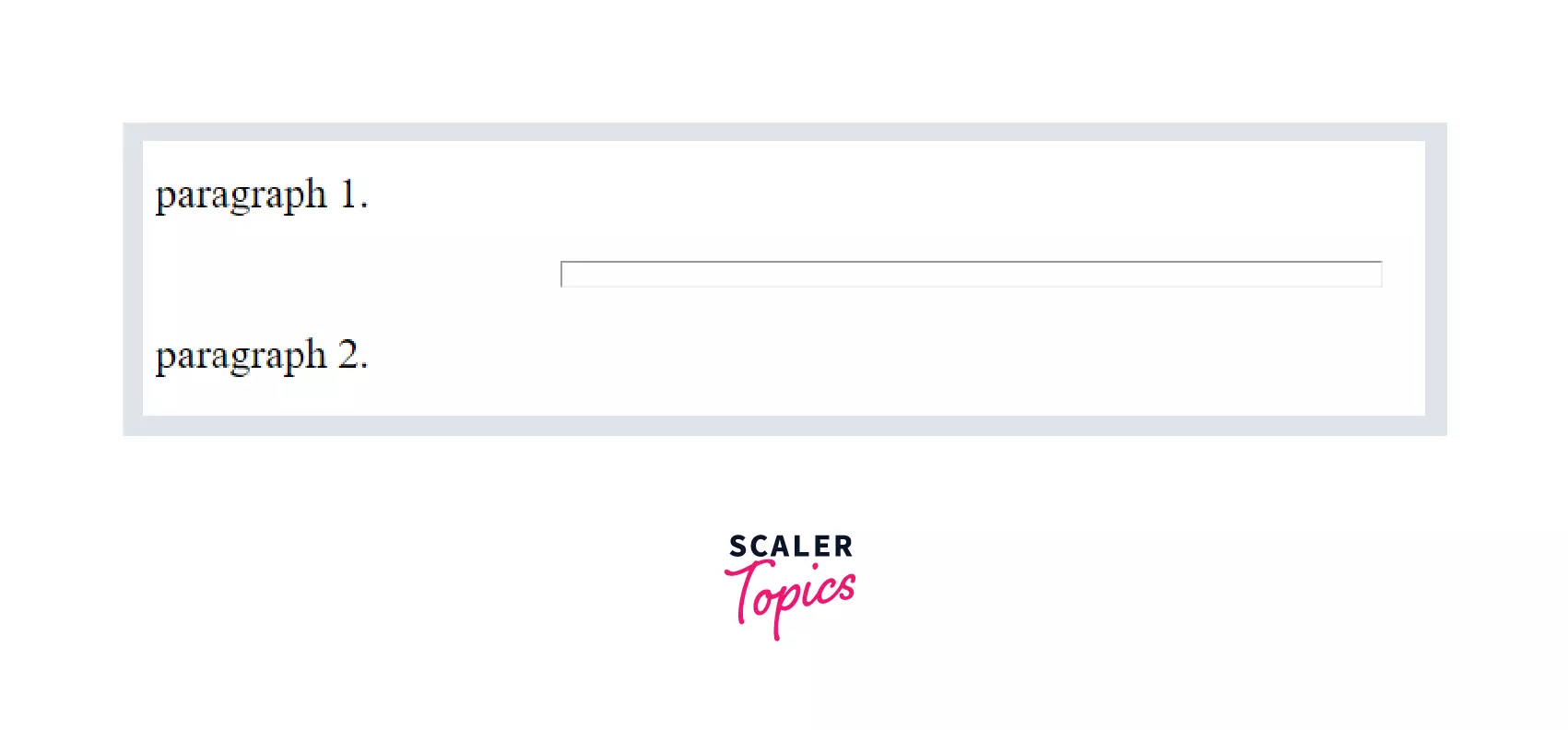
As shown in the example below, we can change the dimensions of the horizontal line using width and size attributes.
Example:
Output:
Supporting Browsers
Below is the list of supported browsers for the HTML <hr> tag -
- Chrome
- IE
- Opera
- Safari
- Firefox
Turn Learning into Career Growth
Conclusion
- The <hr> tag in HTML is used to give a thematic break between paragraphs on a webpage.
- It is used to define a horizontal line on a webpage.
- The <hr> tag is a block element.
- The <hr> tag in HTML does not need a closing tag.
- The <hr> tag in HTML supports all the global and event attributes in HTML and it supports additional attributes like align, noshade, size, and width.




