


JavaScript console.assert() Method
 FREE
FREE

Overview
The javascript console. assert() is a method in the JavaScript language that is used for writing a message for the user. These messages are written in the console. The method prints the message only if the expression given in the method becomes false. In the javascript console. assert() method, there are two parameters, the first one is the expression and the second one is the message.
Build an AI-First Career, Master the Complete Skillset
Choose from our industry-leading programs designed for career success
Modern Software and AI Engineering Program
Master full-stack development with AI integration


 +1000 more
Modern Data Science and ML with specialisation in AI
Advanced data science techniques with AI specialization
+1000 moreAdvanced AIML with Specialisation in Agentic AI
Deep dive into AIML with focus on Agentic systems
+1000 moreDevOps, Cloud & AI Platform Engineering
Build and manage AI-powered cloud infrastructure
+1000 moreAI Engineering Advanced Certification by IIT-Roorkee
Premier AI engineering certification from IIT-Roorkee

AI Forward Deployed Engineer Program
Full-stack engineering, production AI and client-facing consulting
+1000 moreSyntax of JavaScript console.assert() Method
The syntax of the javascript assert() method is as follows:
As we can see there are two parameters of the javascript console. assert() method. The first parameter of the javascript assert() method is the expression and the second parameter is the message. Both of these two parameters are compulsory for the proper working of the console.assert() method in javascript.
Parameters of JavaScript console.assert() Method
The parameter of the javascript console. assert() method is as follows. Two parameters of this method are-
-
Expression: The expression is the required parameter for this method. It represents any expression that can be evaluated. When this method runs in any program, as soon as the execution reaches the expression parameter, the expression first gets evaluated, and then according to the result, the further message gets written on the user console. This expression gives only a boolean value result. If the result of the expression is True, then the message will not get printed, and if the result of the expression is False, then the message gets printed on the console.
-
Message: The message is also the required parameter of the console.asthe()` method. It contains the content that needs to be printed on the console. As soon as the execution reaches the message parameter, this parameter works according to the result of the expression parameter. If the result of the expression is True, then the message will not get printed, and if the result of the expression is False, then the message gets printed on the console.
Return Value of JavaScript console.assert() Method
The return value of the javascript console.assert() ``console.assert() ``console.assert() method is as follows:
- Return value: None- It is an undefined value.
How Scaler Transformed Careers in Different Fields
Scaler learners achieved 2.5x salary growth with average post-Scaler CTC reaching ₹23L.
 Google
 Amazon
 Microsoft
 Flipkart
 Adobe1200+ more
Exceptions of JavaScript console.assert() Method
The javascript console. assert() method throws an error message and displays it to the console if the condition is false. If the condition is true then the javascript assert method will do nothing.
Example
In the above section, we have discussed the basics of the console.assert() method in javascript, Now let us see a simple example to understand the javascript assert method using a simple example.
In the above example, we have two parameters inside the console. assert() method. The expression method is x + y == 11. And the message parameter consists "Expression returned false". If the expression results in False, only then the message will get printed in the console.
Turn Learning into Career Growth
What is a JavaScript console?assert() Method?
The javascript console. assert() method is used for displaying an error message or displaying a message when there is a condition in the console under the inspect element that does not match or the expression returns False boolean value. Because there is an alert function for showing errors in the webpage UI.
There are two parameters in this method of javascript. The first parameter is the expression and the second parameter is the message. Both of these two parameters are compulsory for the proper working of the console.assert() method in javascript.
This method only determines if the given condition in the javascript assert method is true or not. The console. assert() method only neither stops the program from running neither this method fix the error nor is it does not use in error handling. It only shows if the message is given in the message parameter of the method on the console. This method is not a program correction technique.
Suppose we have a program for counting the length of the string. This program will help us to count the number of characters given in the string and returns the result as output. We have set the constraint to be 20, which means the length of the string should be 20 characters. If it is not so, the program will throw an error. If the str. length will be less than 20 then the expression becomes false. And according to the console. assert() method then the expression is False, so it will display the content in the message parameter on the console.
More Examples
Now let us see some more examples to understand the javascript console.assert() method in a better way.
- Example 1.
Output:
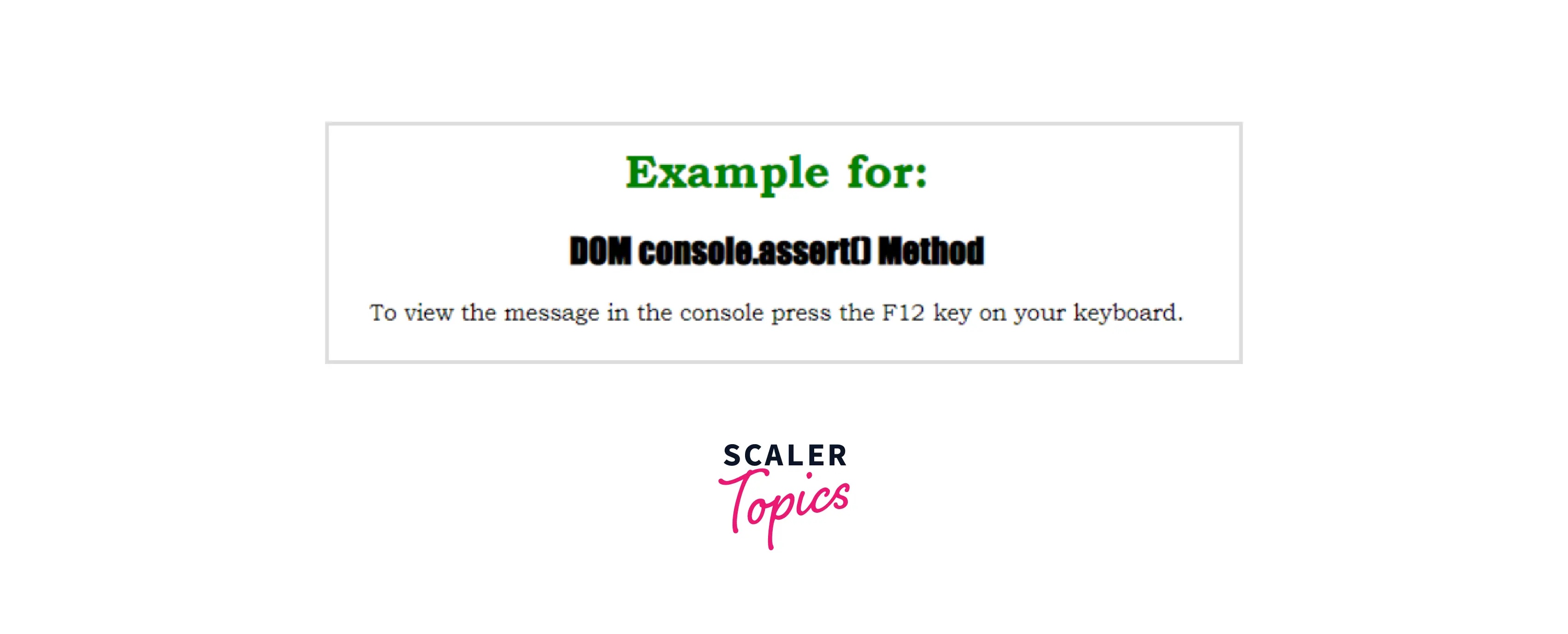
Explanation: In the above example, we have defined a simple H1 tag and an H2 tag that will display the assert. In the style tag, we have defined the color font family and text alignment of the various tags. Now, coming to the script section, we first targeted the MyElement id and checked whether the id is present in the DOM or not. If the id is present in the DOM, then we are not doing anything. Else we are printing a simple assert statement that shows the targeted id is not present in the DOM. We can use the console.assert() method to deal with such situations where a certain thing is completed or not.
- Example 2. In this example, we will display an object by the use of the console.assert() method.
Output:

Explanation: In the above example of javascript assert, we have defined a simple H1 tag and an H2 tag that will display the assert. In the style tag, we have defined the color font family and text alignment of the various tags. Now, coming to the script section, we first targeted the MyDemo id and checked whether the id is present in the DOM or not. And it returns the result as a boolean value that is True or False for the message parameter. We also initialized an object named MyElement that contains two key-value pairs namely product and its type. After that we checked whether the id is present in the DOM, then we are not doing anything. Else we are printing the object using the javascript console.assert() method.
Supported browsers
The javascript console. assert() method is supported by almost all modern browsers. Given below are the name of some popular browsers that supports the console. assert() method.
| Browser Name | Supported on versions |
|---|---|
| Internet Explorer | 8 and above |
| Mozilla Firefox | 28 and above |
| Microsoft Edge | 12 and above |
| Google Chrome | 1 and above |
| Safari | 4 and above |
| Opera | 11 and above |
Conclusion
- The javascript console.assert() is a method in the JavaScript language that is used for writing a message for the user. These messages are written in the console.
- The syntax of the javascript console.assert() method is console.assert(expression, message).
- There are two parameters of the console.assert() method.
- The first parameter is the expression and the second parameter is the message. Both of these two parameters are compulsory for the proper working of the console. assert() method in javascript.
- The expression parameter of the javascript assert method consists of a condition, which on evaluation provides a boolean value that is True or False.
- The message parameter is a string or it may be an object that is written on the console.
- The return value of the javascript console. assert() method is None.
- Various modern browsers support the console. assert() methods are Internet Explorer, Mozilla Firefox, Microsoft Edge, Google Chrome browser, Safari, and Opera browser.




