


How to Hide HTML Element with JavaScript?
 FREE
FREE

Build an AI-First Career, Master the Complete Skillset
Choose from our industry-leading programs designed for career success
Modern Software and AI Engineering Program
Master full-stack development with AI integration


 +1000 more
Modern Data Science and ML with specialisation in AI
Advanced data science techniques with AI specialization
+1000 moreAdvanced AIML with Specialisation in Agentic AI
Deep dive into AIML with focus on Agentic systems
+1000 moreDevOps, Cloud & AI Platform Engineering
Build and manage AI-powered cloud infrastructure
+1000 moreAI Engineering Advanced Certification by IIT-Roorkee
Premier AI engineering certification from IIT-Roorkee

AI Forward Deployed Engineer Program
Full-stack engineering, production AI and client-facing consulting
+1000 moreOverview
In web development, we often need to hide or show certain elements. These elements can be a navigation bar, a button, etc. Most of the time, we want this navigation bar to be visible from larger devices but not from the viewpoint of a smaller device. We can easily hide elements in JavaScript using various methods offered by Javascript.
We’ll see how to hide HTML elements with JavaScript in this article.
Using the Hidden Property
In JavaScript, the hidden property of an element hides the HTML element. We set the hidden property value to true to hide it.
Syntax:
- Here, element is the id of an HTML element.
- We are accessing the element using the document.getElementById method and changing its hidden property to true to hide the element.
Let us hide an HTML element using the hidden property.
Example:
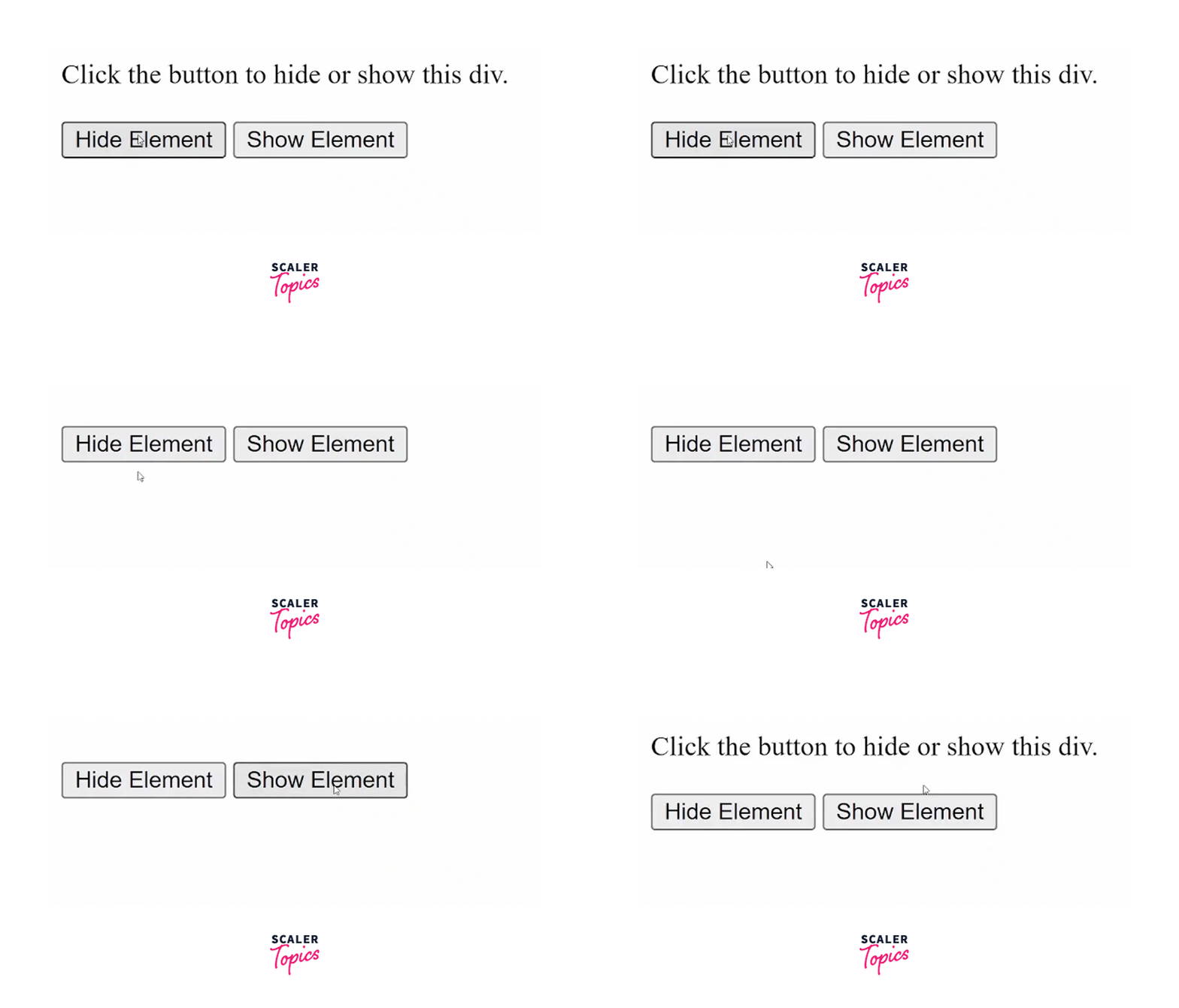
In this example, we will hide or show the div element.
HTML:
Javascript:
- Here, we have two separate functions to hide or show the div element.
- We will access the div by using its id myDiv
- Then, to hide the element, we will set its hidden attribute to true.
- To show the element, we will set the hidden attribute to false.
- The button onClick method triggers the hide or show functions.
Output:
Using the "style.display" Property
In JavaScript, the style.display property hides the HTML element. It accepts keyword values like block, inline, inline-block, etc., but here we will use its none value. Using JavaScript, we can set the style.display property value to none to hide the HTML element.
Syntax:
- We are accessing the element by using the document.getElementById method.
- To hide the element, we are changing its style.display property to none.
Example:
HTML:
Javascript:
- The onClick method triggers the hide() function when we click the button.
- The hide() function sets the display property of the div to none.
Output:

How Scaler Transformed Careers in Different Fields
Scaler learners achieved 2.5x salary growth with average post-Scaler CTC reaching ₹23L.
 Google
 Amazon
 Microsoft
 Flipkart
 Adobe1200+ more
Using the "style.visibility" Property
In JavaScript, the style.visibility property hides the HTML element. It accepts keyword values like visible, collapse, hidden, initial etc., but here we will use the hidden value. To hide the HTML element, we can set the style.visibility property value to hidden.
Syntax:
- We are accessing the element by using the document.getElementById method.
- To hide elements in JavaScript, we are changing its style.visibility property to none.
Example:
HTML:
Javascript:
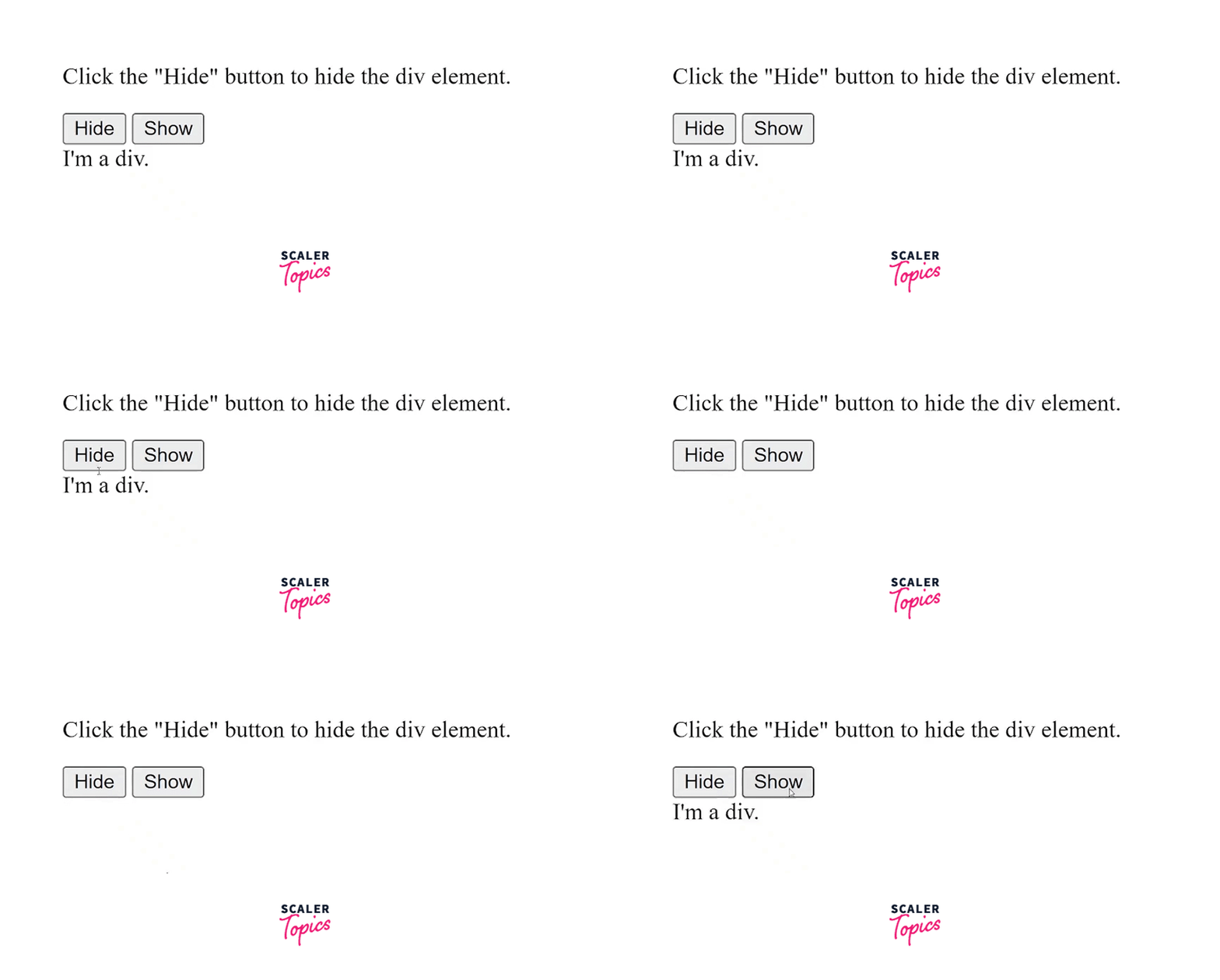
- Here, we have two separate functions to hide or show the div element.
- We will access the div by using its id myDiv
- Then, to hide the element, we will set its visibility attribute to hidden.
- To show the element, we will set the visibility attribute to visible.
- The button onClick method triggers the hide or show functions.
Output:
Conclusion
- We can easily hide elements in JavaScript or show any element using various methods offered by Javascript.
- We can hide an HTML element by using the hidden property.
- We can toggle between hiding and showing the content by setting the hidden attribute value to true or false.
- Alternatively, we can use the style object to hide the HTML element. We can hide elements in JavaScript using the style.display or style.visibility properties.
- To hide an element using javascript, we can either set the value of the style.display property to none or the value of the style.visibility property to hidden.




