


How to Add JavaScript in HTML Code?
 FREE
FREE

Introduction
An event listener in javascript is a procedure that is used to make an object wait to implement a certain functionality until the desired event occurs. An example of an event can be a user clicking on an HTML element. The addEventLisener() method is used with the desired element to add an event listener.
Syntax:
Whenever the event occurs to the element, the handler function is executed
Example:
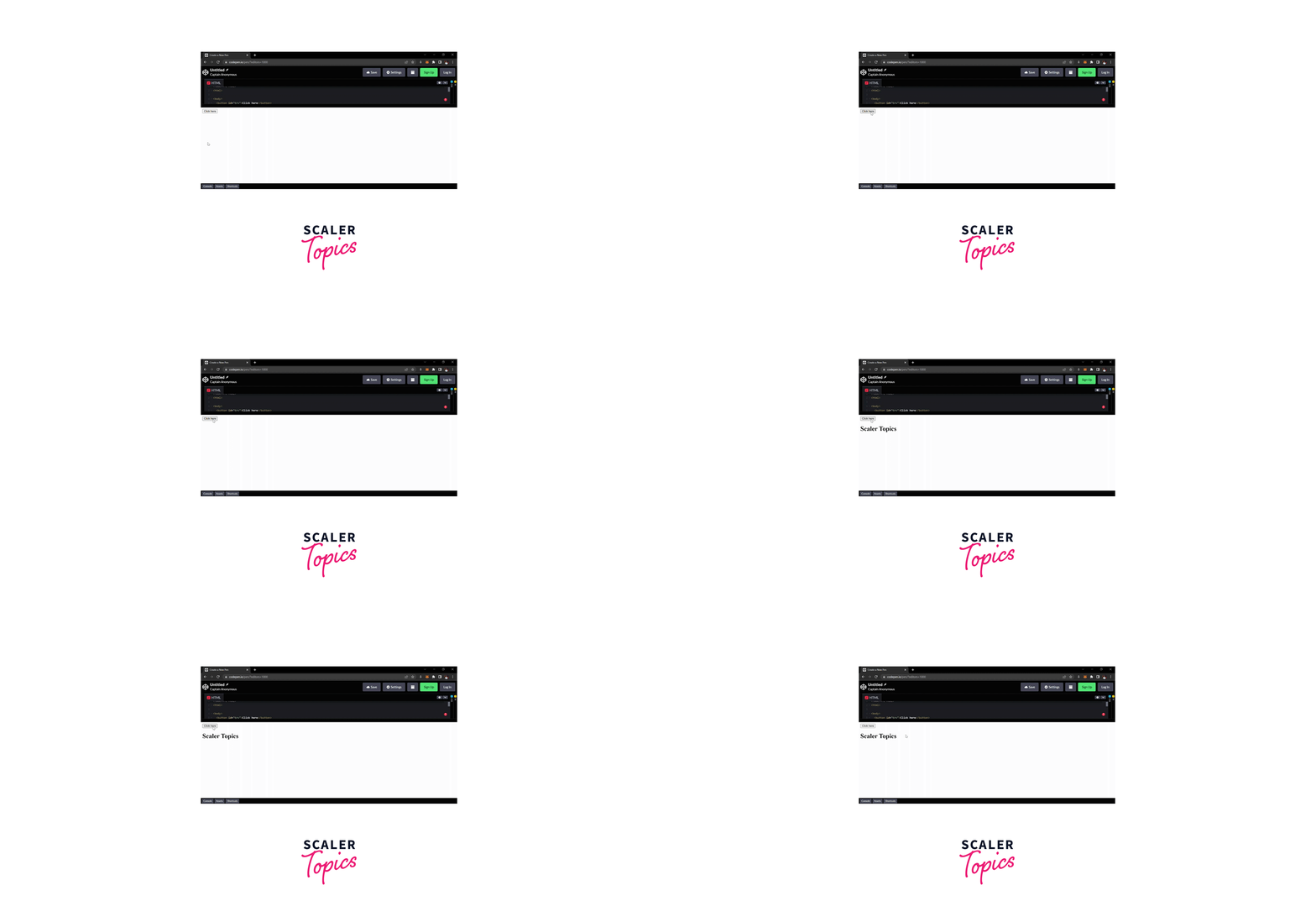
Output:
When the "Click Here" button is clicked, the text appears.
Build an AI-First Career, Master the Complete Skillset
Choose from our industry-leading programs designed for career success
Modern Software and AI Engineering Program
Master full-stack development with AI integration


 +1000 more
Modern Data Science and ML with specialisation in AI
Advanced data science techniques with AI specialization
+1000 moreAdvanced AIML with Specialisation in Agentic AI
Deep dive into AIML with focus on Agentic systems
+1000 moreDevOps, Cloud & AI Platform Engineering
Build and manage AI-powered cloud infrastructure
+1000 moreAI Engineering Advanced Certification by IIT-Roorkee
Premier AI engineering certification from IIT-Roorkee

AI Forward Deployed Engineer Program
Full-stack engineering, production AI and client-facing consulting
+1000 moreAdding JavaScript to your Web Pages
There are three ways to add JavaScript to the HTML web page:
- Embedding code, By using the <script> tag directly in the HTML body/head and then inside the pairs of <script> tags write your javascript codes in the HTML document.
- External file, By creating an external JavaScript file that ends with, the .js extension and then using the src attribute of the <script> tag in the HTML document to load the javascript code to the webpage.
- Inline code, By writing the JavaScript code(s) inside an HTML tag using the special tag attributes.
We will discuss all three ways one by one.
Embedding the JavaScript Code
We can use the <script> ......</script> tag directly in the HTML body or head(depending on the user) to embed the javascript code in the HTML pages. The <script> tag instructs the browser to render the statements inside it as executable script and not as HTML.
Example:
Output:
Calling an External JavaScript File
We can also make a separate javascript file that will end with a .js extension. This separate file will only contain the javascript codes. Later we can incorporate this file into our HTML document by giving the path of the file in the src attribute in the <script> tag and adding javascript in HTML.
<script src="js/name_of_the_file.js"></script>
This method is useful when we want to apply the same script to multiple documents.
Advantages of using external javascript files are-
- Reduce the code redundancy
- Makes the website much easier to maintain
- It separates the HTML and JS codes.
How Scaler Transformed Careers in Different Fields
Scaler learners achieved 2.5x salary growth with average post-Scaler CTC reaching ₹23L.
 Google
 Amazon
 Microsoft
 Flipkart
 Adobe1200+ more
Placing the JavaScript Code Inline
Using some special tag attributes such as onKeypress, onload, etc., we can also insert javascript code inline to the HTML tags. Generally, we place small chunks of codes inline.
Example:
Output:

Positioning of Script inside HTML Document
The <script> element can be placed anywhere in the <head>, or <body> of the HTML document to add javascript in HTML.
The content of the <script> tags needs to be downloaded and executed, hence it blocks the process of page rendering. So, it is suggested to keep the script tag at the end of the HTML body section to make your website faster. If there is more than one <script> tag in an HTML document, it will be processed in the order from top to bottom.
Turn Learning into Career Growth
Introduction of HTML Events with JavaScript
Events in HTML with javascript can be considered as "thing(s) happened", as when it occurs certain functionality changes (if described) of the web page. These are hooked with the elements to make the website dynamic.
Events can be performed by the browser, the users, as well as the APIs and when the event is performed javascript, does the action we associate with that event?
For example in the above code we use, <button onclick="alert('Hello World!')">Click Me</button> here button is html element and onclick is an event which occurs when we click on the button in the html web page.
Difference Between Client-side and Server-side Scripting
When the script code is handled by the browser of the user and it runs and executes on the browser, it is known as client-side scripting. But, when the code runs on a server and the processed output is sent to the browser of the user, it is known as server-side scripting.
Generally, Client-side scripting is used as the front end as the data is rendered on the browser, and the server-side is used as the back end as the data is processed upon call and the output is sent to the user.
JavaScript, and VBScript are some examples of client-side scripting languages and PHP, Python, Ruby, and nodejs are some examples of server-side scripting languages.
Learn More
To learn more on how to add javascript to HTML documents, please follow this article by Scaler
Conclusion
- An event listener in javascript is a procedure that is used to make an object wait to implement a certain functionality until the desired event occurs.
- There are three ways to add JavaScript to a web page:
- Embedding the JavaScript Code
- Placing the JavaScript Code Inline
- Calling an External JavaScript File
- You can place the <script> tag anywhere in the document to add javascript in HTML, but it is suggested to have it at the end.
- Client-side scripting runs on the browser of the user.
- Server-side scripting runs on the web server and responds only to the requests initiated by the user.




