


jQuery fadeIn() Method
 FREE
FREE

Overview
In jQuery, fadeIn() is a method used to create a smooth and gradual fading effect on selected HTML elements. It is a commonly used animation function that allows us to make elements gradually appear on the web page by increasing their opacity from completely transparent to fully visible. fadeIn() is just one of the many animation methods provided by jQuery to manipulate the appearance of elements on a web page.
Syntax
The syntax for the fadeIn() method in jQuery is as follows
Parameters
The fadeIn() method in jQuery takes several parameters that allow us to customize the fading animation. We can use these parameters to tailor the fadeIn() animation to our specific needs when working with jQuery. Here are the parameters.
-
selector: This is a required parameter and specifies the HTML element(s) that you want to apply the fadeIn() effect to.
-
speed: specifies the duration of the fading animation. We can provide this parameter as a number (representing milliseconds) or as a string with predefined values like "slow" (600 milliseconds) or "fast" (200 milliseconds).
-
easing: specifies the easing function for the animation, which controls the acceleration and deceleration of the fading effect. We can provide this parameter as a string with values like "linear" or "swing," or as a custom easing function.
-
callback: specifies a function to be executed once the fadeIn() animation is complete. This callback function allows us to perform additional actions or animations after the fading effect finishes.
Examples
Here are two examples of using the fadeIn() method in jQuery along with the expected output. These examples will help us understand how to create fade-in animations in our web pages.
Example 1: Basic fadeIn() Animation
Output:
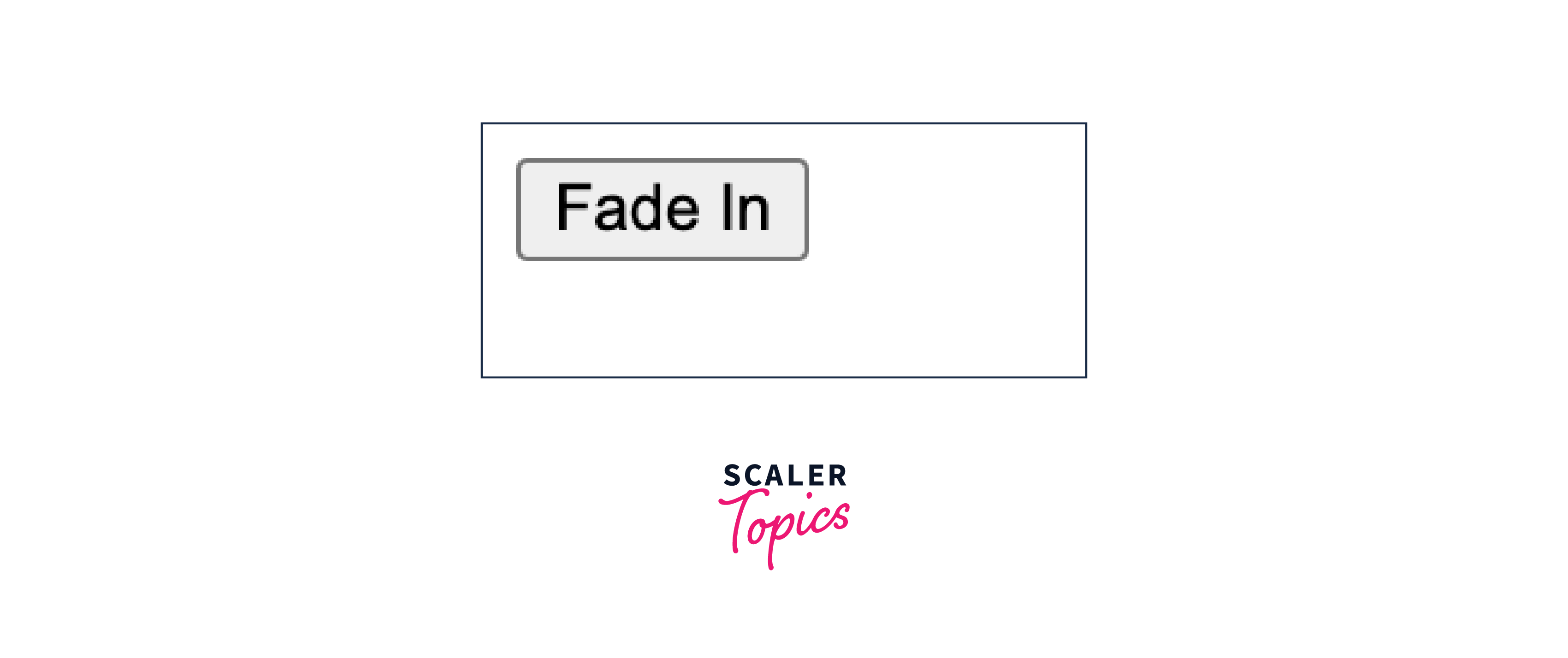
Before:
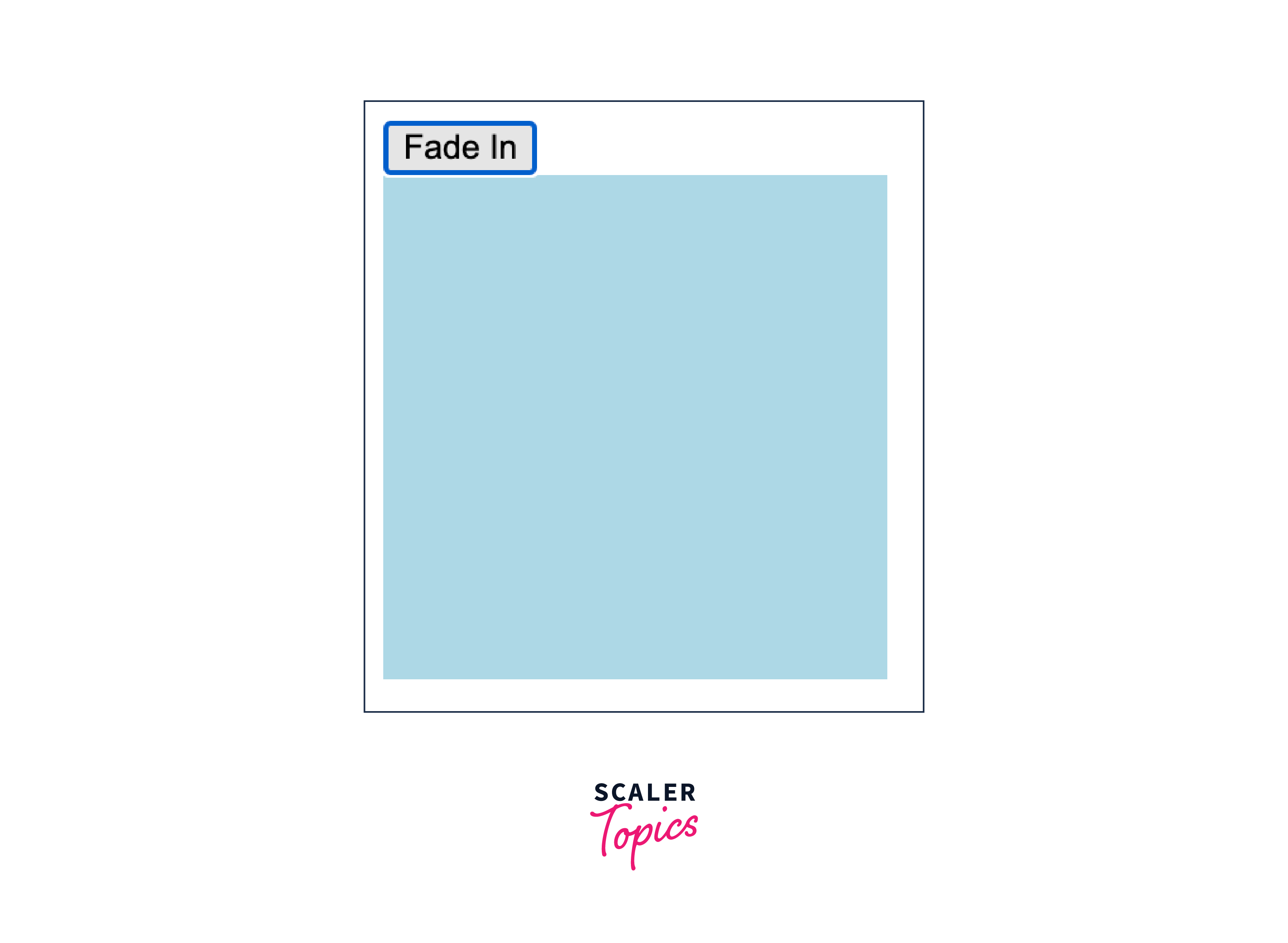
After:
Explanation:
Initially, the #myElement div is hidden (display: none;). When we click the "Fade In" button, the #myElement div gradually fades in over 1 second (1000 milliseconds).
Example 2: fadeIn() Animation with Callback
Output
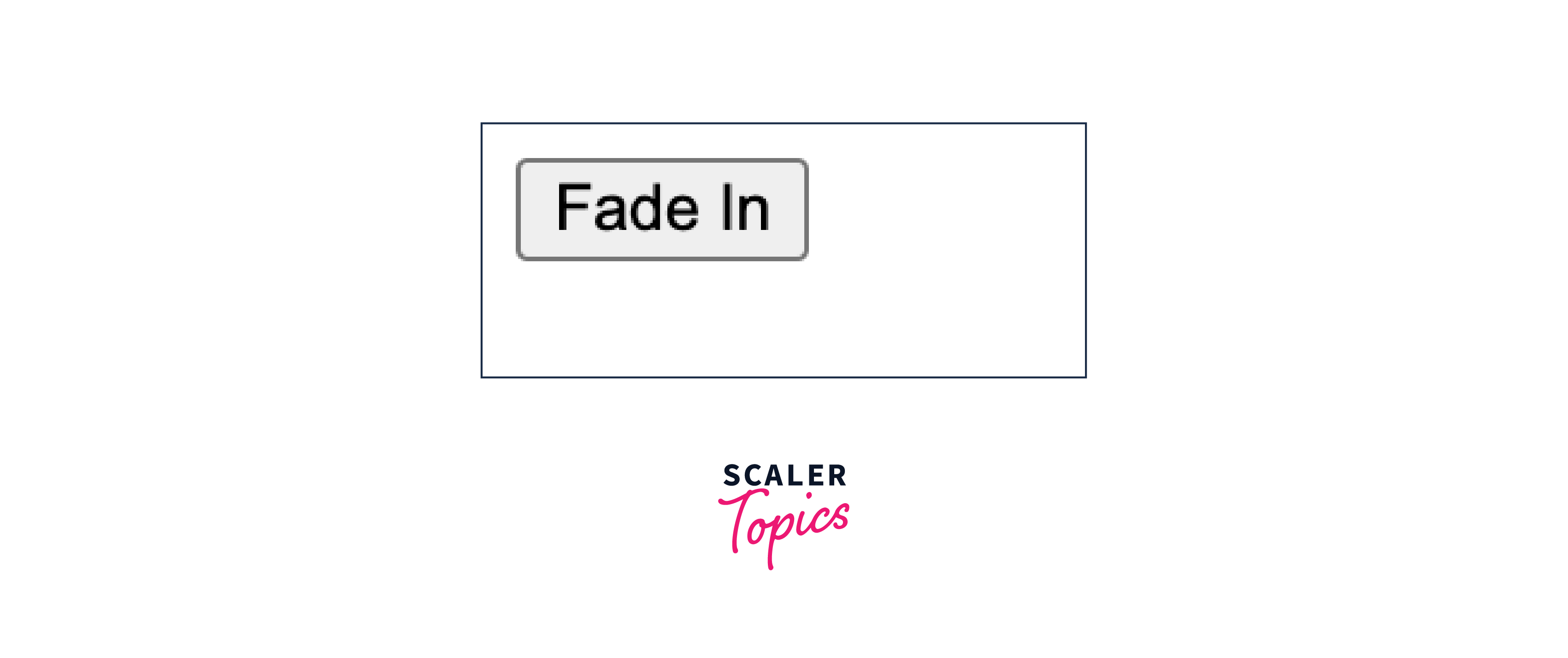
Before:
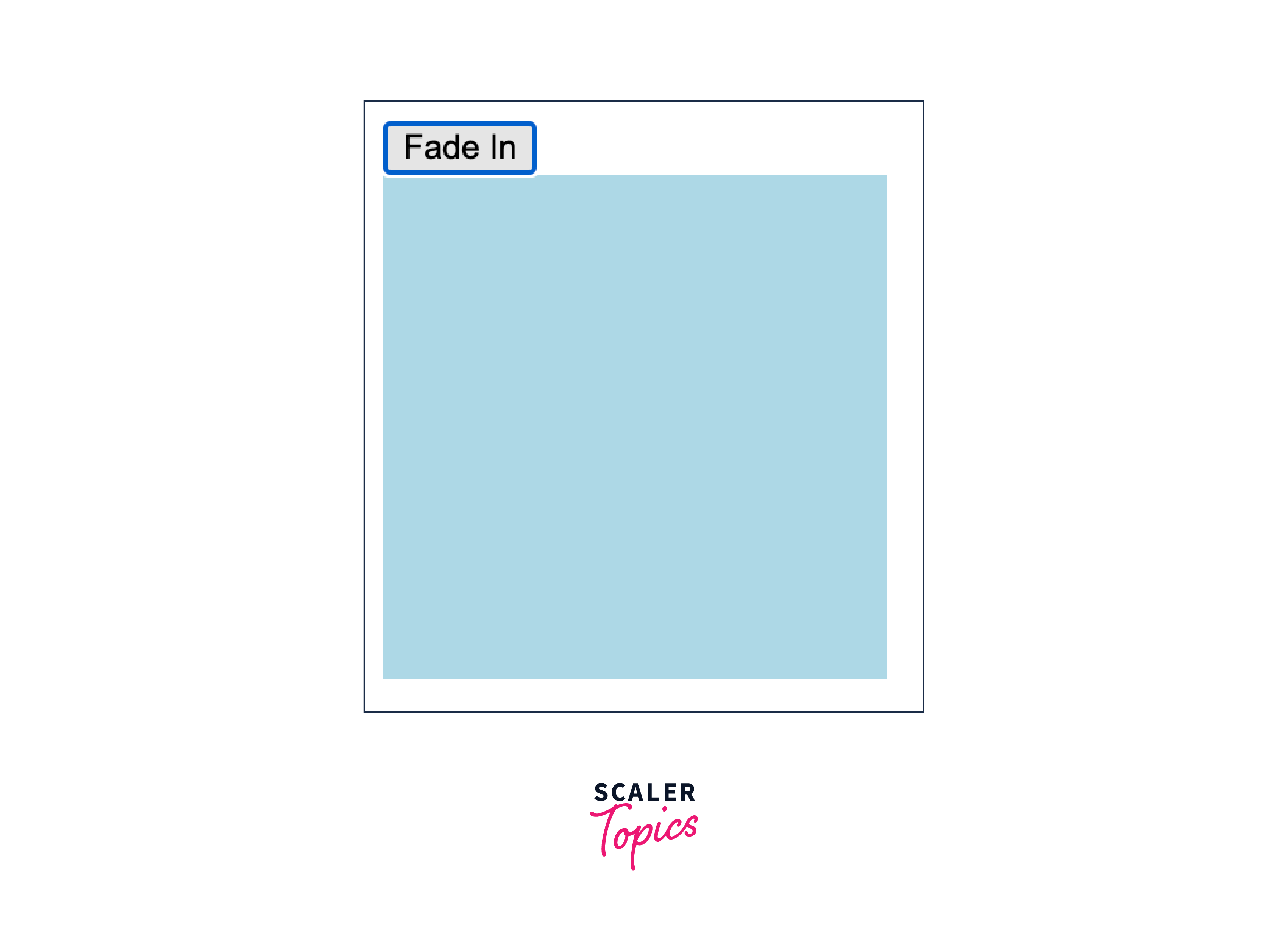
After:
Explanation:
The #myElement div fades in when you click the "Fade In" button. Additionally, after the fade-in animation is complete, an alert message pops up, indicating that the fading animation has finished.
Conclusion
-
fadeIn() in jQuery is used for smooth and gradual element visibility transitions. It also covers the syntax and parameters of the fadeIn() method, offering a detailed breakdown of how to use it effectively.
-
The .fadeIn() method in jQuery utilizes a syntax that includes parameters such as the selector, speed, easing, and callback. This flexibility allows for fine-tuning the animation, where speed and easing parameters enable control over animation duration and easing functions. Additionally, a callback function can be employed to execute actions once the animation concludes, enhancing its versatility and interactivity.