


jQuery scroll() Method
 FREE
FREE

Build an AI-First Career, Master the Complete Skillset
Choose from our industry-leading programs designed for career success
Modern Software and AI Engineering Program
Master full-stack development with AI integration


 +1000 more
Modern Data Science and ML with specialisation in AI
Advanced data science techniques with AI specialization
+1000 moreAdvanced AIML with Specialisation in Agentic AI
Deep dive into AIML with focus on Agentic systems
+1000 moreDevOps, Cloud & AI Platform Engineering
Build and manage AI-powered cloud infrastructure
+1000 moreAI Engineering Advanced Certification by IIT-Roorkee
Premier AI engineering certification from IIT-Roorkee

AI Forward Deployed Engineer Program
Full-stack engineering, production AI and client-facing consulting
+1000 moreOverview
The scroll() method in jQuery is used to detect and respond to user scroll events enabling developers to create dynamic, engaging web experiences. By binding functions to the scroll event, developers can enhance usability and visual appeal. This event can be applied to various elements, including window objects, scrollable frames, and elements with the overflow CSS property set to scroll or auto, making it versatile for different scrolling scenarios.
Syntax
-
$(selector):
This part selects the HTML element(s) to which you want to attach the scroll event handler. You can use any valid CSS selector to target the element(s).
-
.scroll():
This is the jQuery method for attaching a scroll event handler to the selected element(s).
-
function():
This is the JavaScript function that will be executed when the scroll event occurs on the selected element(s). You can place your custom code or actions within this function.
Parameter
The jQuery scroll() method requires a single parameter: a callback function. This function is executed when a scroll event occurs, and it defines the actions to be triggered in response to scrolling. It can access scroll-related information using $(this) and other jQuery methods.
How Scaler Transformed Careers in Different Fields
Scaler learners achieved 2.5x salary growth with average post-Scaler CTC reaching ₹23L.
 Google
 Amazon
 Microsoft
 Flipkart
 Adobe1200+ more
Examples
1.Sticky Navigation Bar
Output :
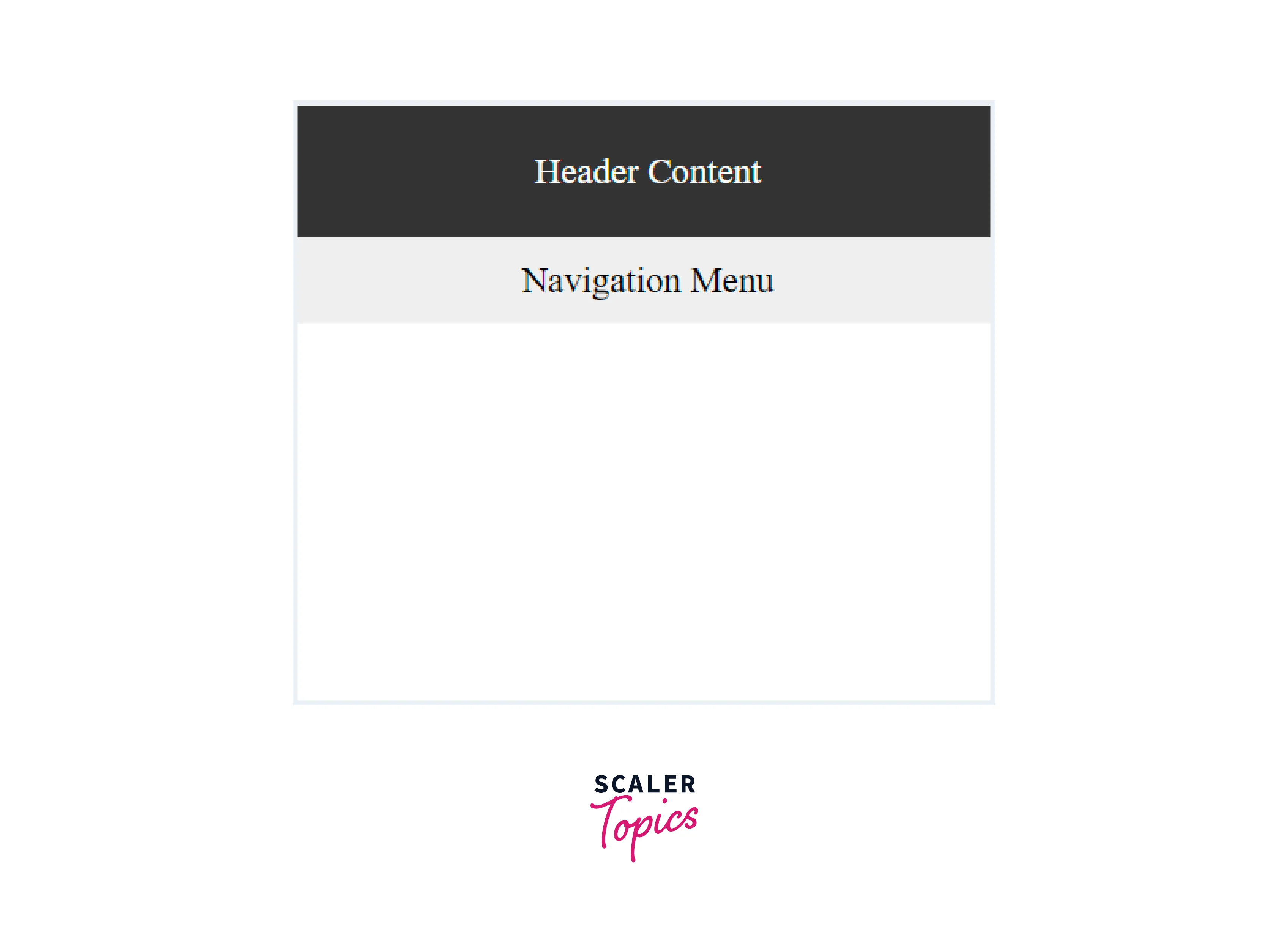
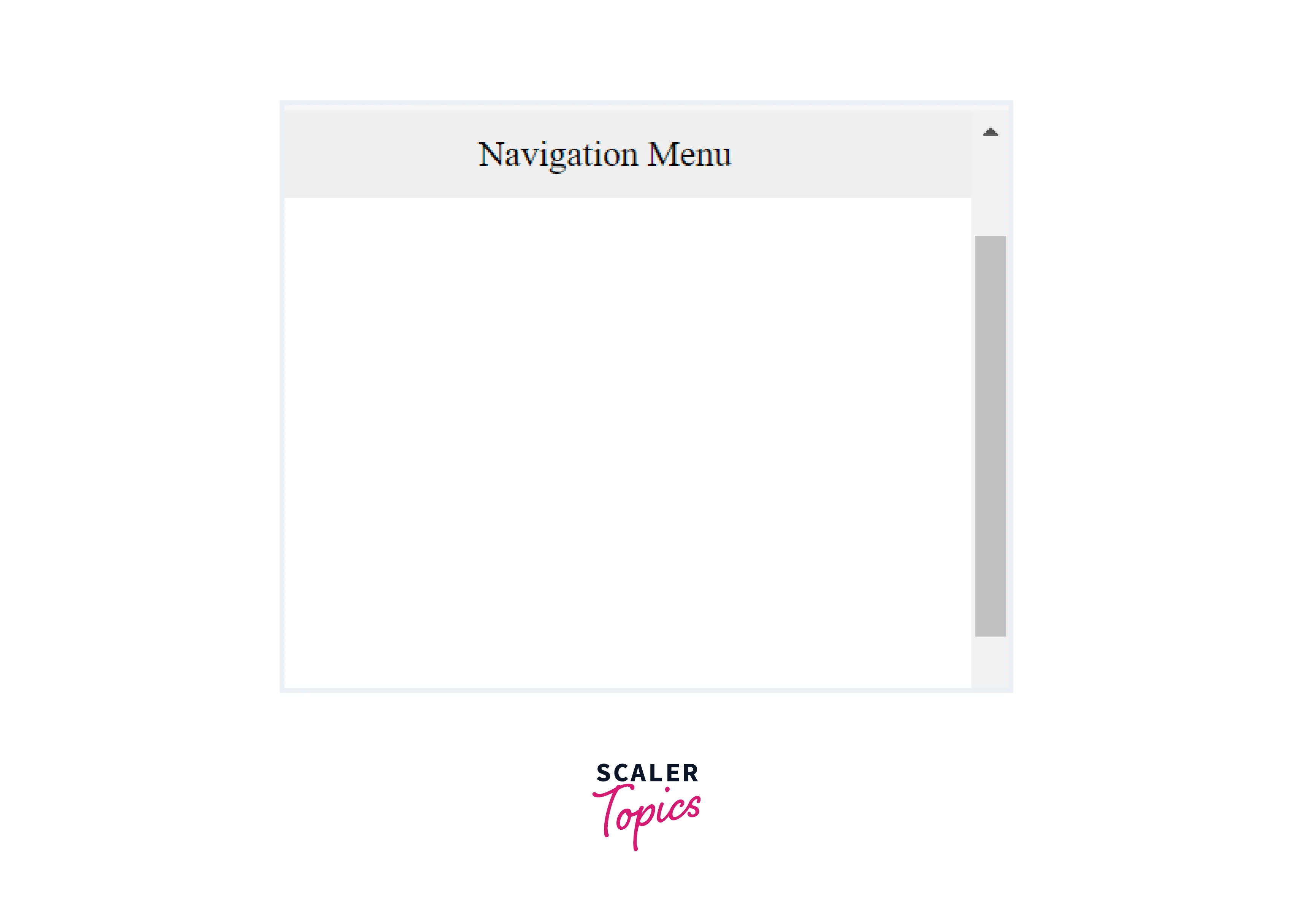
As you Scroll,the navigation menu sticks to the top of the viewport.
Explanation:
- As the user scrolls down the page, we use the scroll() method to detect the scroll position.
- When the user has scrolled past the original position of the navigation menu, we add a sticky class to it, making it stick to the top of the viewport with the help of CSS position: fixed.
- When the user scrolls back up, the sticky class is removed, and the navigation menu returns to its original position.
2.Scroll-Synced Navigation
Output:
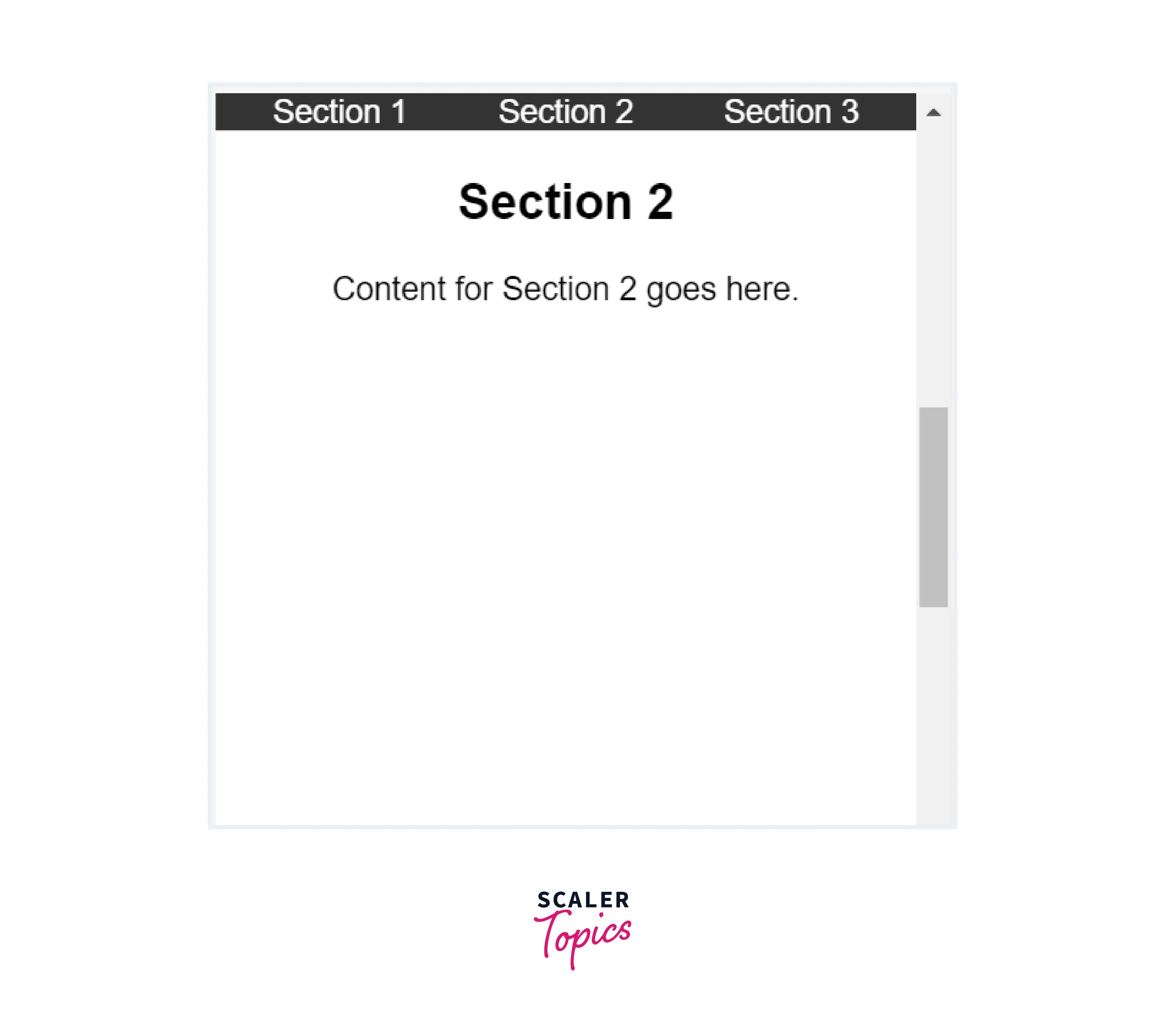
Explanation:
- As the user scrolls down the page, we use the scroll() method to detect the scroll position.
- We remove the 'active' class from all navigation links and then loop through the sections to determine which section is currently in view.
- When a section is in view, we add the 'active' class to the corresponding navigation link.
3.Fade In Elements on Scroll
Output:
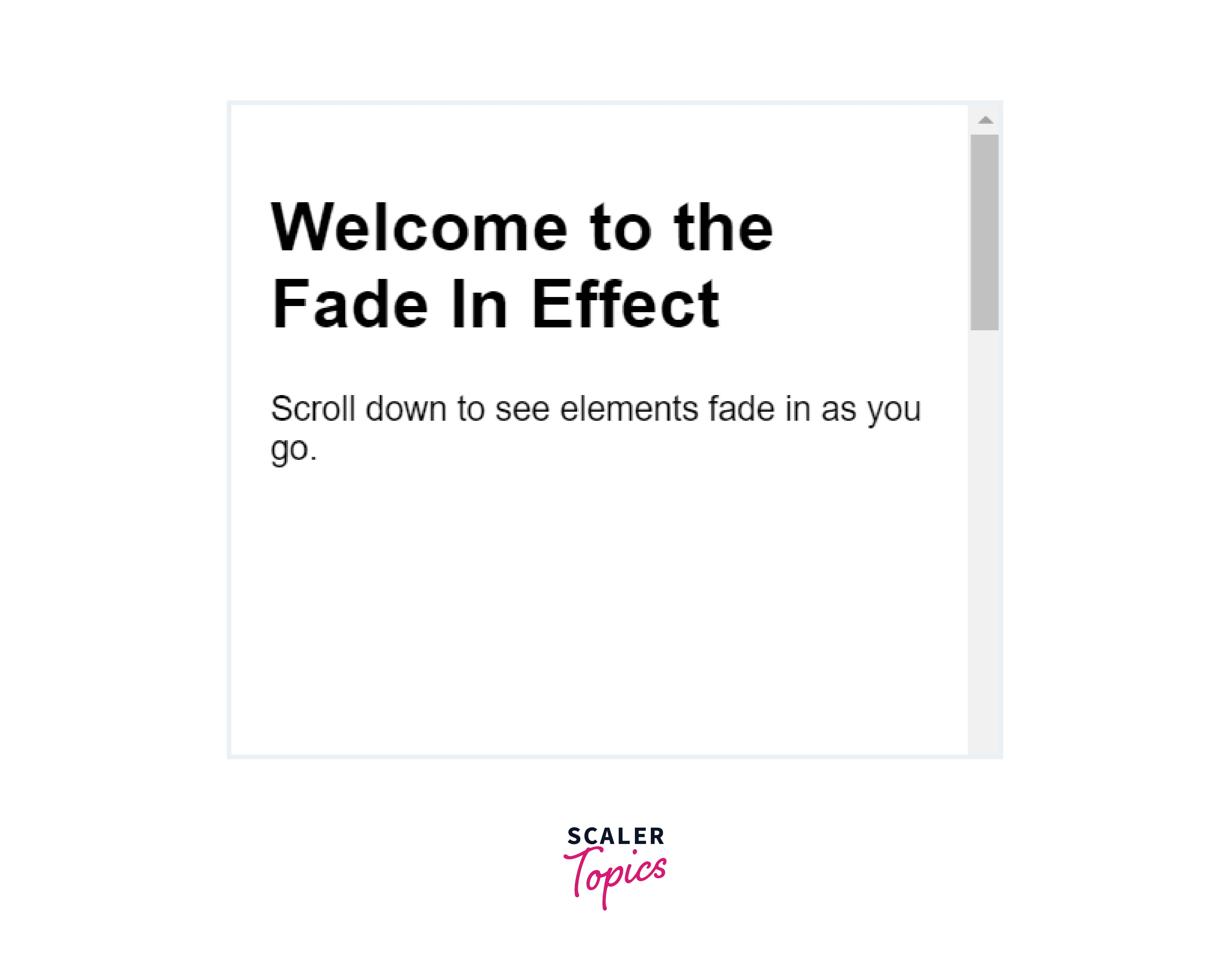
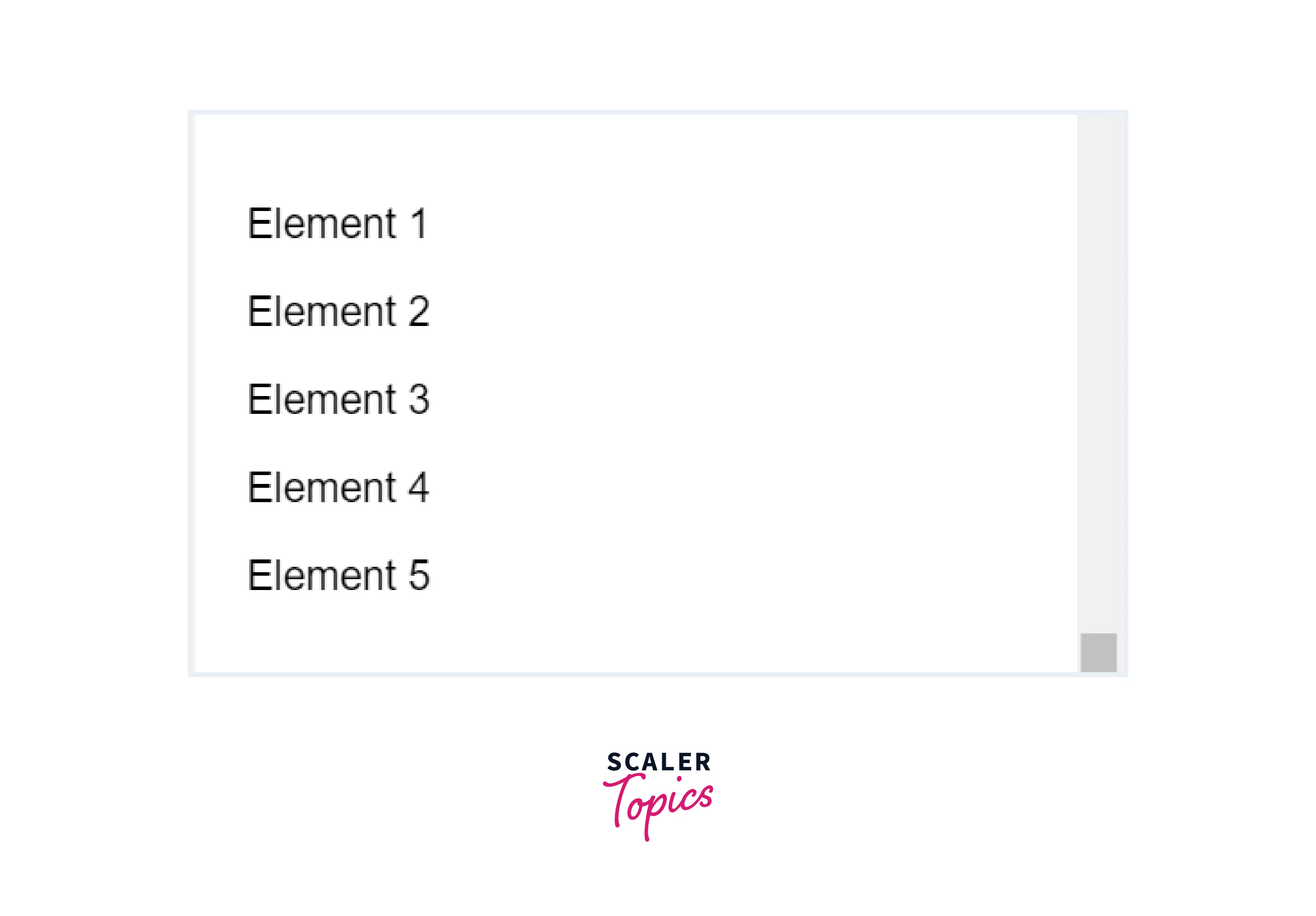
Explanation:
-
The 'scroll()' method detects the user's scroll position.
-
In the scroll event handler:
- It checks each element with the fade-in class to see if it's in the viewport.
- If an element is visible, it adds the active class, making it fade in smoothly.
-
The active class adjusts opacity and position (opacity: 1 and transform: translateY(0)) for the fading effect.
-
The scroll event is triggered on page load to apply the fade-in effect to visible elements.
Conclusion
- scroll() is a jQuery method used to detect when a user scrolls on a web page.
- It provides the current vertical scroll position, typically measured in pixels from the top of the page.
- It's commonly used for creating scroll-triggered effects, such as animations, sticky menus, or scrollspy navigation.
- The scroll() method works consistently across different web browsers, making it a reliable choice for scroll-related interactions.




