


jQuery slideUp() Method
Learn via video course
 FREE
FREE

JavaScript Course With Certification: Unlocking the Power of JavaScript
by Mrinal Bhattacharya
1000
4.8
Overview
slideUp() is a jQuery method that is used to create a smooth, animated upward slide effect on selected elements in a web page. It smoothly animates selected elements by sliding them upward, providing a visually appealing way to hide or collapse content. As part of jQuery's animation toolkit, it simplifies the creation of seamless transitions. Frequently used with slideDown(), it's a valuable tool for building expandable sections and enhancing user interactions in web applications.
Syntax
selector specifies the HTML element(s) to which you want to apply the slideUp() animation.
Parameter
- Speed(Optional): It accepts an optional parameter “speed” which determines how quickly the sliding animation occurs. You can set it using predefined values like "slow" or "fast" for common speeds, or you can specify a numeric value in milliseconds for a custom duration. For example, "slow" makes it slower (600 milliseconds), "fast" makes it faster (200 milliseconds), and 1000 would make it last for 1 second.
- Easing (Optional): Define animation acceleration using "swing" (default) or custom easing functions.
- Callback (Optional): Execute functions after animation completion for advanced interactions.
Example
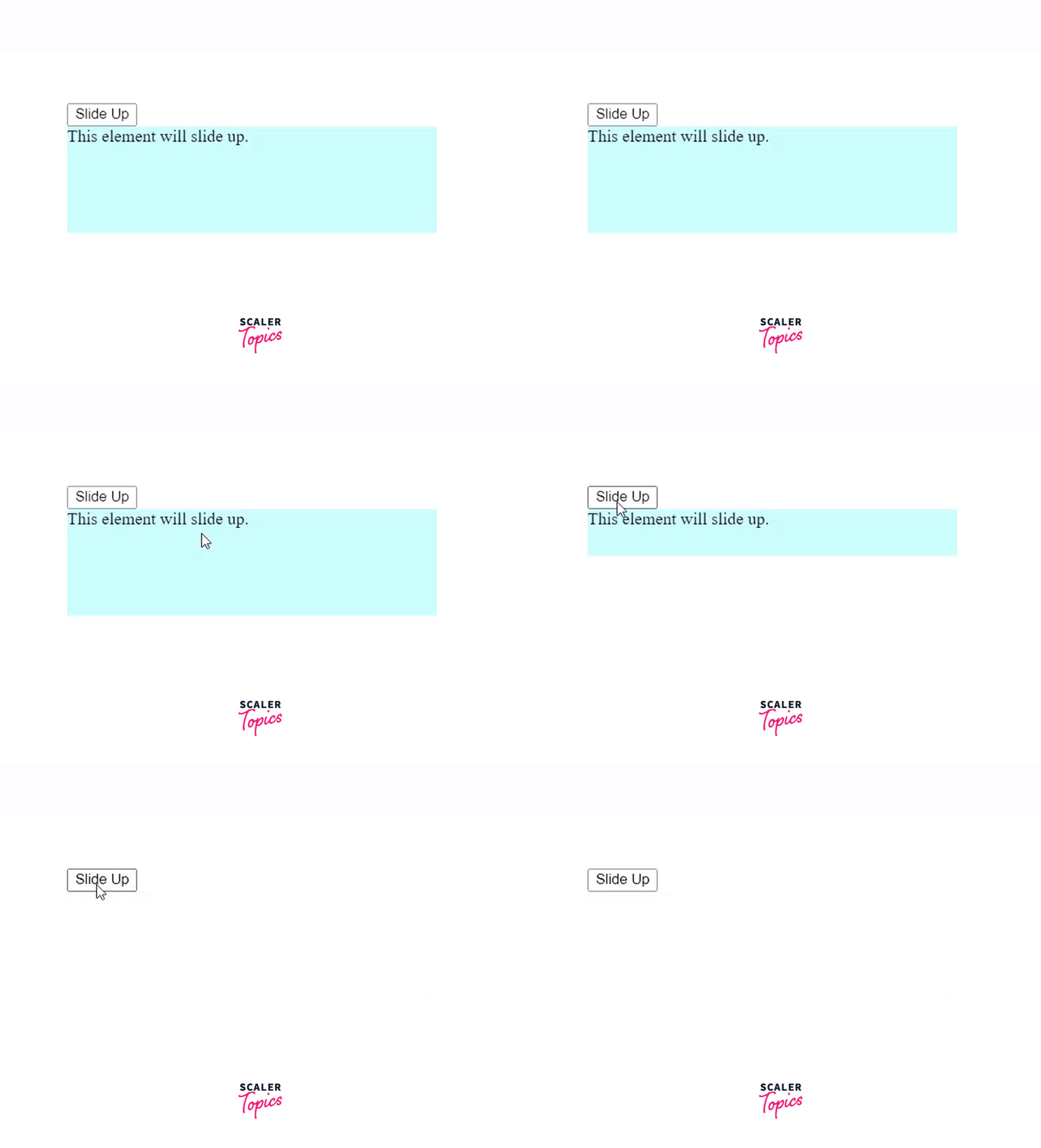
1. Smooth Slide-Up Animations
Output:
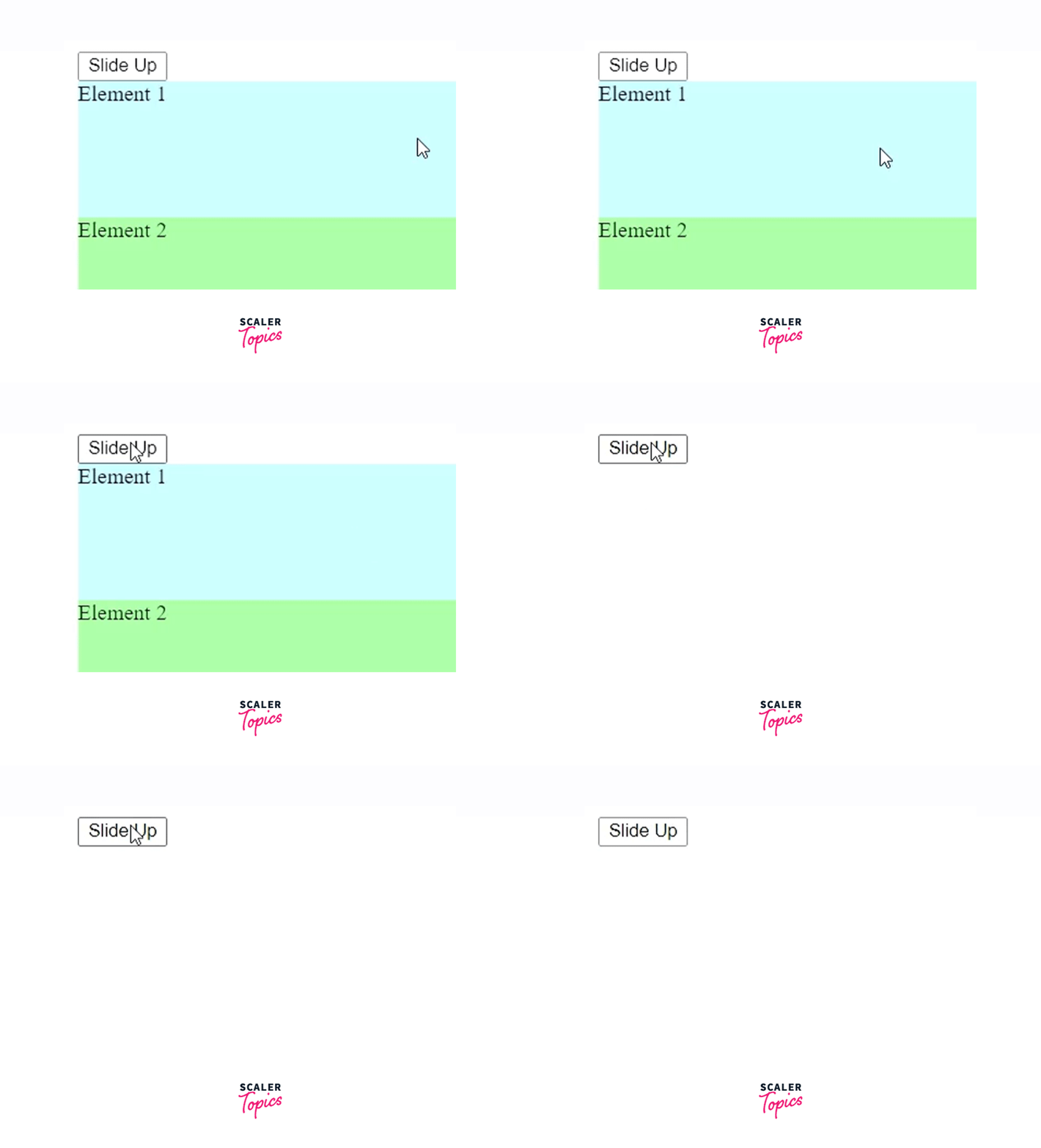
2. Sliding Multiple Elements
Output:
Conclusion
- slideUp() is a versatile jQuery method that allows developers to create visually engaging and user-friendly web animations.
- Developers can control the animation speed with options like "slow," "fast," or specific durations in milliseconds, tailoring it to their design goals.
- The optional easing parameter offers customization of acceleration and deceleration, enabling developers to create unique animation curves.
- The ability to include a callback function opens up possibilities for chaining animations or executing post-animation actions, enhancing interactivity.