


jQuery Syntax
 FREE
FREE

Overview
jQuery simplifies web development with concise syntax. It offers a compact way to manipulate HTML elements, manage events, and perform animations. By targeting elements, applying actions, and chaining methods, jQuery enhances efficiency and interactivity in web design.
jQuery Syntax
In the realm of web development, jQuery stands as a game-changer, offering developers a potent toolset to create interactive and dynamic websites. At the core of jQuery's effectiveness lies its elegant and user-friendly syntax, designed to streamline complex operations and significantly enhance the development process. In this article, we'll embark on a comprehensive exploration of jQuery's syntax, accompanied by illuminating examples.
Decoding jQuery Syntax
jQuery's syntax is often hailed for its remarkable simplicity and clarity. It empowers developers to achieve impressive functionality with minimal lines of code, making it a favorite among both novices and seasoned programmers. Let's dissect the essential components of jQuery's syntax that make it a force to be reckoned with:
1. Selecting Elements
jQuery's prowess in selecting and manipulating HTML elements is unparalleled. Its selection syntax, akin to CSS selectors, makes it a breeze for web developers to target
2. Chaining Methods
The ability to chain methods is a boon in jQuery, eliminating the need for repetitive code and enhancing code readability:
3. Modifying Elements
Manipulating element attributes, content, and styles is effortless, elevating your web development endeavors:
4. Event Handling
jQuery simplifies event handling, allowing developers to respond effectively to user interactions:
5. Animations
Crafting eye-catching animations becomes a breeze with jQuery's built-in animation methods:
Examples
To further illuminate the concepts, let's dive into comprehensive examples that showcase the brilliance of jQuery's syntax:
Changing Text Color on Hover: A Visual Treat
Code:
Output:
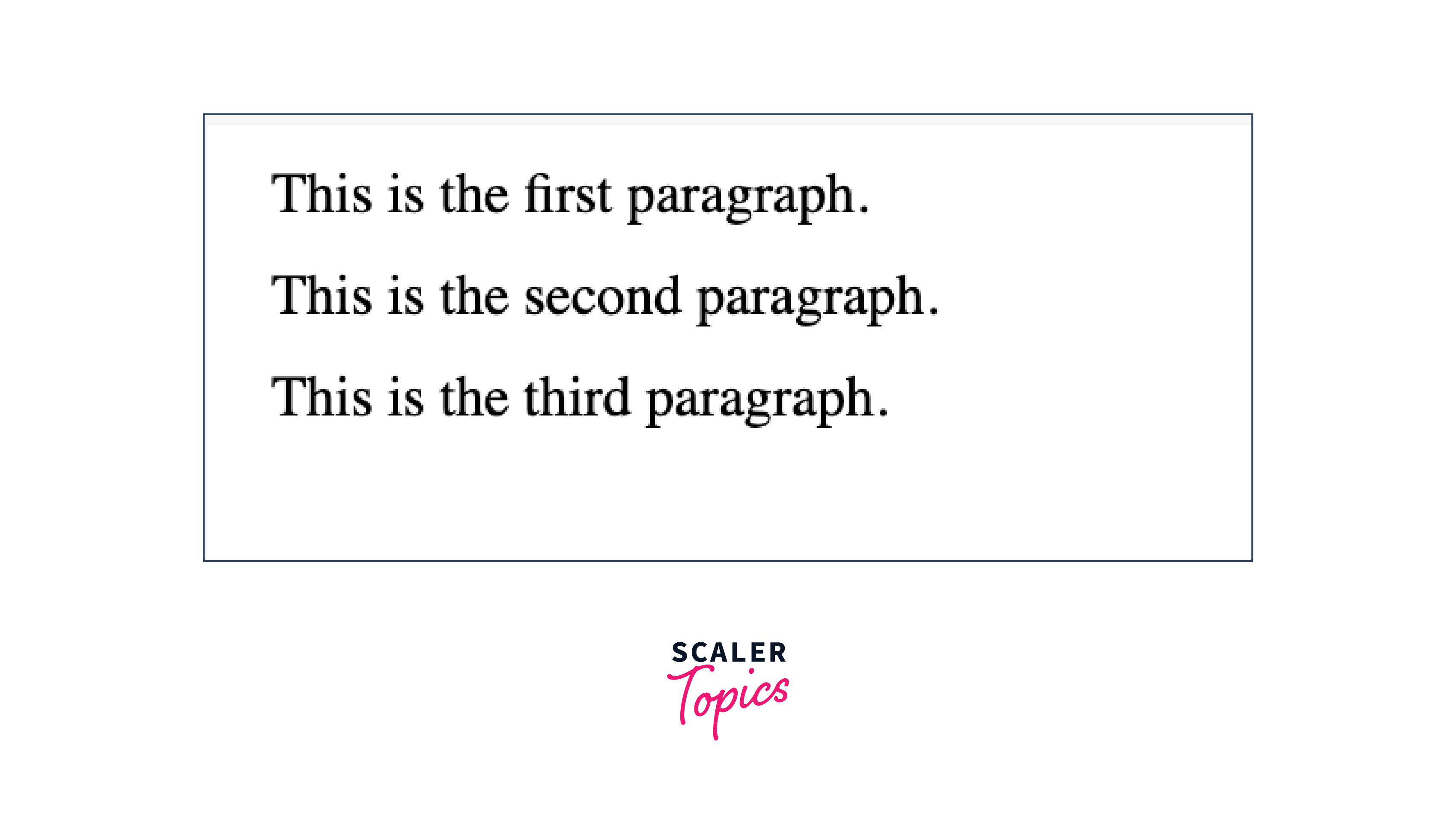
Before Hovering:
After Hovering:
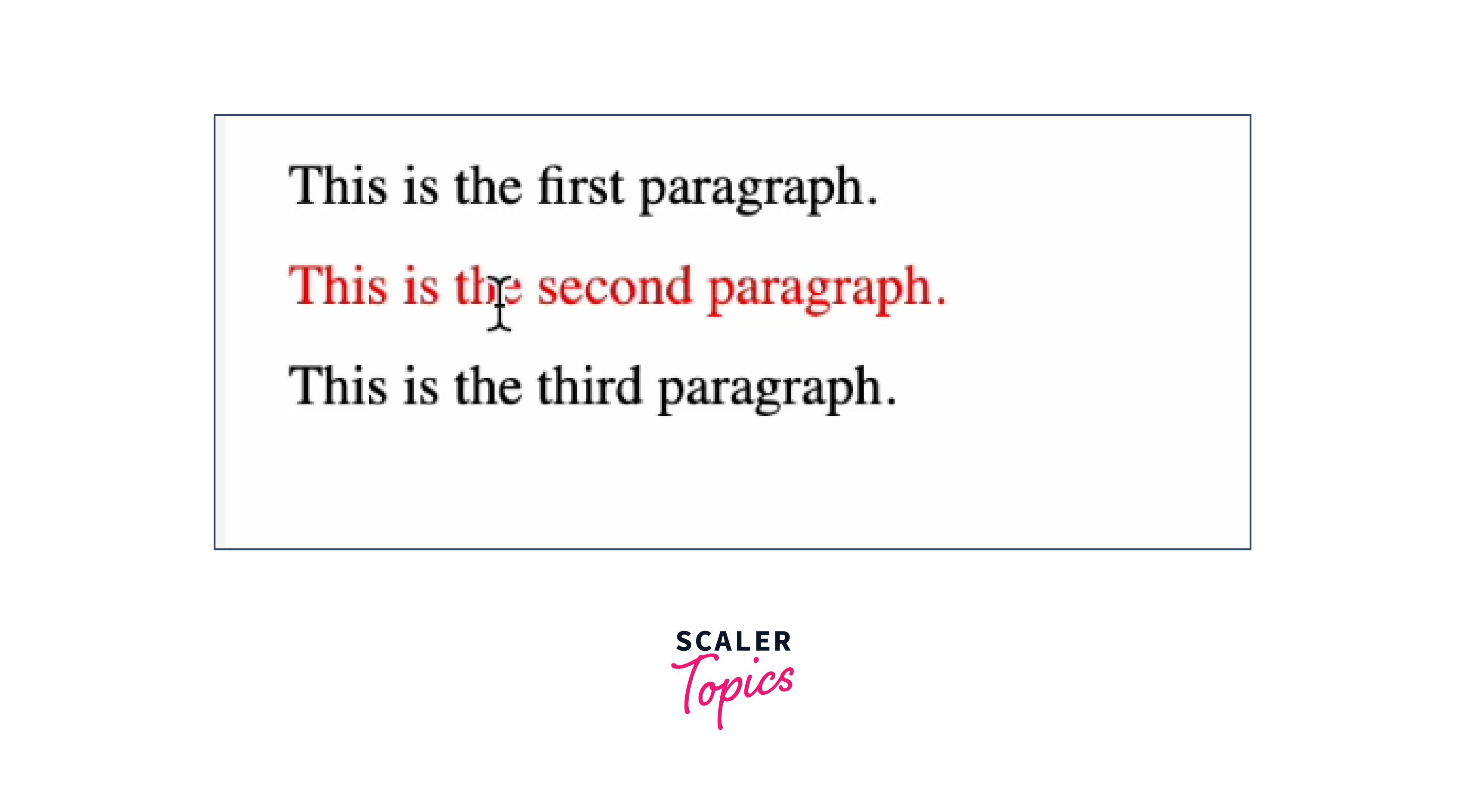
Explanation:
In this example, we utilize jQuery to create a captivating effect. When a user hovers over a paragraph (<p>) element, the text color changes to red. Upon moving the cursor away, the text color reverts to black. This small yet impactful interaction enhances the user experience and engages visitors.
Toggle Button Text: Interactive State Switching
Code:
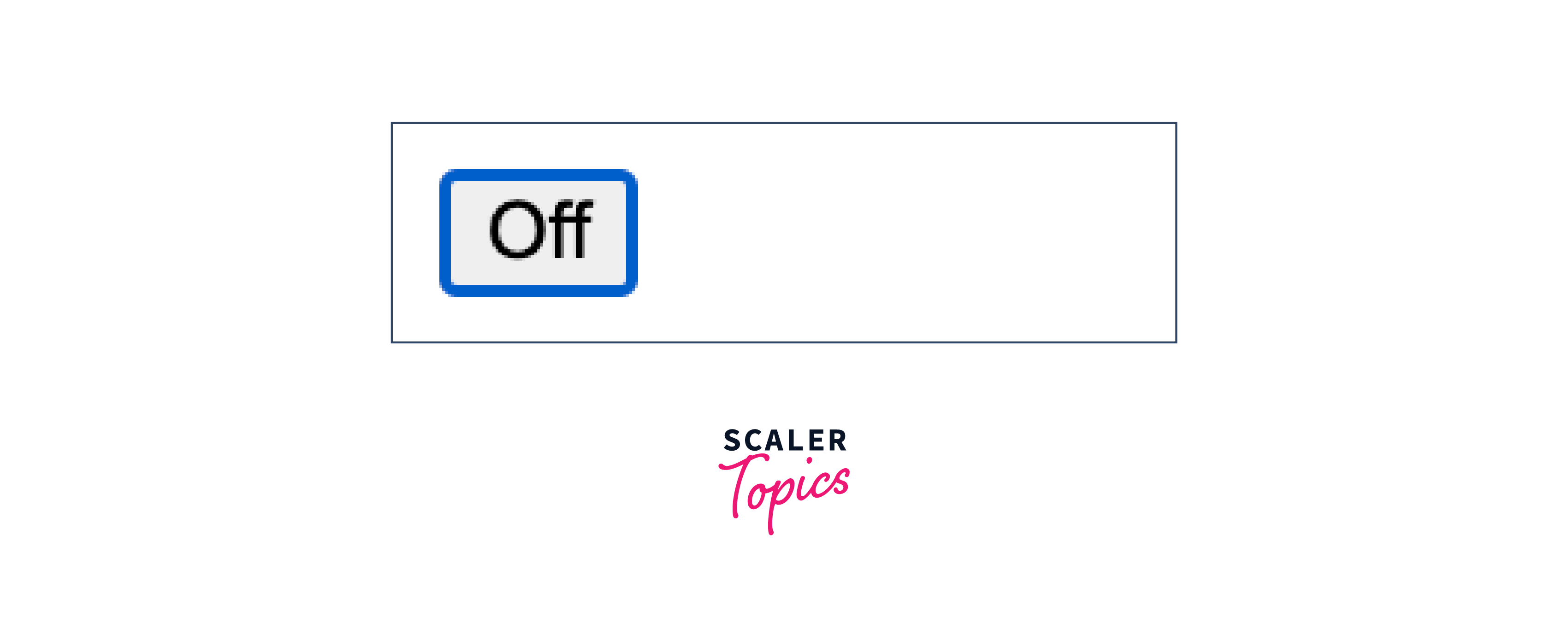
Output: Before clicking the button:

After clicking:

After again clicking:
Explanation:
In this scenario, we harness the power of jQuery to toggle the state of a button. Upon clicking the button, its appearance transforms using CSS classes. Additionally, the button's text dynamically changes between "On" and "Off" depending on its state. This dynamic feedback enriches user interaction, making the experience more intuitive.
The Document Ready Event
Imagine you're hosting a party, and you want everything to be set up before your guests arrive. Similarly, when you're working with jQuery to enhance your website's interactivity, you need to make sure that your code is ready to party with the webpage elements. That's where the jQuery Document Ready Event comes into play!
What's the Document Ready Event?
The Document Ready Event is like a friendly reminder to your jQuery code: "Hey, don't start the fun until everything's ready." It ensures that your code waits patiently until the entire webpage is fully loaded and ready for action.
How to Use the Document Ready Event?
Here's how you can use the Document Ready Event in your jQuery code:
This code structure tells your jQuery code to wait until the whole webpage is fully loaded before it starts doing anything cool.
Example: Making Text Stand Out When Ready
Let's say you have a button on your webpage, and you want its text to change color once everything is loaded. Here's how you can do it using the Document Ready Event:
HTML:
jQuery:
In this example, the text color of the button will turn blue once the whole webpage is ready. The Document Ready Event ensures that the button is there and ready to be styled before the color change happens.
Conclusion
- In conclusion, jQuery's syntax simplifies element selection using CSS-like selectors.
- Method chaining streamlines operations and enhances code readability and Dynamic manipulation of attributes, content, and styles is effortless.
- Responsive event handling enables interactions with user actions.
- Document Ready event ensures code execution only after full webpage load.
- jQuery minimizes code length while maintaining clarity and efficiency.