


<li> Tag in HTML
 FREE
FREE

Overview
Imagine you are asked to write a document but not in word in HTML. There are very common things any word document will have, like headings, paragraphs, tables, lists, etc.
In this article, we will see how we can add elements to the HTML various types of lists with bullet points, numbers, letters, and so on.
Build an AI-First Career, Master the Complete Skillset
Choose from our industry-leading programs designed for career success
Modern Software and AI Engineering Program
Master full-stack development with AI integration


 +1000 more
Modern Data Science and ML with specialisation in AI
Advanced data science techniques with AI specialization
+1000 moreAdvanced AIML with Specialisation in Agentic AI
Deep dive into AIML with focus on Agentic systems
+1000 moreDevOps, Cloud & AI Platform Engineering
Build and manage AI-powered cloud infrastructure
+1000 moreAI Engineering Advanced Certification by IIT-Roorkee
Premier AI engineering certification from IIT-Roorkee

AI Forward Deployed Engineer Program
Full-stack engineering, production AI and client-facing consulting
+1000 moreIntroduction
<li> tag is used to specify a list item in various lists in HTML. It is used within an ordered list <OL>, an unordered list <UL>, a directory, and a menu <MENU>. List items in ordered lists are usually displayed with an ascending counter. In unordered lists, list items are displayed with bullet points.
Syntax
The <li> tag in HTML is a block-level element. It starts on a new line and utilizes the full width available.
Within the <OL>, i.e., ordered list, we have used the <li> tag to define the list item. Note that closing tag <\li> is not mandatory if it is followed by the next list item or the list closing tag like <\OL>.
Ordered lists
Ordered lists can be alphabetical or numerical. They start with the <OL> tag. Each of its items starts with the <LI> tag. They are marked with numbers by default.
Example:
Let us, for instance, take a list of questions to be answered as an ordered list to be presented on our webpage.
Output:
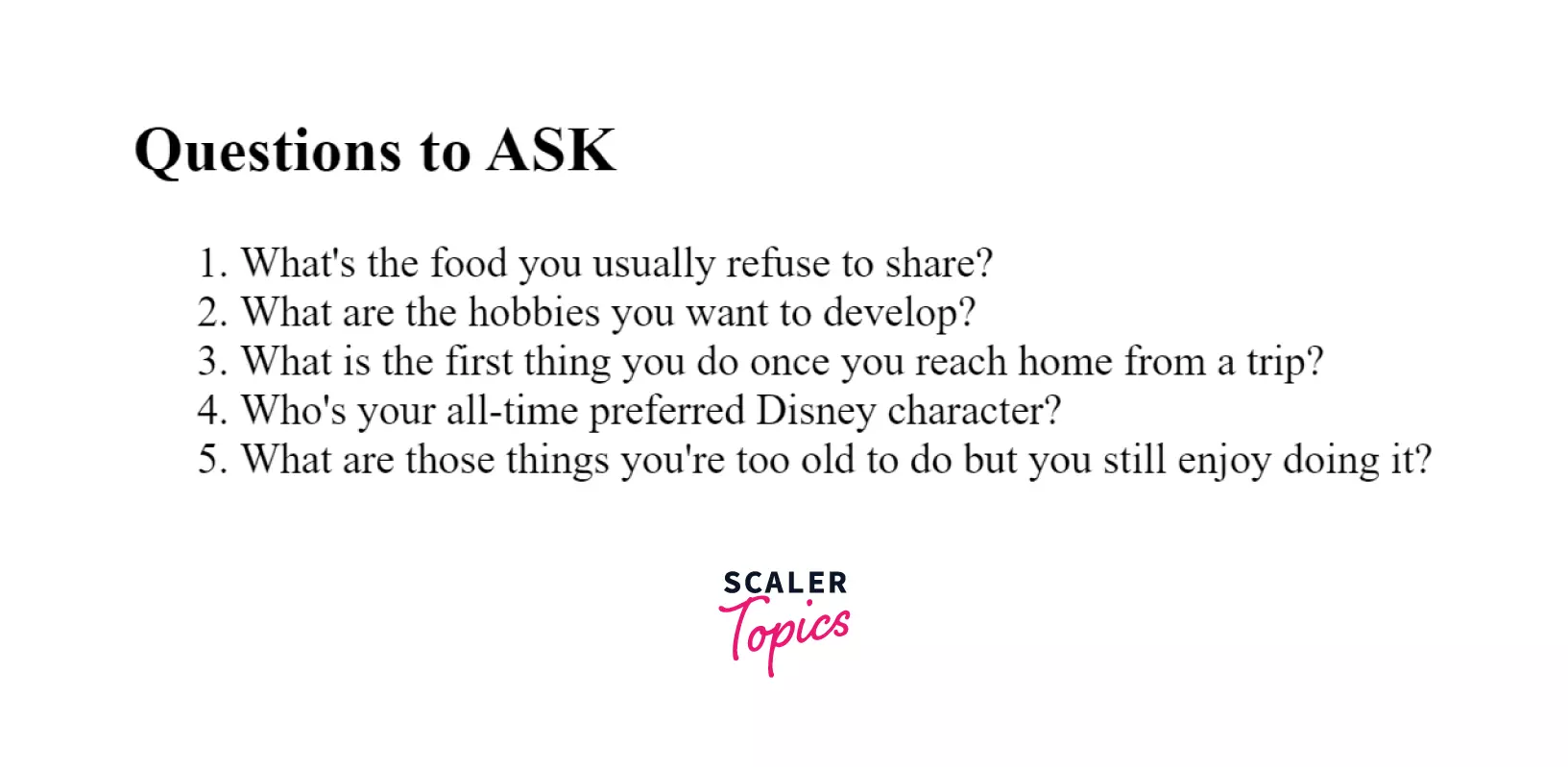
In the example above, the list of questions on the webpage is an ordered list. Each question starts with a question number. By default, it starts with 1. and increments with each added item.
Unordered lists
Unordered lists start with the tag <UL>. Each item starts with the <LI> tag. The list items, by default, are marked with bullets (small black circles).
They are different from ordered lists as ordered lists have their items ordered by number or alphabet, whereas unordered lists have bullet points.
Example:
Let us take an example of an unordered list of tags of HTML.
Output:
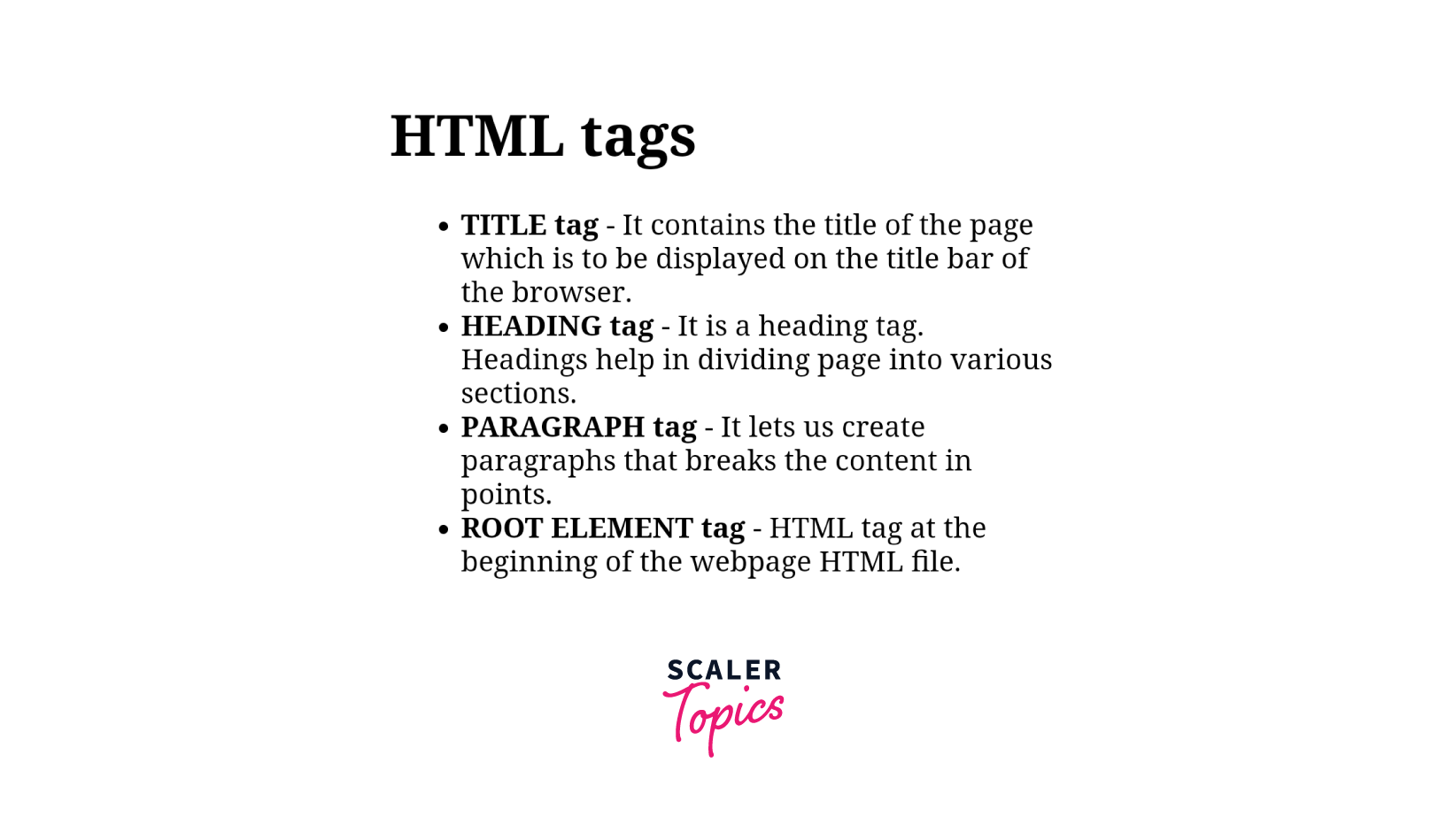
In the example, we are printing the function of tags of HTML. We use <b> ... </b> tags for bold. The <li> tag is used to define each item in the list.
Attributes
The <li> tag supports all the global attributes. It has two specific attributes, value and type.
How Scaler Transformed Careers in Different Fields
Scaler learners achieved 2.5x salary growth with average post-Scaler CTC reaching ₹23L.
 Google
 Amazon
 Microsoft
 Flipkart
 Adobe1200+ more
Type attribute
The <li> type attribute is used to specify the type of items on the list. It also represents the style of the bullet point of the list items. It is written within the <OL> or <OU> tag.
The most commonly used types in a list are as follows :
For unordered lists:-
- 1 - numbers
- I - uppercase Roman numerals
- i - lowercase Roman numerals
- a - lowercase letters
- A - uppercase letters
For ordered lists:-
- disc
- square
- circle
Note: type attribute of <LI> tag is no more supported in HTML5. CSS is used instead of it.
Example:
Output:
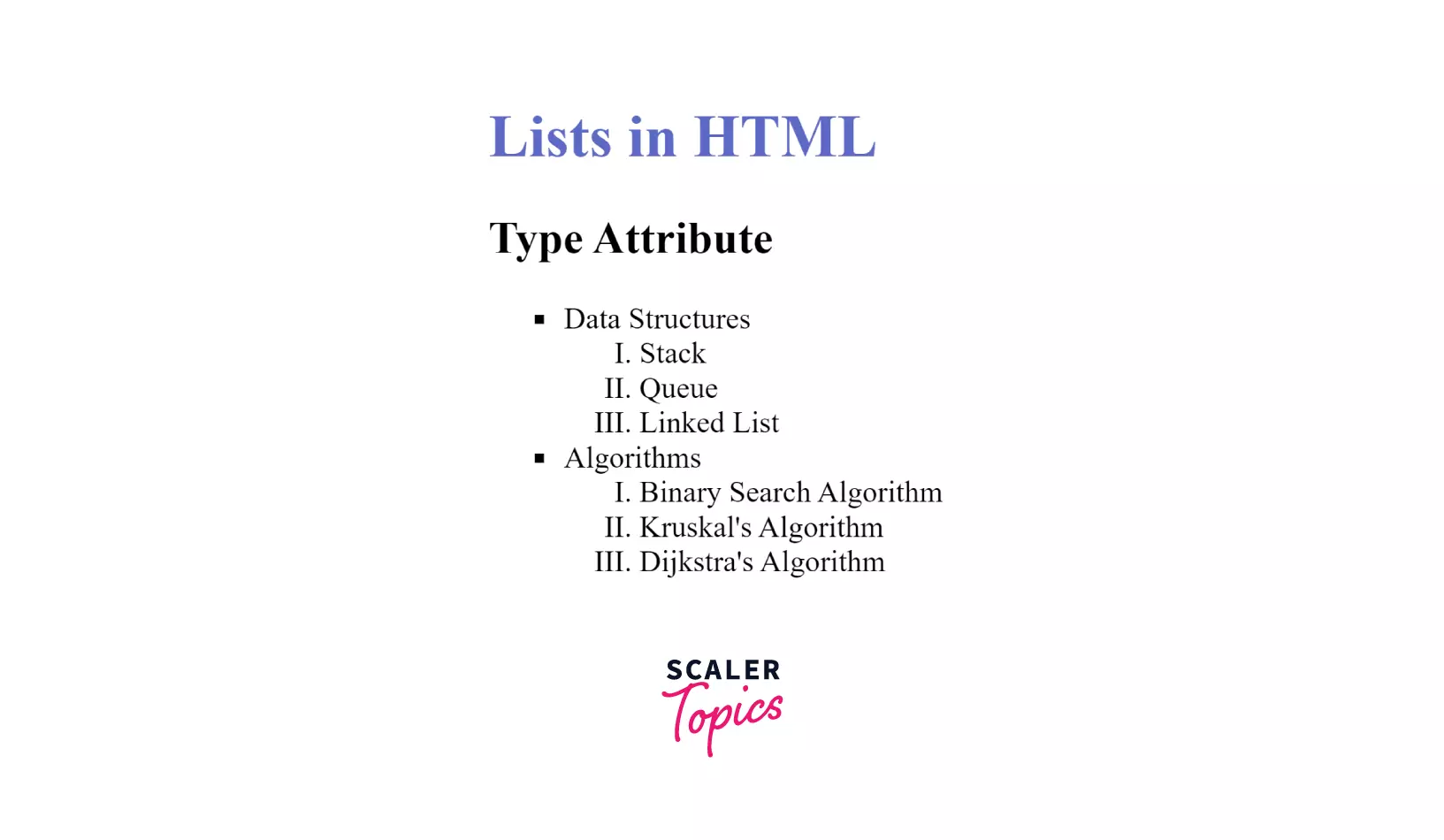
In the example above, the list with type = 'square' starts with a solid square, and the sub list type = 'I' starts with Roman capital numerals, and its counter value increments with each element in the list.
Value attribute
The value attribute is only used with ordered lists. It specifies the starting number of the list. The first element of the list starts with the number mentioned with the value attribute and increments with every addition of the element. It is written within the <li> tag.
Example: Ordered List With Custom Value
Let us take an instance of answerkey having different sections but question numbers in sequence.
Output:
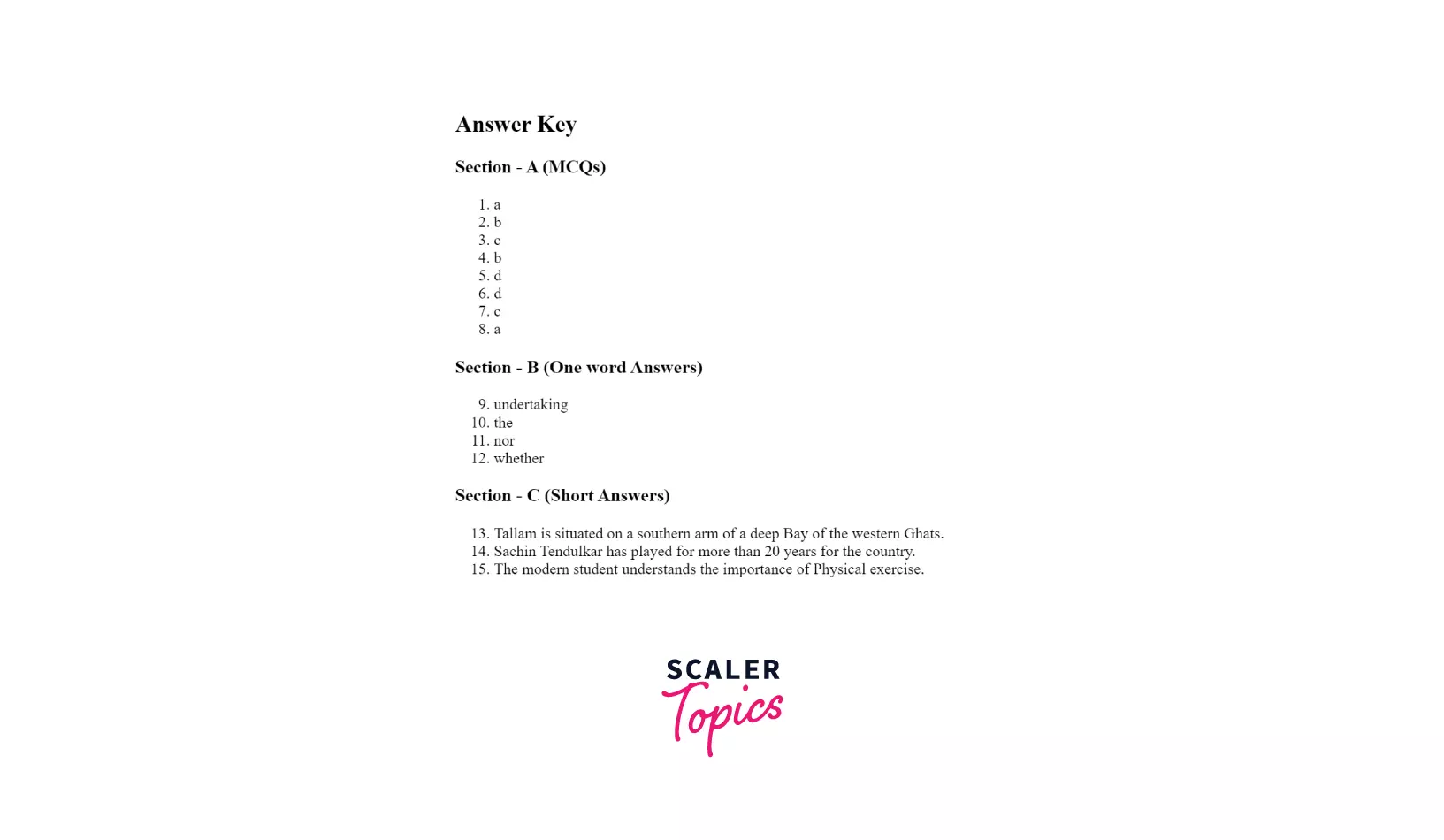
In the example above, we are defining the value in Section - B inside the first element's <li> tag as we have questions in sequence. The value for the next element increments on its own. Similarly, we are defining value 13 for Section - C.
Turn Learning into Career Growth
What Is The <li> Tag Used For ?
It is used to represent the list items in ordered lists, unordered lists, menus, and dir in HTML. We create a list using <OL> or <UL> tags, but to put items in these lists, we are required to use the <LI> tag. Without the <LI> tag, we will always have an empty list with no items in it.
Example: Nested Lists
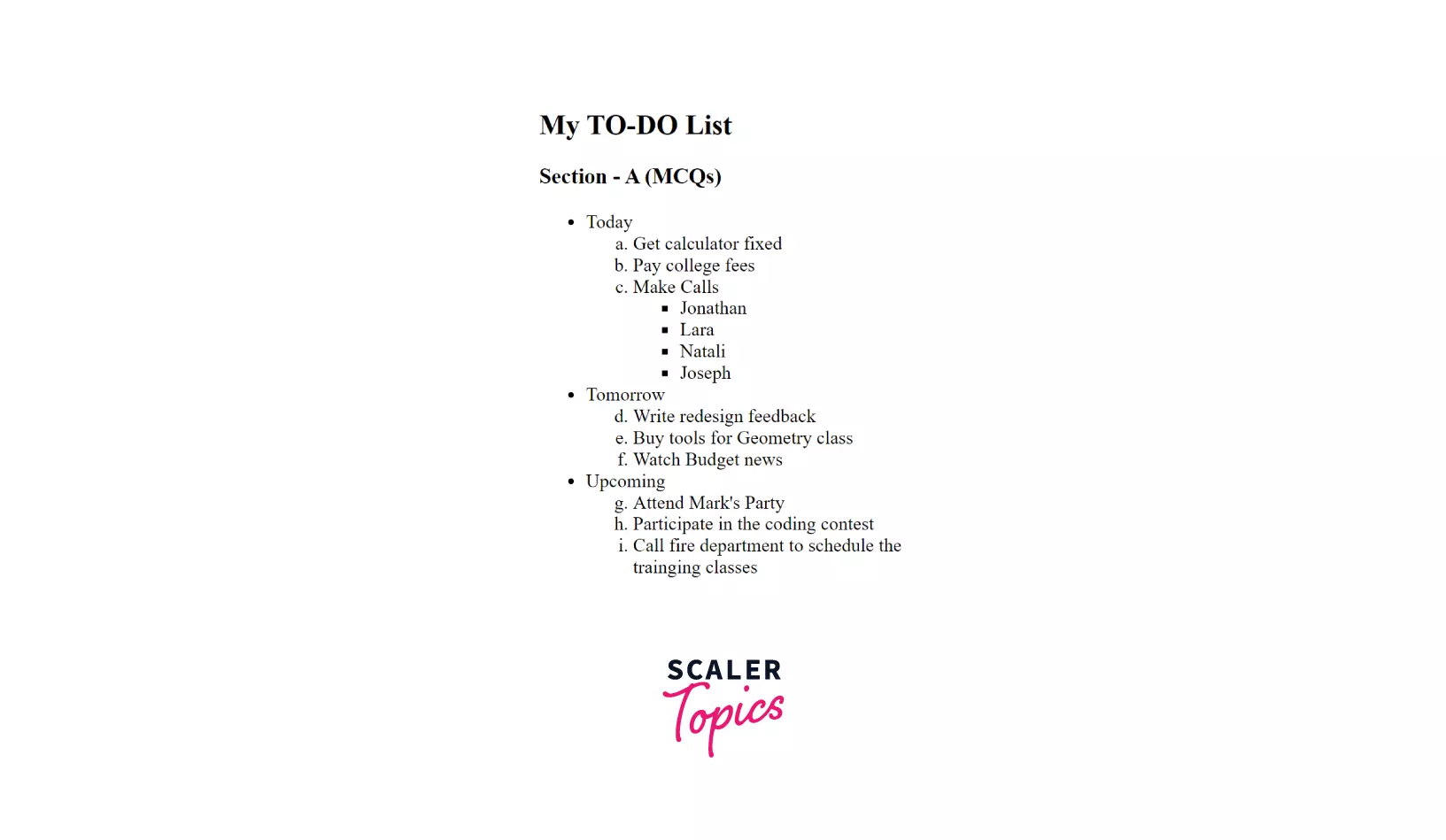
Let us take an example of a TO-DO list. In this to-do list, we will use lists and sublists as well as type and value attributes.
The TO-DO list is divided into three sections, Today, Tomorrow, and Upcoming. Each contains an ordered list of types a. Make calls under Today is also another unordered list of type squares. Also, we are keeping the list of tasks in sequence using the value attribute. The value attribute is defined as 4 in Tomorrow and 7 in Upcoming. ' is an entity number for the Apostrophe symbol.
Output:
Browser Support
The <LI> tag is supported by all the major browsers.
| Browser | Version |
|---|---|
| Firefox | 1 |
| Chrome | 1 |
| Internet Explorer | 5.5 |
| Opera | 12.1 |
| Apple Safari | 3 |
Conclusion
-
The <LI>...</LI> tag is used to define list elements of Ordered and Unordered lists.
-
It has a single attribute value. It is used only in the ordered list to specify the starting list number.
-
The <LI> tag is supported by almost all major modern browsers.
-
The <LI> tag also supports all the global attributes in HTML.
Related Tags
- <UL>
- <OL>
- <dir>
- <menu>
- <dl>
- <dd>
- <dt>




