


<mark> Tag in HTML
 FREE
FREE

Overview
HTML <mark> tag was introduced in HTML 5. The <mark> element is found within the <body> tag in HTML. It is used to highlight some part of the text for quick reference inside another element, such as in a paragraph that is of more importance or relevance to the user.
It uses the default yellow color for highlighting. This can be changed using CSS properties. We can highlight with different colors as well as shapes.
Let us see the syntax of the mark tag in HTML.
Transform Your Career
Choose from our industry-leading programs designed for career success
Modern Software and AI Engineering Program
Master full-stack development with AI integration


 +1000 more
Modern Data Science and ML with specialisation in AI
Advanced data science techniques with AI specialization
+1000 moreAdvanced AIML with Specialisation in Agentic AI
Deep dive into AIML with focus on Agentic systems
+1000 moreDevOps, Cloud & AI Platform Engineering
Build and manage AI-powered cloud infrastructure
+1000 moreAI Engineering Advanced Certification by IIT-Roorkee
Premier AI engineering certification from IIT-Roorkee

Syntax
The text to be marked is written between the opening tag <mark> and the closing </mark> tag.
Attributes
HTML can let events trigger actions in a browser, like onclick to perform some action when the user clicks on it.
All such global events can be triggered on the occurrence of an event by adding attributes to the mark tag as well.
| Attributes | <mark> tag |
|---|---|
| Event Attributes | <mark> tag supports all the event attributes in HTML, such as onload, onpagehide, onfocus, oncut, etc. |
| Global Attributes | <mark> tag supports all the global attributes in HTML, such as lang, id, accesskey, draggable, etc. |
What Is The <mark> Tag Used For ?
Do you remember highlighting important points in your textbook using a highlighter? The same can be done with the important text on your webpage. We can highlight texts in the webpage using a tag called <mark> tag.
The HTML <mark> tag is used to define the marked text for notation purposes, i.e., important or user-catching text. It highlights or marks the part of the paragraph which is written under the opening and closing <mark> tags. The mark tag is a paired tag that implies it has both open(<mark>) and closing (</mark>) tags, and it is mandatory to close the tag.






Examples
Let us look at some examples of <mark> tags in HTML.
Scaler Placement Report and Statistics
Scaler learners achieved 2.5x salary growth with average post-Scaler CTC reaching ₹23L.
 Google
 Amazon
 Microsoft
 Flipkart
 Adobe1200+ more
<mark> tag to highlight the text
Let us see a simple example where we will mark a part of the sentence.
Output:
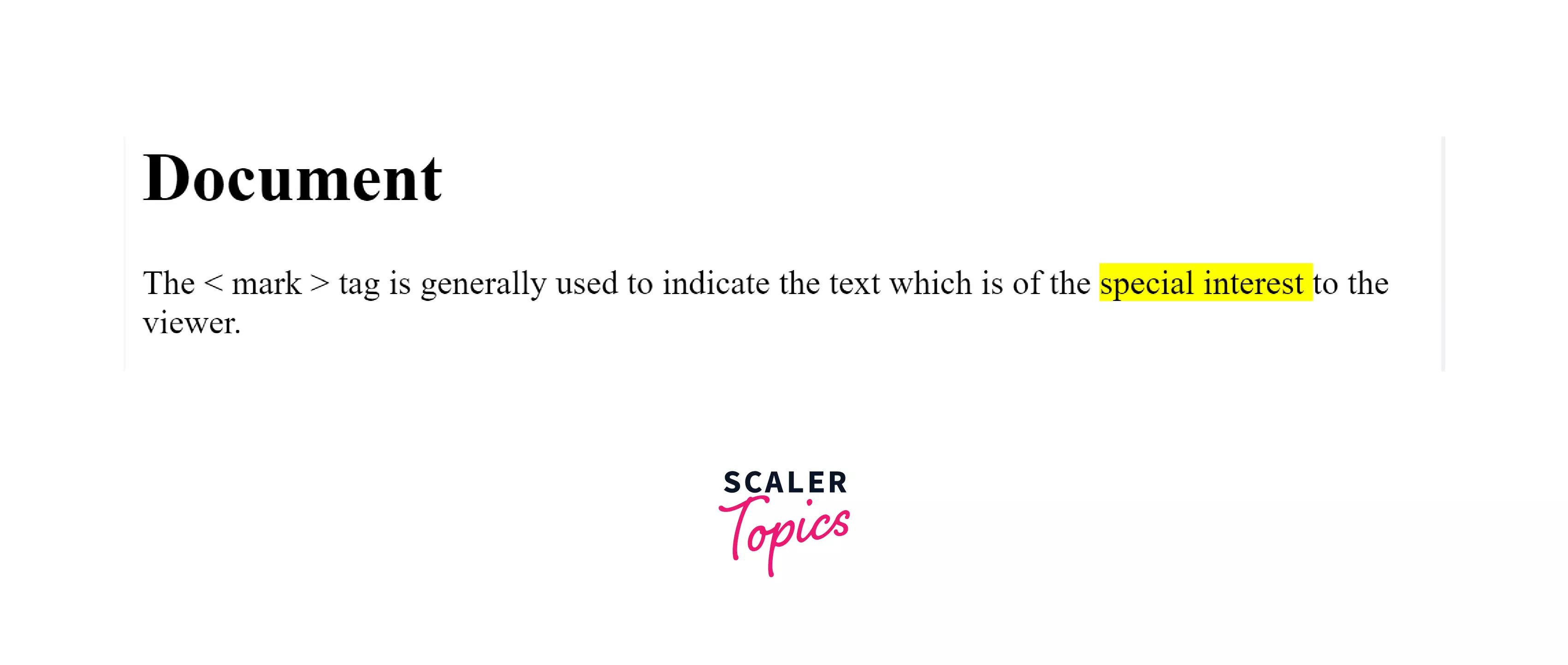
As we can see in the above example, the text written between the opening and closing mark tags is highlighted with yellow color in the background.
<mark> tag with the CSS property
Let us see how we can use CSS property to style our mark tag.
index.html
styles.css
Output:
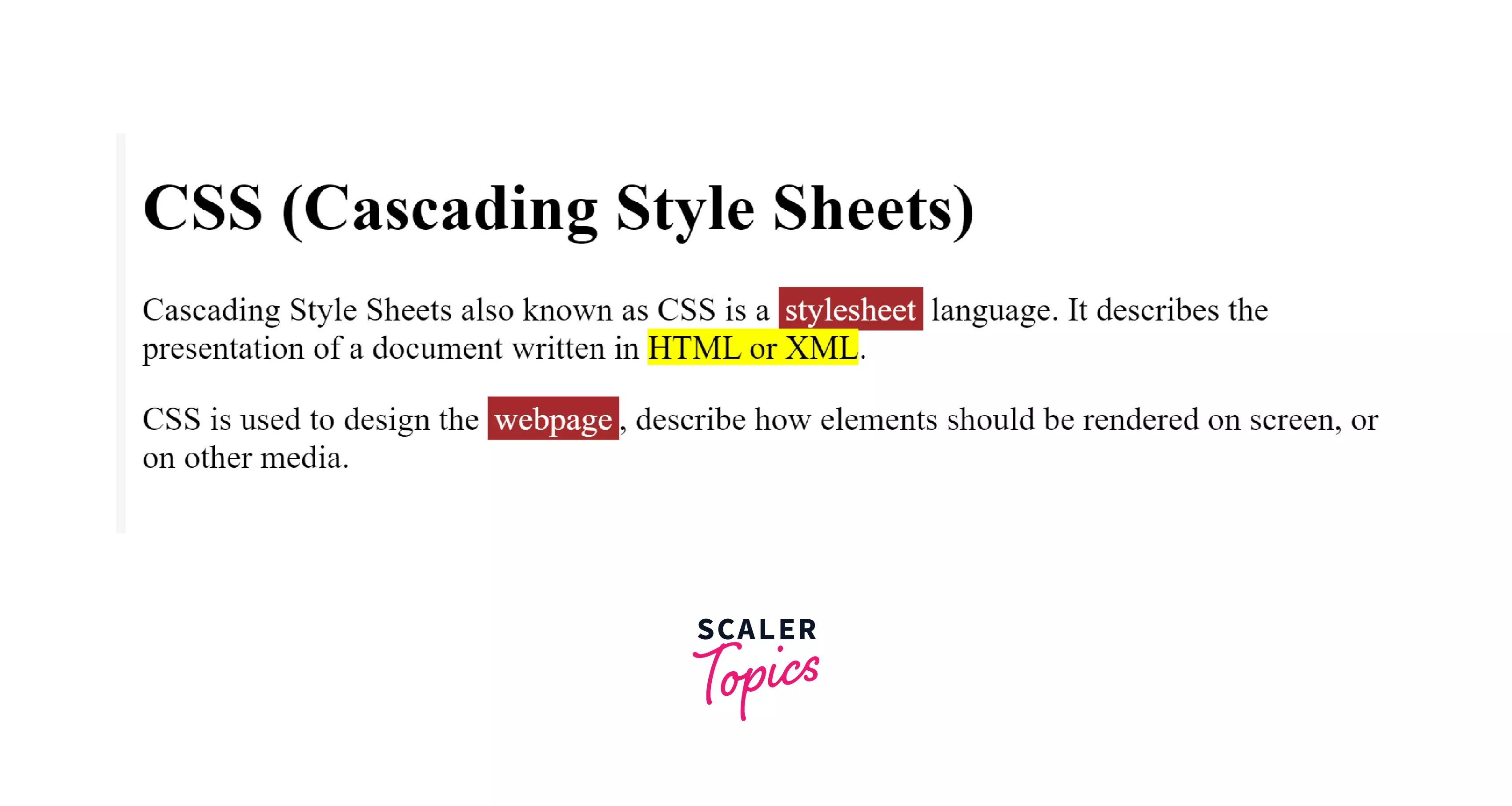
In the example above, we have defined a simple-highlight class in css file that defines how to highlight the given text. We use <span class = "simple-highlight"> and <span> to highlight using css property. Here we have used background-color, color, and padding properties.
In the HTML file, we are highlighting the text HTML or XML using the marked keyword and stylesheet as well as webpage using css class simple-highlight.
Turn Learning into Career Growth
Accessibility Concerns
Unfortunately, the mark tag is not announced by most screen readers in their default settings because the marked text is not visible in most browsers. But we can always use CSS content property and pseudo-element, i.e., :: before and ::after to make an announcement and use the highlight feature in all the respective browsers/ screen readers. The content property is used to insert content in pseudoelements.
For Example:
Browser Support
Mobile browsers
- Webview Android
- Firefox for android
- Opera Android
- Chrome Android
- Safari on iOS
- Samsung Internet
Desktop browsers
- Chrome
- Firefox
- Internet Explorer
- Opera
- Edge
- Safari
Conclusion
- HTML <mark> tag is used to mark or highlight the important text relevant to the user in the webpage.
- By default, it uses yellow color in the background but using CSS properties, we can change background and text colors, the shape of the highlight, etc.
- Both opening and closing mark tags i.e. <mark> and </mark> are mandatory.




