


How to Install Metasploit 6 on Android Using Termux
Transform Your Career
Choose from our industry-leading programs designed for career success
Modern Software and AI Engineering Program
Master full-stack development with AI integration


 +1000 more
Modern Data Science and ML with specialisation in AI
Advanced data science techniques with AI specialization
+1000 moreAdvanced AIML with Specialisation in Agentic AI
Deep dive into AIML with focus on Agentic systems
+1000 moreDevOps, Cloud & AI Platform Engineering
Build and manage AI-powered cloud infrastructure
+1000 moreAI Engineering Advanced Certification by IIT-Roorkee
Premier AI engineering certification from IIT-Roorkee

Overview
Metasploit 6 is a powerful penetration testing framework used for discovering vulnerabilities and testing the security of systems. It provides a wide range of tools and exploits to assess the security posture of networks, applications, and devices. By installing Metasploit 6 on Android using Termux, you can have a portable and convenient platform for conducting security assessments on the go. This can be useful for security professionals, researchers, or enthusiasts who want to test the security of Android devices or networks. With Metasploit 6 on Android, you can identify vulnerabilities, exploit them, and enhance overall security.
Pre-requisites
To install Metasploit 6 on Android using Termux, you will need the following prerequisites:
- An Android Device with Termux Installed: Ensure that you have Termux installed on your Android device. You can download it from the Google Play Store.
- Storage Permissions: Grant storage permissions to Termux so that it can access and save files on your device.
- Termux Packages: Install the required packages in Termux by running the following commands:
- pkg update && pkg upgrade (to update and upgrade Termux)
- pkg install git (to install Git)
- pkg install wget (to install wget)
- pkg install curl (to install curl)
- pkg install ncurses-utils (to install ncurses-utils)
Once you have completed these prerequisites, you can proceed with the installation of Metasploit 6 on Android using Termux.






Steps to Install Metasploit 6 on Android Using Termux
I can provide you with a more detailed explanation. Here are the steps to install Metasploit 6 on Android using Termux:
- First, open Termux on your Android device. If you don't have it installed, you can download it from the Google Play Store.
- Once you have Termux open, run the following command to update and upgrade Termux:
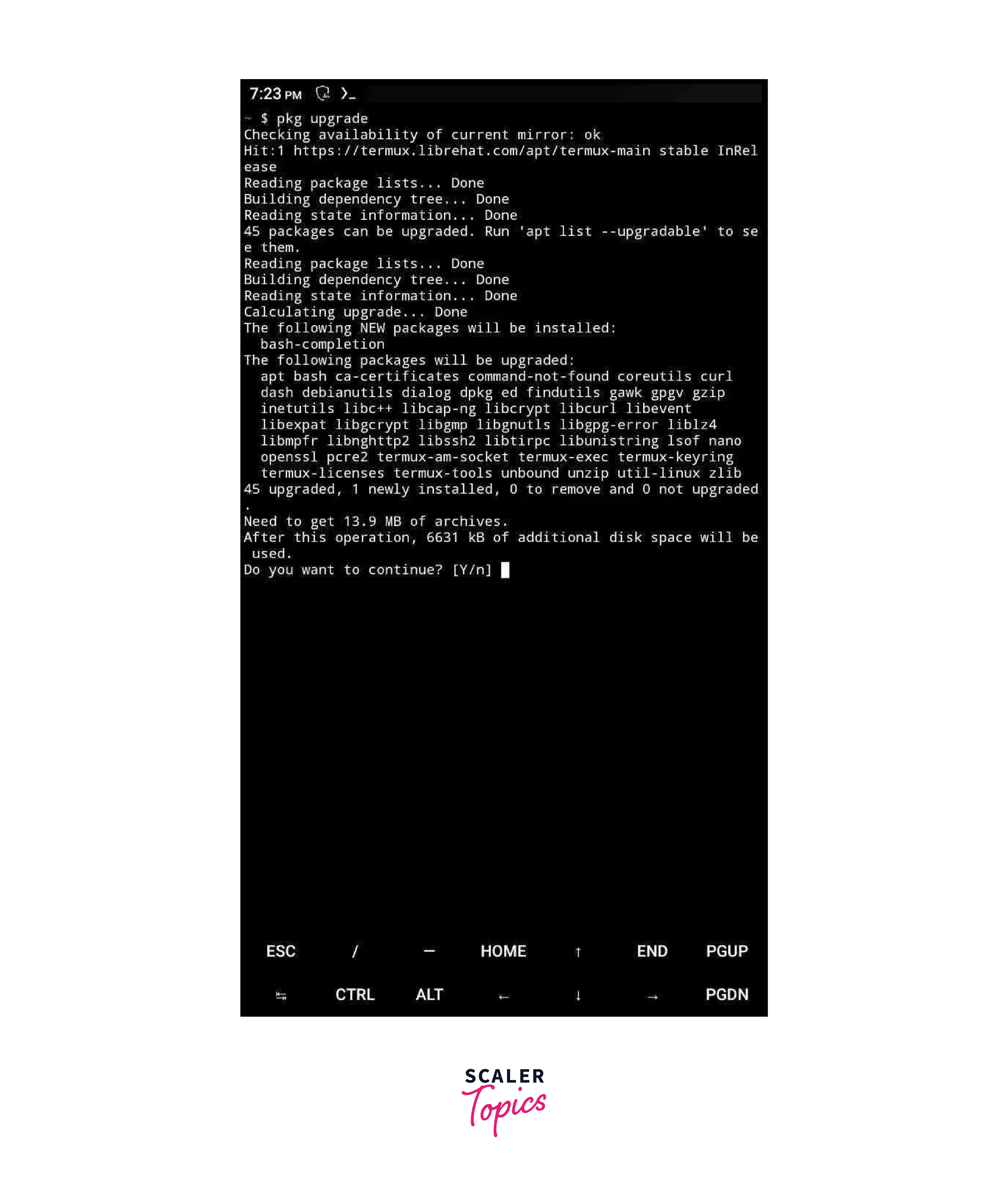 3. Next, install the required packages by running the following commands one by one:
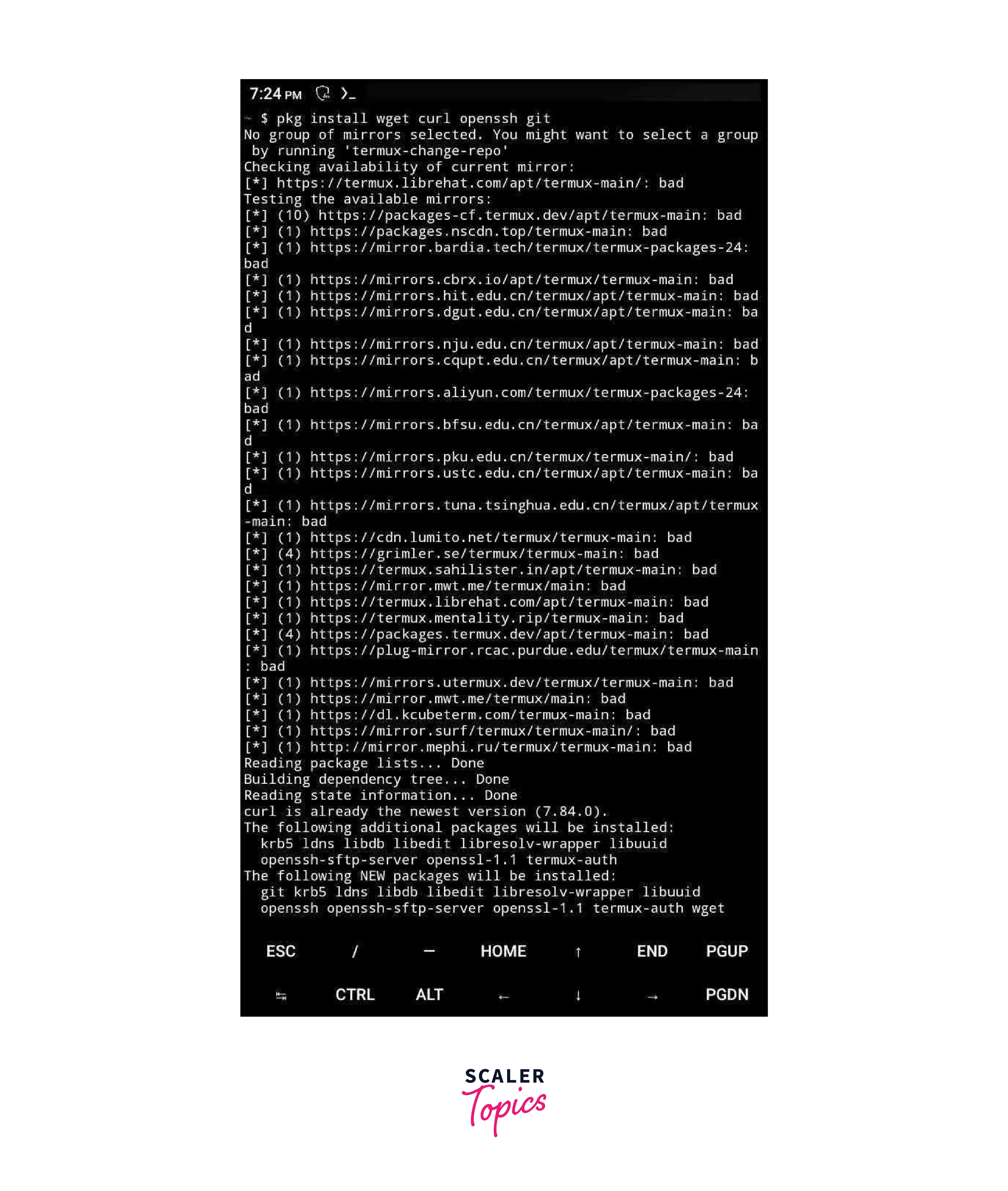
 4. After installing the packages, clone the Metasploit repository from GitHub by running the following command:
 5. Change to the Metasploit directory by running the command:
- Now, run the Metasploit installer script by executing the following command:
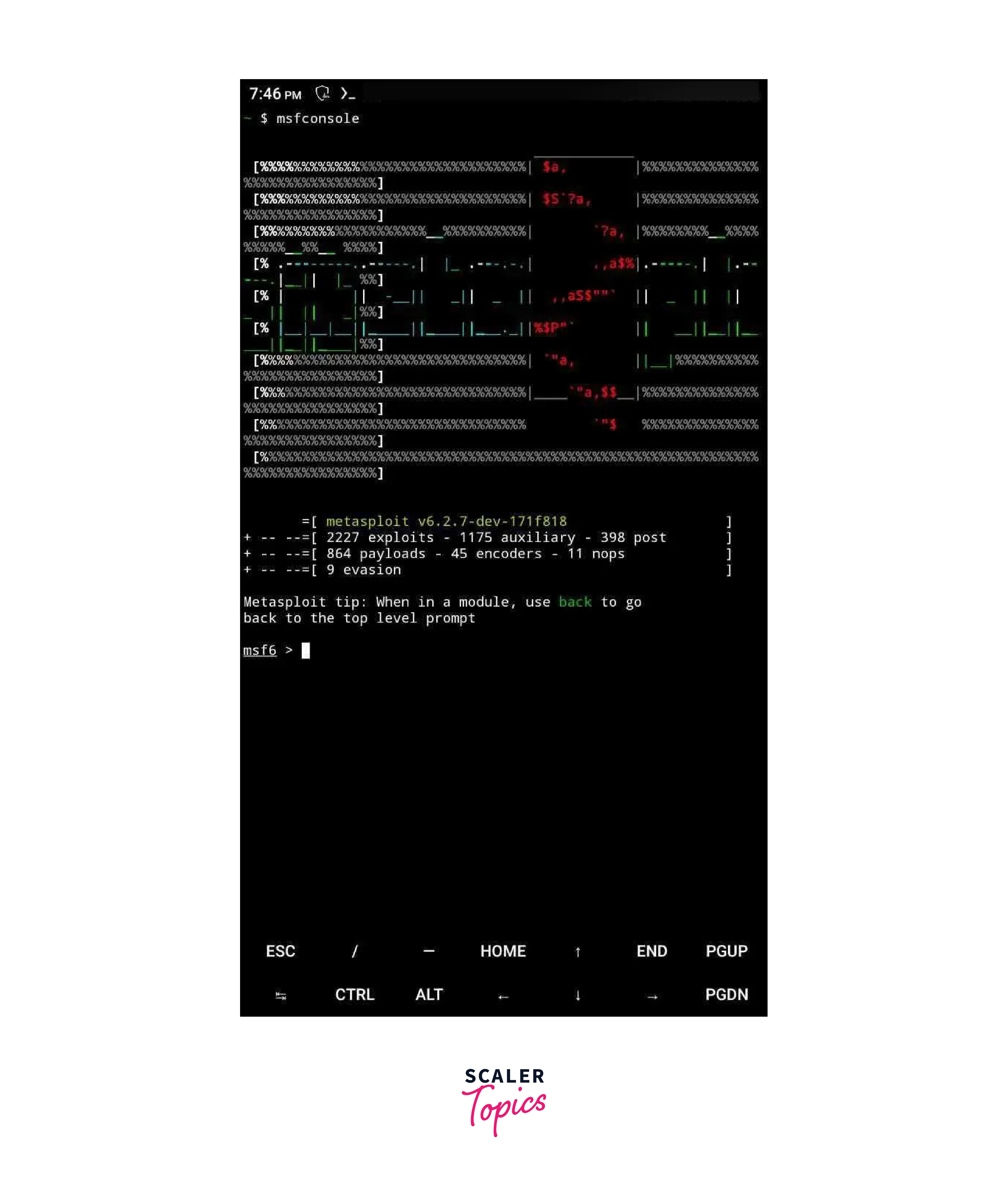 7. The installation process may take some time, so please be patient.
8. Once the installation is complete, you can start using Metasploit on your Android device through Termux.
7. The installation process may take some time, so please be patient.
8. Once the installation is complete, you can start using Metasploit on your Android device through Termux.
Remember to ensure that you have a stable internet connection and enough storage space on your device. Also, grant the necessary permissions to Termux for accessing storage.
Scaler Placement Report and Statistics
Scaler learners achieved 2.5x salary growth with average post-Scaler CTC reaching ₹23L.
 Google
 Amazon
 Microsoft
 Flipkart
 Adobe1200+ more
Conclusion
- Metasploit on Termux: Installing Metasploit 6 on Android through Termux provides a powerful penetration testing toolset on a mobile platform.
- Accessibility and Mobility: This method offers the convenience of Metasploit's capabilities on the go, allowing security professionals to assess vulnerabilities anytime, anywhere.
- Prerequisites and Complexity: Users must have a rooted Android device and possess knowledge of command-line operations, making it a bit complex for beginners.
- Legal and Ethical Considerations: Using Metasploit responsibly is crucial, as unauthorized access or unethical actions can have legal consequences.
- Regular Updates and Maintenance: Ensuring Metasploit stays up-to-date and well-maintained within the Termux environment is essential for effective security assessments.




