


How to Change Time Zone on MySQL Server?
In some cases, it is required to change the MySQL time zone of the MySQL server for data and application syncing according to the time zone requirement of the customers and employees.
Build an AI-First Career, Master the Complete Skillset
Choose from our industry-leading programs designed for career success
Modern Software and AI Engineering Program
Master full-stack development with AI integration


 +1000 more
Modern Data Science and ML with specialisation in AI
Advanced data science techniques with AI specialization
+1000 moreAdvanced AIML with Specialisation in Agentic AI
Deep dive into AIML with focus on Agentic systems
+1000 moreDevOps, Cloud & AI Platform Engineering
Build and manage AI-powered cloud infrastructure
+1000 moreAI Engineering Advanced Certification by IIT-Roorkee
Premier AI engineering certification from IIT-Roorkee

AI Forward Deployed Engineer Program
Full-stack engineering, production AI and client-facing consulting
+1000 moreUsing the Set GLOBAL Command
For the setting the GLOBAL time_zone variable to GMT - 6:00 hrs, you have to log into the MYSQL server after that run the command given below:
You must mention GMT offset for your given time in the command mentioned above. And our time zone is GMT - 6:00 hrs in the above example. You can run the command given below to check your time zone.
Output:

Time zones can be specified in place of the offsets. For this purpose, you have to download the MySQL time zones and then install it on your server.
Using the Set Session Command
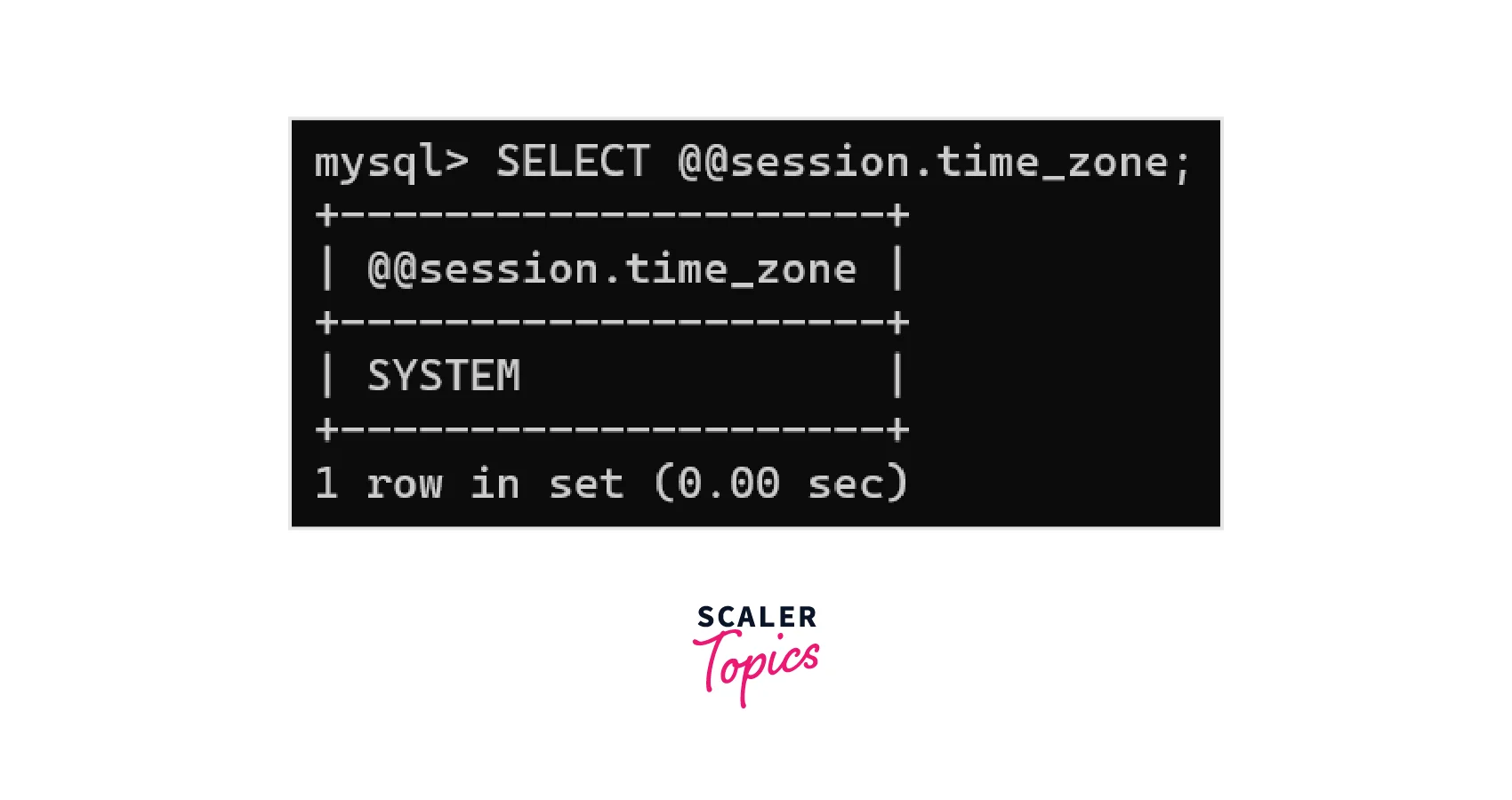
We can also set time Zones values session-specific. For this, you have to login into the MySQL server and run the command given below so that you can set the timezone variable that is session-specific to GMT - 6:00 hrs
You have to enter the GMT offset for your MySQL time zone in the command mentioned above. And our time specified time zone is GMT - 6:00 hrs. You can run the command given below to check your time zone
Output:
Edit my.cnf file
MySQL time zone can also be set by the server configuration file named my.cnf. In the terminal open the file.
Scroll down in the file to reach the [mysqld] section. And there is a line similar to the line given below:
Now modify the ‘+00:00’ into the GMT offset of your time zone, like ‘-6:00’ If the [mysqld] section is not there in your my.cnf file, then add the code given below in your file.
For applying the modifications you have to restart the MySQL server.
How Scaler Transformed Careers in Different Fields
Scaler learners achieved 2.5x salary growth with average post-Scaler CTC reaching ₹23L.
 Google
 Amazon
 Microsoft
 Flipkart
 Adobe1200+ more
Change MySQL Server Time Zone in cPanel
To setMySQL Server timezonein cPanel you have to follow the steps given below:
- First of all, you have to log into cPanel WHM.
- Select the server configuration option from the list. If you are unable to find it, then you can also search for it in the left pane.
- Choose the option Server Time.
- From the drop-down list, choose the required time zone.
- Select the option Change Timezone button. And according to your selected value, there is an update of value at the current time. Click on the ‘Sync time with Time Server’ button if you feel that an incorrect value is shown.
- If it asks for a server reboot, then do it from WHM.
Conclusion
- We can sync MySQL time zone for data/application by changing it.
- Set GLOBAL time_zone can be used for setting the global time zone.
- We can also set the session-specific time zone by using the Set time_zone command.
- We can also set the MySQL time zone by editing the [mysqld] section of the my.cnf file.
- And cPanel can also be used for setting the MySQL time zone.




