


Noscript Tag in HTML
 FREE
FREE

Transform Your Career
Choose from our industry-leading programs designed for career success
Modern Software and AI Engineering Program
Master full-stack development with AI integration


 +1000 more
Modern Data Science and ML with specialisation in AI
Advanced data science techniques with AI specialization
+1000 moreAdvanced AIML with Specialisation in Agentic AI
Deep dive into AIML with focus on Agentic systems
+1000 moreDevOps, Cloud & AI Platform Engineering
Build and manage AI-powered cloud infrastructure
+1000 moreAI Engineering Advanced Certification by IIT-Roorkee
Premier AI engineering certification from IIT-Roorkee

Overview
The no-script tag is an HTML element like a head, body, paragraph, etc. As the name suggests, no script is used to render alternate content. The HTML <noscript></noscript> tag is used to display alternate content if your browser does not support the scripting language used in the main content of the page you are currently loading. You can place it in HTML <head> as well as the <body> tag.
Syntax
The <noscript></noscript> tag syntax is pretty much simple like other HTML tags, you just need to put your alternate content between the opening tag <noscript> and closing tag </noscript> <noscript> Alternate message...</noscript>






N-script tag Attributes
The Global Attributes are the only ones that apply to the <noscript> tag. The <noscript> tag has no attributes that are unique to it.
Scaler Placement Report and Statistics
Scaler learners achieved 2.5x salary growth with average post-Scaler CTC reaching ₹23L.
 Google
 Amazon
 Microsoft
 Flipkart
 Adobe1200+ more
What Does the Noscript Tag Do?
We talk a lot about JavaScript support in browsers, and you've probably heard about Chrome's disabled javascript settings. This isn't just about JavaScript and Chrome; any browser that supports any scripting language used on a web page qualifies. But what if our browser doesn't support or has disabled the scripting language used on the web page?
Our browser won't be able to load the scripts, display this issue to the user, or display alternate content in the case of an error. We utilize the noscript>/noscript> tag; for a better understanding, see the sample below.
Example of Noscript Tag in HTML
We'll make a simple HTML page and use JavaScript to write the script.
Output
IF the browser supports JavaScript

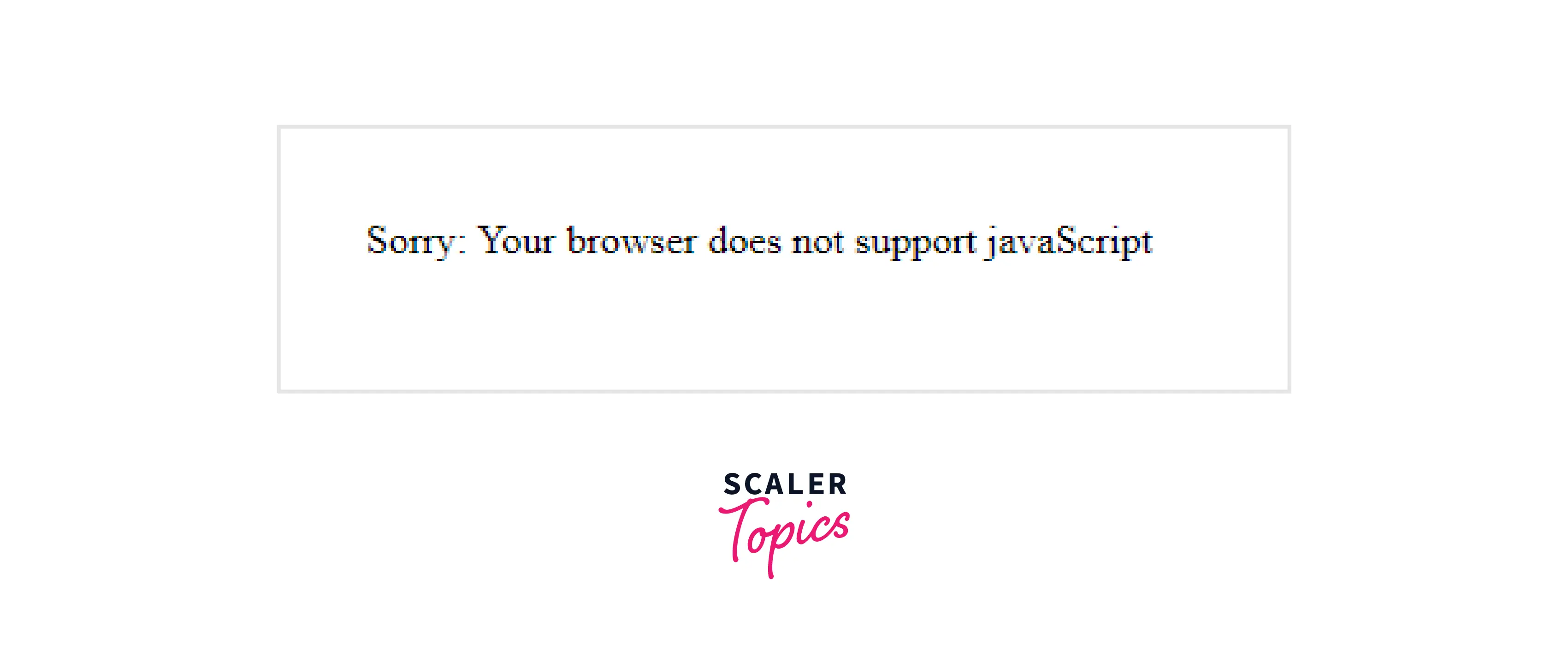
Now Let's disable JavaScript and load the same page again.
Turn Learning into Career Growth
Supported Browsers
- Google Chrome
- Internet Explorer
- Firefox
- Opera
- Safari
Conclusion
- The HTML <noscript> element can be placed in either the <head> or <body> tags.
- The <noscript> tag will not display alternate content on the page if the browser's scripting is enabled.
- If the script type is not supported or if scripting is disabled in the browser, the <noscript> tag will display alternate HTML text.