


JavaScript Onkeypress Event
 FREE
FREE

Overview
"onkeypress" event is one of the three keyboard events that we can use in JavaScript. There are three keyboard events in JavaScript named- onkeydown, onkeypress, and onkeyup. The onkeypress JavaScript is a event that triggers when the user presses a key (on the keyboard) to the function to which it is attached.
Build an AI-First Career, Master the Complete Skillset
Choose from our industry-leading programs designed for career success
Modern Software and AI Engineering Program
Master full-stack development with AI integration


 +1000 more
Modern Data Science and ML with specialisation in AI
Advanced data science techniques with AI specialization
+1000 moreAdvanced AIML with Specialisation in Agentic AI
Deep dive into AIML with focus on Agentic systems
+1000 moreDevOps, Cloud & AI Platform Engineering
Build and manage AI-powered cloud infrastructure
+1000 moreAI Engineering Advanced Certification by IIT-Roorkee
Premier AI engineering certification from IIT-Roorkee

AI Forward Deployed Engineer Program
Full-stack engineering, production AI and client-facing consulting
+1000 moreSyntax of JavaScript onkeypress Event
Syntax of the onkeypress javascript is as follows:
For HTML, the syntax will be like this:
For JavaScript, the syntax will be like this:
Syntax of onkeypress event using addEventListener() method in JavaScript:
Return Value of JavaScript onkeypress Event
The return value of onkeypress javascript is the activity that we do with our keyboard. It returns the keyboard events such as pressing input keys (like alphanumeric and numeric keys) as its only parameter.
Exceptions of JavaScript onkeypress Event
There are some exceptions to onkeypress javascript event that we need to keep in mind while using this event in our code.
- There are some keys in our keyboard that does not triggers the onkeypress event in all browsers. For example- ALT, CTRL, SHIFT, and ESC.
- If you want to check whether any of the keys from keyboard is pressed, you can use the "onkeydown" event because it is supported for all categories of keys.
- In Internet Explorer, this event is only supported after version 8.
How Scaler Transformed Careers in Different Fields
Scaler learners achieved 2.5x salary growth with average post-Scaler CTC reaching ₹23L.
 Google
 Amazon
 Microsoft
 Flipkart
 Adobe1200+ more
Example
Let us see an example for a better understanding of onkeypress javascript event.
Output
- When the text field is empty and no key is pressed:
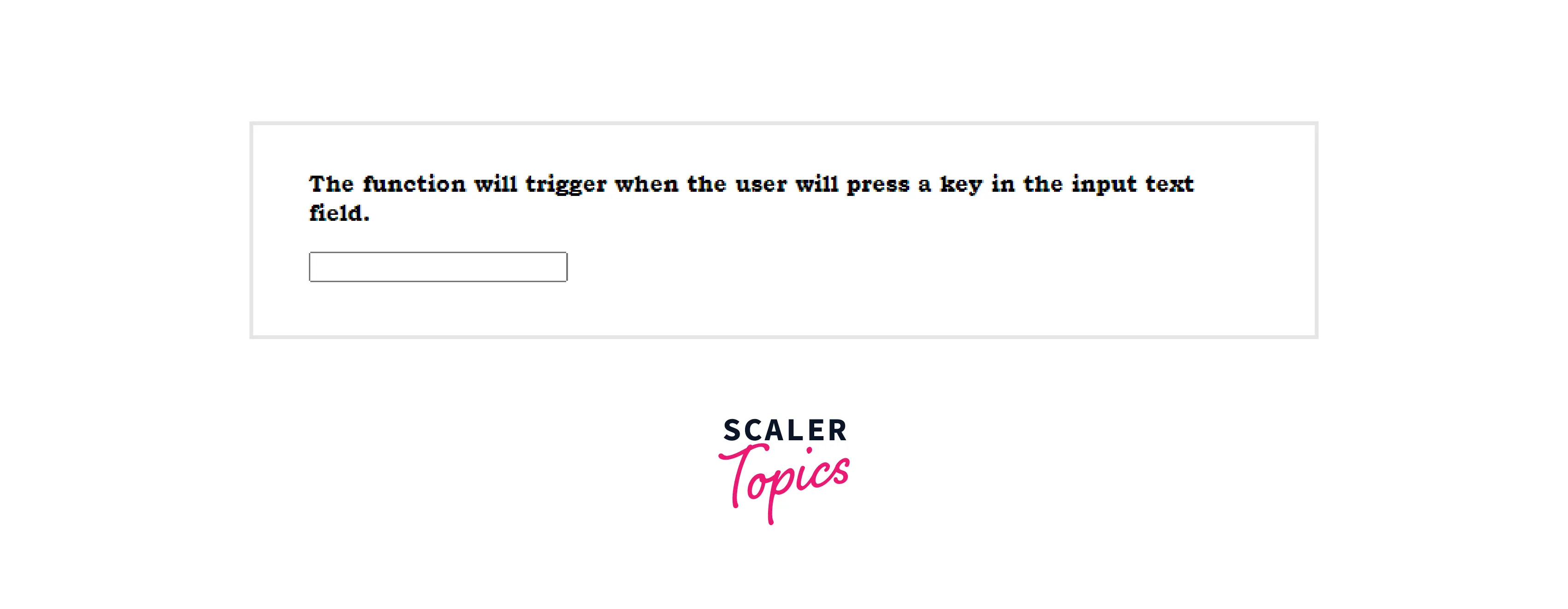
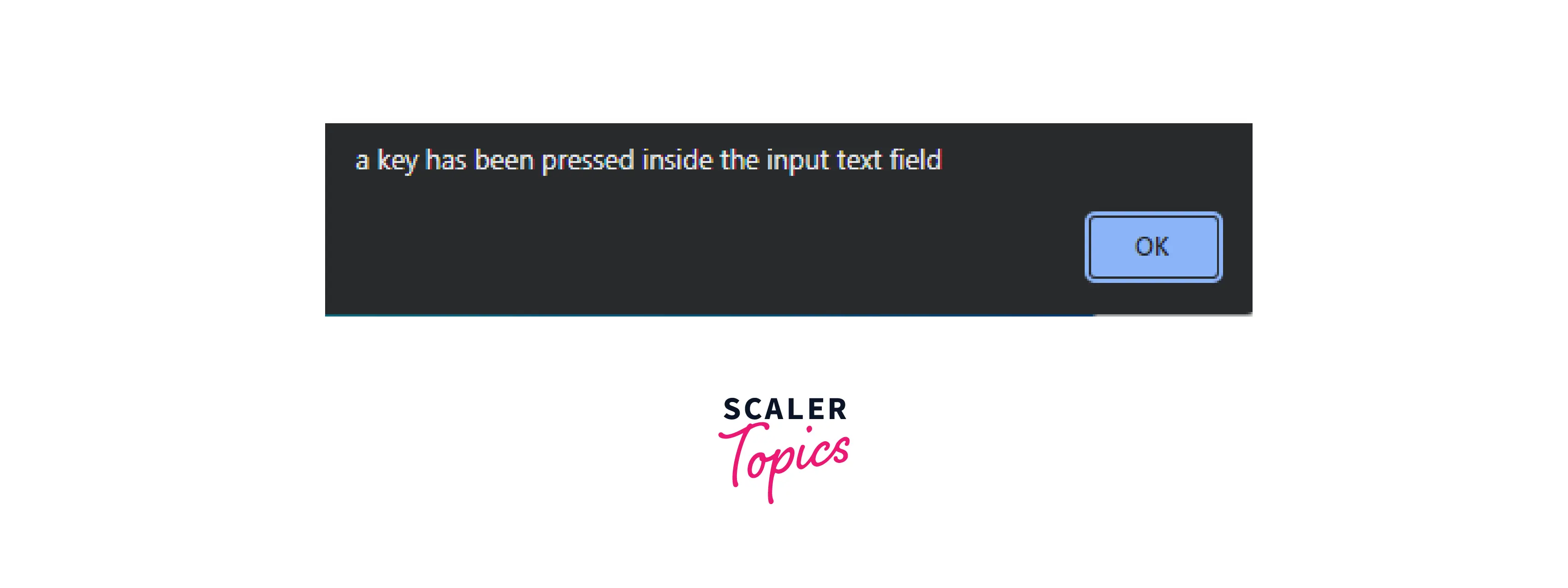
- When the key is pressed, the "onkeypress" event will be triggered and a pop-up dialog box will appear like this:
How does JavaScript onkeypress Event Work?
The onkeypress javascript event in JavaScript is used to detect any key activity from the keyboard. The event gets triggered when a key is pressed from the keyboard. But the trigger does not happen for every key of the keyboard. JavaScript onkeypress event only works for the keys that are used to print or type something (alphanumeric and number keys). We create a function inside the 'script' element of HTML for performing the event. This function is called when the user types anything in the text field area where the event is attached with.
Turn Learning into Career Growth
Technical Details
There are some technicalities that we need to know about the onkeypress JavaScript which is as follows:
- Bubbles: Yes
Note: Bubbling is an event where the elements run from the inner most element to outer most element
- Cancelable: Yes
Note: Cancelable is an event that returns a boolean vaue (true or false) for an event whether it is cancealable or not.
- Event type: KeyboardEvent
- DOM Version: level 2 events
Note: Dom(Docment Object Model) is an API for HTML and XML documents that defined the logical structure of the document.
- Supported HTML tags:
More Examples
Let us cover more examples to understand the onkeypress javascript event in detail.
Example 1: Given below is an example to check the unicode of a character entered by the user.
Output:
- After entering the character into the text field:
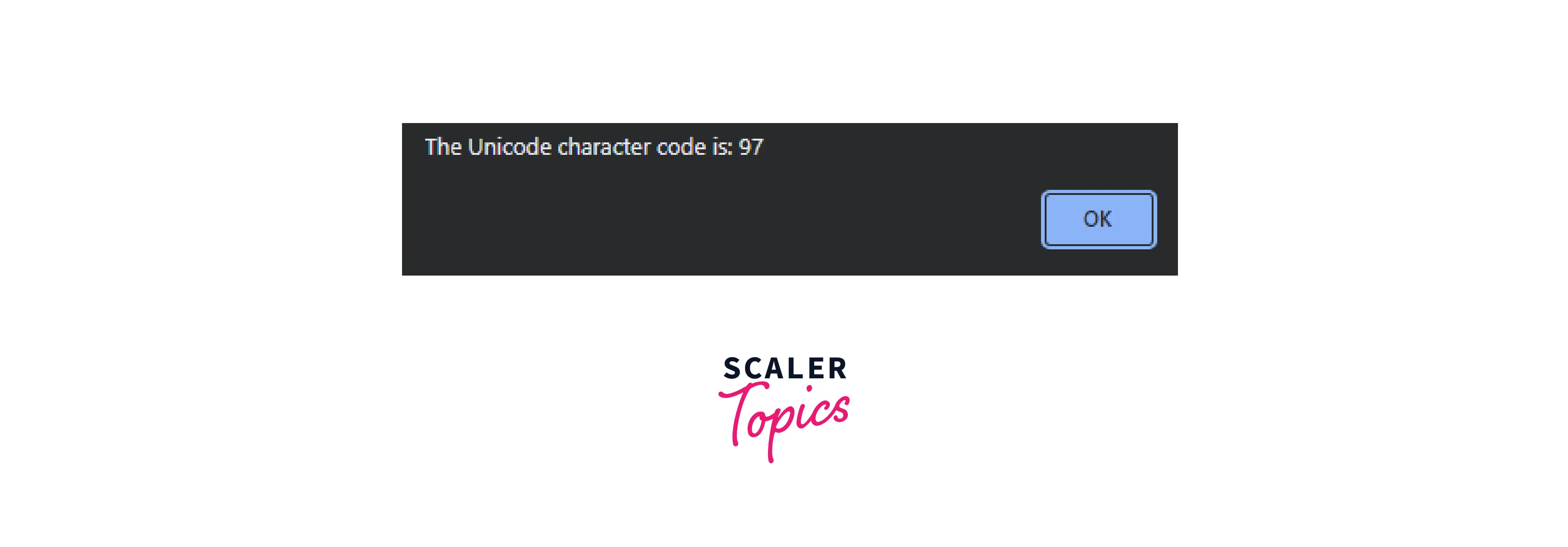
Example 2: In the given example , we used onkeypress event to restrict the user to input any numeric value in the text field.
Output:
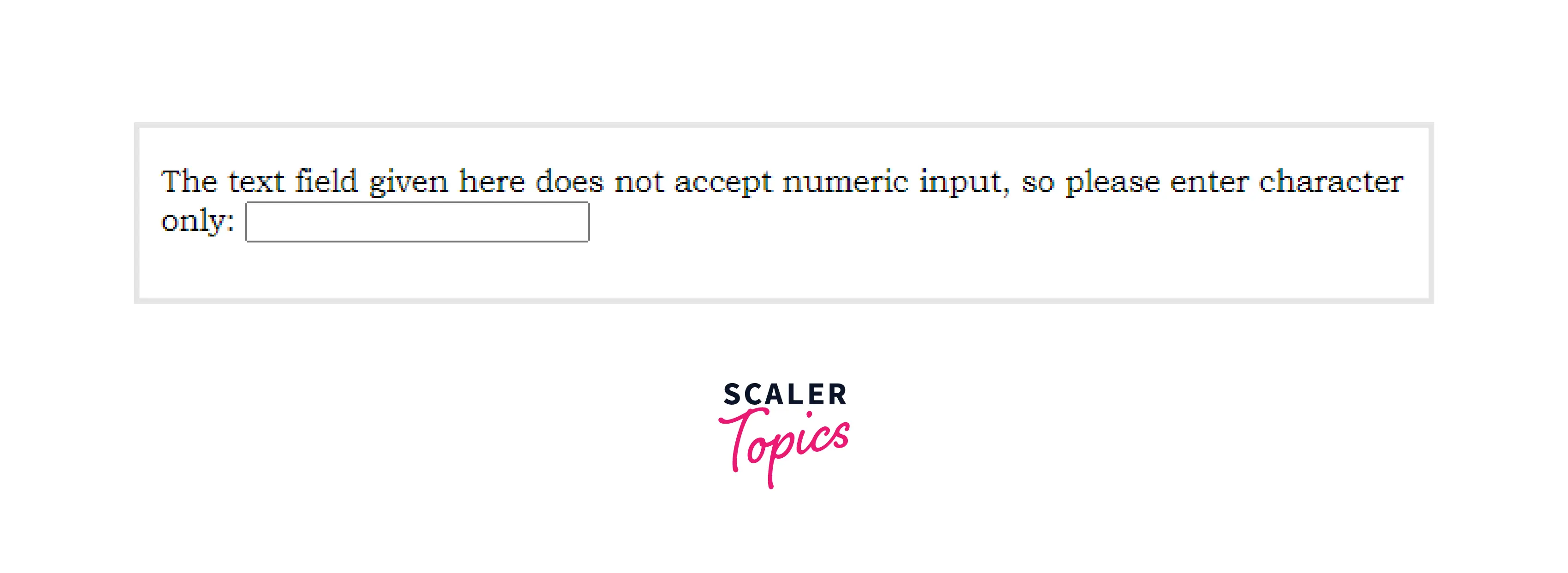
The given text field will not accept any value if you enter a numeric value in it.
Supported Browser
Following are the name of the browser that supports "onkeypress event" in Javascript.
| Browser Name | Supported on versions |
|---|---|
| Internet Explorer | version >= 7(Aug 2001) |
| Mozilla Firefox | version >= 2(Oct 2006) |
| Microsoft Edge | version >= 12(Jul 2015) |
| Google Chrome | version >= 4(Jan 2010) |
| Safari | version >= 3.1(Mar 2008) |
| Opera | version >= 9.5 |
Conclusion
- onkeypress javascript is an event that gets triggered when the user hits keys from the keyboard.
- onkeypress javascript in JavaScript does not get triggered for some keys that are ALT, CTRL, SHIFT, and ESC.
- onkeypress event in JavaScript gets triggered just by the time a user enters any value on the keyboard.
- You can also use "addEventListener()" method to use onkeypress event in JavaScript but this method is not supported in earlier versions of Internet Explorer 8.
- Some famous browser that supports the onkeypress javascript event are Chrome, Safari, Internet Explorer, etc.




