


jQuery onload Event
 FREE
FREE

Build an AI-First Career, Master the Complete Skillset
Choose from our industry-leading programs designed for career success
Modern Software and AI Engineering Program
Master full-stack development with AI integration


 +1000 more
Modern Data Science and ML with specialisation in AI
Advanced data science techniques with AI specialization
+1000 moreAdvanced AIML with Specialisation in Agentic AI
Deep dive into AIML with focus on Agentic systems
+1000 moreDevOps, Cloud & AI Platform Engineering
Build and manage AI-powered cloud infrastructure
+1000 moreAI Engineering Advanced Certification by IIT-Roorkee
Premier AI engineering certification from IIT-Roorkee

AI Forward Deployed Engineer Program
Full-stack engineering, production AI and client-facing consulting
+1000 moreOverview
In JavaScript, the onload event with the Window object executes a function when the page and all resources are fully loaded. It's useful for actions post-page load, like adapting to the visitor's browser or checking for cookies. Typically placed in the <body> element, it ensures it triggers after the entire page, including content, is loaded. In jQuery, this event is often managed using window onload jquery techniques, such as $(document).ready() or $(window).on('load', function() { ... }), to achieve similar functionality with more concise syntax and cross-browser compatibility.
Syntax
Explanation:
- <body> is the HTML tag that represents the body of the web page.
- onload is an attribute that specifies an event handler to be executed when the body of the page is loaded.
- "functionToBeExecuted()" is a placeholder where you would put the name of the JavaScript function you want to run when the body is loaded. Make sure to include the parentheses () to call the function.
Examples to Implement jQuery onload Event
Example 1: Display an Alert
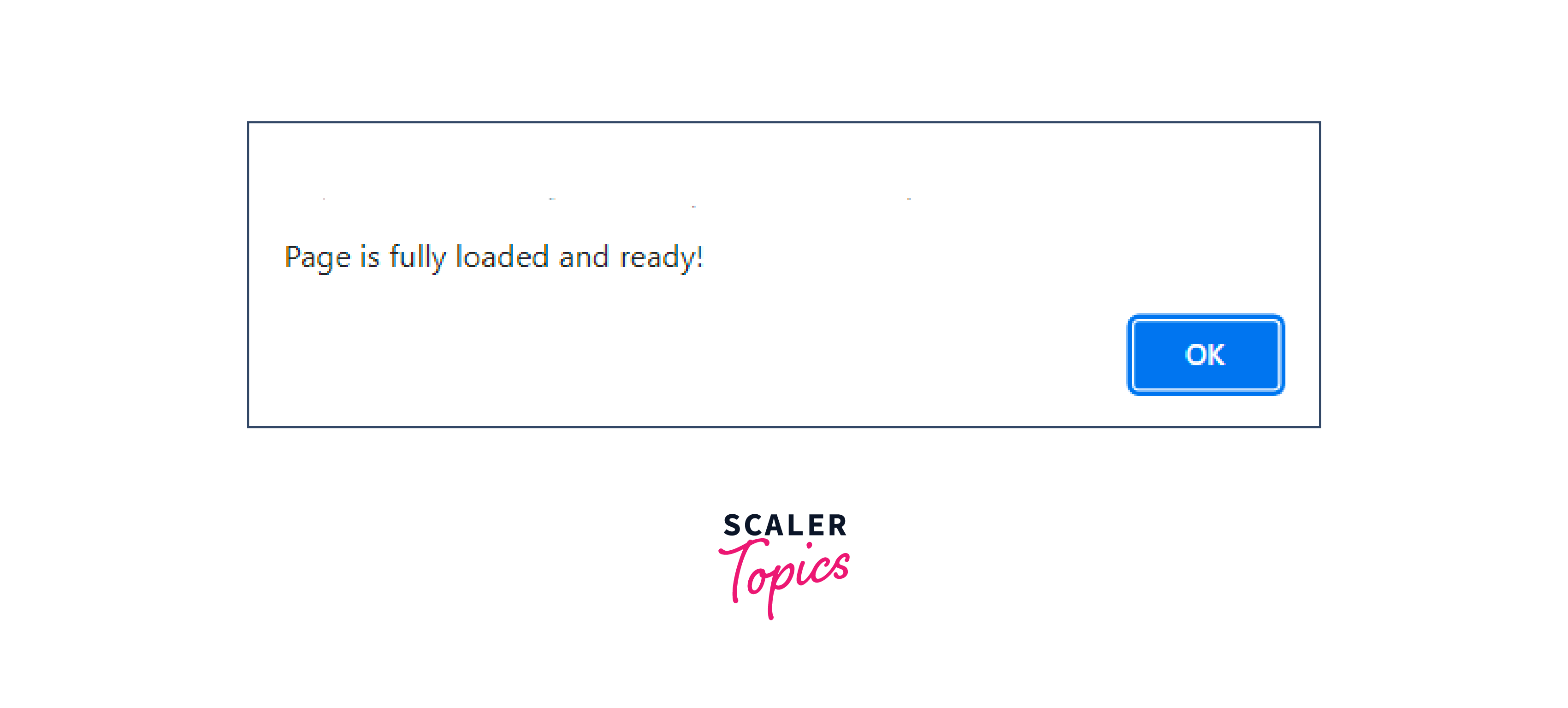
Output :
Explanation
-
The code uses the $(document).ready() function from jQuery.
-
This function serves as an event handler.
-
It waits for the HTML document to fully load before executing the enclosed code.
-
Inside this event handler, there's an alert function that displays a message.
-
The message, "Page is fully loaded and ready!", is shown to the user.
Example 2: Manipulate DOM Elements
Output :
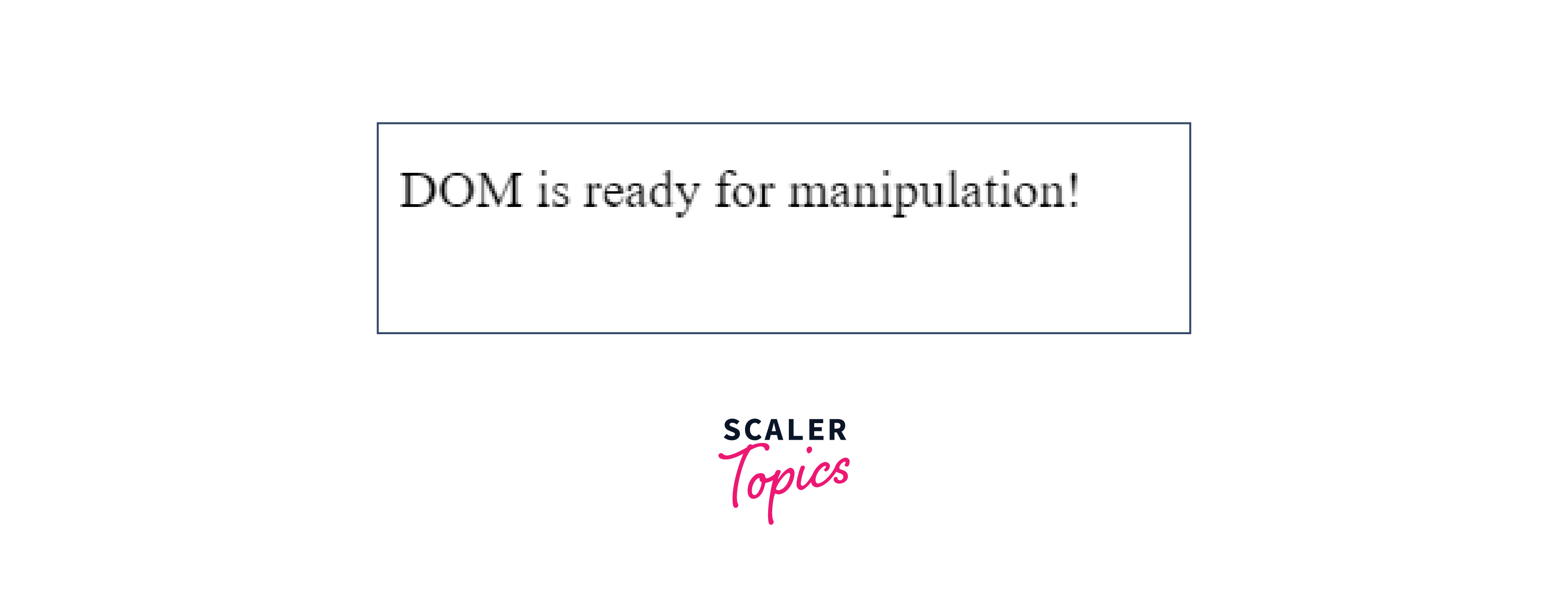
The content of the element with the ID "content" will change to "DOM is ready for manipulation!" after the page is loaded.
Explanation:
- The code uses $(document).ready() from jQuery.
- This function waits for the HTML document to be fully loaded.
- Once the document is ready, it executes the enclosed code.
- Inside the code block, it selects the element with the ID "content".
- It then changes the text content of this element to "DOM is ready for manipulation!".
- This ensures that any manipulation of the DOM with JavaScript only occurs after the document has completely loaded, preventing potential issues.
Example 3 : Event Binding
Output:
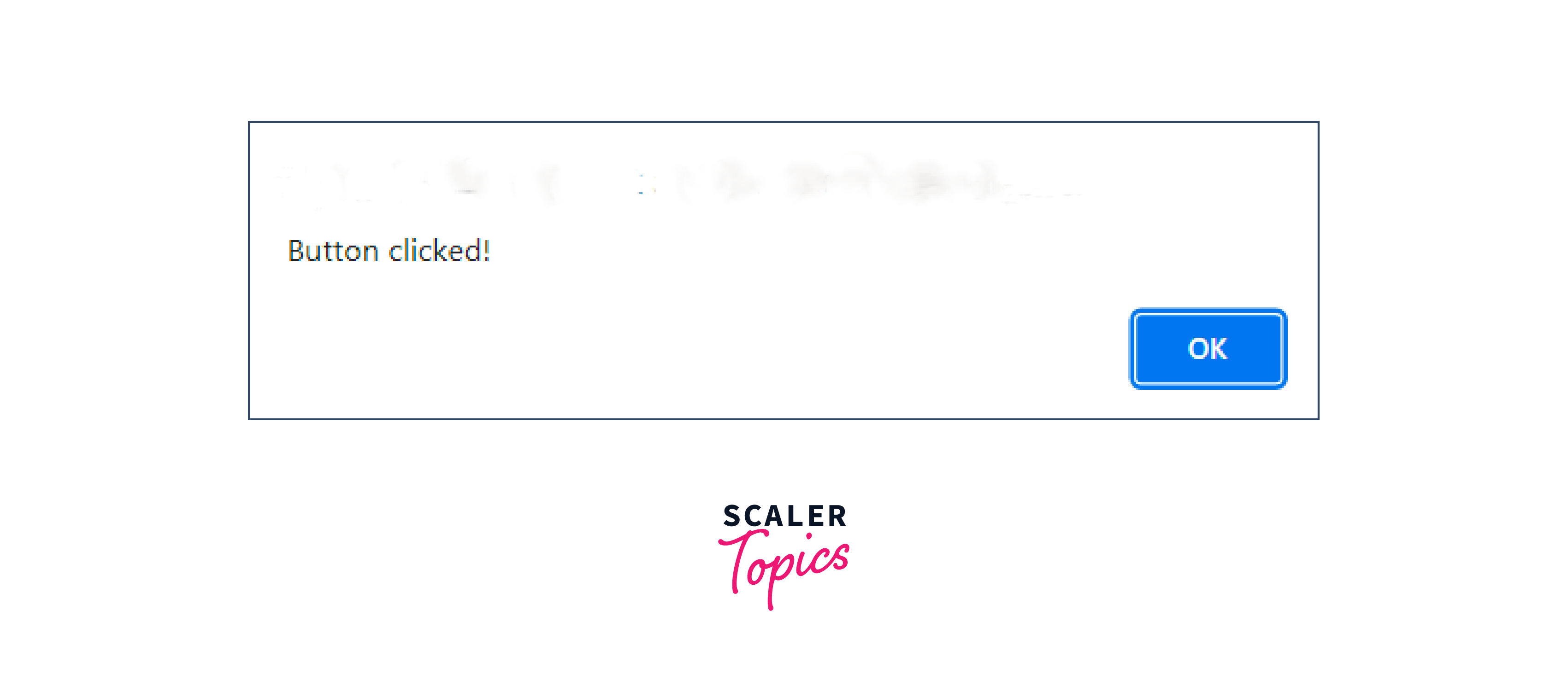
When the button with the ID "my-button" is clicked, an alert saying "Button clicked!" will appear.
Explanation: Certainly, here's a shorter explanation:
- $(document).ready() waits for the HTML document to fully load.
- When the document is ready, it binds a click event to the button with the ID "my-button".
- This click event displays an alert saying "Button clicked!" when the button is clicked.
- The purpose is to ensure that the button's functionality is added only when the document is fully loaded, avoiding issues with premature interactions.
Example 4: Displaying an Alert When a Web Page Fully Loads
Output:
Explanation:
- The window onload jQuery event handler in this code displays an alert once the entire webpage is fully loaded, ensuring user interaction readiness.
- It uses an arrow function to display an alert saying "Page fully loaded!" to the user. This ensures that the message appears only when the webpage is ready for interaction, preventing issues that might occur if JavaScript code were to run before the page is fully loaded.
How Scaler Transformed Careers in Different Fields
Scaler learners achieved 2.5x salary growth with average post-Scaler CTC reaching ₹23L.
 Google
 Amazon
 Microsoft
 Flipkart
 Adobe1200+ more
Conclusion
- jQuery offers two methods for achieving this:
- jQuery document ready():
This event is triggered as soon as the DOM is ready, regardless of whether all other associated resources, including window onload jquery, have loaded or not. - jQuery onload():
This event fires only when the entire page, including images, scripts, files, and more, is fully loaded.
- jQuery document ready():
- jQuery document ready() event is useful for ensuring JavaScript code executes when the DOM is prepared, without waiting for all resources to load.
- The onload event, especially when coupled with window onload jQuery, is ideal for scenarios where you need to wait for the complete page, including images, scripts, and files, to load before executing JavaScript.
- The onload event can be employed to identify the visitor's browser type and version, allowing for tailored page loading based on this information.




