


Option Tag in HTML
 FREE
FREE

Overview
The option tag in html is used to define the options of a drop down menu. It is used to define an option contained in a <select>, <datalist> or <optgroup> element.
Example
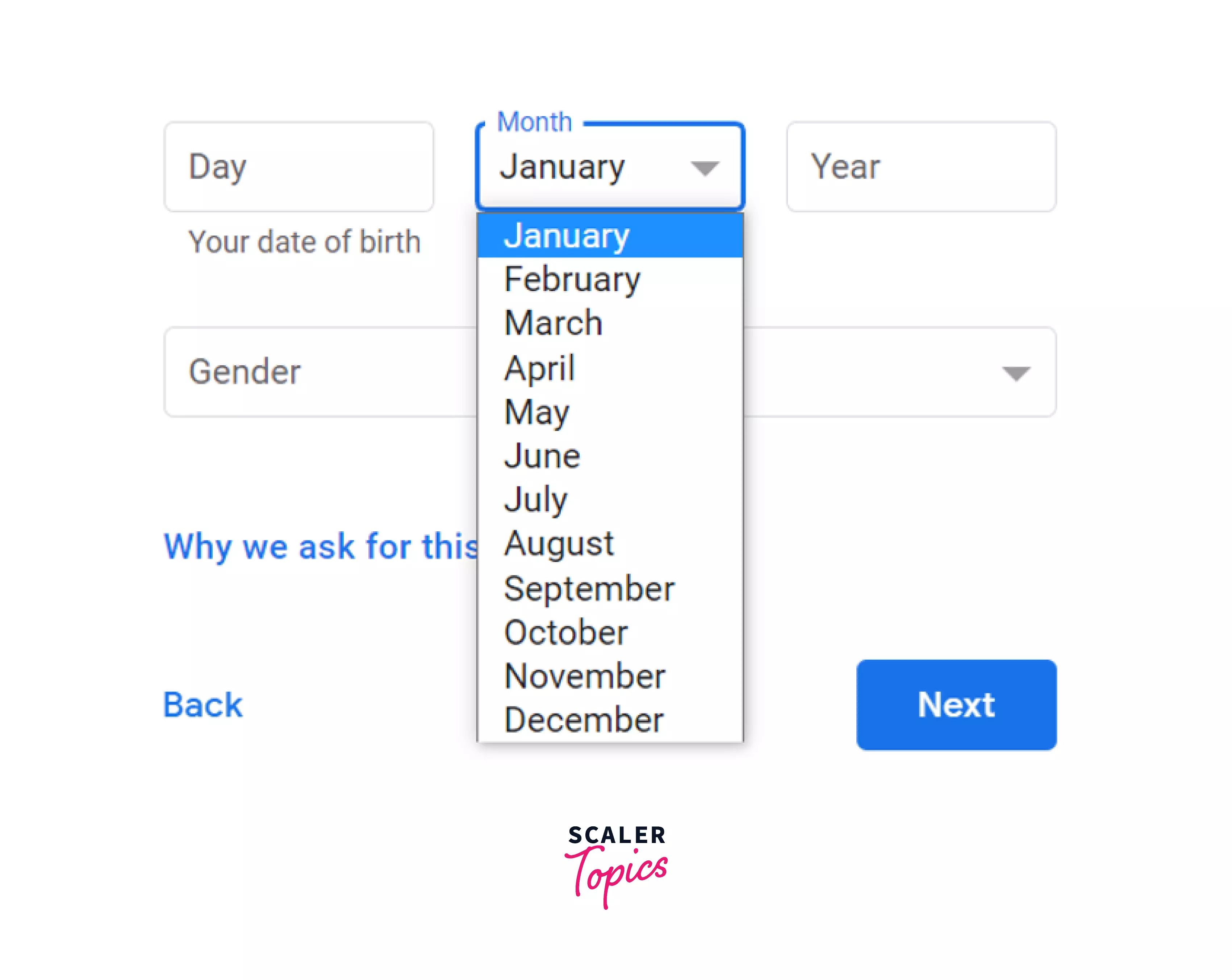
This is a dropdown menu used for selecting a month, we can see this dropdown in many website, here the example is from google accounts when creating a new gmail account.
So this dropdown can be created using the below code:
Build an AI-First Career, Master the Complete Skillset
Choose from our industry-leading programs designed for career success
Modern Software and AI Engineering Program
Master full-stack development with AI integration


 +1000 more
Modern Data Science and ML with specialisation in AI
Advanced data science techniques with AI specialization
+1000 moreAdvanced AIML with Specialisation in Agentic AI
Deep dive into AIML with focus on Agentic systems
+1000 moreDevOps, Cloud & AI Platform Engineering
Build and manage AI-powered cloud infrastructure
+1000 moreAI Engineering Advanced Certification by IIT-Roorkee
Premier AI engineering certification from IIT-Roorkee

AI Forward Deployed Engineer Program
Full-stack engineering, production AI and client-facing consulting
+1000 moreSyntax
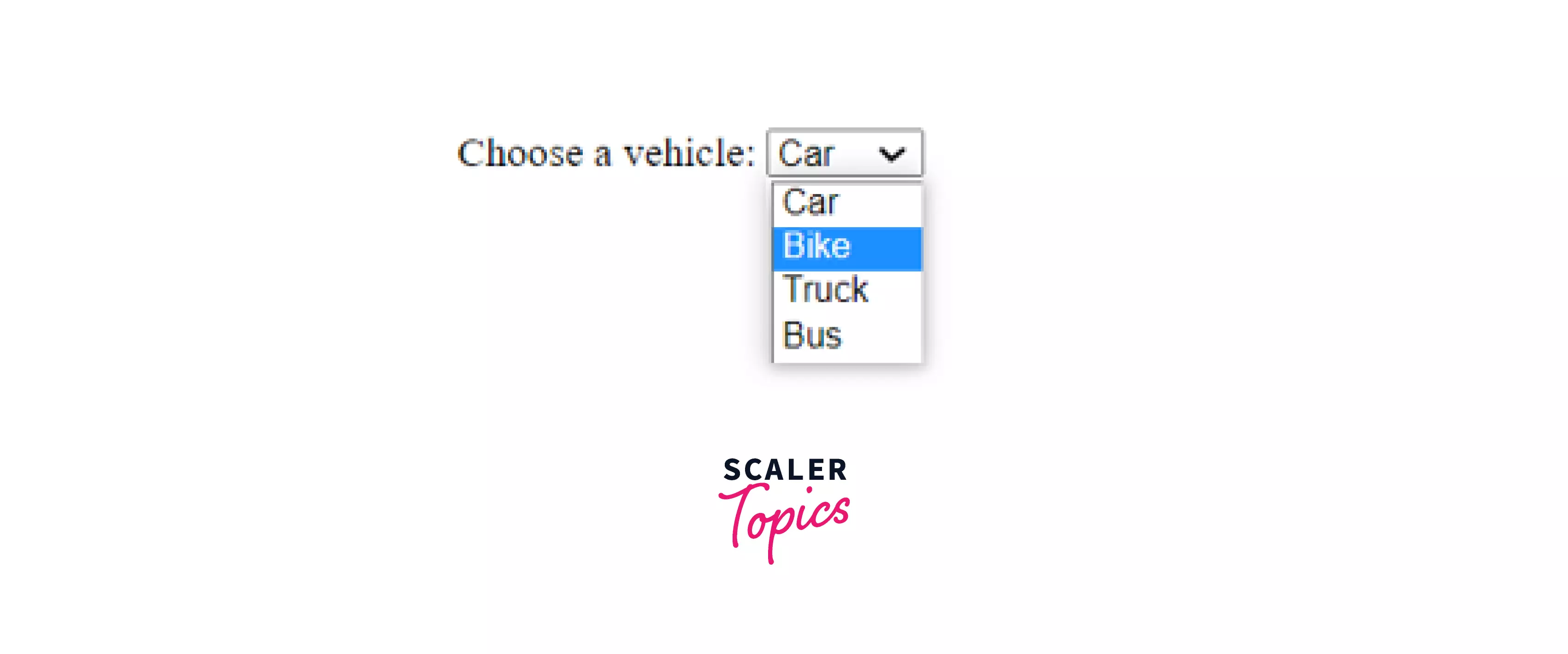
Example
Output:
Attributes
The option in HTML supports both global and event attributes. It also has four specific attributes, disabled, label, selected, and value.
| Attribute | Value | Description |
|---|---|---|
| disabled | disabled | This attribute is used to disable an option, when this attribute is set then the option is disabled, generally the browser shows this option in grey and no browsing event will affect it like mouse clicks and focus related events, also this option will be skipped when the tab is used for navigating. |
| label | text | The label attribute of the option tag in html takes a text value that defines the name(label) for the option. |
| selected | selected | This attribute is used to define an option to be pre-selected when the html page loads. |
| value | text | The value attribute of the option tag in html is used to define a value that is sent to the server. |
What is the <option> tag Used For?
The option tag in HTML is used to define the options of a list in the HTML document. It is used to define the options contained in<select>, <dataitem> or <optgroup> element.
Note: The option tag in HTML can be used without any attribute but it should be used with the value attribute that specifies the value that will be sent to the server.
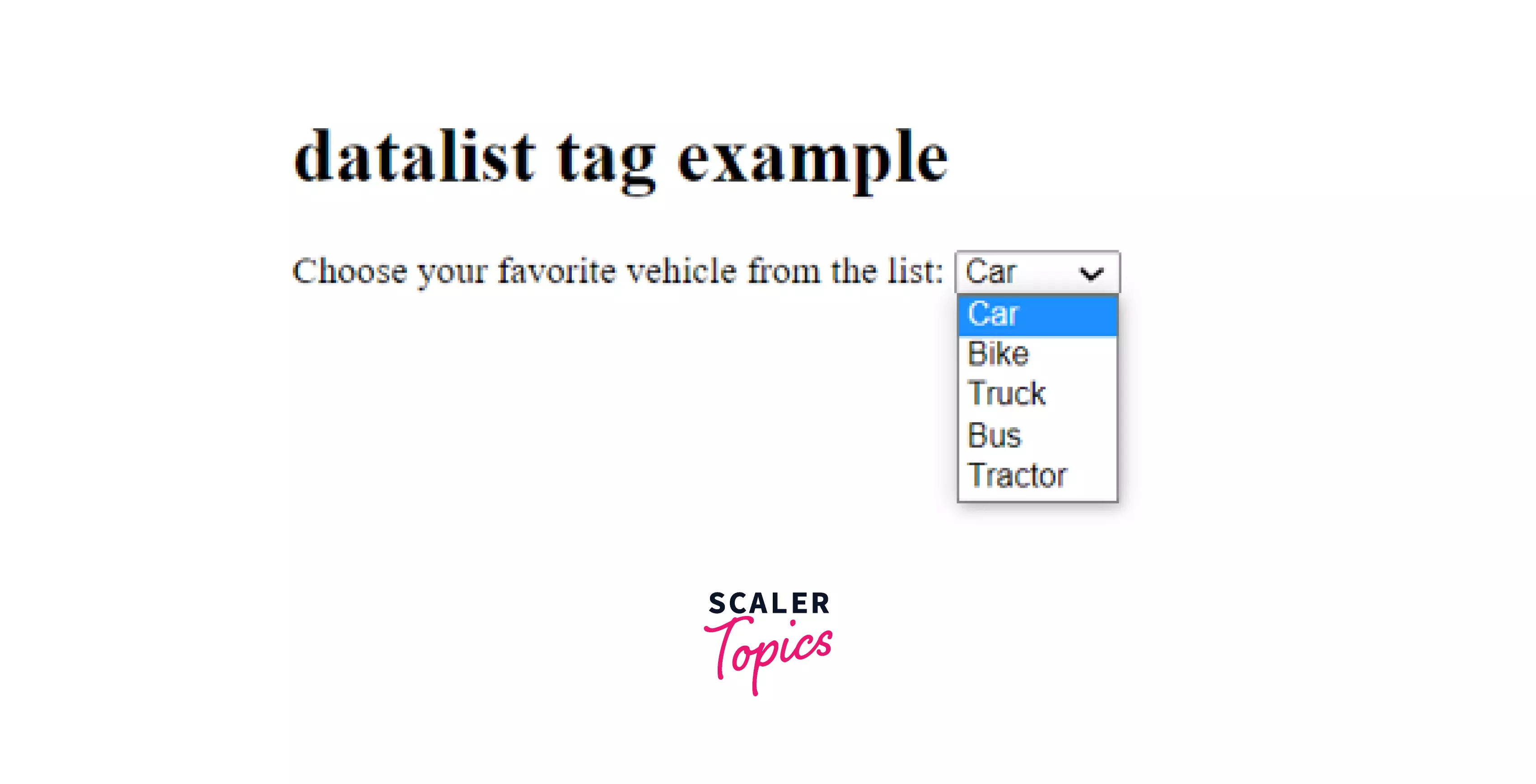
Example
Output:
How Scaler Transformed Careers in Different Fields
Scaler learners achieved 2.5x salary growth with average post-Scaler CTC reaching ₹23L.
 Google
 Amazon
 Microsoft
 Flipkart
 Adobe1200+ more
<option> in a <datalist> Element
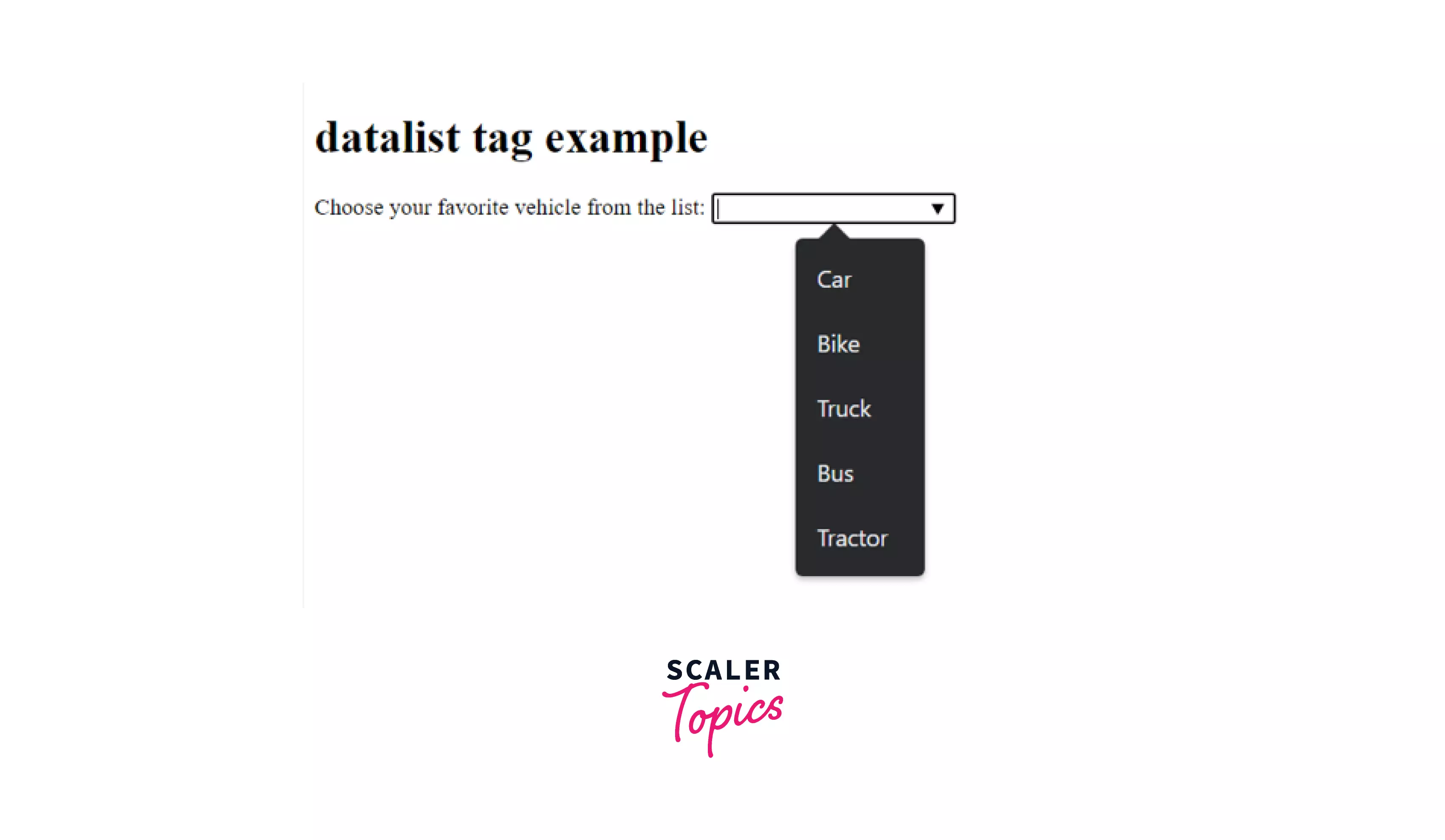
The <datalist> tag is used to predefine the options of an input element. This also provides the feature of auto-complete, when the user starts typing in the input element it shows the predefined options starting with the letter/word typed in the input element by the user.
Example
Output
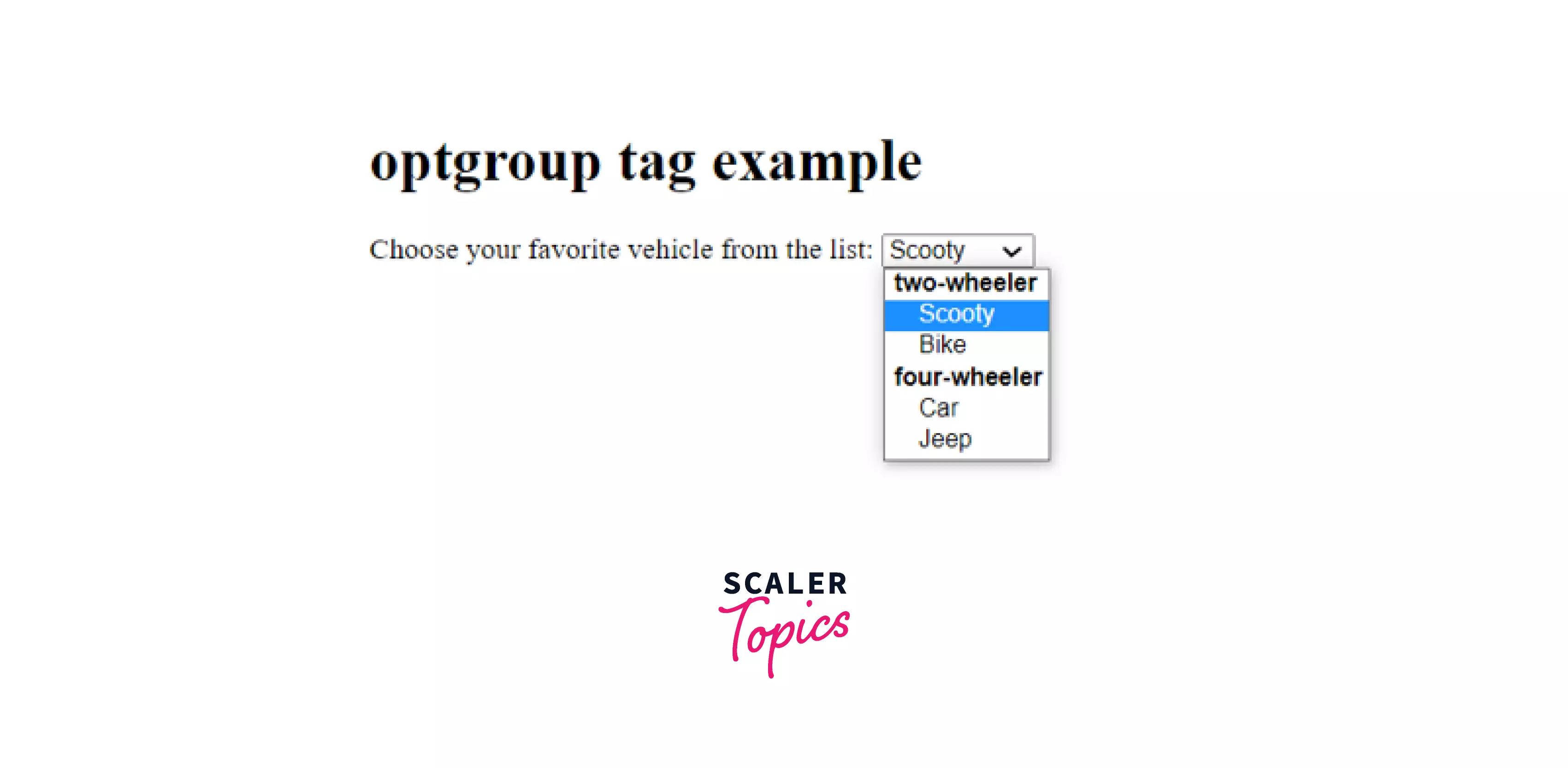
<option> in <optgroup> Element
The <optgroup> element is used to group related options in a list.
Example
Output
Turn Learning into Career Growth
Accessibility Concerns
While using the option in HTML it is optional to the attributes but we should use the value attribute as it is the value that is being sent to the server. So while using the option tag we should properly use the available attributes.
Browser Support
The list of browsers that support option in HTML is listed below:
- Chrome
- Edge
- Firefox
- IE
- Safari
- Opera
- Webview android
Conclusion
- The option tag in HTML is used to define the options in a list.
- The option in HTML has four attributes, disabled, label, selected, and value.
- The <datalist> is used to predefine options in an input element.
- The <optgroup> element is used to group related options in a list.
Related tags
- \<ol> tag in HTML
- \<output> tag in HTML
- \<object> tag in HTML
- \<img> tag in HTML




