


Python FTP - File Transfer Protocol
 FREE
FREE

Overview
The python ftp(File Transfer Protocol) is a protocol in which we transfer files between local and remote system and the class of FTP and some concepts are defined inside a module named as ftplib module.
Build an AI-First Career, Master the Complete Skillset
Choose from our industry-leading programs designed for career success
Modern Software and AI Engineering Program
Master full-stack development with AI integration


 +1000 more
Modern Data Science and ML with specialisation in AI
Advanced data science techniques with AI specialization
+1000 moreAdvanced AIML with Specialisation in Agentic AI
Deep dive into AIML with focus on Agentic systems
+1000 moreDevOps, Cloud & AI Platform Engineering
Build and manage AI-powered cloud infrastructure
+1000 moreAI Engineering Advanced Certification by IIT-Roorkee
Premier AI engineering certification from IIT-Roorkee

AI Forward Deployed Engineer Program
Full-stack engineering, production AI and client-facing consulting
+1000 moreFile Transfer Protocol (FTP) in Python
The python ftp(File Transfer Protocol), an application layer protocol, is used to move files between local and distant file systems. Like HTTP, it operates on top of TCP. FTP uses two TCP connections a control connection and a data connection—in simultaneously to transfer files.
Each transfer requires a secondary connection via which the data is transferred via an FTP connection that keeps track of the current working directory and other flags. The majority of popular web browsers can access files stored on FTP servers.
ftplib Module in Python
The python ftp class and a few related concepts are defined in this module. The client-side of the FTP protocol is implemented by the FTP class. With this, you may create Python programmes that carry out a number of automatic FTP tasks, like mirroring other FTP servers.
We'll utilise DLPTEST, a test FTP server, and we'll use the following text file for all operations:
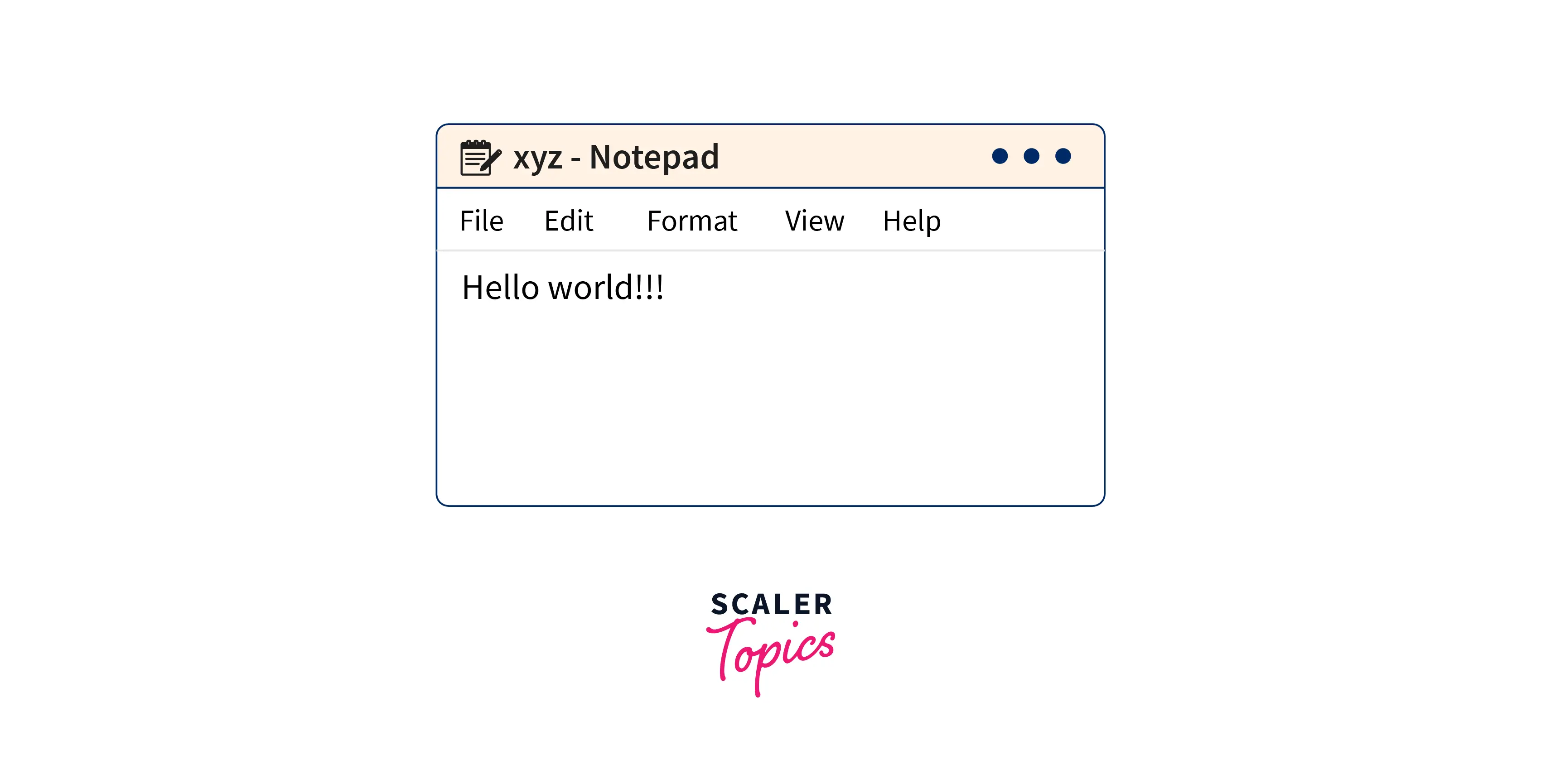
Let's examine implementation given below:
- import the ftplib module and enter all the required information:
- Now we will connect to the FTP server with the given credentials as stated above:
Program for Uploading File in the FTP Server
To upload a file in the python ftp server, we will use storbinary() method.
Syntax
Parameters
- cmd: The FTP command we want to use.
- fp: The file object. Usually acquired with the built-in feature open ().
- blocksize: The biggest file that can be read and sent over the network. The 8192-byte default value.
- callback: Callback procedure. If available, every blocksize bytes delivered triggers a call to this function.
- rest: the section of the file where the upload should resume.
How Scaler Transformed Careers in Different Fields
Scaler learners achieved 2.5x salary growth with average post-Scaler CTC reaching ₹23L.
 Google
 Amazon
 Microsoft
 Flipkart
 Adobe1200+ more
Return Type
A message indicating success, such as 226 Transfer complete, or failure, such as 553 Could not create file.
Code:
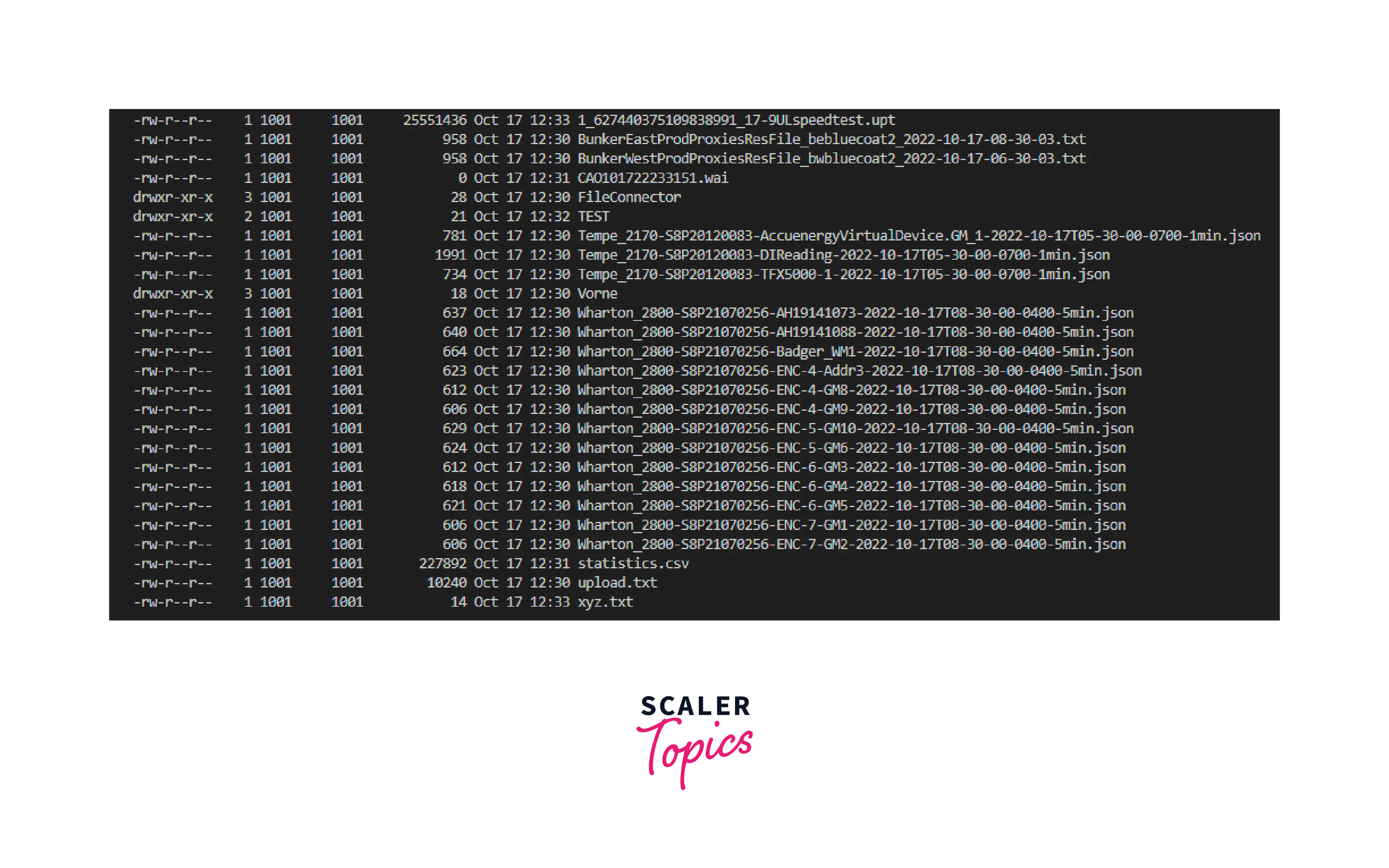
After that, we will use dir() method to get the list of directories.
Output:
Program for Downloading File in the FTP Server
To download a file in the FTP server, we will use retrbinary() method.
Turn Learning into Career Growth
Syntax:
Parameters:
- cmd: The FTP command that has to be used to get the file.
- callback: The callback method is called once for each block of data that is downloaded from the FTP server. The received data can be processed using this callback function.
- blocksize: number of bytes that can be read in total from the underlying socket connection
- rest: a string literal that contains the offset position of the file where the FTP server should continue the transfer.
Code:
- At last, we have to close the FTP conection.
Output:

- Complete code for uploading the file in FTP server:
- Complete code for downloading the file in FTP server:
Advantages of Using FTP in Python
- There is some protection provided by python ftp servers.
- The user has some degree of control with an python ftp server.
- A user can send large files all at once using an FTP server.
- It enhances productivity.
- Recovery of data is possible.
- It contains a resumption feature, which permits file transfers even after a connection break.
Conclusion
- FTP(File transfer protocol) is an application layer protocol.
- FTP is used to transfer files between local and remote file systems.
- The class and the concepts of FTP are defined inside the ftplib module.
- We have to setup the connection with the server to upload and download the file to the server.
- For uploading the file to the server we use storbinary() method.
- For downloading the file to the server we use retrbinary() method.




