


Python HTML Parser
 FREE
FREE

Overview
Parsing HTML is one of the most popular tasks done today to collect information from websites and mine it for various reasons, such as determining a product's pricing performance over time, evaluations of a book on a website, and much more. Many libraries, such as BeautifulSoup in Python, abstract away many difficult aspects in HTML parsing, but it is important to understand how such libraries like Python HTML Parser truly operate underneath that layer of abstraction.
Build an AI-First Career, Master the Complete Skillset
Choose from our industry-leading programs designed for career success
Modern Software and AI Engineering Program
Master full-stack development with AI integration


 +1000 more
Modern Data Science and ML with specialisation in AI
Advanced data science techniques with AI specialization
+1000 moreAdvanced AIML with Specialisation in Agentic AI
Deep dive into AIML with focus on Agentic systems
+1000 moreDevOps, Cloud & AI Platform Engineering
Build and manage AI-powered cloud infrastructure
+1000 moreAI Engineering Advanced Certification by IIT-Roorkee
Premier AI engineering certification from IIT-Roorkee

AI Forward Deployed Engineer Program
Full-stack engineering, production AI and client-facing consulting
+1000 morePython HTML Parser Module
The Python HTML Parser is a tool for processing structured markup. It defines the Python HTML Parser (HTMLParser) class, which is used to parse HTML files. It is useful for web crawling.
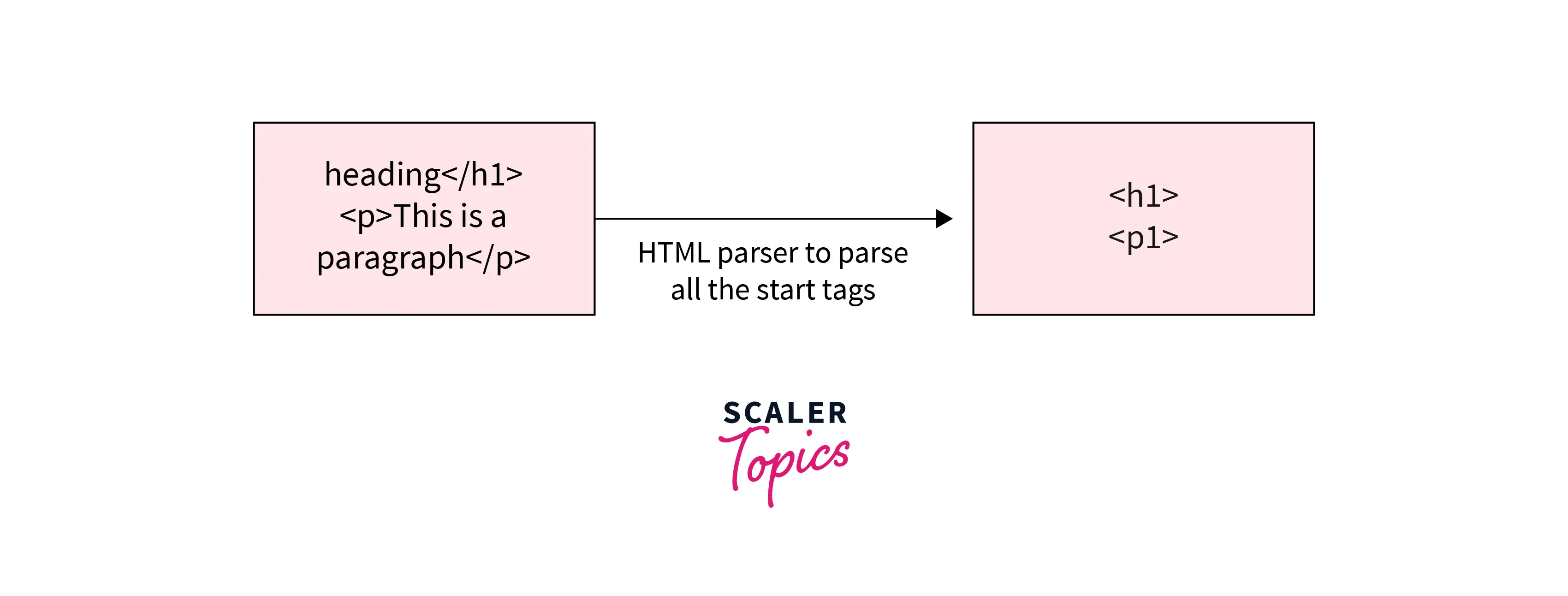
- HTMLParser.feed(data): This method is used to supply data to the Python HTML Parser.
- HTMLParser.handle starttag(tag, attrs): This method is used to handle HTML start tags. The opening tag is included within the parameter tag, and the attribute of that tag is contained within the attrs parameter.
- HTMLParser.handle endtag(tag, attrs): This method is used to handle HTML end tags. The closing tag is contained within the parameter tag, and the attribute of that tag is contained within the attrs parameter.
- HTMLParser.handle data(data): This method is used to handle the data contained between HTML tags.
- HTMLParser.handle comment(data): This method is used to handle HTML comments.
HTMLParser functions will be overridden to provide the desired functionality. It is worth noting that the class Parser() derives from the HTMLParser class.
This result in:
HTML Parser Classes and Subclasses
In this section, we will subclass the Python HTML Parser class and examine some of the functions that are invoked when HTML data is passed to the class instance. Let's write a simple script that does everything:
This result in:
Python HTML Parser Function
In this part, we will deal with several features of the Python HTML Parser class and examine their functionality:
Let us feed different HTML data to this instance using different methods and observe what output these calls produce. Let's begin with a basic DOCTYPE string:
This results in:
Let's try an image tag and see what information it extracts:
This result in:
Parsing Local HTML Files in Python
File Modification:
To make the HTML code from here seem nicer, use the prettify technique. Prettify formatted the code in the standard format used by VS Code.
This results in:
How Scaler Transformed Careers in Different Fields
Scaler learners achieved 2.5x salary growth with average post-Scaler CTC reaching ₹23L.
 Google
 Amazon
 Microsoft
 Flipkart
 Adobe1200+ more
Tag Removal
Using the decompose technique and the select one method with CSS selectors to pick and then remove the second element from the li tag, and then using the prettify method to edit the HTML code from the index.html file, a tag can be deleted.
Below is the HTML file used by me:

Code:
This results in:
Find Tags
Tags can be discovered and printed regularly using print().
This results in:
Turn Learning into Career Growth
How to Traverse Tags?
To traverse tags, the recursiveChildGenerator method is used, which recursively finds all tags within tags from the file.
This results in:
Parsing Text Attributes and Names of Tags
Using the tag's name attribute to print its name and the text attribute to publish its text together with the tag's code from the file.
This results in:
Children of Tags
The Children attribute is used to acquire a tag's children. The Children property returns 'tags with spaces' between them, thus we're adding a condition- e.g. name is not a string- to it. To print only the names of the tags from the file, use none.
This results in:
Finding Children at All Levels of A Tag
The Descendants attribute is used to retrieve all of a tag's descendants (Children at all levels) from the file.
This results in:
How to Find all Elements of Tags
Using the Find_all() Function
The find_all method is used to locate all of the elements (name and text) contained within the p tag in the file.
This results in:
CSS Selectors to Find Elements
Using the select technique, identify the second element from the file's li tag using CSS selectors.
This results in:
Conclusion
Let's conclude our topic Python HTML Parser by mentioning some of the points.
- Parsing HTML is one of the most popular tasks done today to collect information from websites and mine it for various reasons, such as determining a product’s pricing performance over time, evaluations of a book on a website, and much more.
- HTMLParser functions will be overridden to provide the desired functionality. It is worth noting that the class Parser() derives from the Python HTML Parser class.
- In this section, we will subclass the Python HTML Parser class and examine some of the functions that are invoked when HTML data is passed to the class instance.
- Using the decompose technique and the select one method with CSS selectors to pick and then remove the second element from the li tag, and then using the prettify method to edit the HTML code from the index.html file, a tag can be deleted.
- Tags can be discovered and printed regularly using print().




