


React Native Alerts
Overview
`React Native offers a robust solution for building cross-platform mobile applications. One essential aspect of creating engaging user interfaces is the effective use of alerts. In this article, we will explore React Native Alerts and how they can be utilized to enhance user interaction and notification management.
Build an AI-First Career, Master the Complete Skillset
Choose from our industry-leading programs designed for career success
Modern Software and AI Engineering Program
Master full-stack development with AI integration


 +1000 more
Modern Data Science and ML with specialisation in AI
Advanced data science techniques with AI specialization
+1000 moreAdvanced AIML with Specialisation in Agentic AI
Deep dive into AIML with focus on Agentic systems
+1000 moreDevOps, Cloud & AI Platform Engineering
Build and manage AI-powered cloud infrastructure
+1000 moreAI Engineering Advanced Certification by IIT-Roorkee
Premier AI engineering certification from IIT-Roorkee

AI Forward Deployed Engineer Program
Full-stack engineering, production AI and client-facing consulting
+1000 moreWhat are Alerts in React Native?
Alerts in React Native are built-in components that provide a convenient way to display important messages or notifications to users. These alerts can be used to convey information, prompt user actions, or handle errors. React Native offers a simple and intuitive API for creating alerts with customizable titles, messages, and button options.
For iOS:
React Native provides native support for alerts on iOS devices, ensuring a consistent and native-like experience for iOS app users. The alerts on iOS follow the platform's design guidelines and provide a familiar interface for users. Developers can easily create iOS alerts using the Alert component provided by React Native.
For Android:
Similarly, React Native offers support for alerts on Android devices, ensuring a seamless user experience across platforms. The alerts on Android adhere to the Material Design guidelines, providing a visually appealing and consistent look and feel. Developers can utilize the Alert component to create Android alerts in their React Native applications.
How Scaler Transformed Careers in Different Fields
Scaler learners achieved 2.5x salary growth with average post-Scaler CTC reaching ₹23L.
 Google
 Amazon
 Microsoft
 Flipkart
 Adobe1200+ more
Methods of React Native Alerts
React Native provides two methods to create alerts with different functionalities:
- Alert.alert()
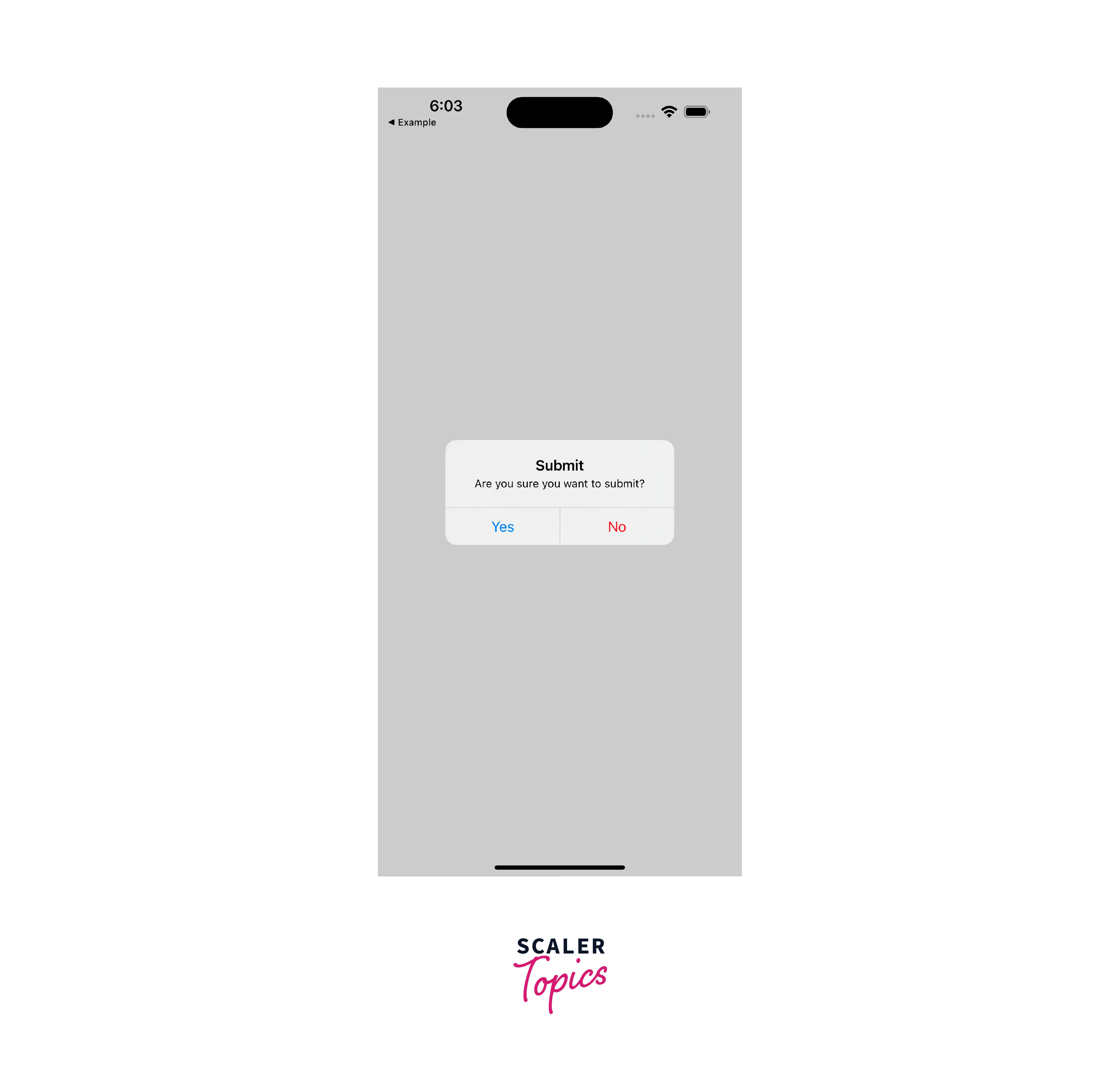
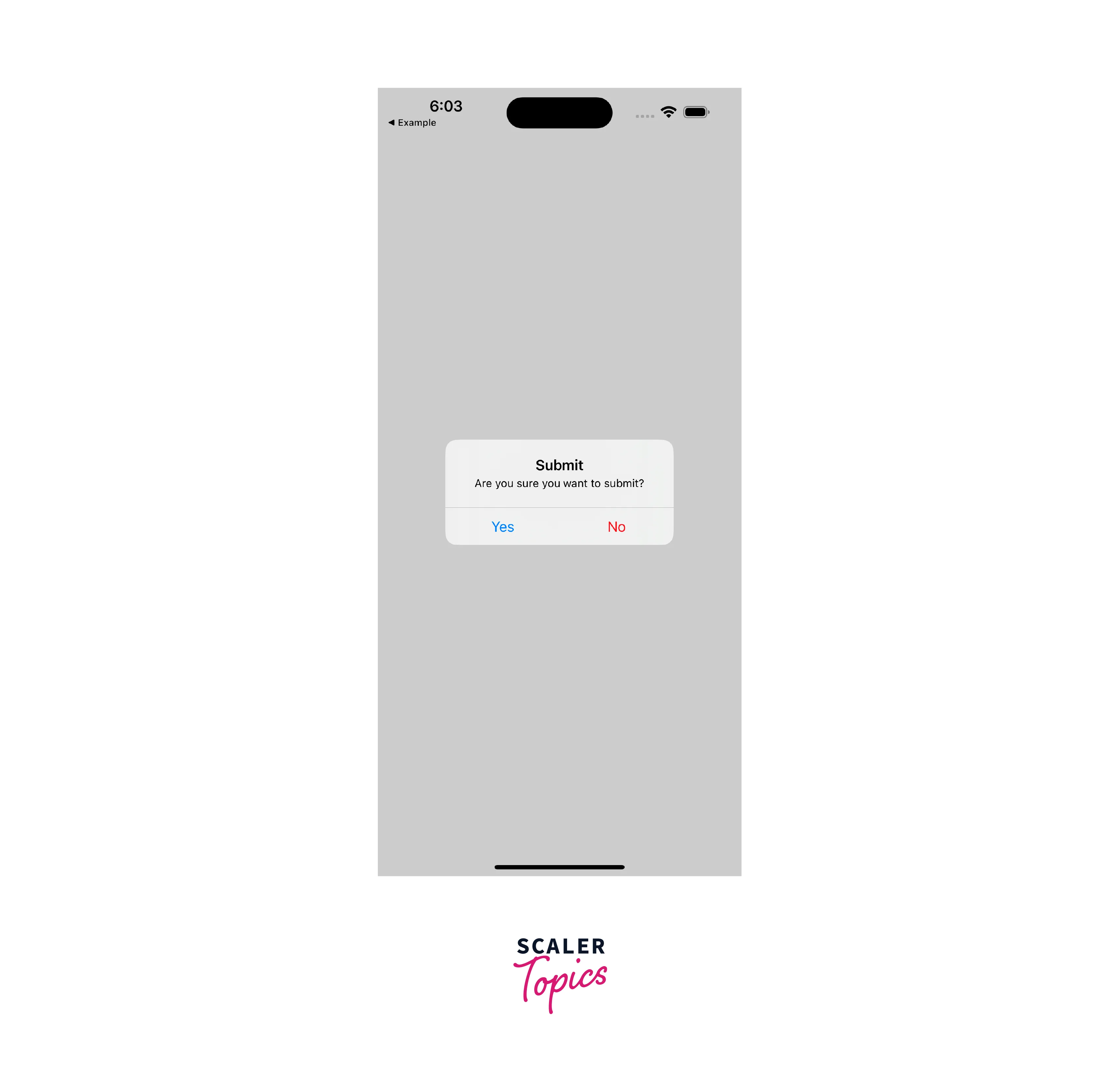
This method allows you to create a basic alert with a title, message, and customizable button options. Below are the available parameters:
Name Type Description title String Title of the alert. message String An optional message to display below the title. buttons Array An optional array that configures the buttons. options Object An optional object that configures the alert.
- Alert.prompt() (iOS Only)
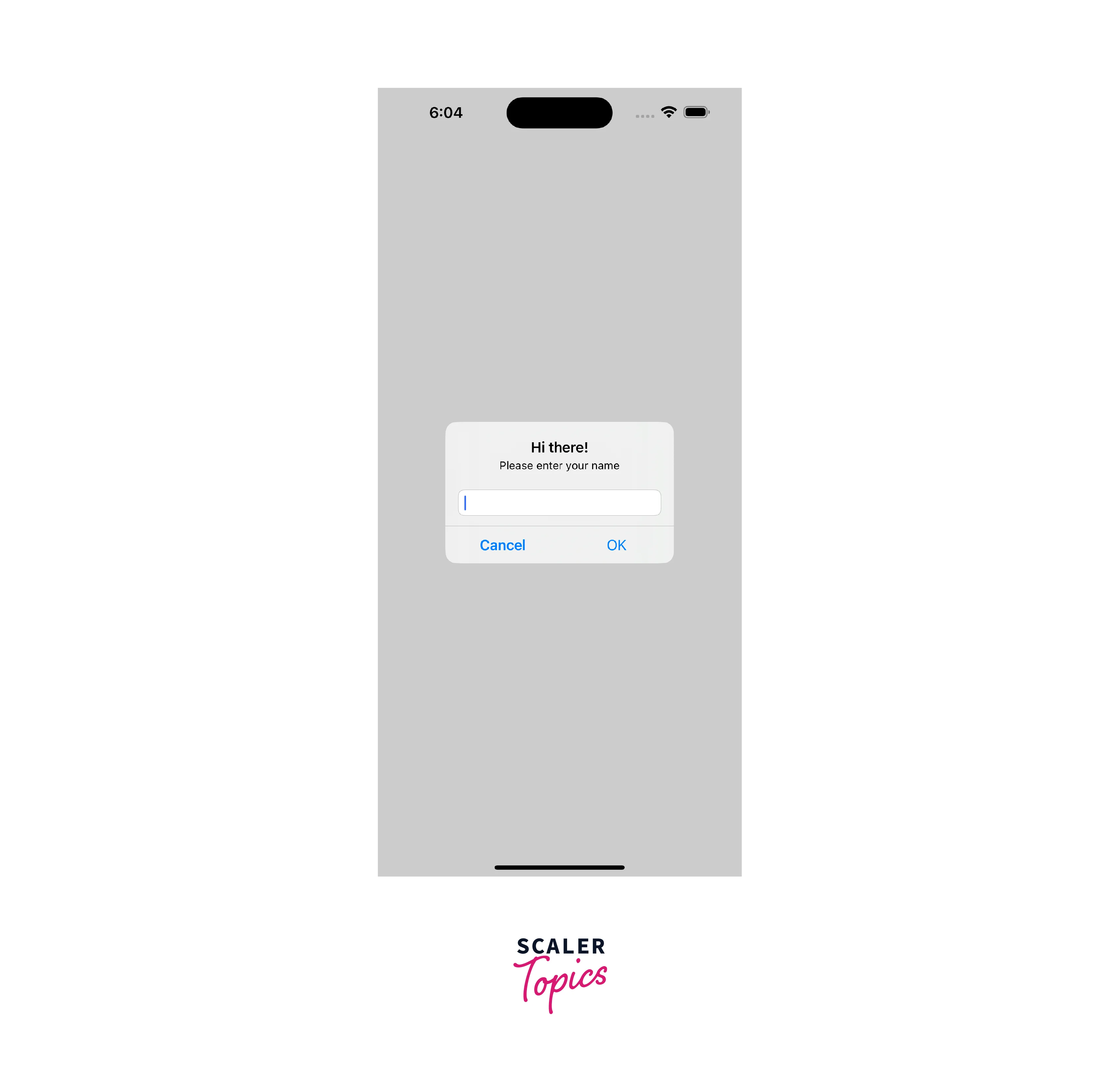
With this method, you can create an alert that prompts the user for input through text input. This method is only available for iOS. Below are the available parameters for the prompt alert:
| Name | Type | Description | | :-----------------: | :--------------: | :-------------: | | title | String | Title of the alert. | | message | String | An optional message to display below the title and above the text input. | | callbackOrButtons | Function/Array | If a callback is provided, it will be invoked with the value of the text input as an argument to the function. If an array is provided, the configuration of buttons relies on the array. | | type | Enum | Type of the alert. | | defaultValue | String | Default value of the text input. | | keyboardType | String | Type of keyboard for the text input. | | options | Object | An optional object that configures the alert.|
Examples
Let's explore a couple of examples to illustrate the usage of React Native Alerts:
Turn Learning into Career Growth
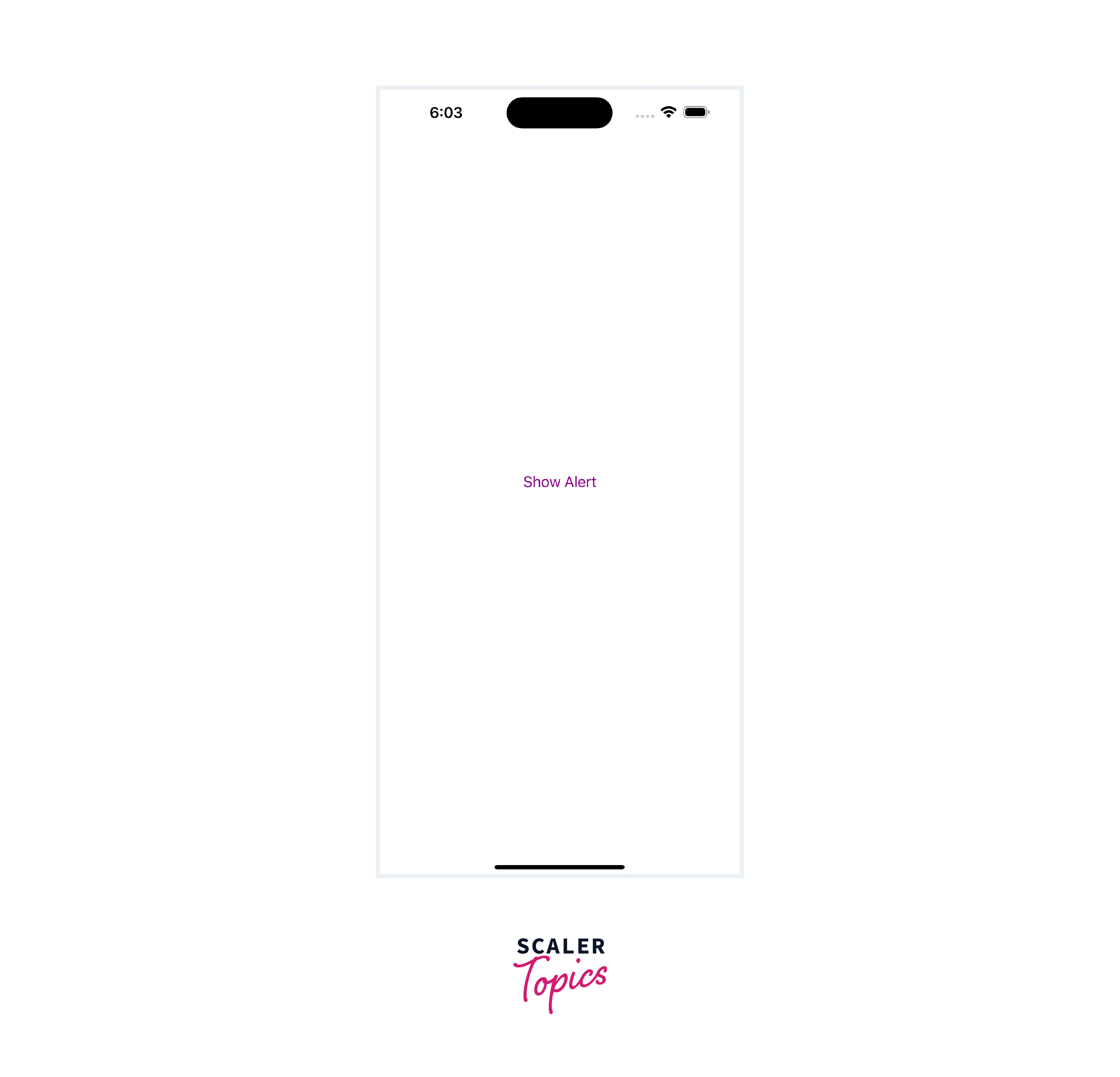
Basic Alert
Prompt Alert
FAQs
Q. Can I customize the appearance of React Native Alerts?
A. Yes, React Native Alerts can be customized using style properties and CSS-like styling to match your app's design and branding.
Q. How can I handle user responses to alerts?
A. React Native Alerts provide callback functions that allow you to handle user responses, such as button presses or input submissions. You can define the desired behavior within these callbacks.
Conclusion
- React Native Alerts provide a convenient way to display important messages or notifications to users in mobile applications.
- Alerts in React Native are available for both iOS and Android platforms, offering a consistent user experience across devices.
- It adheres to platform-specific design guidelines, such as Material Design for Android and iOS design principles for iOS.
- The Alert component offers methods like Alert. alert() and Alert. prompt() to create basic alerts and prompts for user input.
- You can customize the appearance of alerts using style properties and CSS-like styling to match their app's branding and design.
- It provides callback functions to handle user responses, allowing developers to perform actions based on button presses or input submissions.




