


How to Add a Top Loading Bar in React
Build an AI-First Career, Master the Complete Skillset
Choose from our industry-leading programs designed for career success
Modern Software and AI Engineering Program
Master full-stack development with AI integration


 +1000 more
Modern Data Science and ML with specialisation in AI
Advanced data science techniques with AI specialization
+1000 moreAdvanced AIML with Specialisation in Agentic AI
Deep dive into AIML with focus on Agentic systems
+1000 moreDevOps, Cloud & AI Platform Engineering
Build and manage AI-powered cloud infrastructure
+1000 moreAI Engineering Advanced Certification by IIT-Roorkee
Premier AI engineering certification from IIT-Roorkee

AI Forward Deployed Engineer Program
Full-stack engineering, production AI and client-facing consulting
+1000 moreOverview
Loading bars are a common UI element used to indicate progress when fetching data or performing time-consuming tasks in web applications. In React, adding a top-loading bar can provide users with a visual cue that something is happening in the background. In this article, we will walk through the steps to add a react top loading bar to your application.
Steps to Add a Top Loading Bar in React
When selecting a package like react-top-loading-bar for adding a top-loading bar to a React application, it's essential to clarify why this specific package was chosen over alternatives.
React top loading bar offers the following advantages:
- Ease of Use: "react-top-loading-bar" is known for its simplicity and ease of integration. It provides a straightforward API for managing loading bar progress.
- Customization: This package allows for easy customization of the loading bar's appearance. Developers can adjust its colour, height, and position to match the application's design seamlessly.
- Community Support: A package's popularity and active community support are crucial factors in package selection. "react-top-loading-bar" has gained popularity in the React community, ensuring that it remains well-maintained and up-to-date.
- Compatibility: Ensure compatibility with your React version and project requirements when choosing a package. "react-top-loading-bar" is compatible with recent React versions, making it a reliable choice.
- Performance: The package's performance and efficiency in handling UI updates, animations, and transitions should be considered. "react-top-loading-bar" is designed to deliver smooth and responsive loading bar animations.
Project Structure
Before diving into the implementation, let's take a look at the typical project structure for a React application using the React top loading bar. You should have a folder structure that includes components, assets, and other necessary files. This is where you will add your loading bar component.
How Scaler Transformed Careers in Different Fields
Scaler learners achieved 2.5x salary growth with average post-Scaler CTC reaching ₹23L.
 Google
 Amazon
 Microsoft
 Flipkart
 Adobe1200+ more
Package Dependencies
To create a top-loading bar in React, you'll need to install a package that helps manage the loading bar's state and appearance. One popular choice is the "react-top-loading-bar" package. You can install it using npm or yarn:
Implementation
Now, let's get into the implementation details of the react top loading bar:
-
Import the Loading Bar Component: In your React component where you want to use the loading bar, import the LoadingBar component :
-
Initialize the Loading Bar: Inside your component, you can initialize the loading bar by adding the following code:
- loadingBar Ref Explanation: Mention that the loadingBar ref is created using the useRef hook to establish a reference to the loading bar component. This reference is essential for interacting with the loading bar, such as triggering its animations and updating its progress.
- Purpose: Clarify that the loadingBar ref allows you to call methods and access properties of the loading bar component programmatically. In the example, it's used to start the continuous loading animation when progress is updated.
- MyComponent: is a generic term used to represent the React component where you intend to use the loading bar. It can be any component within your application, such as a dashboard, a data visualization page, or a form submission page.
- Reusability: Highlight that the loading bar integration can be applied to multiple components throughout the application, providing flexibility and reusability.
-
Update the Loading Progress Whenever you want to update the loading progress, call the updateProgress function:
Output:
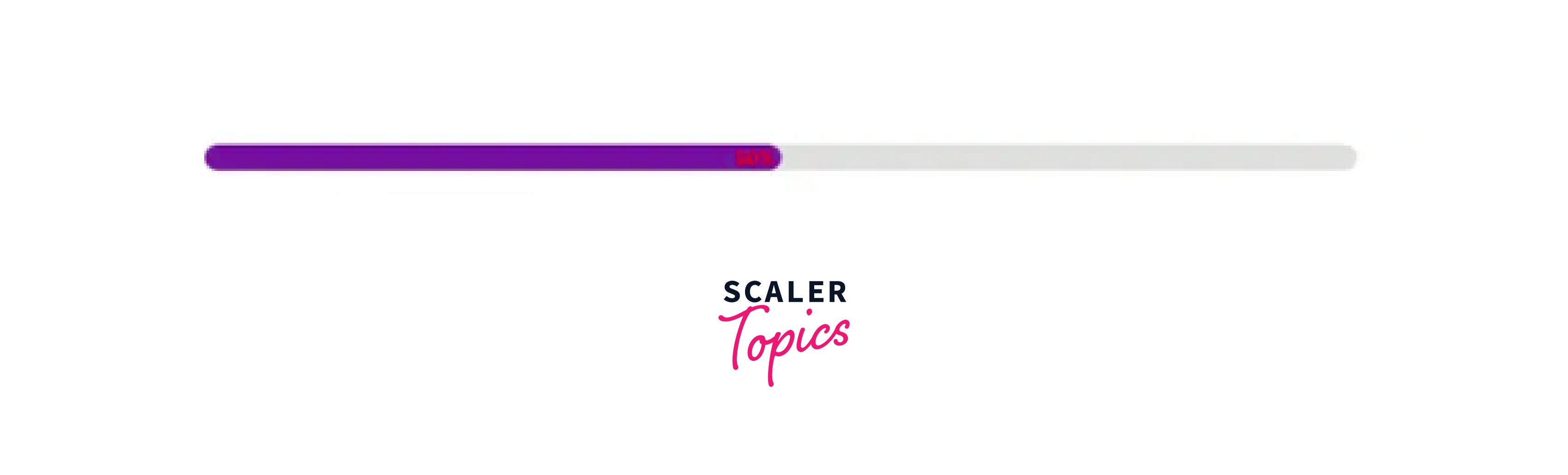
With the above steps completed, you will have a top-loading bar integrated into your React application. It will display progress as you call the updateProgress function.
Turn Learning into Career Growth
Conclusion
- React top loading bar provides visual feedback to users, keeping them informed about ongoing processes and reducing frustration when dealing with time-consuming tasks.
- Leveraging packages like "react-top-loading-bar" simplifies the implementation process, saving development time and effort.
- You can customize the loading bar's appearance, such as colour, height, and position, to match your application's design.
- Use the updateProgress function to dynamically update the loading bar's progress, making it adaptable to various tasks.
- A top-loading bar offers clear and immediate feedback, which is particularly useful in scenarios involving API calls, form submissions, or data fetching.
- Keeping users informed and engaged during loading processes can lead to higher user satisfaction and retention.




