


map() in React
Build an AI-First Career, Master the Complete Skillset
Choose from our industry-leading programs designed for career success
Modern Software and AI Engineering Program
Master full-stack development with AI integration


 +1000 more
Modern Data Science and ML with specialisation in AI
Advanced data science techniques with AI specialization
+1000 moreAdvanced AIML with Specialisation in Agentic AI
Deep dive into AIML with focus on Agentic systems
+1000 moreDevOps, Cloud & AI Platform Engineering
Build and manage AI-powered cloud infrastructure
+1000 moreAI Engineering Advanced Certification by IIT-Roorkee
Premier AI engineering certification from IIT-Roorkee

AI Forward Deployed Engineer Program
Full-stack engineering, production AI and client-facing consulting
+1000 moreOverview
Maps are one of the most popular and widely used features when using React. There are two prominent use cases for this. This is very similar to how filter() works. One is the change the state of the application and the other is to efficiently render the list of items. Let's start with the previous one first. The map() in React function allows us to manipulate the elements in an array by iterating and accessing each element.
Introduction to the Map() Function
The map() in React function is used to iterate through arrays and manipulates or modify data elements. The map() in React function is most commonly used to render lists of data into the DOM.
The map() in React method iterates through and displays a list of similar objects for a component. The map is not a feature of React. Instead, it's a standard JS function that applies to an array. The map() in React method creates a new array by calling the provided function on each element of the calling array.
Example - 1
Here each element of the array is multiplied by 5 and stored in a new array.
Note:
The map() in React function does not modify the original array.
Instead, a new array is created with the modified elements from the original array.
How Scaler Transformed Careers in Different Fields
Scaler learners achieved 2.5x salary growth with average post-Scaler CTC reaching ₹23L.
 Google
 Amazon
 Microsoft
 Flipkart
 Adobe1200+ more
Example - 2
Explanation:
In the given example, Here is an array of numbers is passed to the map. Then a value of 50 is added to each number and logged.
Uses in React(In React, the map() Method Used for)
traverse the list elements:
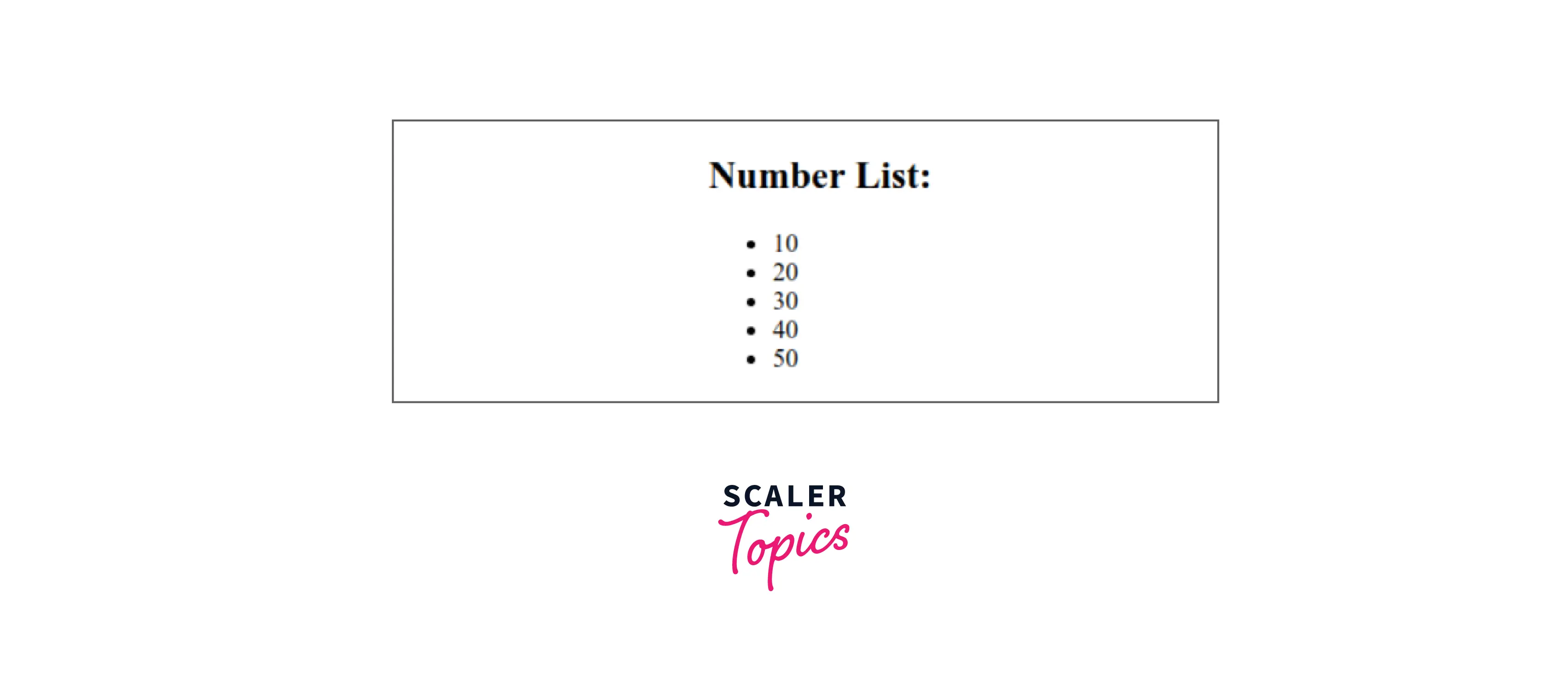
Run the Project with the command npm start and check the result.
Output:

traverse the list element with keys:
Run the Project with the command npm start and check the result.
Output:
Turn Learning into Career Growth
Conclusion
- The map() in React function allows us to do almost any kind of manipulation without changing the original array. The non-mutation part is essential because it has no side effects by default and makes the code easier to debug.
- Map() in React methods plays a very important role in iterating over an array of elements. You can also use this method to manipulate data in arrays.
- The map() in React method is most commonly used to render a list of data into the DOM. It is very popular because it is easy to use.
- The Map() in React method is used to iterate through and display a list of similar objects for a component. Maps are not a feature of React. Instead, it's a standard JavaScript function that may be called on an array.
- The map() in React method creates a new array by calling the provided function on each element of the calling array.




