


React Test Renderer
Build an AI-First Career, Master the Complete Skillset
Choose from our industry-leading programs designed for career success
Modern Software and AI Engineering Program
Master full-stack development with AI integration


 +1000 more
Modern Data Science and ML with specialisation in AI
Advanced data science techniques with AI specialization
+1000 moreAdvanced AIML with Specialisation in Agentic AI
Deep dive into AIML with focus on Agentic systems
+1000 moreDevOps, Cloud & AI Platform Engineering
Build and manage AI-powered cloud infrastructure
+1000 moreAI Engineering Advanced Certification by IIT-Roorkee
Premier AI engineering certification from IIT-Roorkee

AI Forward Deployed Engineer Program
Full-stack engineering, production AI and client-facing consulting
+1000 moreOverview
Developing an app is not just writing and running the code. To make your app more robust and less error-prone, testing is done. It also ensures that your app will work as intended for your end users. It is a way to verify that the code is doing what the developers intended. Hence we use react-test-renderer to test our components.
Introduction To React Test Renderer
The React test renderer package makes it easy to test your components outside of their native environment. Instead of rendering actual components, the React-Test renderer renders JavaScript objects so that you can run your tests in Node.js.
This package makes it easy to get a snapshot of the "DOM tree" rendered by a React DOM or React Native component without using a browser or jsdom.
Testing ReactJs components consist of Arranging, Acting, and Asserting.
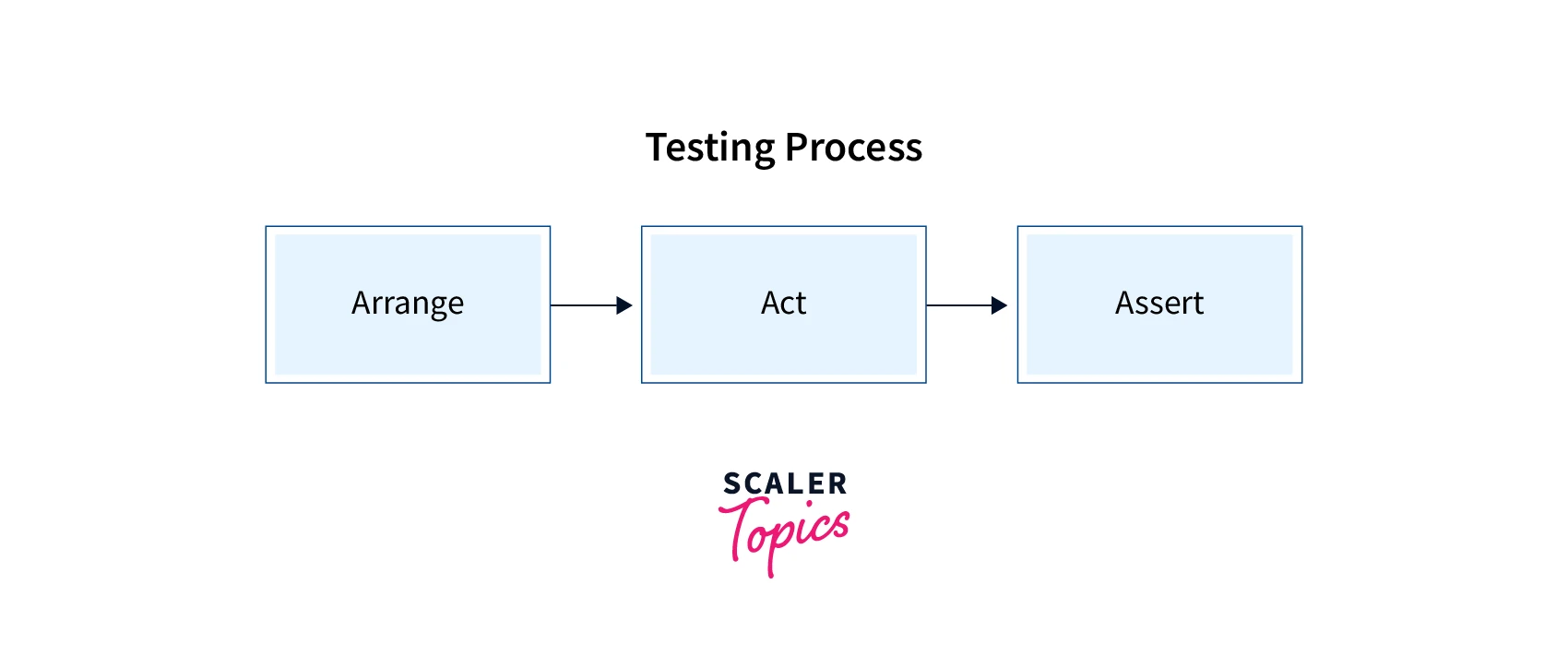
- Arranging means keeping your component in its original state.
- Acting refers to the action that happens with the element, including clicking, hovering, input, etc.
- Asserting is where we create a hypothesis as to how the state of our component would look once the user has performed the event.
React Test Renderer Setup
To setup react-test-renderer in your react project, you have to install its package using this command :
npm install --save-dev react-test-renderer
How Scaler Transformed Careers in Different Fields
Scaler learners achieved 2.5x salary growth with average post-Scaler CTC reaching ₹23L.
 Google
 Amazon
 Microsoft
 Flipkart
 Adobe1200+ more
React Test Renderer Examples
Let us take an example of a simple button component and test this button component using react-test-renderer :
[Button.jsx]
Now to check it makes a __tests__ folder under the src folder and makes a file named button.test.js. This will be our test file for the Button component.
[button.test.js]
toMatchSnapshot() does all the heavy lifting under the hood. It:
- creates a snapshot of the component if there isn’t any
- checks if the component matches the saved snapshot
Now we have created a test successfully, let's run it using the command: npm test.
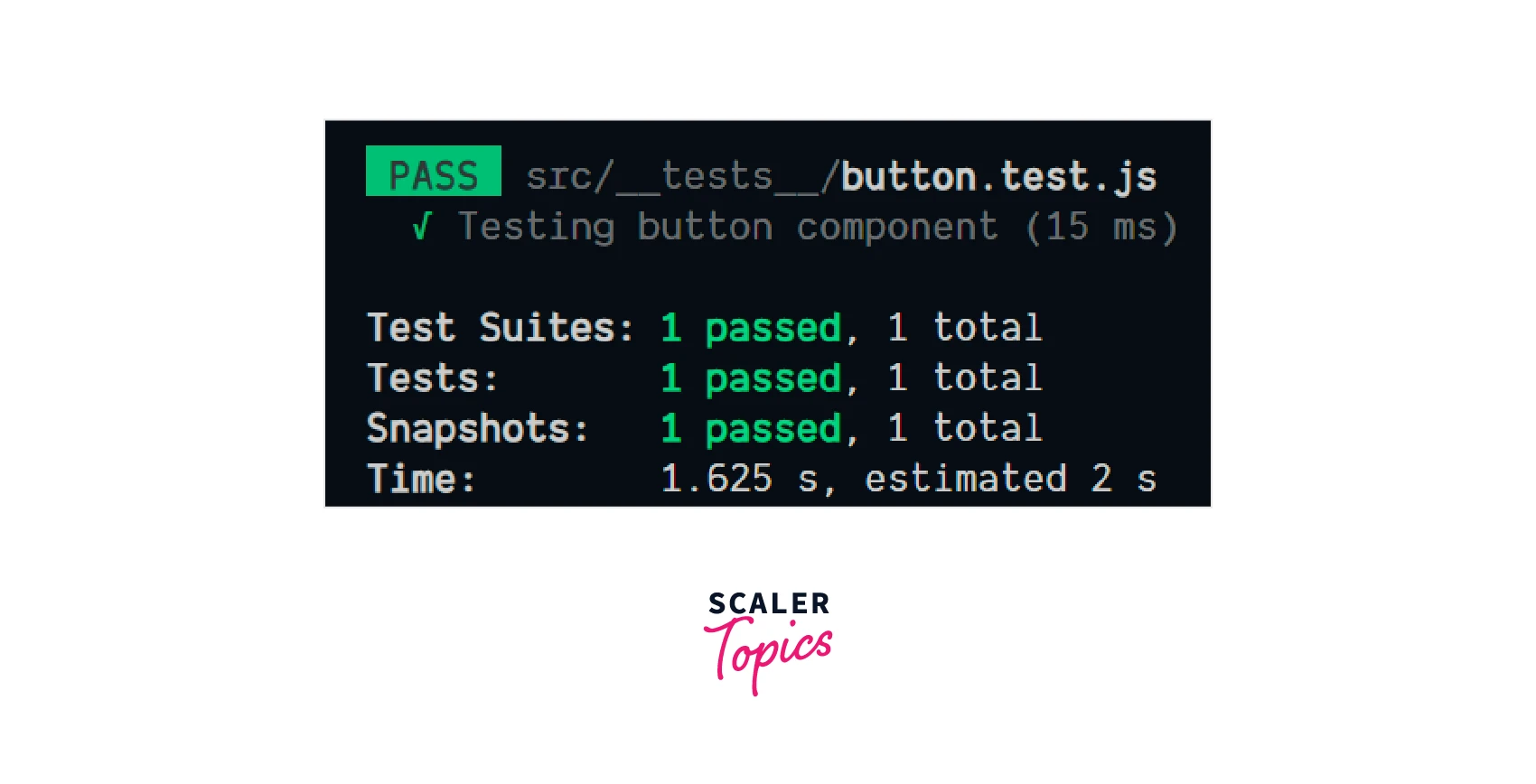
As we can see the test has been passed successfully.
TestRenderer.create(element, options);
This command is the starting point for all our React Test Renderer package work. This command helps make a "TestRenderer" instance of any React component.
TestRenderer.toJSON()
The testRenderer.toJSON() method is used to create an object of the rendered tree. This object only contains platform-specific nodes like <div> or <View> and their props but doesn't contain user-written components. This method is beneficial when we have to do snapshot testing.
How to Use React Test Renderer to Test React Components?
Let us go further into react component testing using react-test-renderer and see different things we can check in a react component.
Turn Learning into Career Growth
Checking For Class In Component
Let's check whether the button component has 'btn-class' as its className.
[button.test.js]
We can see in the above code that to test a class in a component we have to do :
- find it using root and .findByType
- check for classname using expect.
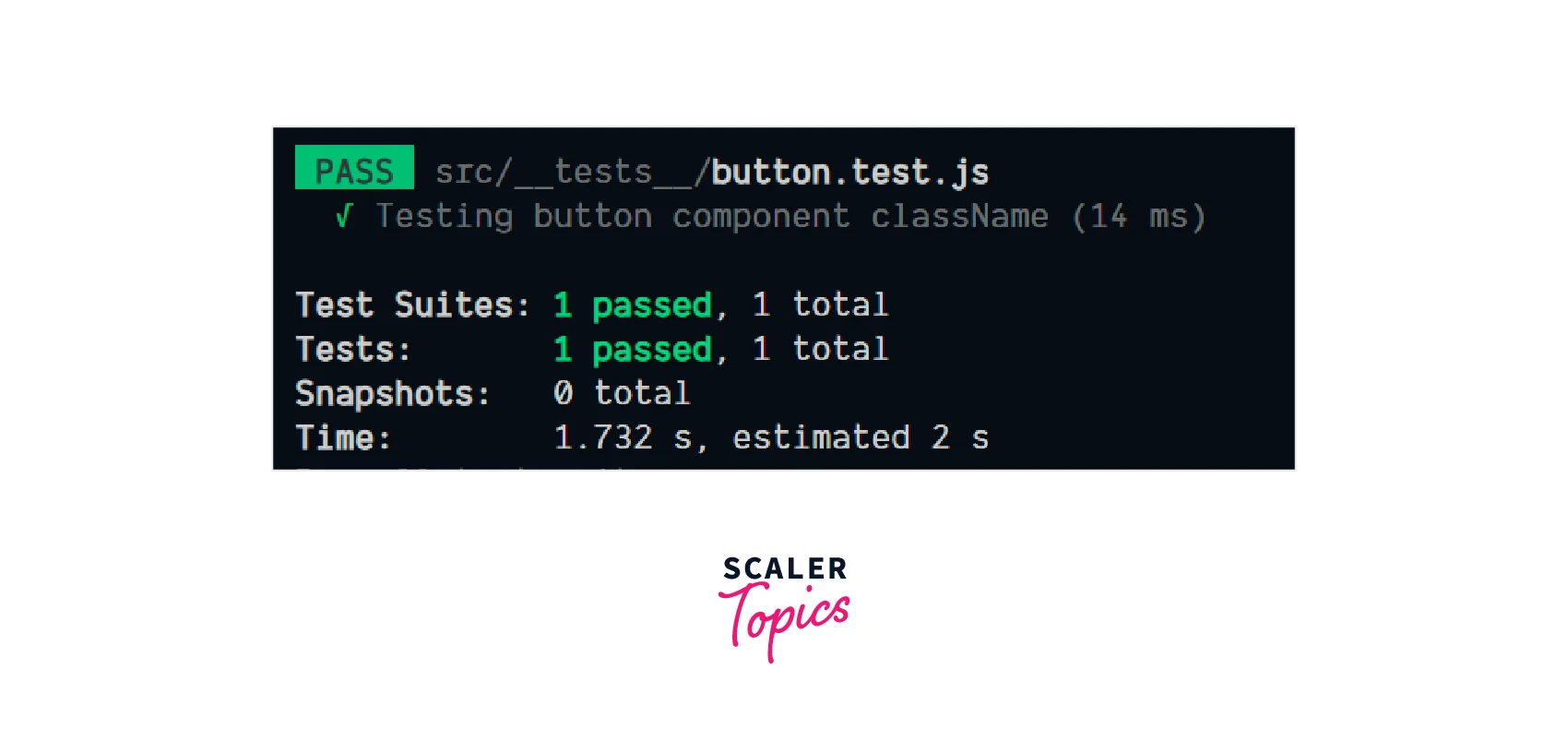
As our className contains btn-class as one of its classes so the test will pass.
Testing props In Component
Testing props is straight forward, a component must render any prop passed to it.
So to test it with react-test-renderer, let's create a new test :
[button.test.js]
As the prop passed is the same as expected, the test will pass.
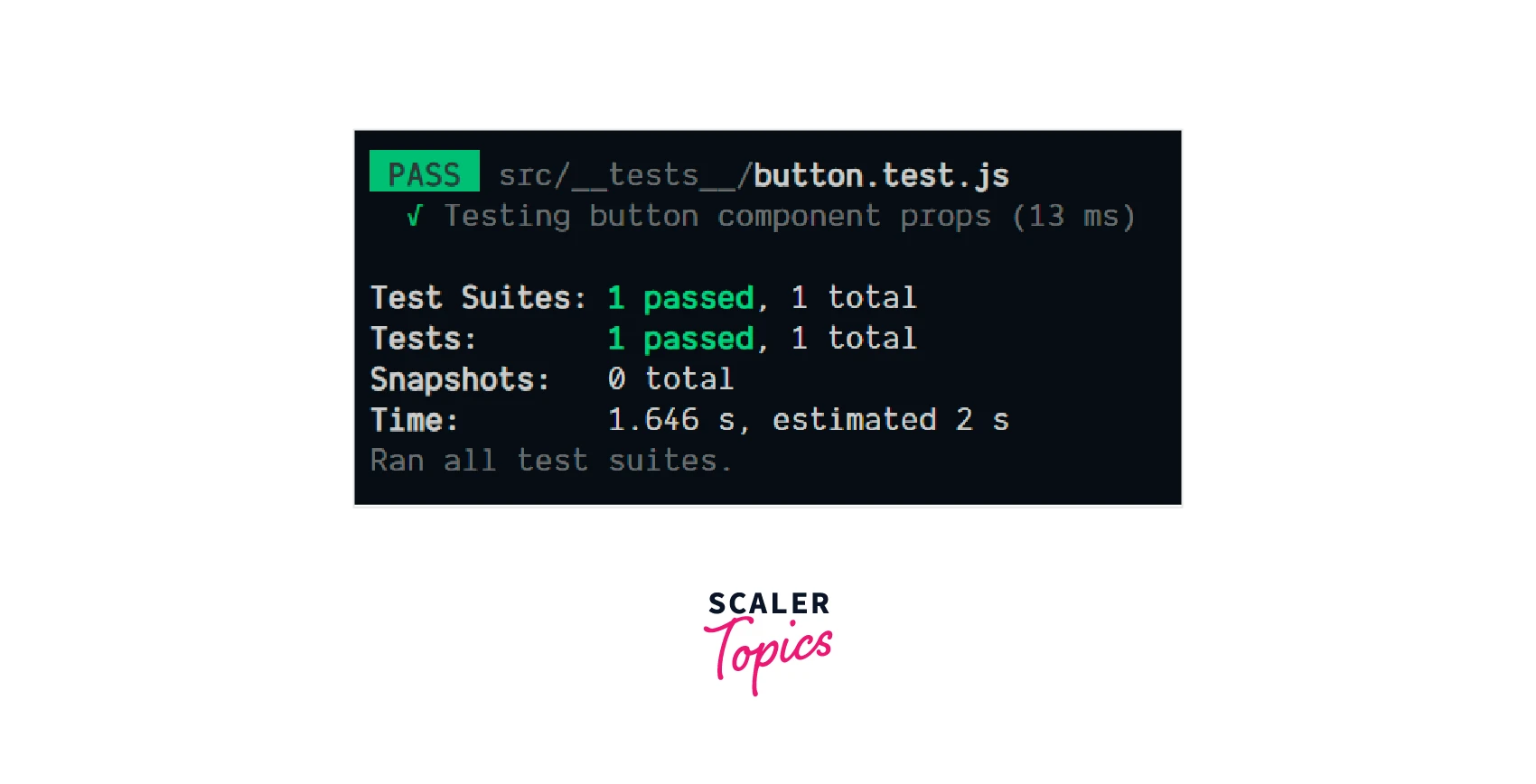
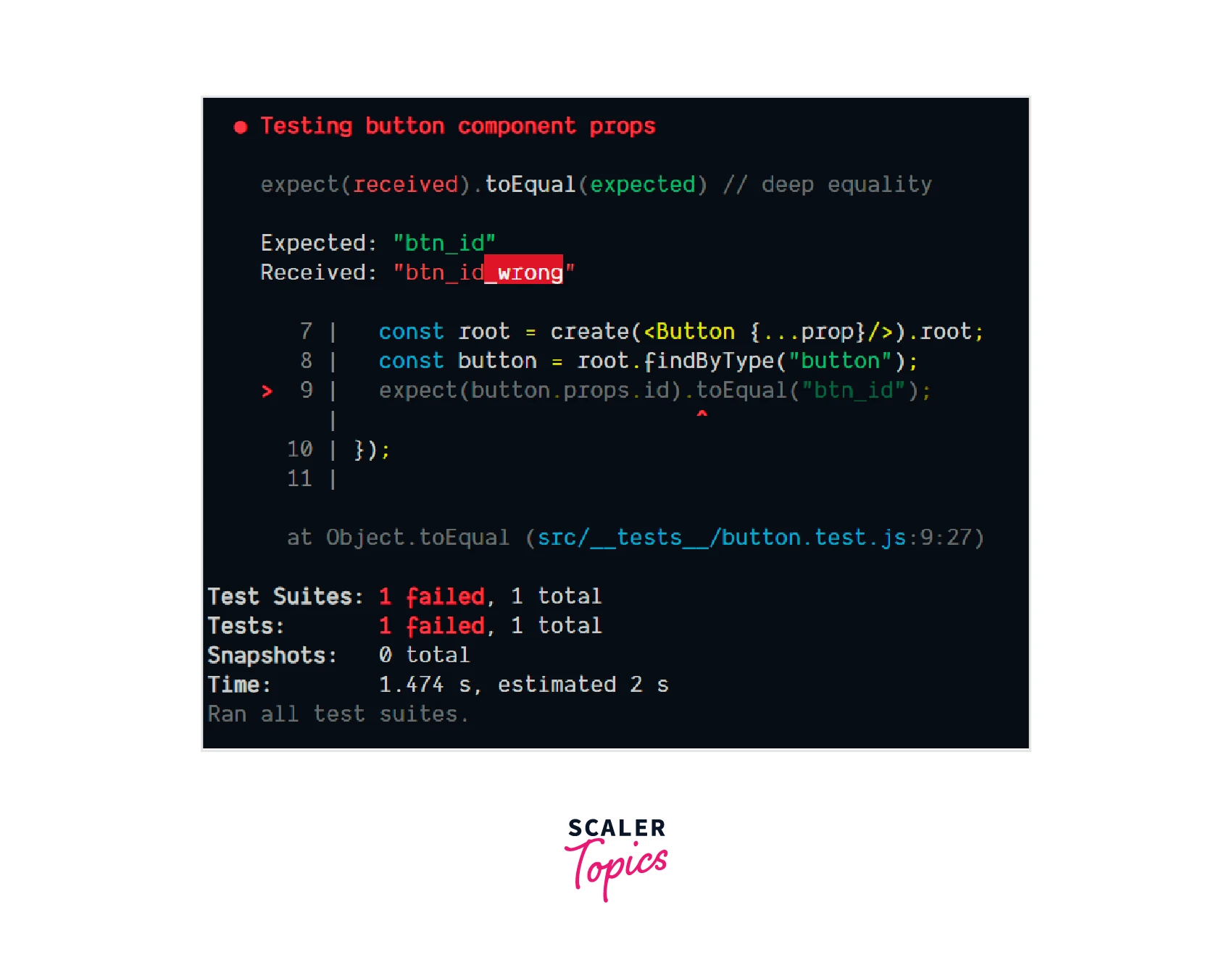
Now let's see what happens when we pass the wrong prop. To test this pass btn_id_wrong in prop.
Explaination
It can be seen in error that we expected the id as btn_id but we received btn_id_wrong. That's why our test failed.
Conclusion
In this article, we have learned about :
- Testing is very important in development.
- React-test-renderer is used to test react components.
- It renders React components for testing without depending on the DOM.
- React-test-renderer provides various useful commands for testing react components such as create(), toJSON(), expect() etc.
- React-test-renderer used to check className, props passed, etc in react component.




