


Exporting Spring Boot Application
Build an AI-First Career, Master the Complete Skillset
Choose from our industry-leading programs designed for career success
Modern Software and AI Engineering Program
Master full-stack development with AI integration


 +1000 more
Modern Data Science and ML with specialisation in AI
Advanced data science techniques with AI specialization
+1000 moreAdvanced AIML with Specialisation in Agentic AI
Deep dive into AIML with focus on Agentic systems
+1000 moreDevOps, Cloud & AI Platform Engineering
Build and manage AI-powered cloud infrastructure
+1000 moreAI Engineering Advanced Certification by IIT-Roorkee
Premier AI engineering certification from IIT-Roorkee

AI Forward Deployed Engineer Program
Full-stack engineering, production AI and client-facing consulting
+1000 moreOverview
If you are working on the legacy application. The application still needs to be deployed in a web container like tomcat, jetty as a war file.
In those situations, we want a WAR file to be created from the spring boot application.
Introduction
Though creating a runnable JAR is one of the most important features of spring boot. But it also offers a way to package the application as a WAR file in case the application is to be deployed to an external container.
How to Create an Executable Jar File in Spring Boot
By default, spring creates an executable JAR file. This is the default behavior of the build tool and spring boot and no code changes are required for this.
In maven, if you don't specify any packaging then it defaults to JAR. In case you need to specify packing then you need to provide the required attribute in the package tag of the pom.
it can be verified from the pom schema also.
By default, the packaging is JAR and allowed values are JAR, WAR, and EAR.
To create an executable jar file run the command mvn package. It should create an executable jar file in the /target directory.
How Scaler Transformed Careers in Different Fields
Scaler learners achieved 2.5x salary growth with average post-Scaler CTC reaching ₹23L.
 Google
 Amazon
 Microsoft
 Flipkart
 Adobe1200+ more
Run the Jar File
Running the jar file is as simple as running any command line java application with the main class. The generated jar can be run using the command:
How to Create an Executable War File in Spring Boot
To create executable WAR in spring boot two steps are required.
- Change packaging to war.
- Make your runnable class extend from SpringBootServletInitializer.
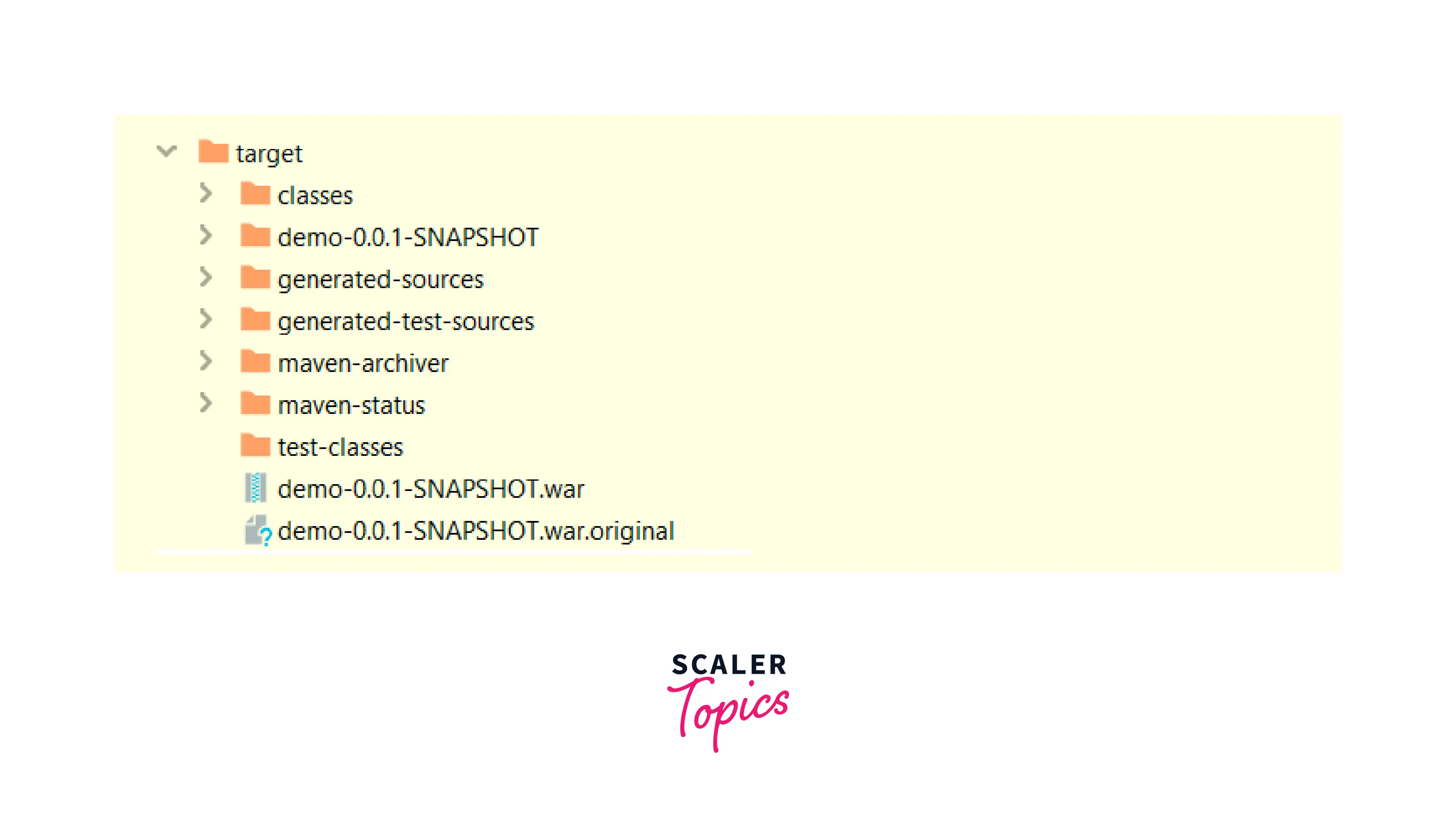
Run the command mvn package to generate the WAR archive in the /target directory.
Turn Learning into Career Growth
Running War File
To run the war file it needs to be deployed to an external server. If you don't have tomcat on your machine then you need to download and install it first.
- Download the tomcat core distribution from link.
- Extract the archive anywhere into your system.
- Copy the generate war from /target to the tomcat /webapps folder.
- Run the tomcat using start.bat or .sh based on your operating system.
Conclusion
- Spring boot by default creates an executable jar.
- Spring boot can package and export the application as a war with only a few code changes.
- WAR can be deployed to an external server to run the application.




