


Tailwind CSS Vs. Bootstrap
Overview
CSS is well-known for styling the webpages. However, writing all the CSS from scratch could be quite time taking for the developers. To ease out this problem, we have different frameworks that provide pre-defined components for elements.
Tailwind CSS and Bootstrap are two very popular front-end frameworks that are widely used in creating creative layouts with much ease. Tailwind CSS, on the one hand, has gained immense popularity in a very short period. On the other hand, Bootstrap has been in the market for quite a long time and is quite popular among the masses. Each of them has their own set of similarities and differences which makes them unique in their way.
In this article, we will be looking at their similarities and differences and comparing them based on their architecture, features, performance, and modern relevance so that you can decide which one to use for your next project.
Why Compare Tailwind vs. Bootstrap?
Bootstrap being one of the most used frameworks by developers has been around in the market for a very long time. Since then the web and web development have progressed; new technology and methods of operation that were unimaginable in 2011 are now ubiquitous. However, something isn't necessarily the ideal tool for the task just because it's been there for a while.
To use Bootstrap in our project, we must include four files in our project namely jQuery, Popper.js, Bootstrap JS, and the main Bootstrap CSS file which has a total size of 308.25Kb. Moreover, it has the capability of creating responsive layouts. Bootstrap also depends on JavaScript for some interactive components like dropdowns, modals, etc.
On the other hand, Tailwind CSS in a very short amount of time has gained immense popularity among the masses. It's rapidly rising to the top of the list of frameworks used in contemporary web development. It provides a better performance than Bootstrap as it generates only the CSS sheet leading to smaller file sizes and better performance.
Tailwind CSS only requires a base stylesheet which is quite lighter in comparison to the files required by Bootstrap. Moreover, websites created by tailwind CSS provide a high degree of customization to the users making it quite suitable for the users who wish to have their styling. It is hence the ideal framework for comparison with Bootstrap.
The below table shows some major differences between the two frameworks.
| Bootstrap | Tailwind CSS |
|---|---|
| Older framework but saves a lot of time for the developers | Newer framework which is still improving |
| Less Customizable | Highly customizable |
| Pre-defined components available | Utility-first framework |
| Large file size | Small file size |
What is Bootstrap?
Bootstrap was developed by Mark Otto and Jacob Thorton. It is a collection of pre-designed and pre-built HTML, CSS, and JavaScript components that developers could use to create responsive and visually appealing websites and web applications.
Using Bootstrap can significantly speed up the development process, as it eliminates the need to build many common components and styles from scratch. It's particularly useful for developers who want to create modern and responsive websites without diving deeply into the front-end design and coding.
It is an open-source framework used to create responsive websites quickly. It can be used to create web applications using any server-side languages like Java, PHP, etc. Moreover, it also contains pre-designed templates for forms, buttons, and other CSS and Javascript-based components.
To use Bootstrap in your project, you can use the following CDN link:
For more information, you may refer to Bootstrap
Sample Page Made Using BOOTSTRAP
Let's make a sample page using some of the Bootstrap pre-designed components.
Output:
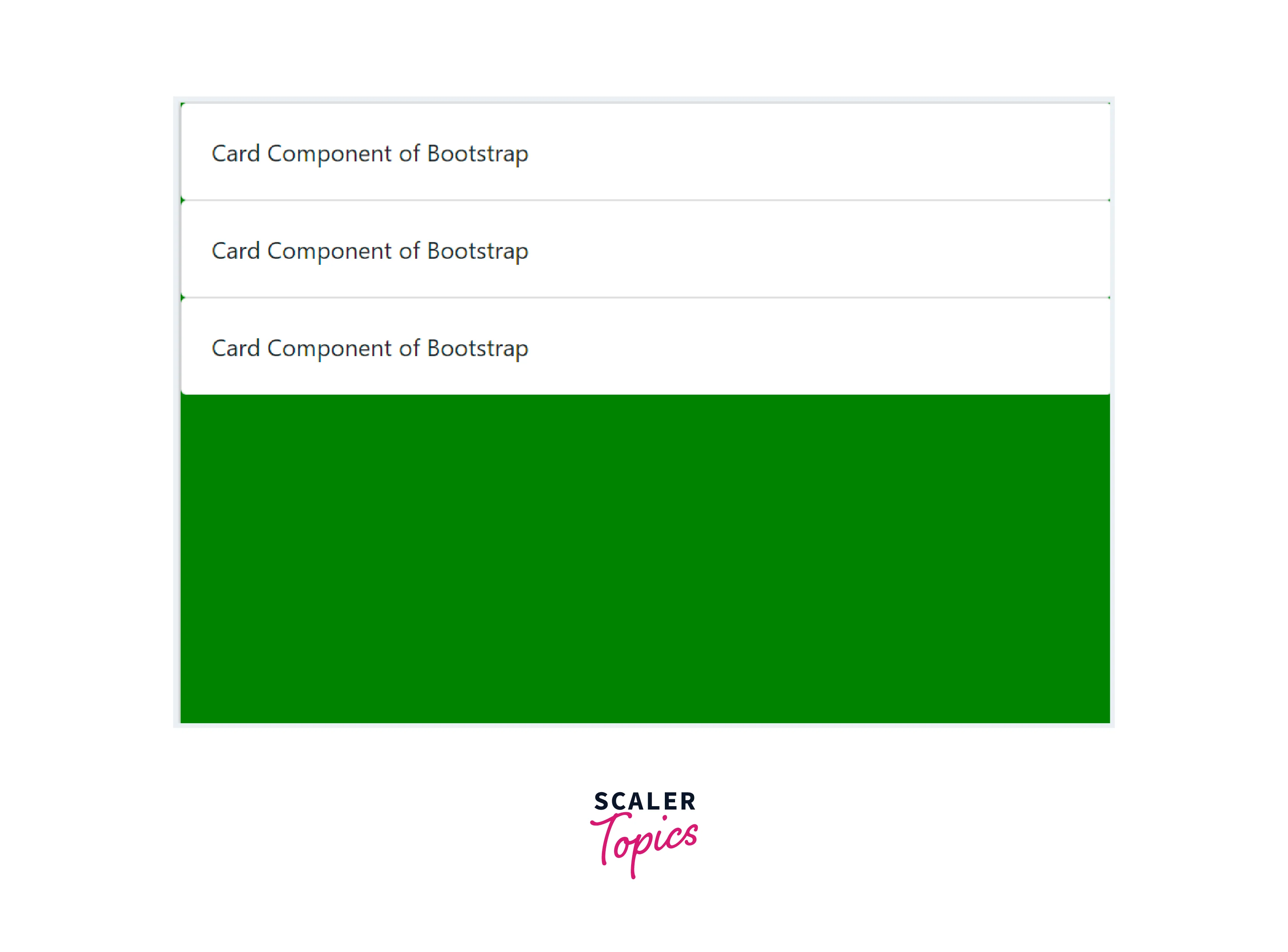
As you can see in the above code example, we have made three cards. These cards are made using the .card and .card-body utility classes of bootstrap. We have also given a green background to the webpage using the background-color styling property.
What is Tailwind CSS?
Tailwind CSS is a well-known utility-first CSS framework that focuses on a highly flexible set of utility classes to speed up the creation of user interfaces. Unlike conventional CSS frameworks like Bootstrap, which have pre-designed components, Tailwind CSS gives developers access to a big library of atomic utility classes that they can use to quickly and easily construct responsive and effective designs by adding them directly to their HTML code.
It uses a modular approach for building UI components. The developers combine utility classes to assemble components rather than writing unique CSS for each component. The key advantage of tailwind CSS is that it allows a huge degree of customization in colors, typography, etc. which has made it quite popular among the masses in a very short period.
It uses an inline styling without writing any CSS code. Although not the first utility-first CSS library, Tailwind CSS is among the most well-liked and lightweight ones. It is a low-level CSS framework that is highly adaptable and offers all the building blocks a developer needs to create a stunning experience for any website.
To use Tailwind CSS in your project, you can use the following CDN link:
Sample Page Made Using Tailwind CSS
Now, let us see a sample page made using the utility classes of Tailwind CSS.
Output:
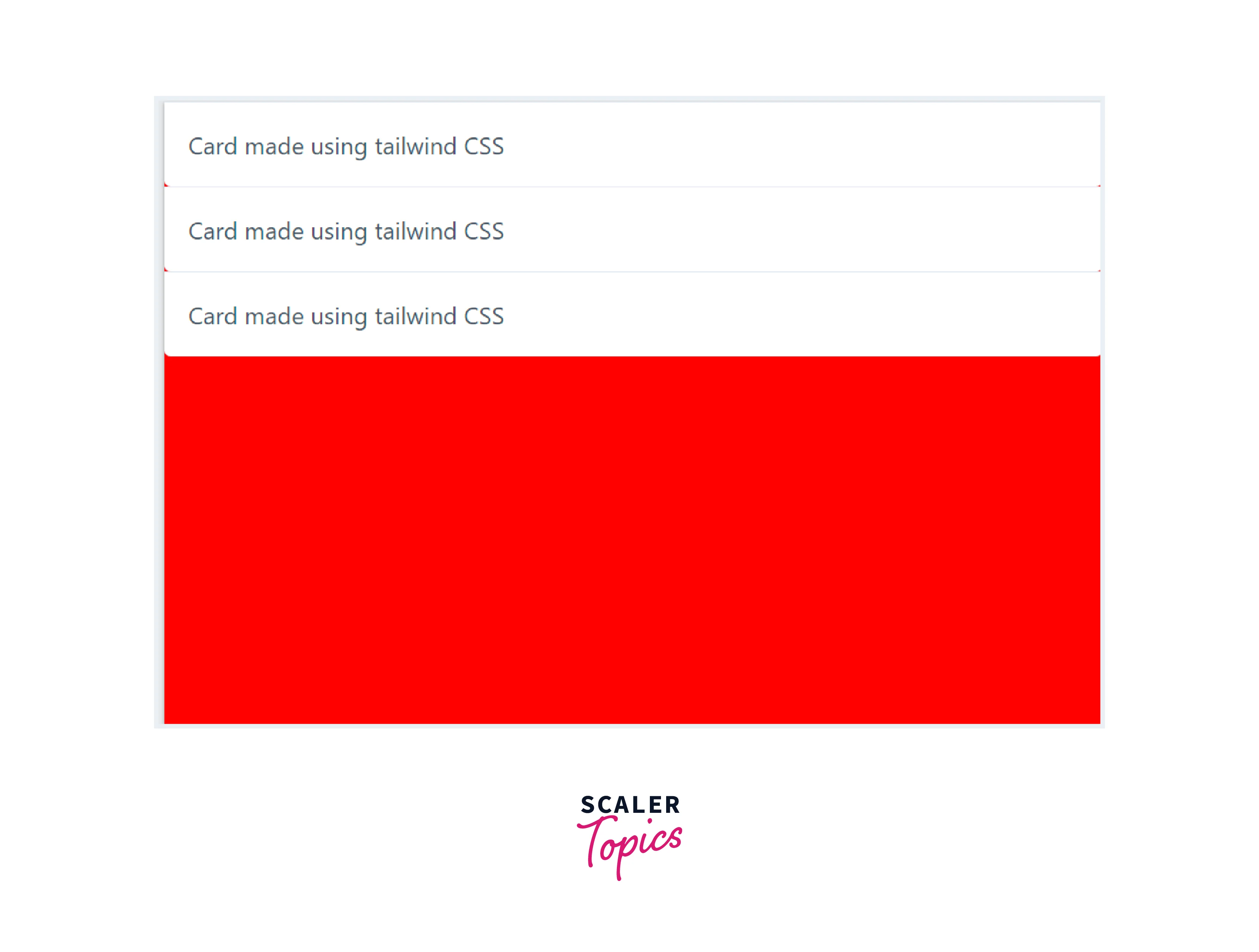
As you can see in the above code example, we have used the tailwind CSS utilities to make three cards using the Tailwind CSS utility first styling. Moreover, we have given a red background to the webpage using the background-color property,
Tailwind CSS vs Bootstrap
Bootstrap provides predefined classes that correspond to a particular style. This produces uniform designs for website layouts. On the other hand, due to the numerous classes, the Tailwind CSS technique produces markup that may appear cluttered, but it offers practically limitless design versatility.
Both have distinctive architectural styles. Bootstrap can be downloaded and hosted on your server as a CSS file or served through a CDN. On the other side, Tailwind CSS creates a customized collection of classes by reading your source files and their class names to construct a CSS file in your project.
| Feature | Bootstrap | Tailwind CSS |
|---|---|---|
| Approach | It is a component-based framework that also provides utility classes. | It is a utility-first CSS framework. |
| Setup | It can be used with node package manager (npm) but could also run with the CDN links. | It requires node.js and npm for running. |
| Styles | It provides pre-defined classes for each component like buttons, alerts, and dropdowns. | In this, all the styles are present in the utility classes. |
| Themes | It offers pre-defined templates that the user can use as per need. | It provides a customization theme using a configuration file defined in tailwind CSS. |
| Customization | It provides less customization and the user has to use the pre-defined styles and components. | It is highly flexible and the layouts are highly customizable. |
| Components | It comes with a huge component library. | It provides component libraries like tailwind UI etc. |
| Responsiveness | It offers responsive components. | It also includes responsive styles. |
| Learning curve | It has a steeper learning curve due to its utility-first paradigm. | It is quite easy for beginners to know CSS. |
| Community | It offers a small community but quite helpful resources due to its massive popularity. | It provides huge community resources. |
| Space required | It requires four files to be included in the project which amounts to a total size of 308.25Kb. | It only requires the base stylesheet file, which is only 27 kilobytes in size making it lighter than bootstrap. |
| Popularity | It is an older framework that is known for its responsive nature and because of the pre-designed components saves a lot of time for the developers. | It is a framework that is quite new and is still improving. |
| Used by | It is used by famous companies like Twitter, Spotify, etc. | It is used by companies like Bazzite, and BlaBlaCar. |
How are Tailwind and Bootstrap similar?
Tailwind CSS and Bootstrap are both popular front-end frameworks that aim to ease the process of creating visually appealing layouts of websites. Although there are a lot of differences between the two they share some similarities as well which are as follows:
- Both frameworks have a pre-designed set of UI components that the developers can use to create common elements such as buttons, forms, cards, and much more.
- Both frameworks provide certain tools and utilities that allow the developers to create responsive designs for layouts that fit the screen sizes of almost all users.
- Tailwind CSS provides a huge degree of customization to the developers. However, Bootstrap also provides customization support to the developers to modify the default styles and components.
- Both projects are open-source which means they are freely available to the public and can be modified and extended by developers.
- Both frameworks have a huge community and documentation support for the developers.
- Both are quite easy to use with predefined classes and utilities to make it easy for the developers to design layouts.
Tailwind CSS or Bootstrap, Which One to Choose for Your Next Project?
There are certain key considerations that must be looked upon before choosing one of the frameworks for your next project. Let's look at them.
- How much design work can you do - Compared to Bootstrap, Tailwind takes more design work. Tailwind does not come with any prebuilt CSS components, unlike Bootstrap. This implies that you must design and construct each component from scratch. To save time, you might use Bootstrap and its prebuilt components if designing isn't your greatest suit or if your project has a short deadline and little room for design.
- Is development speed more important to you rather a beautiful-looking website - The prebuilt CSS components in Bootstrap will speed up your development and eliminate the need for design on your part, but there is a cost. Your website's appearance is probably more neutral. Prebuilt components can only be rearranged and given new skins so many times before patterns start to appear.
- Which one is better among the two - Both are excellent options for projects, so deciding which is superior is more a matter of taste than anything else. Tailwind CSS is a no-brainer if you want the freedom to create unique components and designs from scratch without bothering about actually writing CSS and managing the files and selectors that go with it. However, something like Bootstrap, which gives prebuilt UI components and more of a "bring your content" approach might be for you if designing isn't your strong suit.
Conclusion
- Bootstrap and Tailwind CSS are both front-end CSS frameworks that are used to make easily
- Both of them provide easy-to-build, responsive designs for the layout.
- Bootstrap provides fewer options for customization whereas Tailwind CSS offers a high degree of customization to the developers.
- Both the frameworks have a huge community support and documentation.
- Tailwind CSS needs a lighter stylesheet to be included in the project whereas the file size required by Bootstrap is quite large as it needs four files to be included in the project.
- Bootstrap is suitable when one is not required to do a lot of design work as it provides a lot of predefined components that can be used for the same.
- Tailwind CSS is suitable when one needs to do a lot of customizations with the design.